
longpanda


longpanda
When you finish copy the ISO file. Open terminal and run `sync` command in the shell and then eject the USB. In Linux system, although it seems that the copy...
`It cost too long time to finish the copy operation.` It depends on the write speed of your USB stick. You should wait the `sync` command finish before you eject...
Try WIMBOOT mode : https://www.ventoy.net/en/doc_wimboot.html
I can't reproduct the issue. I test OK.   
I can't reproduct the issue. It boot OK in my laptop. 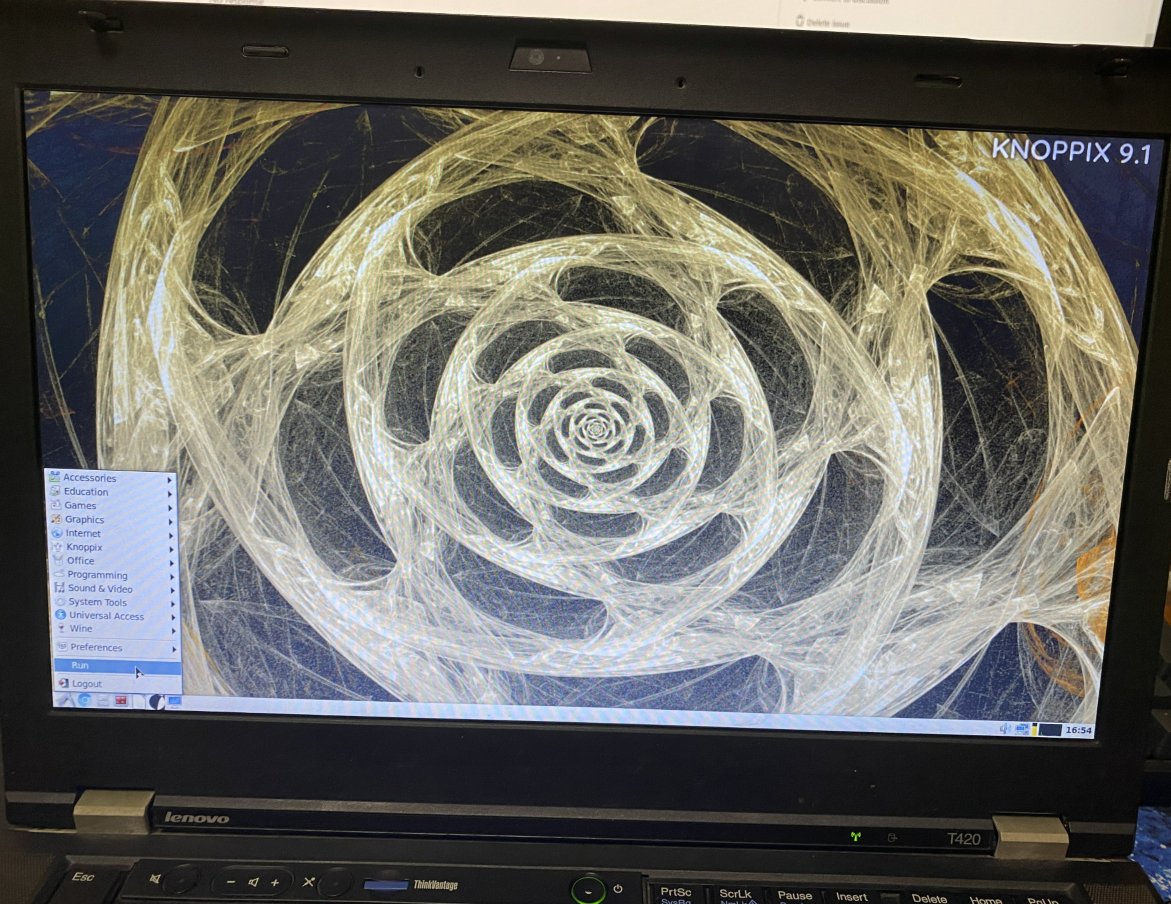 1. Please checksum the ISO file as follows:  3. Write the same ISO file to the same...
@EgorKuzevanov Any update?
When you boot from Ventoy, a device-mapper will be created based on the ISO file disk location. This will make the ISO partition unmountable after you boot, so you can...
1. 老版本能正常启动吗? 2. UEFI模式能正常启动吗? 3. Wimboot模式能正常启动吗?
WIMBOOT 模式不需要配置文件,在最新的版本中,启动ISO文件时会自动弹出二级菜单,你选择使用 WIMBOOT 模式启动即可。 https://www.ventoy.net/cn/doc_secondary_boot_menu.html (当然你得把你配置的 auto_memdisk 去掉,否则不会弹出这个菜单,会自动使用memdisk模式启动。)
> > WIMBOOT 模式不需要配置文件,在最新的版本中,启动ISO文件时会自动弹出二级菜单,你选择使用 WIMBOOT 模式启动即可。 https://www.ventoy.net/cn/doc_secondary_boot_menu.html > > (当然你得把你配置的 auto_memdisk 去掉,否则不会弹出这个菜单,会自动使用memdisk模式启动。) > > 我用的最新版,也遇到了这个问题,反复测试后,不管是GTP 还是 MBR 模式都不能以正常模式启动PE工具,但WIMBOOT模式和MEMDISK模式能启动,就是加载速度太慢了。希望能尽快修复这个BUG,每次这样操作很浪费时间。 这种问题和机器有关,我自己的机器上不出问题,不好定位。