

 ventoy
Windows boot legacy
Official FAQ
- [X] I have checked the official FAQ.
Ventoy Version
1.0.79, 1.0.78
What about latest release
Yes. I have tried the latest release, but the bug still exist.
BIOS Mode
Legacy BIOS Mode
Partition Style
GPT
Disk Capacity
32gb
Disk Manufacturer
kingston
Image file checksum (if applicable)
No response
Image file download link (if applicable)
No response
What happened?
I try to install windows 7 or windows 10 in legacy mode with ventoy, but after i select the iso, appears a black screen with a down line blinking, and do nothing, i tried with ventoy with and without secure mode support, and with gpt and mbr partition, with the same result, i tried with an windows 10 iso downloaded from microsoft, with the same result.
I like ventoy, is very useful, but i need, please, that this bug going to be fixed. Thanks.
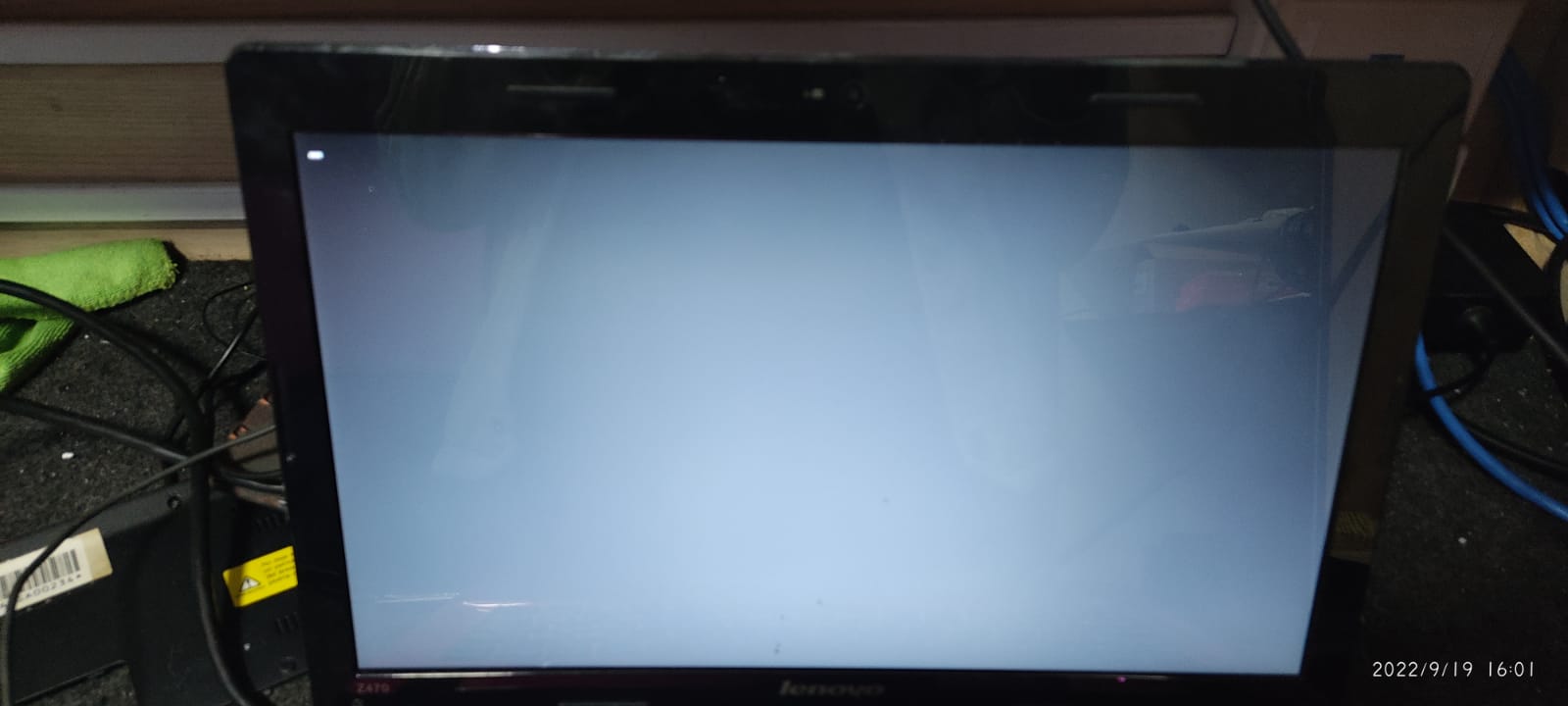


Same Thing Happens to Me on acer extensa 4620 while installing windows 7 or windows 10 in legacy mode with [ventoy-1.0.91], but after i select the iso, appears a black screen with a down line blinking, and do nothing, i tried with wimboot it Booted Well
But in selecting Partition I cannot install In any Partition, Later on i use Ctrl+i (compatible Mode) It booted Well and there is no hdd or partition . How can i fix

If you legacy boot, you cannot install to a gpt hard disk. You must first clean the disk using dispart and convert mbr and clean command Or in win10 setup delete all partitions
