
croneter
croneter
You found the culprit, @Dok-Ondar: ``` 2024-04-22 22:42:37.300 T:3387 error : PLEX.utils: File "/home/osmc/.kodi/addons/plugin.video.plexkodiconnect/resources/lib/library_sync/websocket.py", line 208, in store_activity_message 2024-04-22 22:42:37.300 T:3387 error : PLEX.utils: elif message['Activity']['Context']['refreshed'] != True: 2024-04-22 22:42:37.300...
@Dok-Ondar you need to install the BETA repository, then from that repository, choose to install PKC again
@justgettinggood just follow the steps above. You did not do that. Top to bottom. The repo will NOT auto upgrade!
@justgettinggood # How to completely start from scratch with PlexKodiConnect Do the following to start from scratch with PlexKodiConnect: 1. In Kodi, navigate to Add-ons -> My Add-ons -> All....
This is so wierd! My homescreen works: 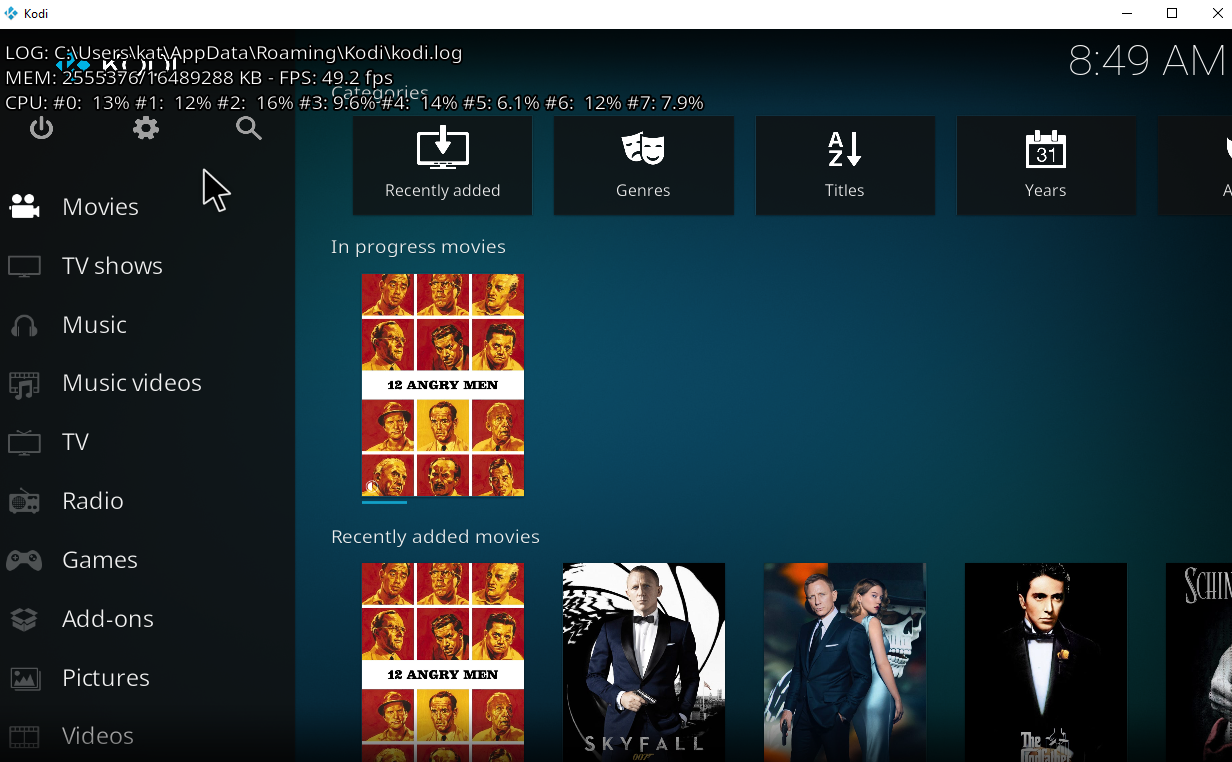 But then navigating into Movies, nothing shows up: 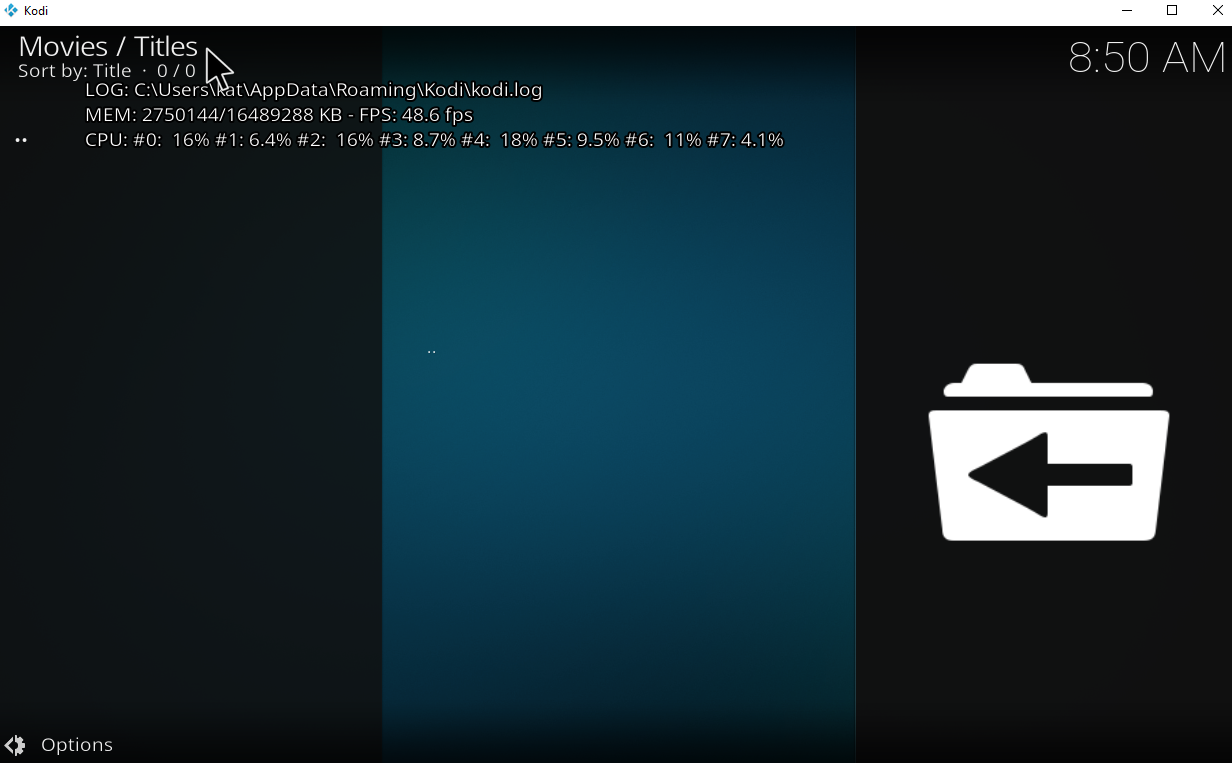
Seems like they changed something on the Kodi side 😢 . The issue originally persisted for PKC/Emby direct paths, see e.g. https://emby.media/community/index.php?/topic/23065-how-i-solved-the-emby-and-kodi-master-lock-issue/. A hack was discovered to solve it: adding...
Could you be so kind and open a new issue with the Kodi team here: https://github.com/xbmc/xbmc/issues Thx!
This Kodi-PR will fix your issue: https://github.com/xbmc/xbmc/pull/20692 Fingers crossed that it gets merged quickly.
How about a DEBUG log file, @moserroger ? See https://github.com/croneter/PlexKodiConnect/wiki/How-to-Report-A-Bug Enable debug logging, then make sure that a new video is added to Plex, wait a few minutes, then grab...
# Really Quick Solution: How To Correctly Select PlexKodiConnect Widgets Kodi is really picky how you choose your widgets. Solution: When choosing a **VIDEO** widget (movies or tv shows), be...