

 croneter
Kodi 19.2 master lock activated: libraries become empty
Help yourself
- I did try to restart Kodi :-)
- I checked the PKC Frequently Asked Questions on the PKC wiki
- I did try to reset the Kodi database by going to
PKC Settings -> Advanced -> "Reset the database and optionally reset PlexKodiConnect"and then hitting YES, NO - I did check the existing issues on Github
-
- All done, with an from scratch installation
Describe the bug
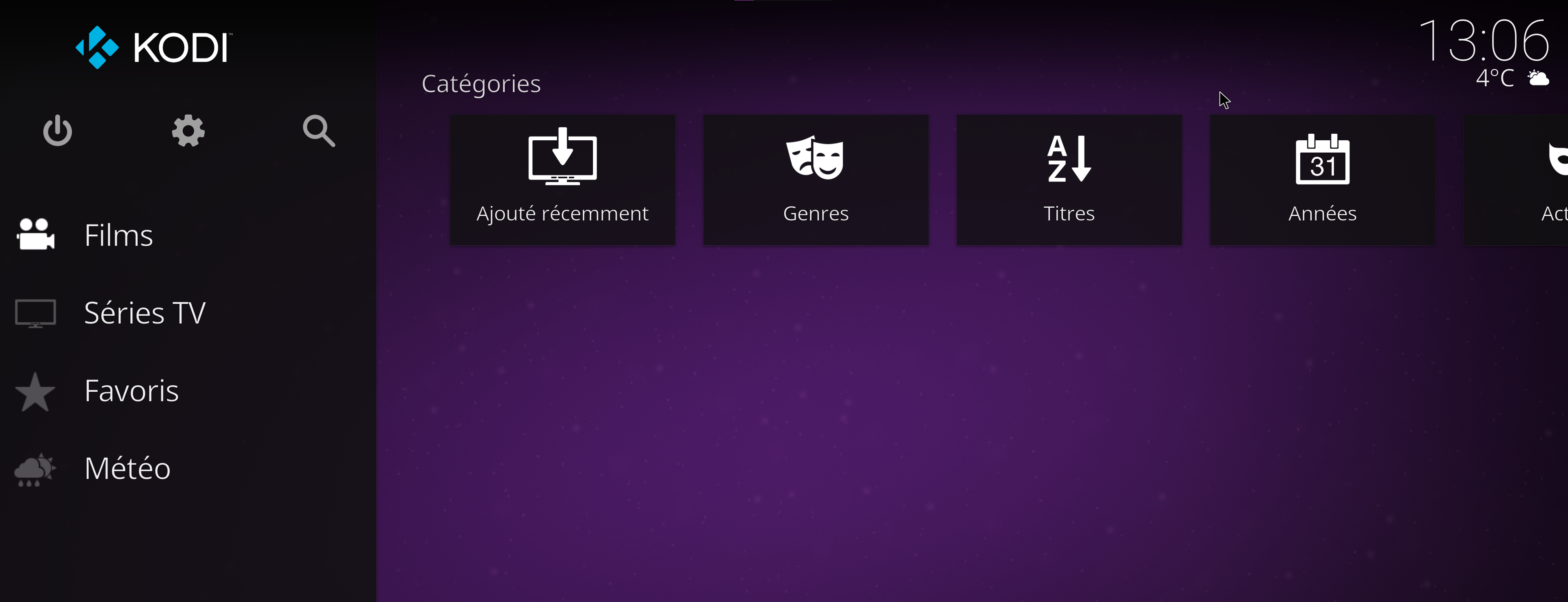
When I enable masterlock passcode, libraries become empty.
If it's not set with the fresh install, or if I disable and disconnect and reconnect, libraries are ok
To Reproduce
Steps to reproduce the behavior:
- Go to Movie or TV show and see everything good
- Go to in wheel > Profiles > Profiles > Master user > Lock Preferences > Master lock > Numeric password, I set one and I let all lock options by default
- Go to Movie or TV show and see all empty
- Go to in wheel > Profiles > Profiles > Master user > Lock Preferences > Master lock > disable
- Disconnect and reconnect as master user
- Go back to Movie or TV show and see back to normal
Expected behavior
Able to set an numeric masterlock and see libraries as normal
You need to attach a KODI LOG FILE!
A Kodi debug log file is needed that you recorded while you reproduced the bug. Do clean your log of all Plex tokens (="Plex passwords")!!! .
- Activate Kodi's debug logging by going to the Kodi
Settings->System->Logging. Then toggle theEnable debug loggingsetting. - Restart Kodi to start with a "fresh" log file.
- Reproduce the bug.
- Follow the Kodi instructions to grab/share the Kodi log file. Usually only
kodi.logis needed- You can find the log file here
- Delete all references to any of your Plex tokens by searching for
X-Plex-Tokenandaccesstokenand replacing the strings just after that!- It's easiest if you copy your token, then use Search&Replace for the entire log file
- You don't want others to have access to your Plex installation....
- Drop your log file here in this issue. Or use a free pasting-service like https://pastebin.com and include the link to it here kodi.log I am aware that I can delete Plex tokens that I accidentiall
y posted by following the instructions on the PKC wiki

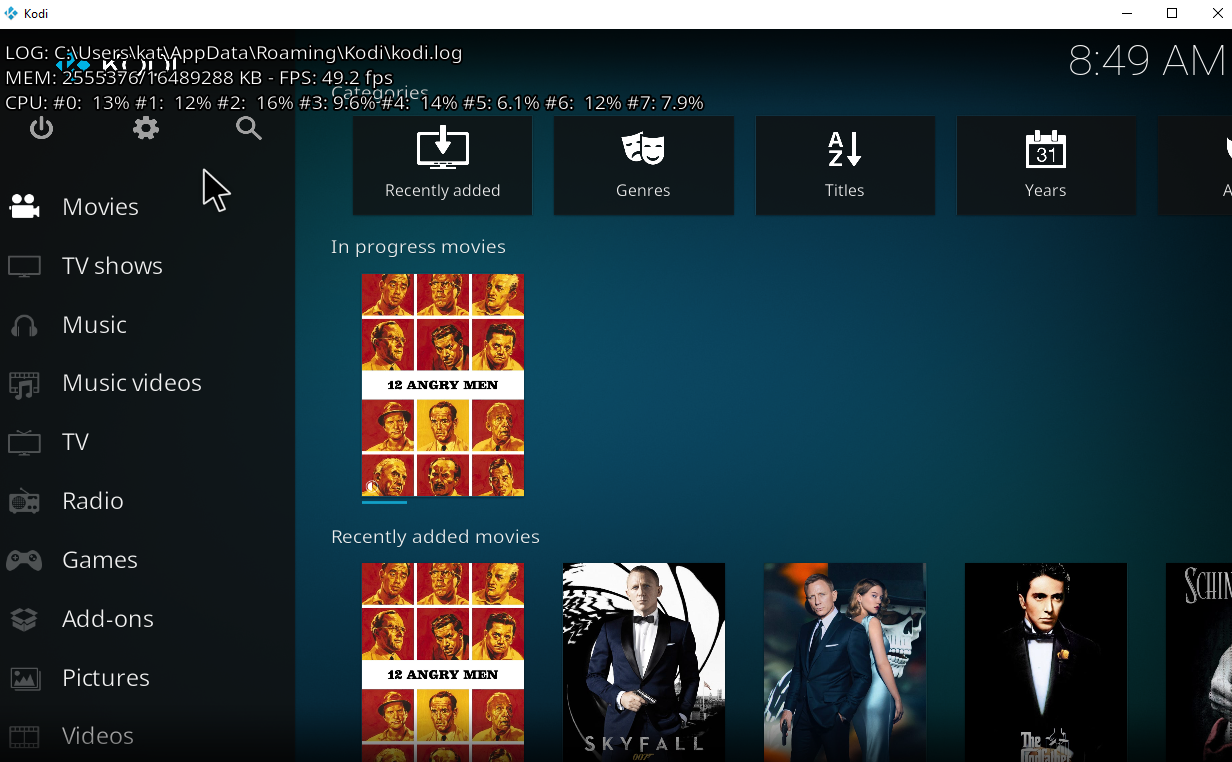
This is so wierd! My homescreen works:
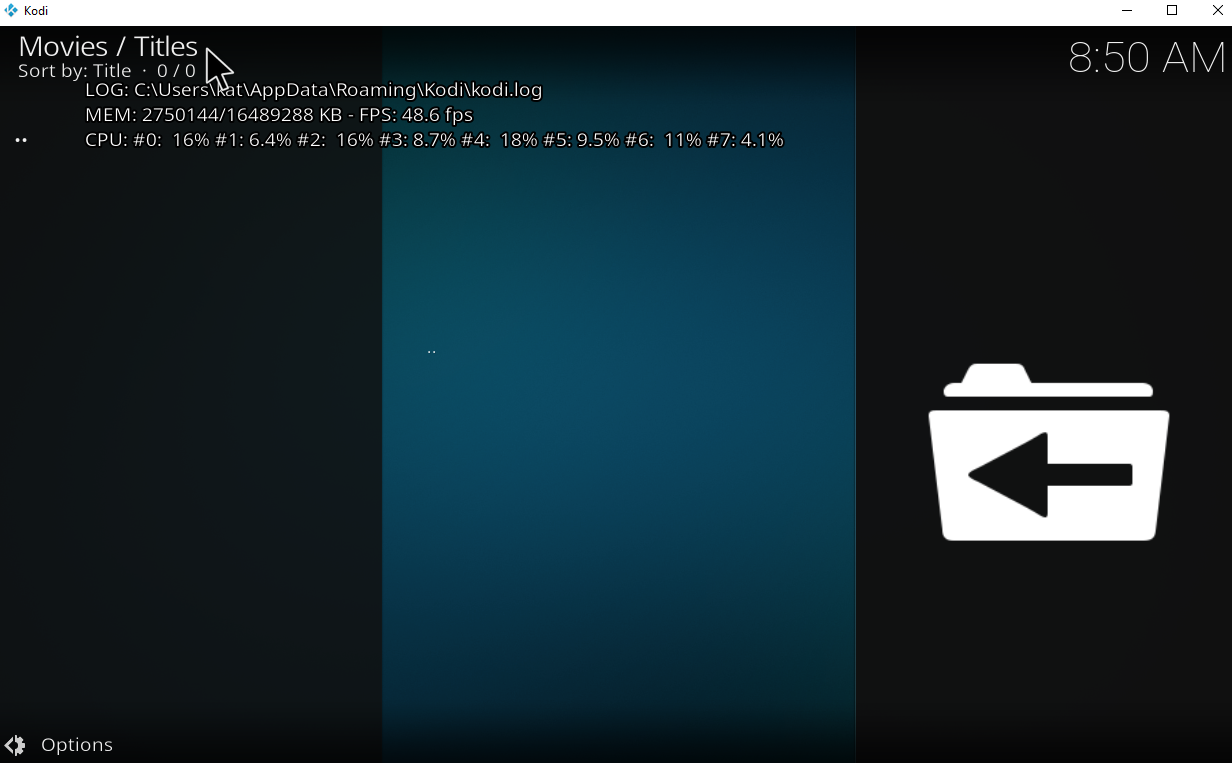
 But then navigating into Movies, nothing shows up:

Seems like they changed something on the Kodi side 😢 . The issue originally persisted for PKC/Emby direct paths, see e.g. https://emby.media/community/index.php?/topic/23065-how-i-solved-the-emby-and-kodi-master-lock-issue/. A hack was discovered to solve it: adding 2 dummy-sources to sources.xml. PKC does this automatically for you. It was not necessary for add-on paths.
Now, PKC add-on paths won't work with master lock anymore - they used to work just fine. I tried messing with the sources.xml to also cover PKC's add-on paths plugin://, but whatever I tried, it did not work. Seems like Master Lock is broken for add-on paths. You would need to use direct paths to fix this.
Example sources.xml that I tried:
<sources>
  <video>
    <source>
      <name>PlexKodiConnect Masterlock Hack</name>
      <path pathversion="1">smb://</path>
      <allowsharing>true</allowsharing>
    </source>
    <source>
      <name>PlexKodiConnect Masterlock Hack</name>
      <path pathversion="1">nfs://</path>
      <allowsharing>true</allowsharing>
    </source>
    <source>
      <name>PlexKodiConnect Masterlock Hack</name>
      <path pathversion="1">http://</path>
      <allowsharing>true</allowsharing>
    </source>
    <source>
      <name>PlexKodiConnect Masterlock Hack</name>
      <path pathversion="1">http://</path>
      <allowsharing>true</allowsharing>
    </source>
    <source>
      <name>PlexKodiConnect Masterlock Hack</name>
      <path pathversion="1">smb://</path>
      <allowsharing>true</allowsharing>
    </source>
    <source>
      <name>PlexKodiConnect Masterlock Hack</name>
      <path pathversion="1">nfs://</path>
      <allowsharing>true</allowsharing>
    </source>
    <source>
      <name>PlexKodiConnect Masterlock Hack</name>
      <path pathversion="1">plugin://</path>
      <allowsharing>true</allowsharing>
    </source>
    <source>
      <name>PlexKodiConnect Masterlock Hack</name>
      <path pathversion="1">plugin://</path>
      <allowsharing>true</allowsharing>
    </source>
  </video>
</sources>
Could you be so kind and open a new issue with the Kodi team here: https://github.com/xbmc/xbmc/issues Thx!
This Kodi-PR will fix your issue: https://github.com/xbmc/xbmc/pull/20692
Fingers crossed that it gets merged quickly.