
matkeane


matkeane
OK, so after some more experimenting, it seems like none of the Processing example sketches cause this problem, and some of my sketches always cause the problem - so maybe...
Example sketch attached with the original multi-tab files which cause the crash for me, and a single-file version which doesn't cause the crash when selecting 'jump to declaration': [processing_example_01.zip](https://github.com/processing/processing4/files/9385571/processing_example_01.zip)
Thanks! That code was taken from an older project, repurposed for something new and then never finished, so maybe Processing is crashing in protest at the sheer messiness. But, interestingly,...
> Does this example freeze up for you if you jump to the declaration of `chars`? Hi. Yes, I dropped that code into a new test sketch and Processing locked...
Just an update: I can reproduce the issue - in both my code and the example provided by @clankill3r - in the recently released v4.2 on a new M1 MacBook...
So I just did a search-and-replace for all non-ascii characters (using this regexp [^\x00-\x7F] ) in my own code, and with those characters stripped out, right-clicking / cmd+clicking and selecting...
Just another quick update: replacing the offending characters with their Unicode equivalents in String definitions - e.g. "\u2190" for left-arrow symbol - has eliminated the problem for me.
For me it was the right-click contextual menu items - 'Show Usage...' and 'Jump to Declaration' which triggered the problem. I just tried adding a © character (ALT+G on my...
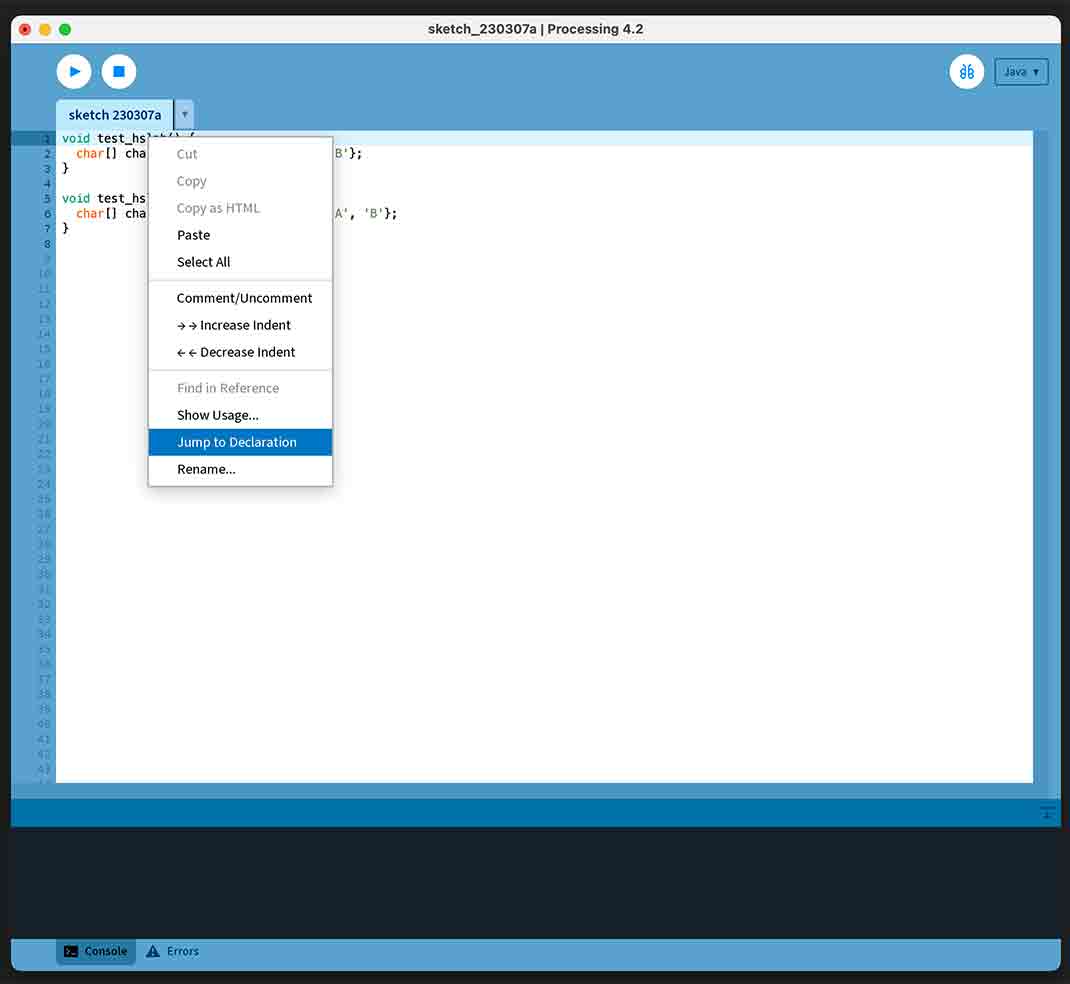 Steps to reproduce: - I copied and pasted the example code from @clankill3r into a new sketch tab (no text was selected or highlighted). - I right-clicked...
Since the accented characters seem to be causing the issue - and other linked issues - is it possible it's related to machine language settings ? As a British guy...