
Quim Moya
Quim Moya
I think that advanced breps have solved this issue 
I will take care of this bounty.
Hi, in APOGEA we are taking care of this Issue
Hi TxTony This issue is already solved. We forget to remove it. Thanks.
Solved with advanced Breps 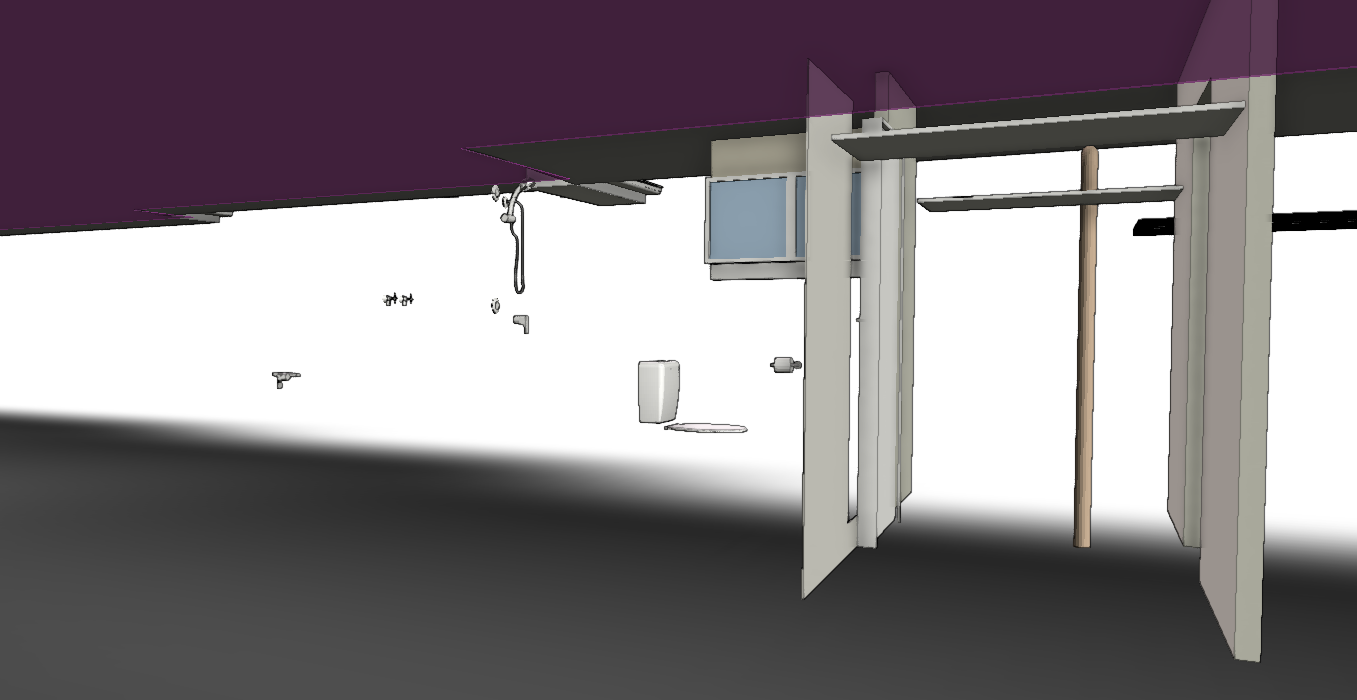
I think the hole is made, but for some unknown reason there is a thin layer blocking the hole 
Can you post the IFC file?
Hi, the problem is that the IFC does not contain any IFCSHAPEREPRESENTATION with the identifier "Body", so IFC.JS does not construct any geometry. -> #82=IFCSHAPEREPRESENTATION(#13,**'Facetation'**,'SurfaceModel',(#81)); If you replace "Facetation" by...
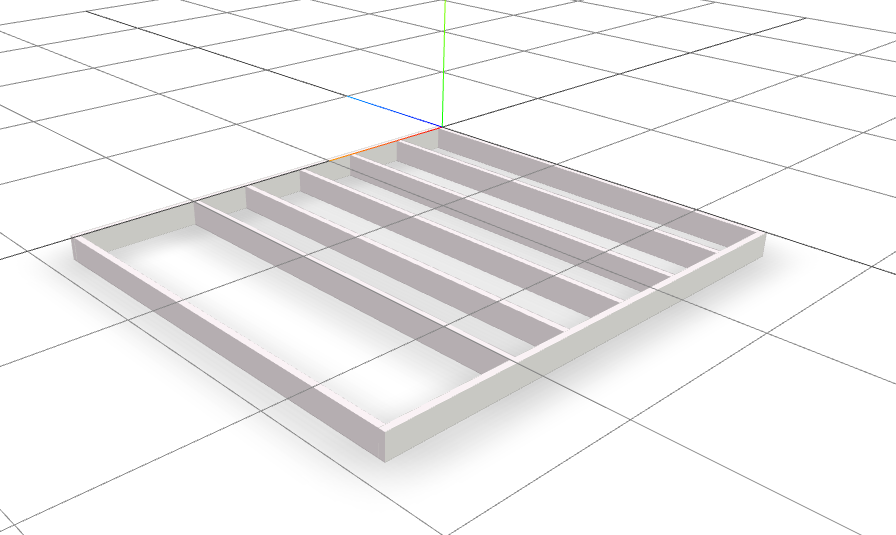 By changing all 'Facetation' by 'Body' you obtain this
Hello, this model is not being represented because there is no "body" key in IFCSHAPEREPRESENTATION if you modify the line #31935= IFCSHAPEREPRESENTATION(#98,'Facetation','SurfaceModel',(#31924)); to #31935= IFCSHAPEREPRESENTATION(#98,'**Body**','SurfaceModel',(#31924)); ... you obtain this geometry,...