
ParodyVerse
ParodyVerse
There's an option in the Attributes menu of MS Paint to change from black and white to color and vice-versa that would work nicely to remove backgrounds. it removes all...
Click the properties menu, 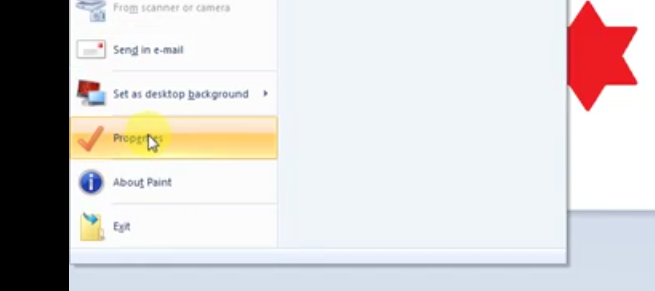 then, there's an option for Black and White. 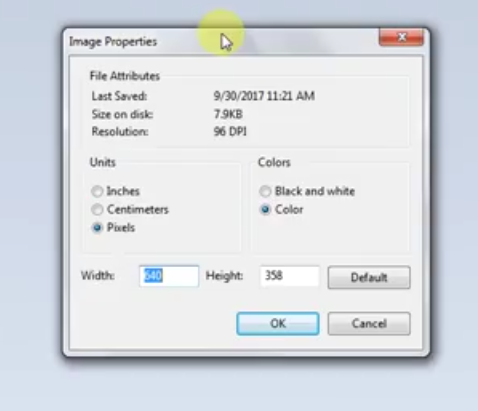 this is on my Windows 7 because I don't have windows 10, but I have used...
also sorry if the pictures are grey, i can't see them on my computer. video of process: https://www.youtube.com/watch?v=BjtESBOVD9k
Note: not my video. the screenshots are mine, but the video is not.
PS this would make it so much easier to get rid of a background image.
Not that I know of. It would just be so much easier to fill JPGs.
how to implement this would be to add a tolerance slider in the options of the Fill tool, and the higher the tolerance, the more similar colors it fills.
Okay, thanks!
I fixed it myself, two mods were causing the issue: Distant Horizons 2.2.1 Oculus Particle Fix