
Omar Emara




Omar Emara
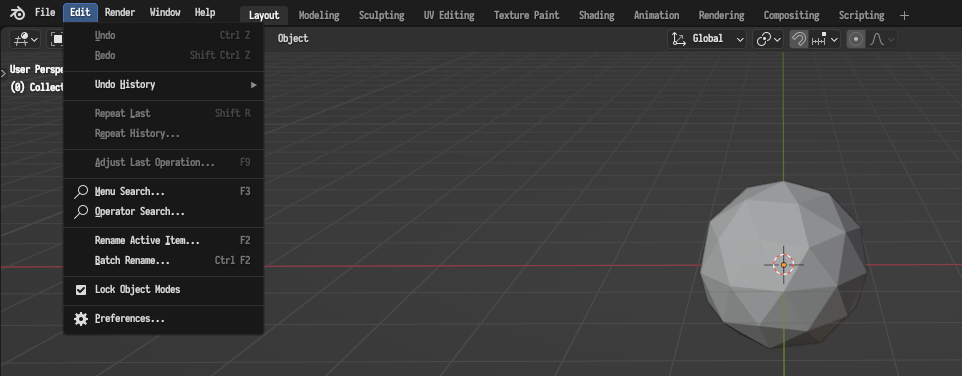
Yes. You should just install the zip file directly, do not unzip it.
Can you check that an `animation_nodes` folder was created in one of the add-on paths? https://docs.blender.org/manual/en/latest/advanced/blender_directory_layout.html
Those paths: https://docs.blender.org/manual/en/latest/advanced/blender_directory_layout.html#windows
Does unzipping the animation nodes zip file and putting it in one of the above paths make Animation Nodes appear in the add-ons list?
Which file? The add-ons directly? Did you check the link above for the directory structure on Windows?
You download the zip file from [here](https://animation-nodes.com/#download) and extract it. It should give you an `animation_nodes` folder, which you can then put in the right place.
Is something not working with the latest version? Or are you asking for a new release?
@Blueria The "Latest" builds from [here](https://animation-nodes.com/#download) are build with 3.10. Did you try those?
@sgozque77 That seems like a bad installation of Animation Nodes. Can you manually delete the `C:\Users\snt\AppData\Roaming\Blender Foundation\Blender\3.2\scripts\addons\animation_nodes` folder and reinstall?