
Luke Saward

Luke Saward
> consider WSLg as an alternative to VcXsrv You would have to specify this is Windows 11-only as well. Anyone on Windows 10 cannot use WSLg, at least without workarounds.
~~WSL2 is not WSLg. WSLg is a completely different thing which is only available on Windows 11 without workarounds.~~ As of November, WSLg is available for Windows 10. https://github.com/microsoft/wslg/issues/347#issuecomment-1324386194
I can't seem to load the game with `-g gl` on that nightly build, at least on Windows. Was that build after the OpenGL breakage? Also, I think you mean...
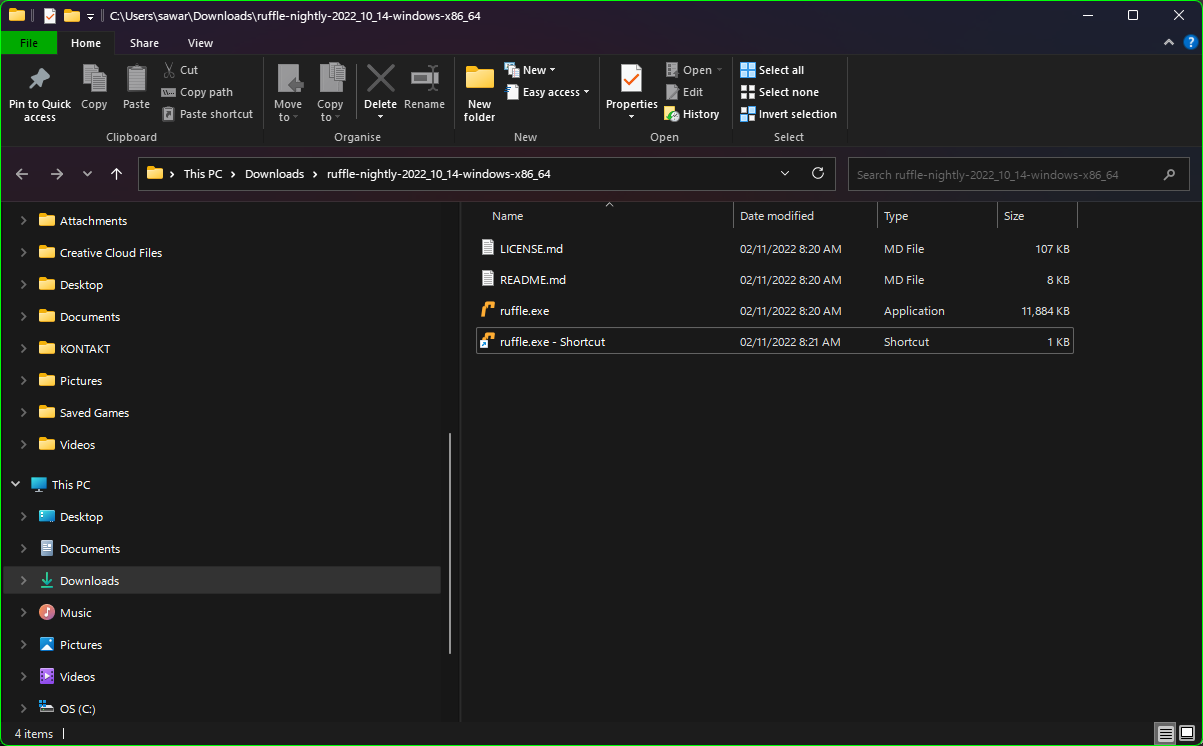 I'm using the same nightly build. (shortcut is to load it with `-g gl`)
Can't reproduce, at least on noveau drivers. Are you running it on a laptop or a PC? And what graphics driver do you have installed?
 What does it show in here (see screenshot)? If a NVIDIA driver is selected, select the Nouveau one. You may or may not have to reboot after doing this...
Stay on the same screen (e.g. language select) and do the savestate. If you savestate at language select and then go to the screen with the ship, new threads will...
Are you using a laptop? This stack smashing always happens to me on my laptop.
Yep, that commit seems to fix it, at least on Ruffle with Vulkan drivers. ~~Yet to test games such as FTL: Faster Than Light with this commit, though.~~ Edit 1:...
Does the game load and work fine? If so, it's nothing to worry about.