
v-peqiao
v-peqiao
@RussKie I still can reproduce this issue using the latest .NET Core 5.0 SDK with that sample project which Zheng-Li01 provided us, could you confirm it with the latest .NET...
@merriemcgaw Verified with latest .NET SDK 7.0.100-rc.1.22410.4 build from main branch, this issue still repro in runtime as below: 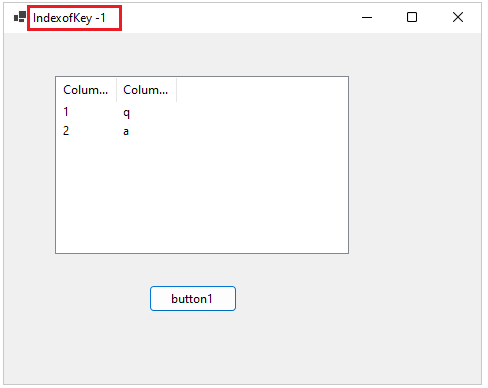
@dreddy-work verified on .NET 8.0.100-rc.1.23380.1 from main branch, the initial issue still repro, please check below video: https://github.com/dotnet/winforms/assets/45864985/2270309e-1854-498d-80f3-c7632fb7ea19
@dreddy-work we tested the sample project against latest .NET 8.0.100-alpha.1.23067.30 build, it works well on 100% screen, but still repro on the HDPI 300% screen. Scaled 100% screen:  Scaled...
Verified with .NET SDK 8.0.100-alpha.1.23061.8 build from main branch, this issue is fixed that no exception be thrown. 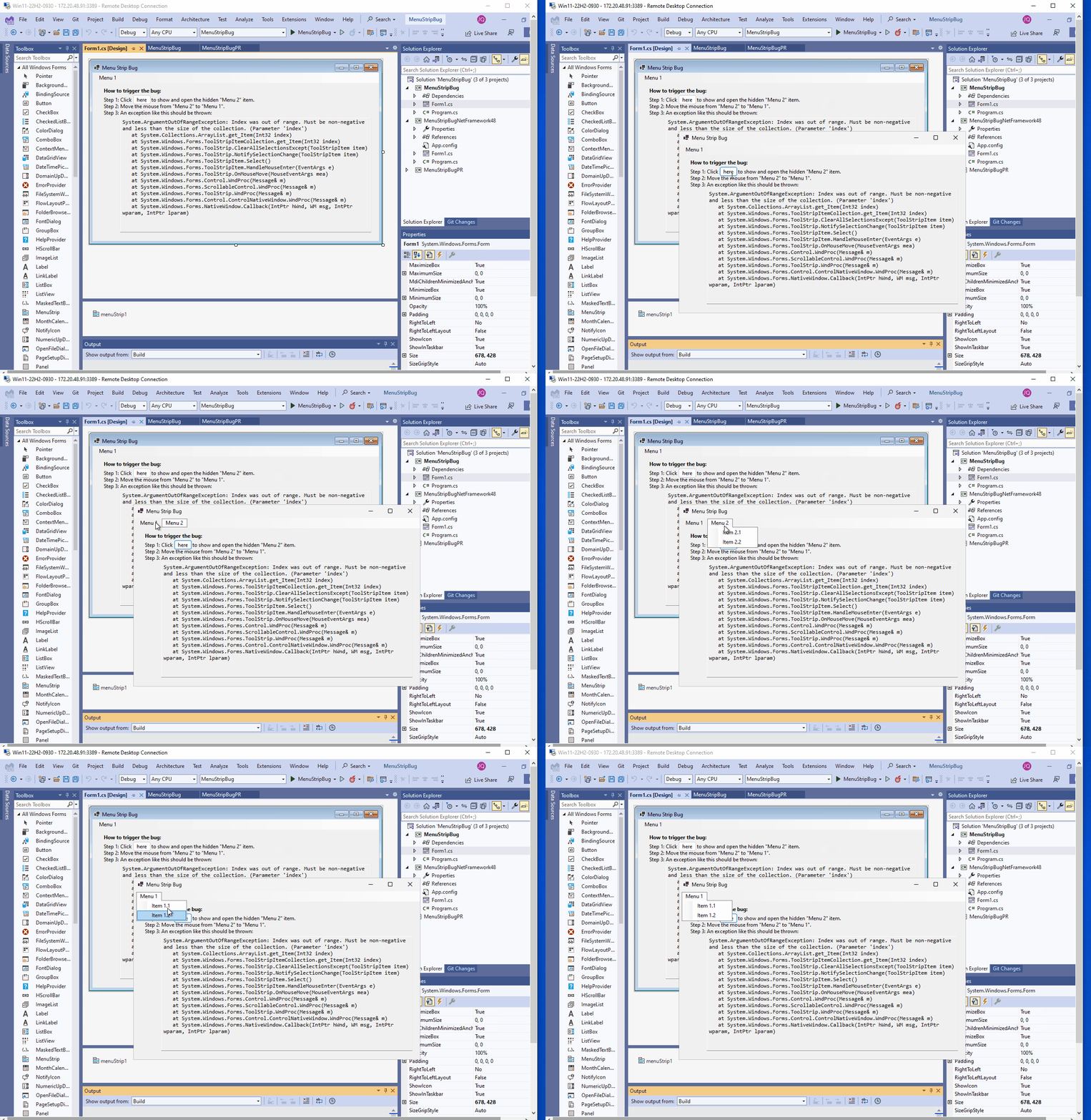
I duplicated the feedback ticket: https://developercommunity.visualstudio.com/t/Setting-DataGridViewRowHeight--22-in-P/10227470 with this issue.
Verified with .NET 8 Preview 1 TP build: .NET 8.0.100-preview.1.23108.10, issue was fixed as same as above test result.
Verified this issue in the latest .NET 8.0 SDK build: 8.0.100-preview.7.23323.19, it was fixed that icon of "Browse..." is clear now in both Win 10 and Win 11 OS High...
@elachlan yes, we can repro this issue with .NET 8.0 and latest .NET 9.0.100-preview.3.24127.9 SDK, please check below video. Launch test app on 100% primary monitor and then move form...
@merriemcgaw Filed a DT issue: [5925](https://github.com/microsoft/winforms-designer/issues/5925) for this issue.