
Graphixx

Graphixx
Here the same problem on Samsung Galaxy S10 5G, Android 12. "Could not connect" with and without VPN.. And when I add any custom URL, it always show: 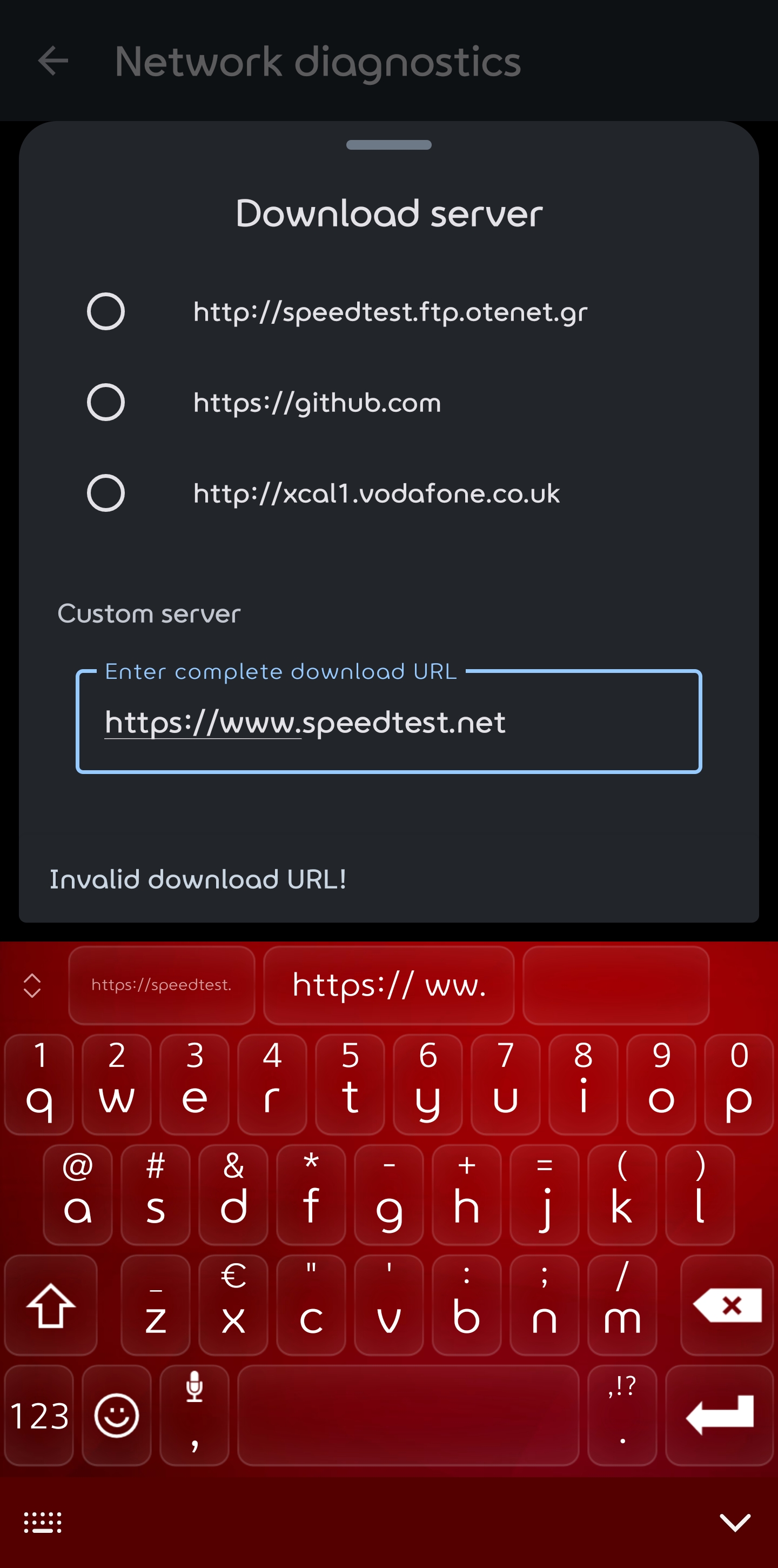
> > "Could not connect" with and without VPN > > Do you have any DNS connection enabled? Also at what step does the diagnostics fail? (Download, Upload or Latency...
>If I add an own URL like: https://speed.hetzner.de/1GB.bin as download server it does work, but the next step "Upload server" will fail. It looks like the URL's in the app...
And my last try. Step 1: the "Download server" with an new URL (https://files.testfile.org/ZIPC/250MB-Corrupt-Testfile.Org.zip), download with high speed 190Mbit of my 200 Mbit. Step 2: the Upload server starts for...
I added an upload server (https://de2.testmy.net/b/upload?s=2247.06&st=st&test_type=upload&ni=ni&xMes=2&val_link=1.21) and with both servers changed the diagnostics works great!! 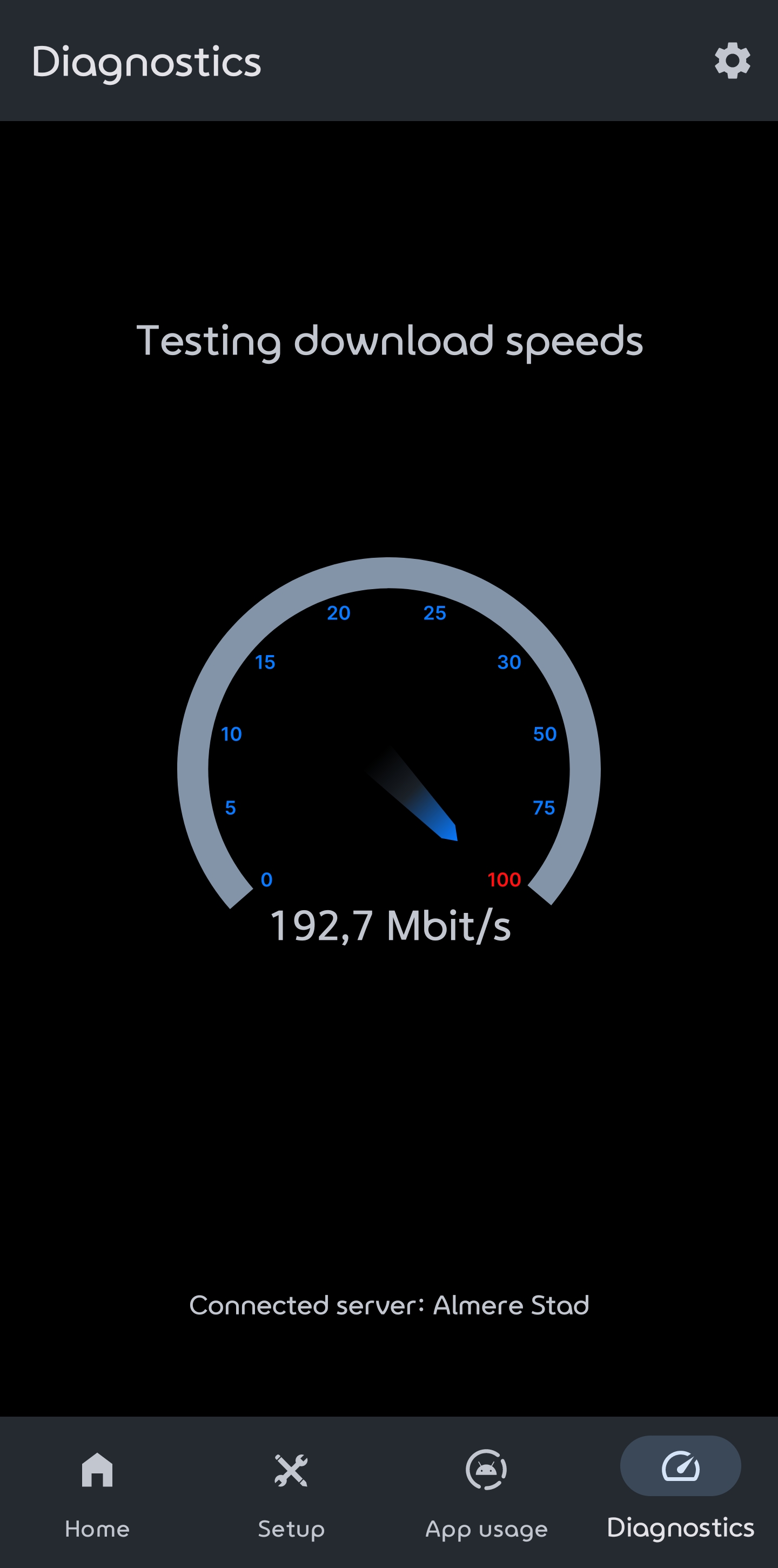 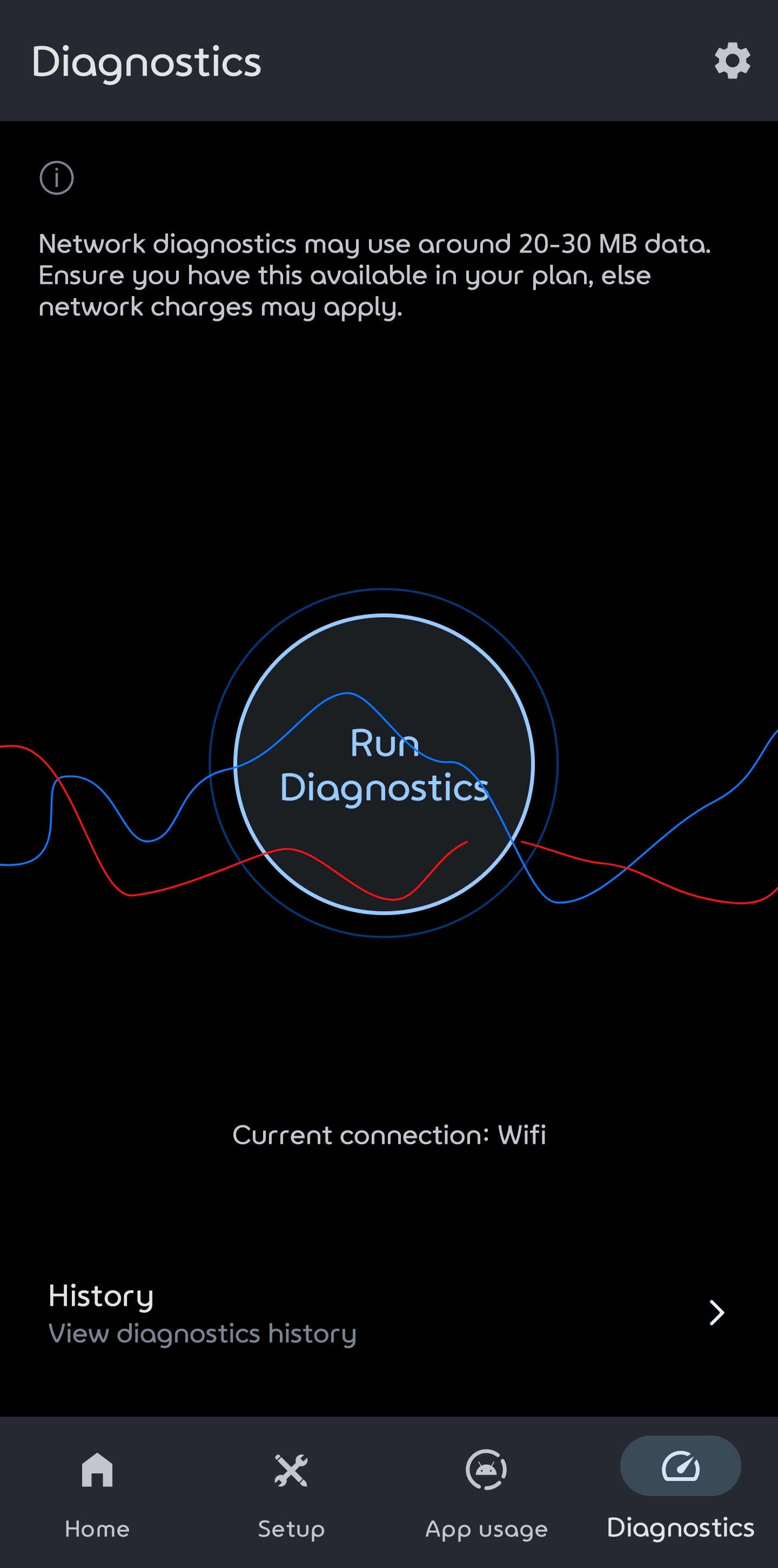 
If added own upload and download server it also works with VPN. I'm using Private Internet Access.