

 itsdrnoob
Run Diagnostic is not working properly
Checklist
- [X] I am able to reproduce the bug with the latest version.
- [X] I made sure that there are no existing issues - open or closed.
- [X] I have taken the time to fill in all the required details in an appropriate descriptive way. I understand that the bug report will be dismissed otherwise.
- [X] This issue contains only one bug.
Affected app version
V2.1.0
Steps to reproduce the bug
Launch app Click on diagnostic tab Run Diagnostic
Expected behavior
It should run successfully
Actual behavior
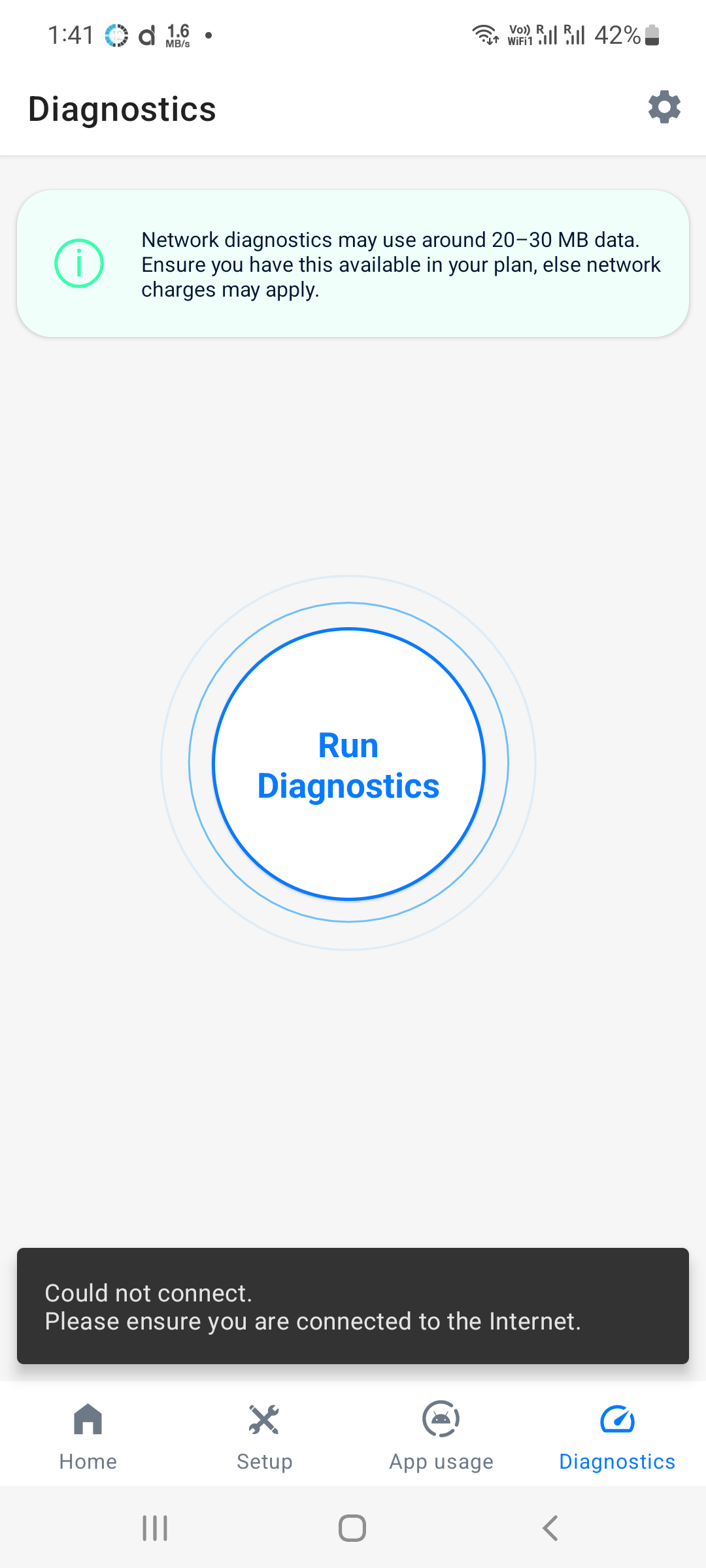
It is giving an error pop up. "Couldn't connect. Please ensure you are connected to internet."
Screenshots/Screen recordings
Logs
No response
Affected Android/Custom ROM version
Android 12
Affected device model
No response
Additional context
Android 12

This has been reported a few times, but I'm still not able to reproduce the bug. The error might happen sometimes due to a VPN or DNS connection. Will try to figure out what's going on here.

I have the same issue and tried disabling PiHole in the network, it is still unable to "connect" sadly. Pixel 5, T2B1.221118.006 Edit: PiHole is also not blocking any domains when running the test.

I have the same issue
Try out with different servers and see if the issue persists. I can't do much without proper logs as I'm unable to reproduce the issue.
Unfortunately, none of the servers worked (none of them got blocked by PiHole too). Is there a way for me to export the logs Edit: With mobile data, it randomly stops at the upload test or gets to latency and then stops.
Is there a way for me to export the logs?
Try the following method:
- Connect phone via adb
- Open the app
- Type
adb logcat --pid=$(adb shell pidof -s com.drnoob.datamonitor) > networkdiagnostics.loginto terminal - Start network diagnostics
- Wait till the error
- Stop logging and send the file/copy the contents into pastebin and share the link
I have some issues with adb at the moment so I tried https://app.webadb.com/ but could not get it to work. I'll try your method in the next few days when I'v got time!
Here the same problem on Samsung Galaxy S10 5G, Android 12. "Could not connect" with and without VPN.. And when I add any custom URL, it always show:
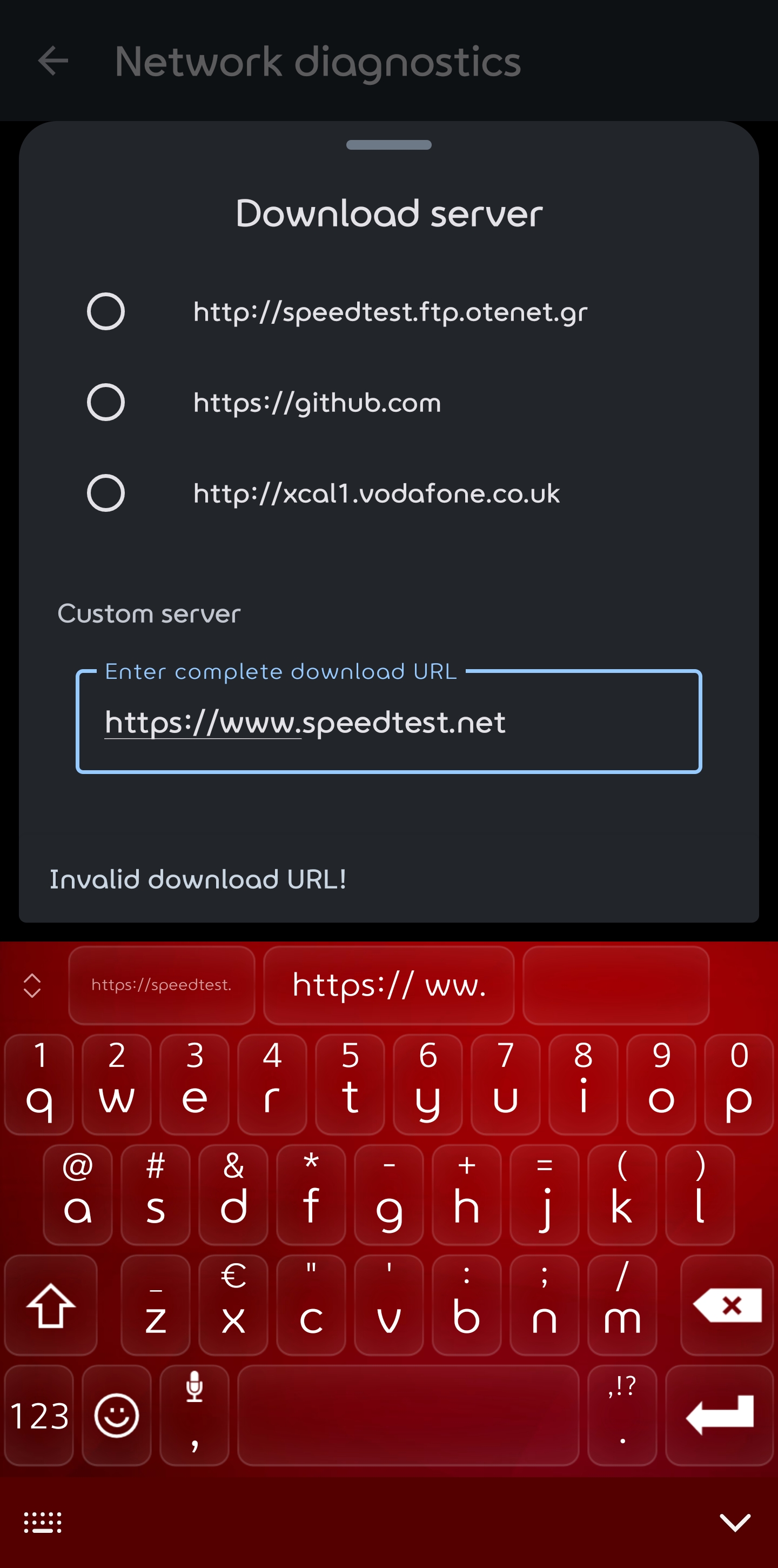

"Could not connect" with and without VPN
Do you have any DNS connection enabled? Also at what step does the diagnostics fail? (Download, Upload or Latency check)
And when I add any custom URL, it always show
You need to add the complete url of the file that can be downloaded.
"Could not connect" with and without VPN
Do you have any DNS connection enabled? Also at what step does the diagnostics fail? (Download, Upload or Latency check)
And when I add any custom URL, it always show
You need to add the complete url of the file that can be downloaded.
Hi, I don't have any DNS settings changed and tested without VPN. if I use the standard URL's in the app, the message is "Could not connect". The diagnostics fails at the start of the test.
If I add an own URL like: https://speed.hetzner.de/1GB.bin as download server it does work, but the next step "Upload server" will fail.
If I add an own URL like: https://speed.hetzner.de/1GB.bin as download server it does work, but the next step "Upload server" will fail.
It looks like the URL's in the app won't work properly..
And my last try.
Step 1: the "Download server" with an new URL (https://files.testfile.org/ZIPC/250MB-Corrupt-Testfile.Org.zip), download with high speed 190Mbit of my 200 Mbit.
Step 2: the Upload server starts for a second and gives after that the message "Could not connect".
This test is also done on wi-fi, no DNS change and no VPN!
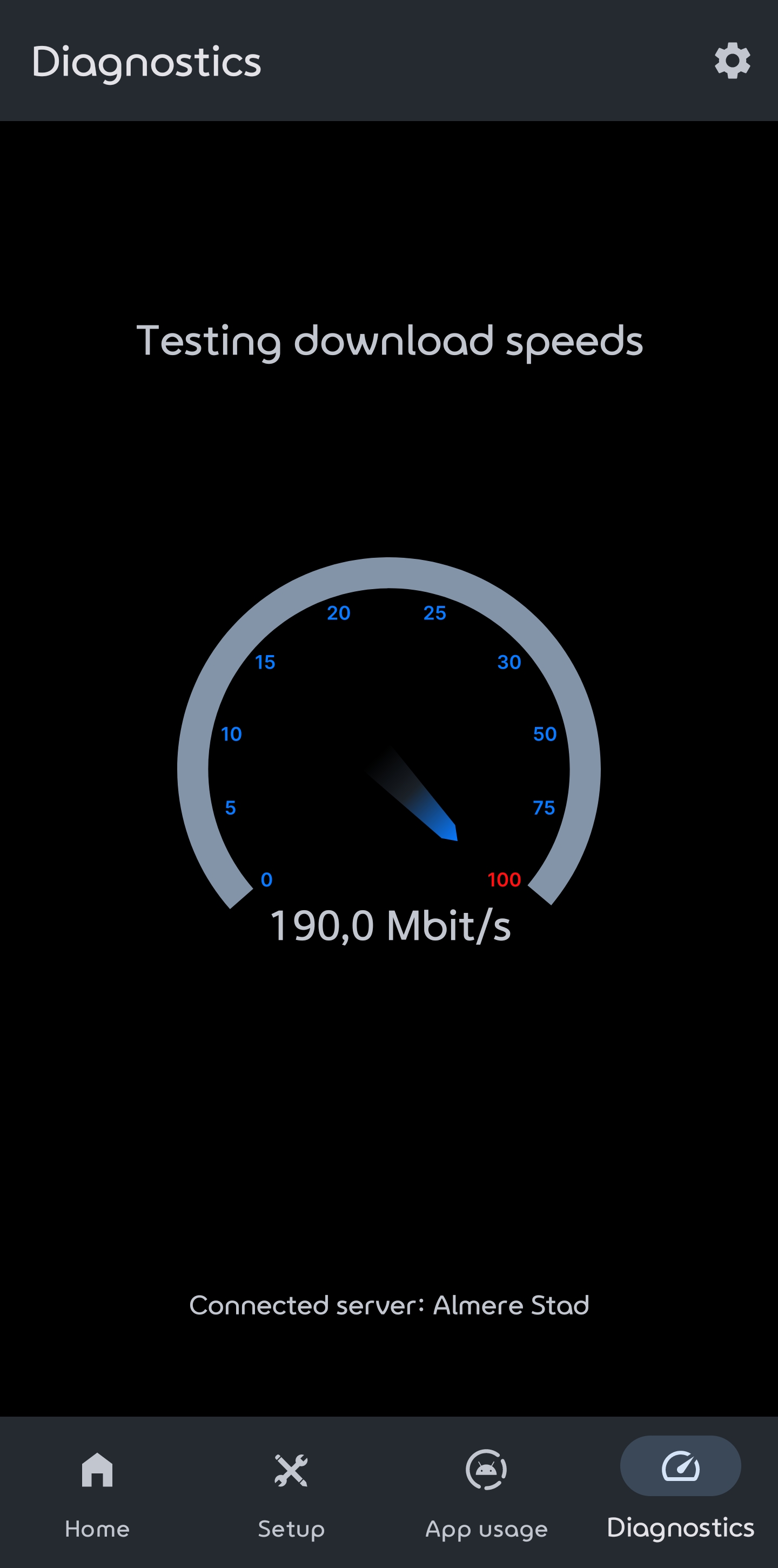
but the next step "Upload server" will fail
Just as the name suggests, you need to provide the complete url of a page that supports uploading files to do the upload test.
I added an upload server (https://de2.testmy.net/b/upload?s=2247.06&st=st&test_type=upload&ni=ni&xMes=2&val_link=1.21) and with both servers changed the diagnostics works great!!
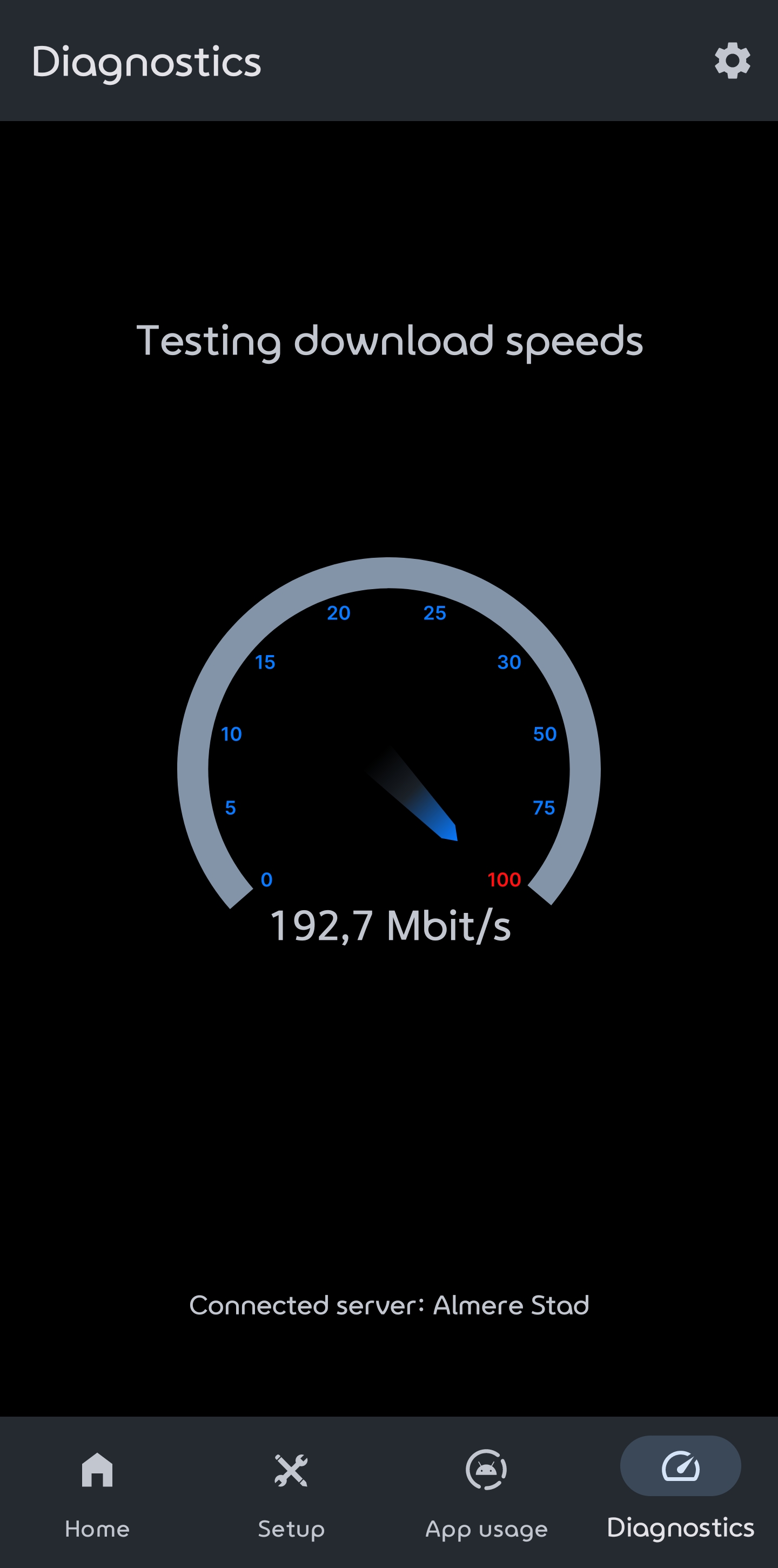
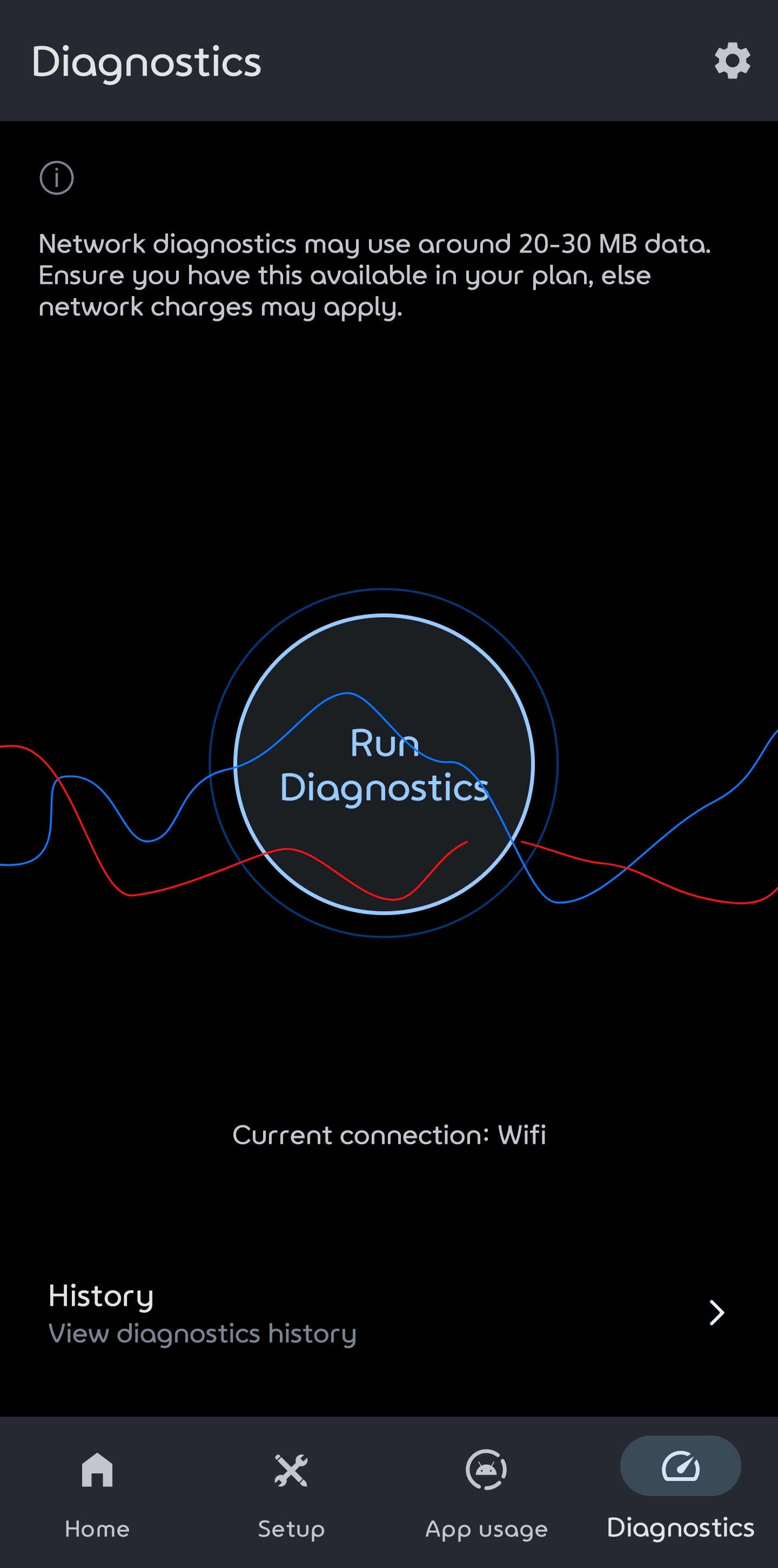

If added own upload and download server it also works with VPN. I'm using Private Internet Access.