
Craftyawesome
Craftyawesome
I am seemingly unable to force the permission on s7 nougat. You can just use the default file manager and it will work though.
Interestingly, both my plus's have slightly different hardware. Images (Click to Expand) 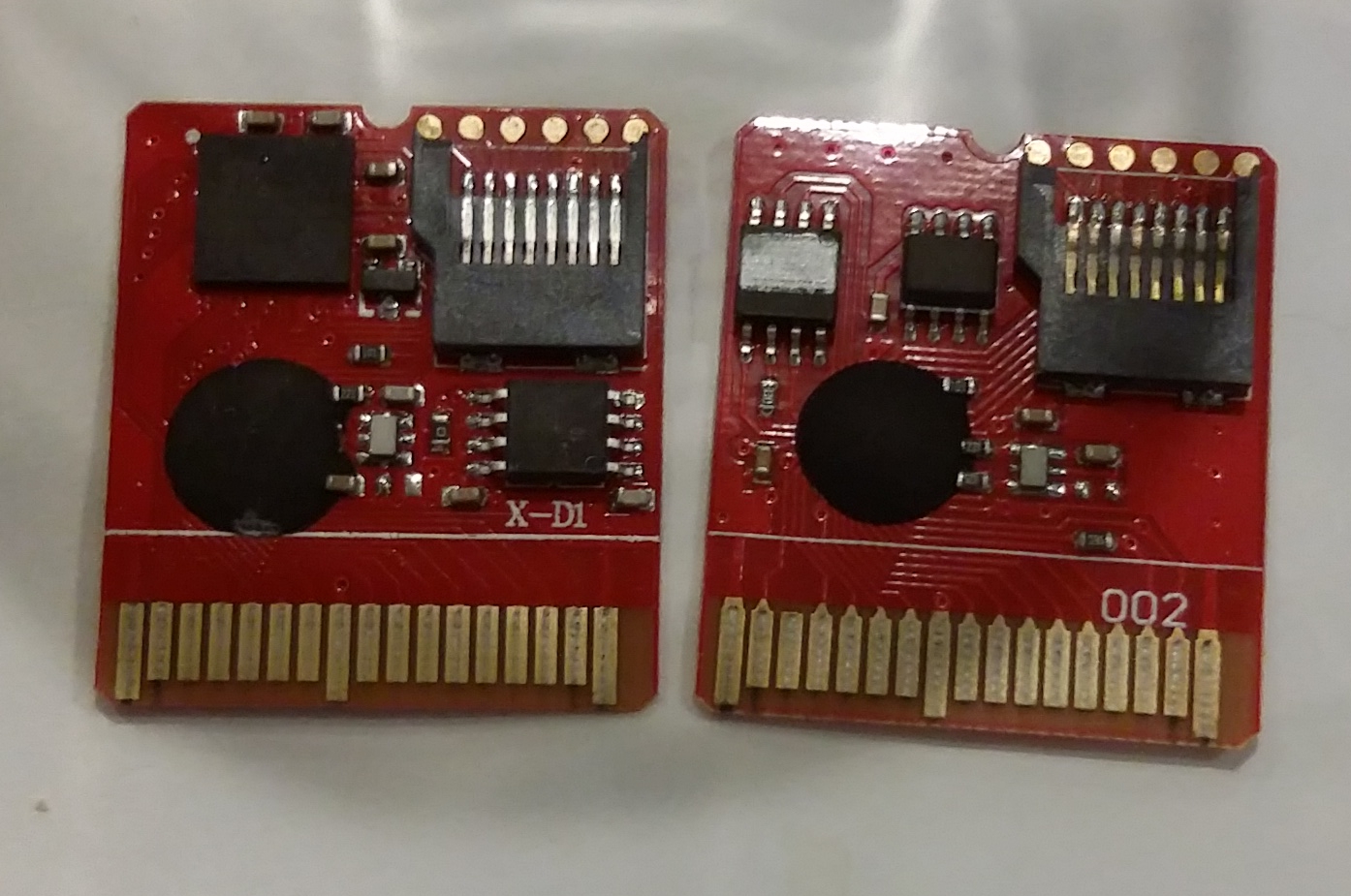  Newer (spongebob) is on the left both times. (older is alex rider) Also something to note...
@dark-samus I know you aren't addressing me, but I can sacrifice my old one.
@dark-samus ace3ds+
I think it loads the codes to ram and the ds only has 4 mb. I read it is supposed to be 1.5 mb or lower.
For an alternative, some codecs like H264 and HEVC also have crop metadata. E.g. for H264 `ffmpeg -i inputfile.mp4 -bsf:v h264_metadata=crop_left=128:crop_right=128:crop_top:0:crop_bottom=0 -codec copy outputfile.mp4` It actually seems to work in...
> Please note where was a typo in @Craftyawesome 's command My bad, copied it from one of the related issues in that vlc issue link without checking myself. >...
Not fixed yet. 
Huh, this is actually a scaling problem. On my 1080p screen on windows it happens at 125% scale but not 100%. So this is probably only useful as a workaround...
When I initially wrote this I assumed that gui was expecting less characters. I didn't realize it was dependent on scaling or that it could happen on sizes outside of...