mc-w10-version-launcher
 mc-w10-version-launcher copied to clipboard
 MCMrARM
Windows 10 Multi-Version launcher.

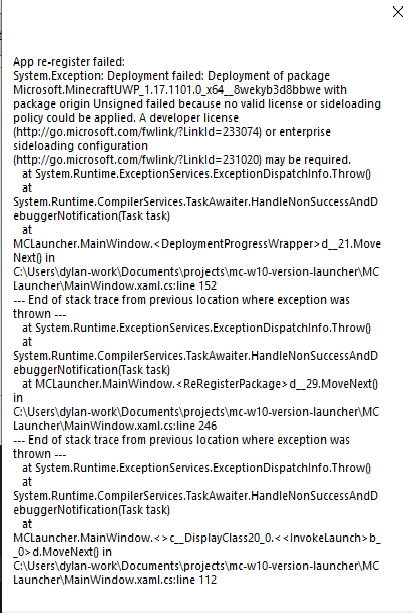
This problem did not appear from the beginning When I open a game, I find that all versions above 1.17 flash back I tried to delete and download, but to...

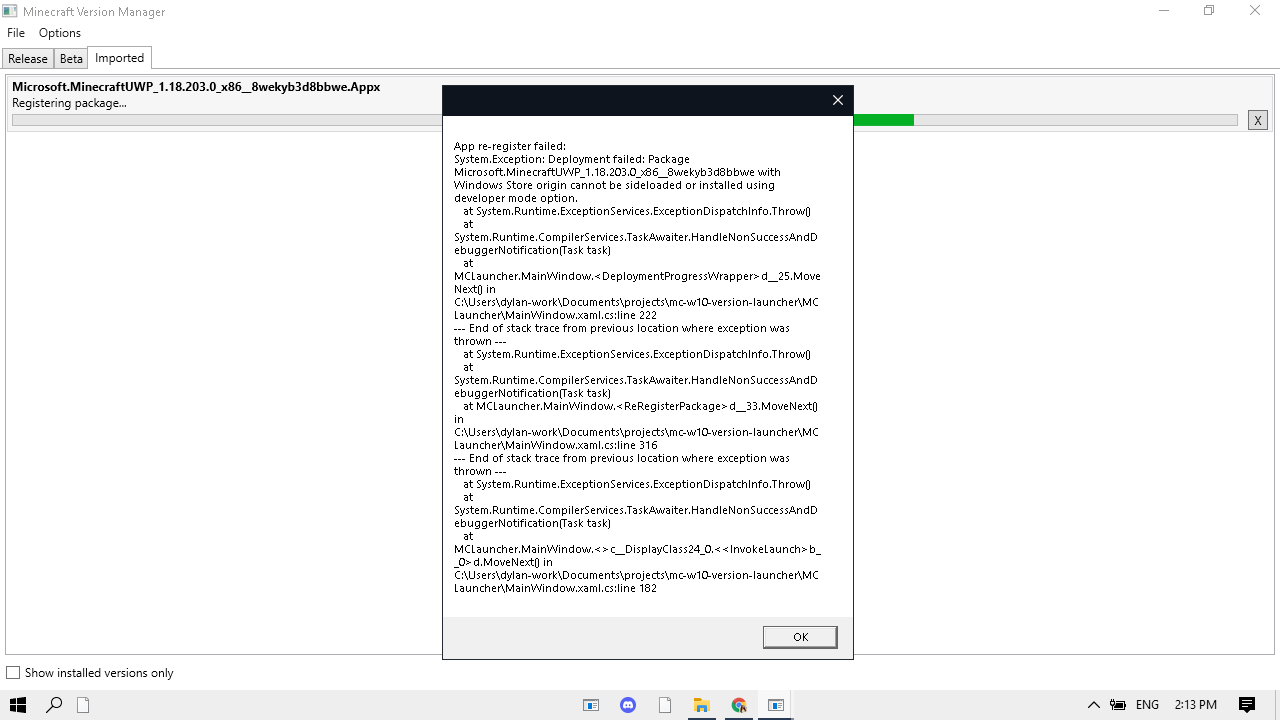


System.IO.DirectoryNotFoundException: 'Could not find a part of the path 'C:\...\mc-w10-version-launcher\Debug\imported_versions'.' ```System.IO.DirectoryNotFoundException HResult=0x80070003 Message=Could not find a part of the path 'C:\...\mc-w10-version-launcher\Debug\imported_versions'. Source=mscorlib StackTrace: at System.IO.__Error.WinIOError(Int32 errorCode, String maybeFullPath) at System.IO.FileSystemEnumerableIterator`1.CommonInit()...

 I tried deleting everything and download it again but still didn't work I tried reinstalling too

Help!!!

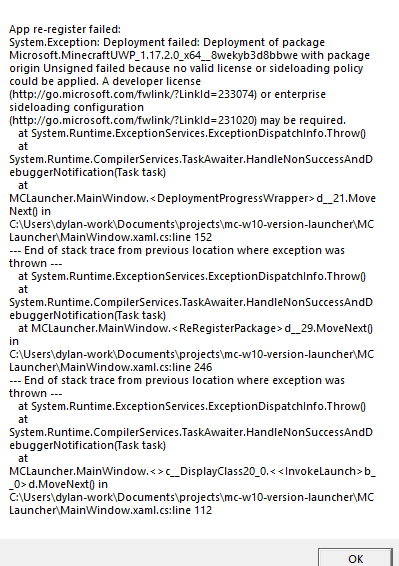

Bag
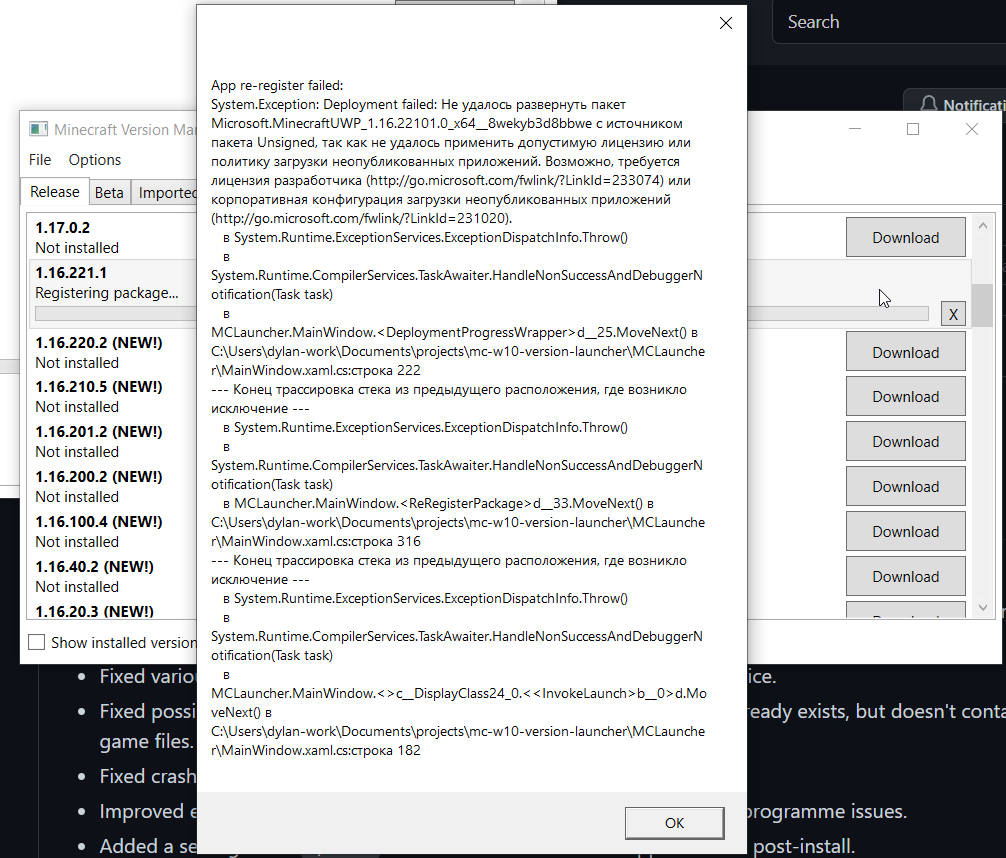

I had trouble launching Minecraft 1.17.11 because it says this: 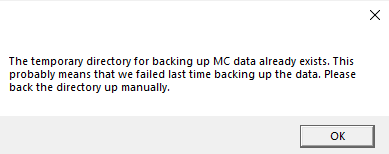 I tried, and it just gave me this: 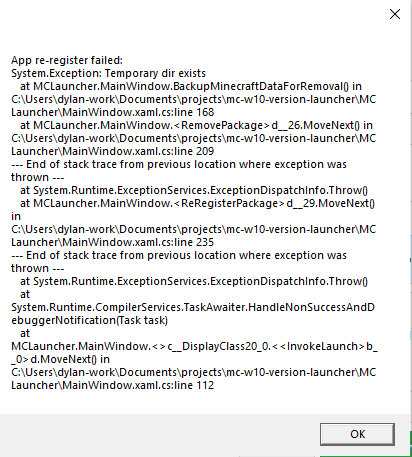 Help.