
web-clipper
 web-clipper copied to clipboard
 webclipper
For Notion,OneNote,Bear,Yuque,Joplin。Clip anything to anywhere
**Is your feature request related to a problem? Please describe.** For a few years now I have been using the combination of Joplin and Raindrop as a solution for bookmarking...


**Bug 描述** 在 https://kknews.cc/zh-tw/news/a33qbkg.html 和 https://read01.com/yyAdKg4.html 等網域下存入 Notion, 全部圖片都會出現 403 error, 存到 Github 和 Onenote 都正常。 **预期行为** 圖片應該在 Notion 正常顯示 **截图** 預覽畫面是正常的。 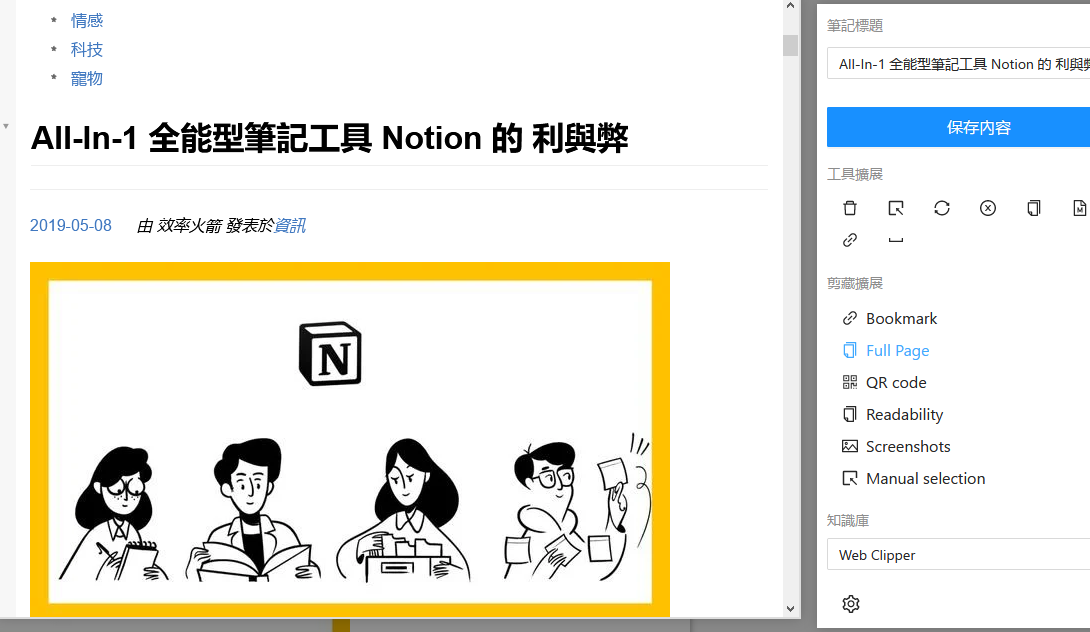 存到 Notion 後就無法顯示。 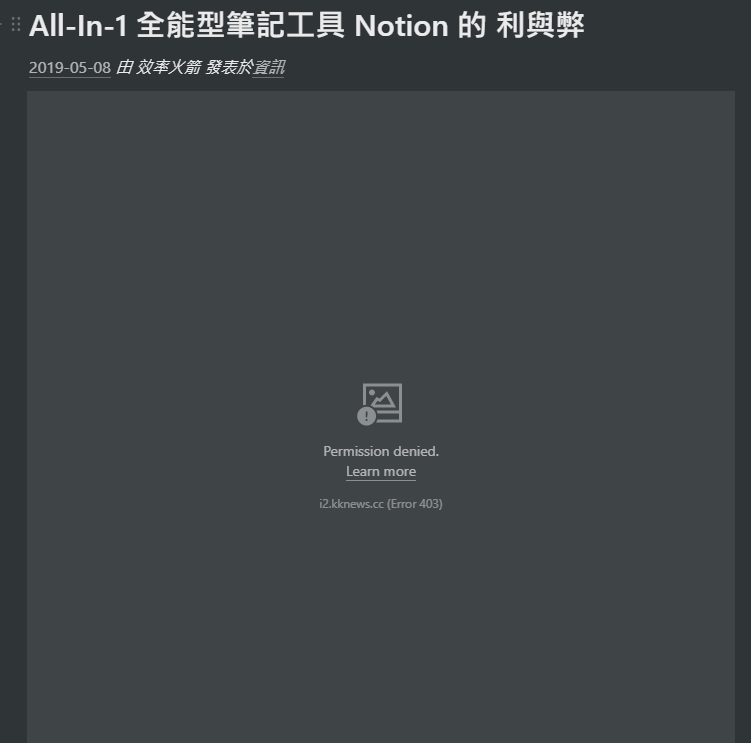 - 笔记平台: [notion]...

https://segmentfault.com/a/1190000039101378 打开上面的网页,点Web Clipper ,选Readability。 下面的截图,左下是网页原内容。  Debian 5.10.149-2 (2022-10-21) x86_64 GNU/Linux Google Chrome Version 107.0.5304.110 (Official Build) (64-bit) Web Clipper 1.32.0 joplin 2.8.8

**Bug 描述** 剪藏维基百科 [Nernst Equation](https://en.wikipedia.org/wiki/Nernst_equation) 页面到 GitHub 时报错,状态码为 422。剪藏百度百科(比如 [能斯特方程](https://baike.baidu.com/item/%E8%83%BD%E6%96%AF%E7%89%B9%E6%96%B9%E7%A8%8B/7359895))则能成功。 **截图**  **请填写以下信息** - 笔记平台: GitHub - 浏览器: Edge - 版本: 107.0.1418.52 (正式版本) (64 位) **其他背景** 开不开 VPN 都一样。

**您的功能要求与问题有关吗? 请描述。** 我安装siyuan自带的chrome插件,在台式机上无论如何配置,都无法正常剪辑页面。但笔记本上就可以。所以被迫在台式机上更换了 web clipper。 今天转到笔记本上测试,发现每个思源笔记数据库的token都不同,我尝试添加第二个思源笔记的配置,但提示能且只能使用一个。 **描述您想要的解决方案** 增加对跨设备使用思源笔记的支持。并可以智能记住,台式机上与笔记本上分别的最后一次配置。以防跨设备运行后出现token失效导致的体验问题。 **描述您考虑过的替代方案** 对您考虑过的所有替代解决方案或功能的简洁明了的描述。 **其他内容** 在此处添加有关功能请求的其他任何上下文或屏幕截图。

**Is your feature request related to a problem? Please describe.** No **Describe the solution you'd like** change click-select to box-select to select multi elements **Describe alternatives you've considered** use shift...

**Bug 描述** 剪藏文章内容时选择在文末添加链接,结果链接添加到文章开头了 _选择可读模式(Readability)剪藏。_ - 笔记平台:语雀 - 浏览器:Firefox - 版本:1.32.0

通过剪藏插件 保存的文章到语雀,图片链接还是原来的,能不能像写文章将图片上传到语雀? 目前的情况:  期望的剪藏后的图片链接是这样的:  不管能不能做,还望能够回复下,谢谢!

还是两年前的change list: 


Metadata
Owner
Metadata
For Notion,OneNote,Bear,Yuque,Joplin。Clip anything to anywhere