
Gerasim Troeglazov



Gerasim Troeglazov
A build for the Haiku operating system is available in the HaikuDepot -https://depot.haiku-os.org/ladybird Binary package: https://eu.hpkg.haiku-os.org/haikuports/master/x86_64/current/packages/ladybird-pre20220728-1-x86_64.hpkg
I already have working recipes for these libraries
I made them a long time ago, I just did not publish them for lack of use
babl, gegl, gexiv2 - done i have appstream_glib recipe also, but it requered some broken libs (xinerama for example) for build
OpenGL support in QPA is not finished (disabled for now - https://github.com/threedeyes/qthaikuplugins/blob/master/platforms/qhaikuplatform/haiku/qhaikuintegration.cpp#L168). But partly already worked (code is outdated and need reworked). For example: http://haikuware.ru/files/video/Qt5_GL_Cube.avi
qmplay2 uses system youtube-dl to download videos. try youtube-dl from terminal
Windows decorator missing: 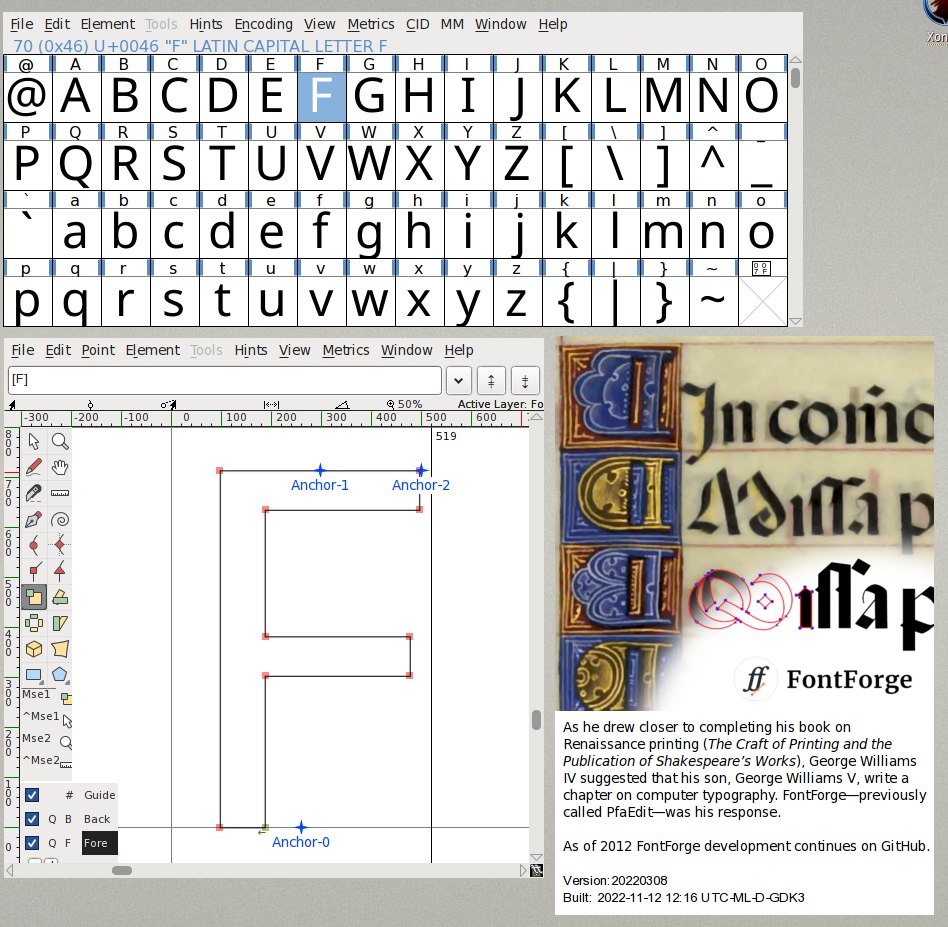
I have compiled both versions of the emulator for Haiku - 32 and 64 bit. But unfortunately, when starting the application from the 64-bit version of Boxedwine UI, everything freezes...
I think the problem is in the differences in the haiku memory map. Hanging occurs when searching for a free block of memory for reserving 4GB and 32GB blocks.
I did as you suggested: bool KSystem :: useLargeAddressSpace = false; The memory block reservation was successful, but the emulator window **did not appear**. If i look to the emulator...