sunsdy2018

Results 1 comments of sunsdy2018

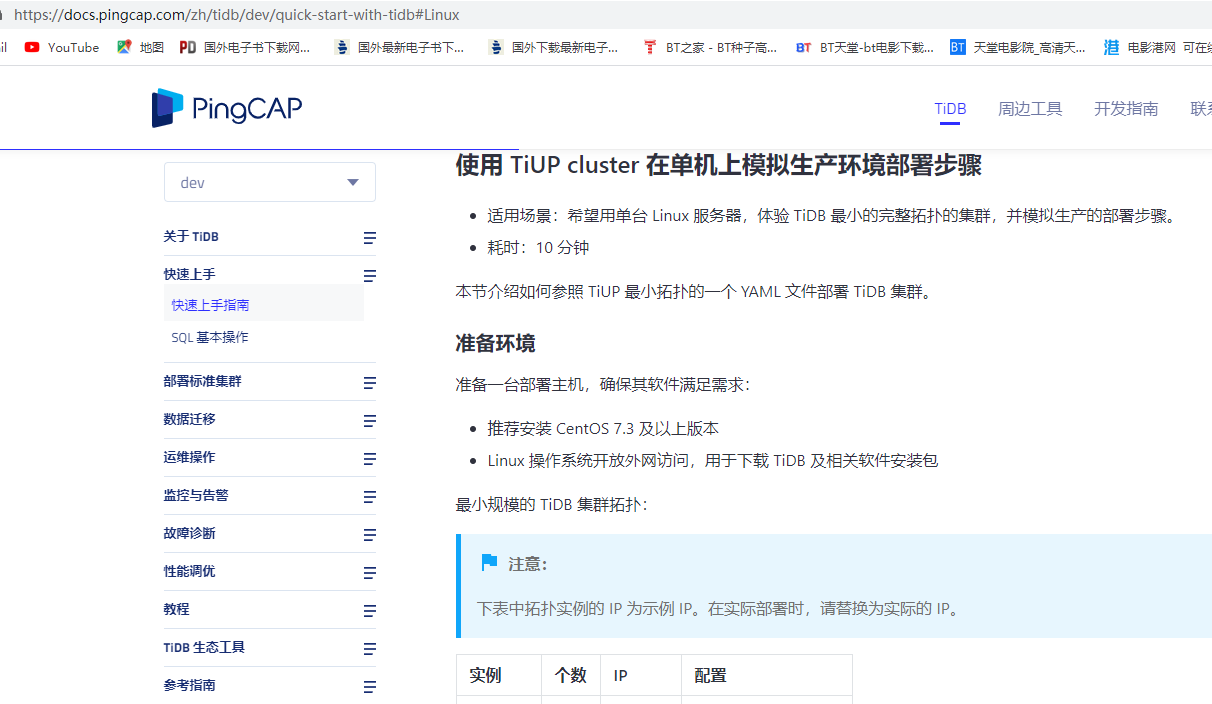
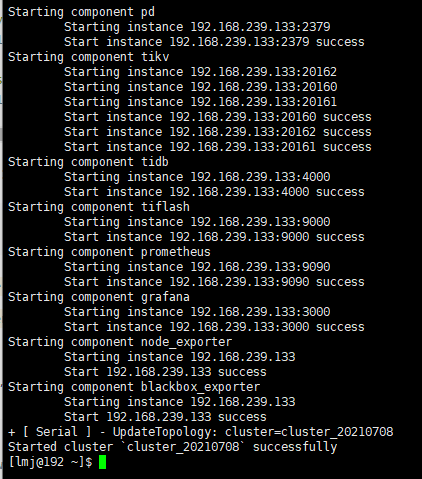
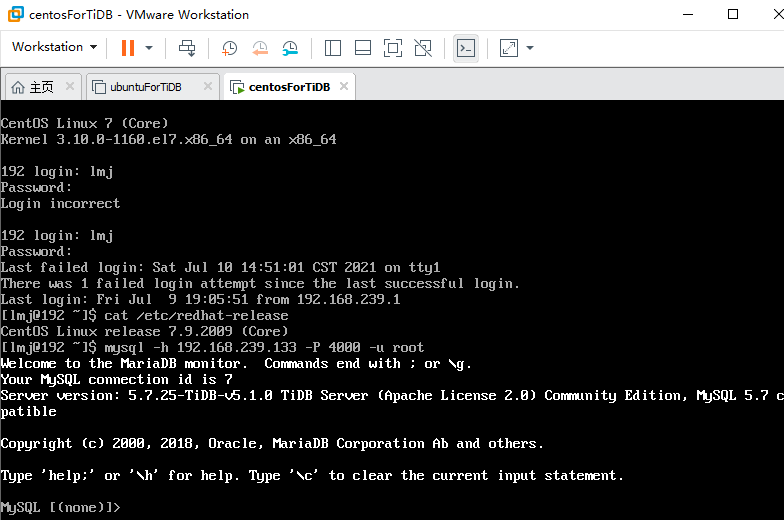
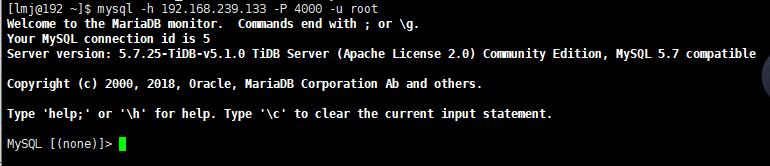
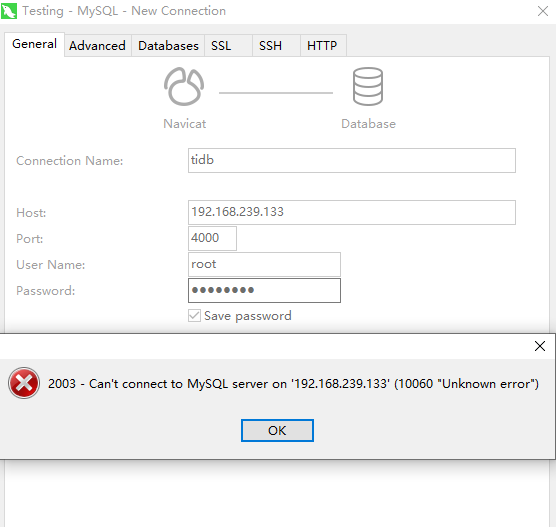
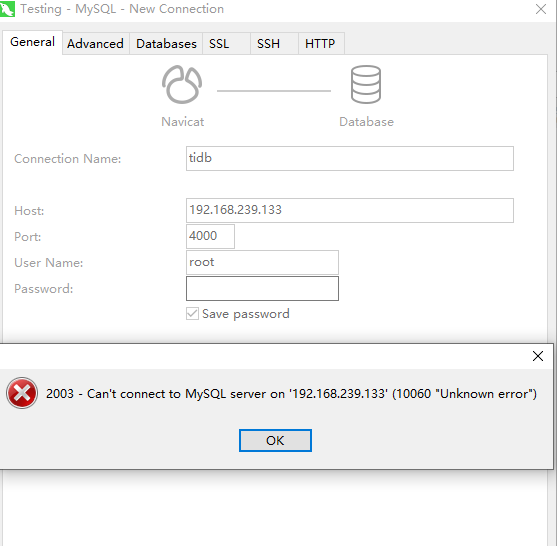
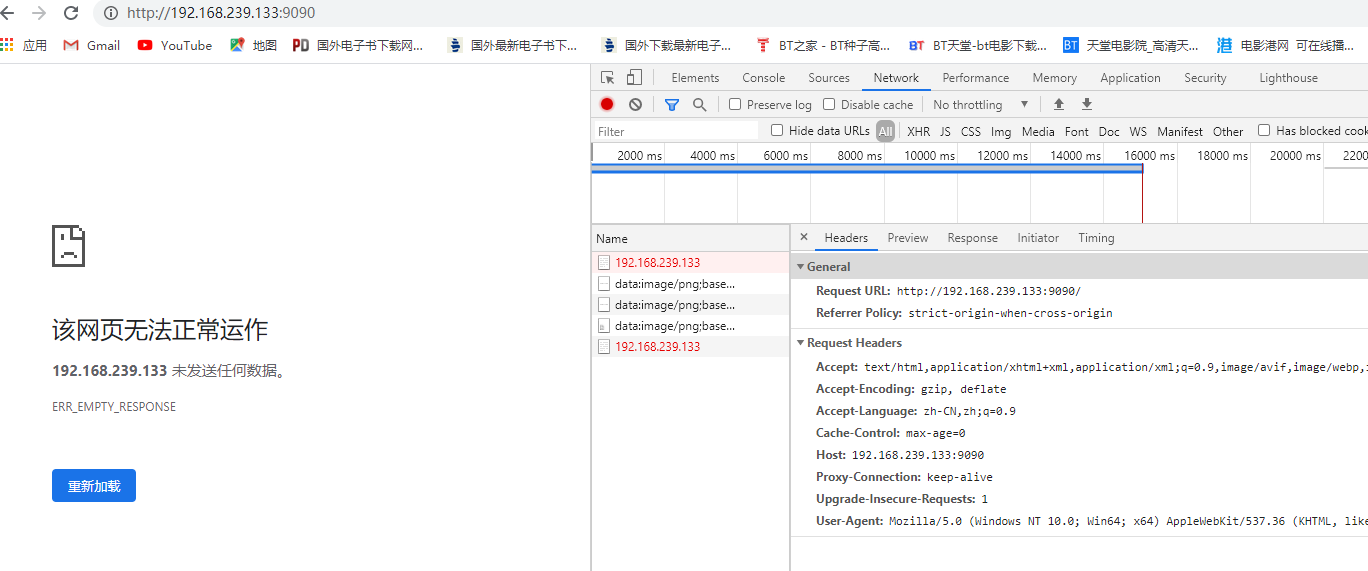
用Tiup部署的。这里描述一下我的部署步骤和遇到的问题: 1. 根据文档推荐,安装了CentOS虚拟机,版本:CentOS Linux release 7.9.2009 (Core) 2. 根据文档如下操作说明,进行集群安装 ![image](https://user-images.githubusercontent.com/38706610/125036382-846f5500-e0c5-11eb-8e32-aafd12b03cb4.png) 把上图中的地址10.0.1.1改为了虚拟机的ip地址 3. 安装成功后,执行下述命令,启动集群,结果如下图: ![image](https://user-images.githubusercontent.com/38706610/125036616-c6989680-e0c5-11eb-9c61-d1190ad8a093.png) 4. 在虚拟机中连接数据库,如下所示: ![image](https://user-images.githubusercontent.com/38706610/125037002-3b6bd080-e0c6-11eb-9bb9-a1a4c527b6fb.png) 5. 在主机的xshell中远程连接数据库,如下所示: ![image](https://user-images.githubusercontent.com/38706610/125037107-563e4500-e0c6-11eb-9fb0-70da6546b4db.png) 6. 在主机的navicat中带密码连接,如下所示: ![image](https://user-images.githubusercontent.com/38706610/125037351-9ac9e080-e0c6-11eb-92c5-7ad1e0fd0987.png) 7. 在主机的navicat中不用密码连接,如下所示: ![image](https://user-images.githubusercontent.com/38706610/125037475-c5b43480-e0c6-11eb-9a76-c30e70e31f61.png) 8. 根据集群启动成功时的提示,用Google Chrome打开prometheus,如下: ![image](https://user-images.githubusercontent.com/38706610/125037715-0f9d1a80-e0c7-11eb-9d8c-bb22d3c00df4.png)...