react-pivottable
 react-pivottable copied to clipboard
 plotly
React-based drag'n'drop pivot table with Plotly.js charts
Hi, I integrated this pivottable into my project and it works great locally when I run "npm start" but after I've tried to deploy it to server or I've tried...

is it possible to mention default aggregator instead it being count always?

Great work! I was going to create an issue to ask for a sort function but after reading the source code I try to do it myself and it worked!...

When using 2 attributes or more on one side, the totals for the row/column are incorrect. This fixes the issue by skipping undefined filters

I see the properties of this component, and the "vals" property can accept multiple attributes. I want to see the display effect if I set this property more than one...

Hi, thank you for the library; it's really awesome. 1. In regards to the pivotable.js chart with plotly, what will be the way to modify the chart label like the...

I have a custom aggregator that renders a table within the default Table renderer's cell. Currently some of the table styling is cascading to this nested table. This PR switches...

"Select All" for first time leads to Uncaught TypeError: Cannot convert undefined or null to object

Hi, issue is reproducible on [live demo](https://react-pivottable.js.org/) **Repro steps:** 1. Start fresh demo 2. Select aggregator (for example, Paty Size) 3. Click select All (I know that All already selected,...

Thanks for the library! I had a quick question about formatting numbers in the table. Based on what I read, there's no good way to implement this right now. I've...

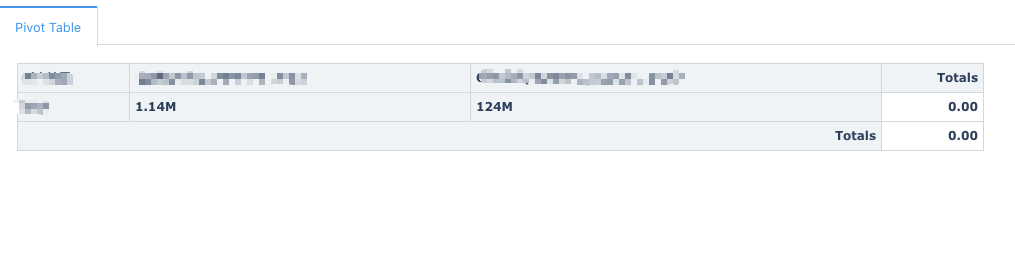
This pivot table just has rows, no cols, i want to totals it but error. It shows me 0.00, why? How to sovled it?