

 piitaya
[Bug]: Missing cards settings
Current Behavior
Just installed brand new ha using docker. added mushroom.js from latest release (2.0.0) to config/www/mushroom.js and added configuration as :
lovelace: mode: yaml resources: - url: /local/mushroom.js type: module
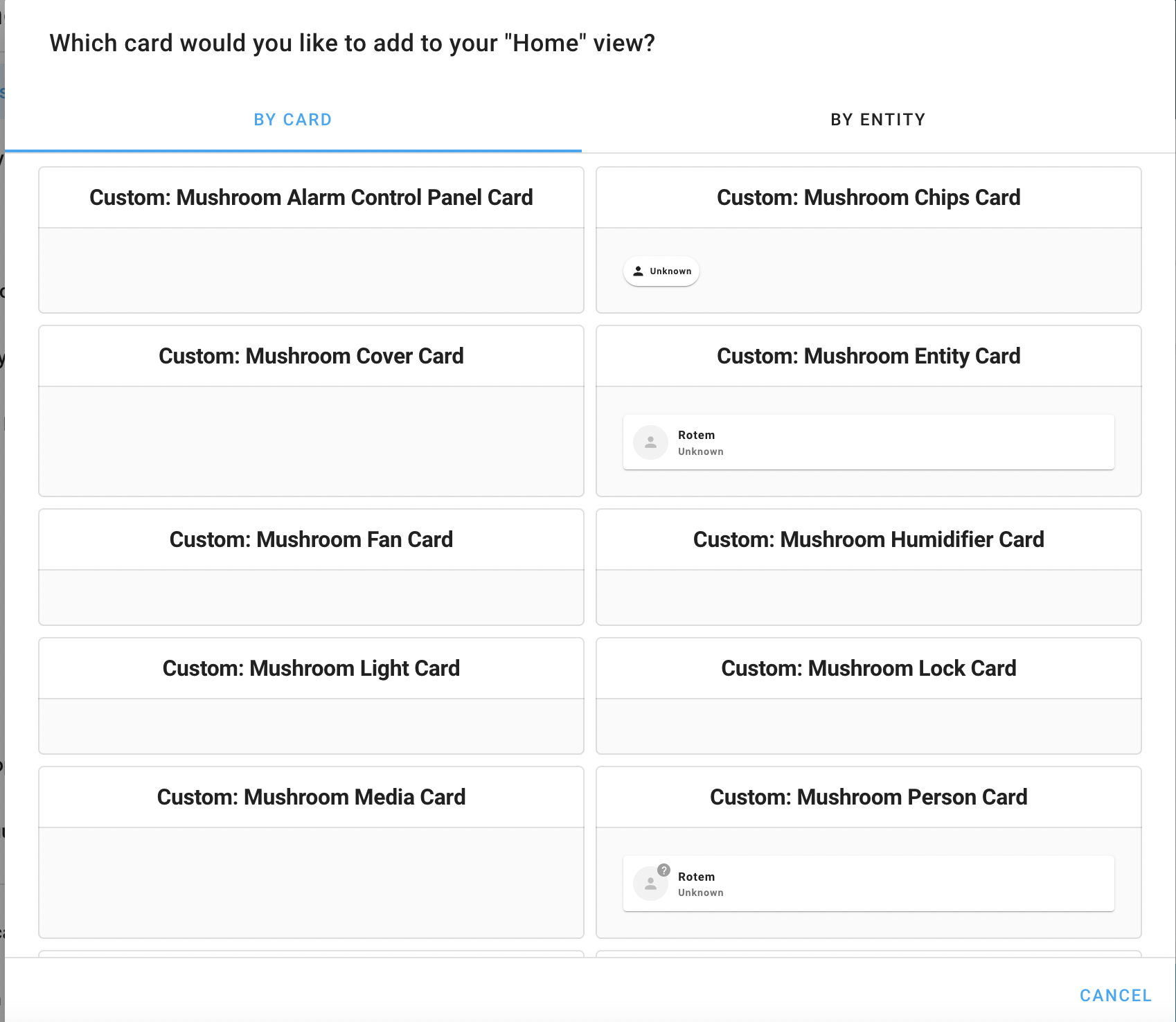
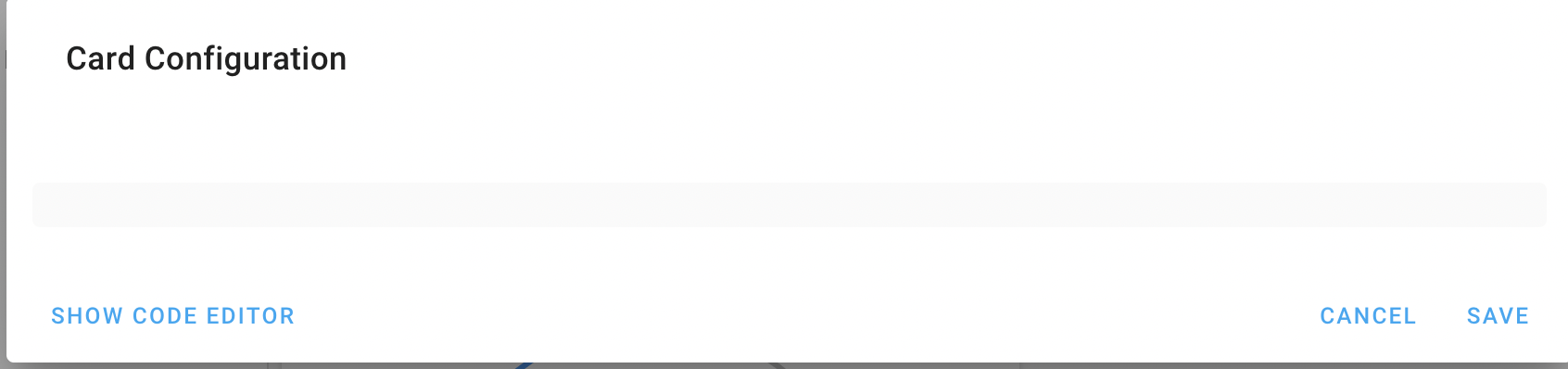
Verified that Mushroom loaded using devtools. When editing dashboard i see the following :
Expected Behavior
I expect to have options to choose entities
Steps To Reproduce
configuation.yaml
`
default_config:
tts:
- platform: google_translate
group: !include groups.yaml automation: !include automations.yaml script: !include scripts.yaml scene: !include scenes.yaml
lovelace: mode: yaml resources: - url: /local/mushroom.js type: module
frontend:
themes: !include_dir_merge_named themes
`
run ha using :
docker run --rm -d \ --name homeassistant \ --privileged \ -p 8123:8123 \ -e TZ=Asia/Jerusalem \ -v ${PWD}/config:/config \ ghcr.io/home-assistant/home-assistant:stable
Environment
- OS: macos
- Node:
- Version:
- Hassio:
Anything else?
tried also version 1.10, same error I think there is some dependency that not covered by the docs on manually install guide.
Thanks.

You have a new installation. According to your screenshot, you don't have entities, you only a person entity. Try configure some integrations before building your dashboard. Otherwise, your mushroom installation seems ok 🙂

Actually I have Tuya intergration with few light switch’s and scenes and also Sensibo integration