

 mljar
mljar
Error during notebook initialization. argument of type 'WindowsPath' is not iterable.
From email from user:
When trying to “watch” a notebook, the following error occurs: Error during notebook initialization. argument of type 'WindowsPath' is not iterable.
Somewhere in the settings.py file (mercury). A string was expected, but a path was provided.
I cast all x / “y” to str(x / “y”) e.g. STATIC_ROOT = str(BASE_DIR / "static").
This seemed to fix the error.

After running the demo.ipynb file (mercury run demo), and changing the sliders (e.g. year to 2030 -> run) on the left side I received the following error: "Notebook is executed with errors. unsupported operand type(s) for /: 'str' and 'str' ".
So, I started to remove to string casts to see which one(s) are necessary to prevent the "argument of type 'WindowsPath' is not iterable" error. The only necessary string cast is on line 225 in server.settings.py (MEDIA_ROOT = BASE_DIR / "media").
However, when I cast this to a string, I get the error mentioned above ("Notebook is executed with errors. unsupported operand type(s) for /: 'str' and 'str' ".) in demo.ipynb on the mercury local server when adjusting e.g. the year and re-running it.
The error I receive when not casting (MEDIA_ROOT = str(BASE_DIR / "media")) Traceback (when MEDIA_ROOT = BASE_DIR / "media"
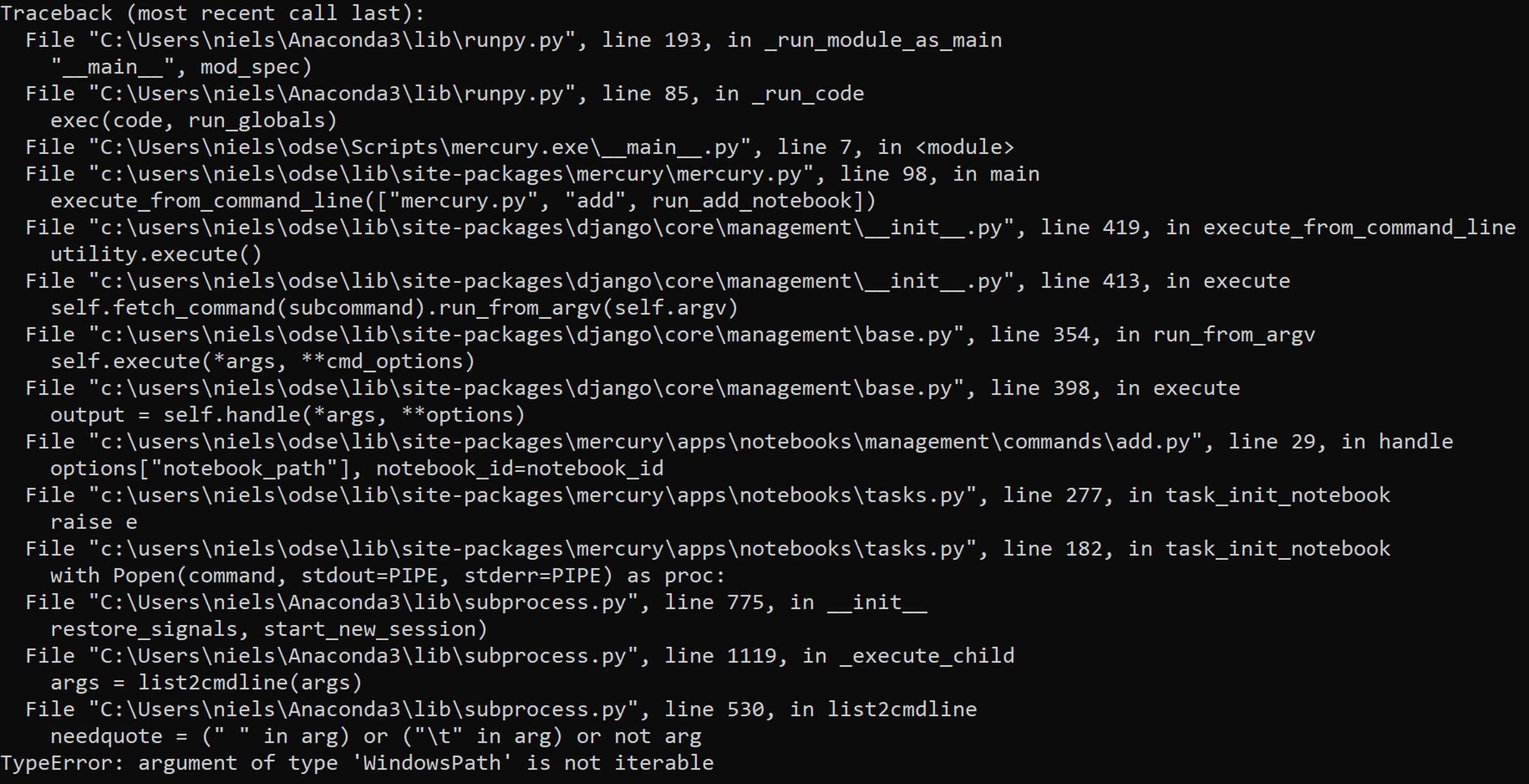
Have to write an essay for University right now, so I'll look further into this later on today or tomorrow.

When I try to run the demo, this error occurs:
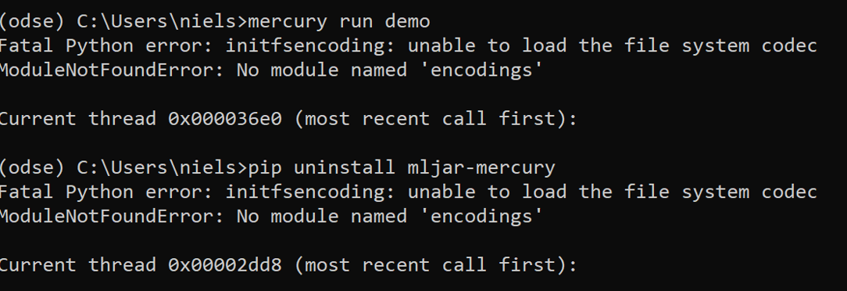
Does this have anything to do with the failed Run on Windows:

Kind Regards,
@DatSplit please try to re-create virtualenv - according to this https://stackoverflow.com/questions/38132755/importerror-no-module-named-encodings and please check python paths https://stackoverflow.com/questions/42512817/fatal-python-error-on-windows-10-modulenotfounderror-no-module-named-encodings
I'm in process of creating automatic tests for windows but the action is not yet completed.
That was indeed what was wrong (Should've mentioned those stackoverflow links as I found them myself already, apologies).
Going to continue and work on fixing the notebook error: "Notebook is executed with errors. unsupported operand type(s) for /: 'str' and 'str'"
Update: The error still persist when using your demo code from: (https://mljar.com/blog/computer-vision-app-python-opencv-mercury/). So, it has to do with the change in the server.settings file that fixed the windowspath error.
@DatSplit I would like to ask whether you have found the solution for this issue as I am facing it too? Thanks in advance.

@aplonska, could you please test it on Windows OS? @HidayetZaimaga we will look into it.
I converted all paths to strings in the Django settings file. This should fix the issue.
The new code will be released tomorrow. Please notice, that we released Mercury V2. You can install new version with:
pip install mercury

# or

conda install -c conda-forge mercury
New documentation is available at https://RunMercury.com