jagenjo
Capturing ALL changes
At the moment there is a function afterChange, but it does not capture all changes. For example, I found out adding groups is one of few operations not detected. Also, it detects when nodes are first selected, but following selections are not captured. Is there a more general function? Is afterChange supposed to cover cases like these as well?

Hi @KaruroChori, you are right. That's a tricky part. I was looking at it while trying to implement the history (cntrlZ cntrlY) And when and how call the change should be carefully verified and well tought. There should be some good refactor about taking in consideration all the parts involved. For example, a selection is something that probably has to be considered a change but not a modification. For now probably it would be enough to implement some few missing call or to detect those from the other events if not sure how to implement it correctly.

That's a tricky part. I was looking at it while trying to implement the history (cntrlZ cntrlY)
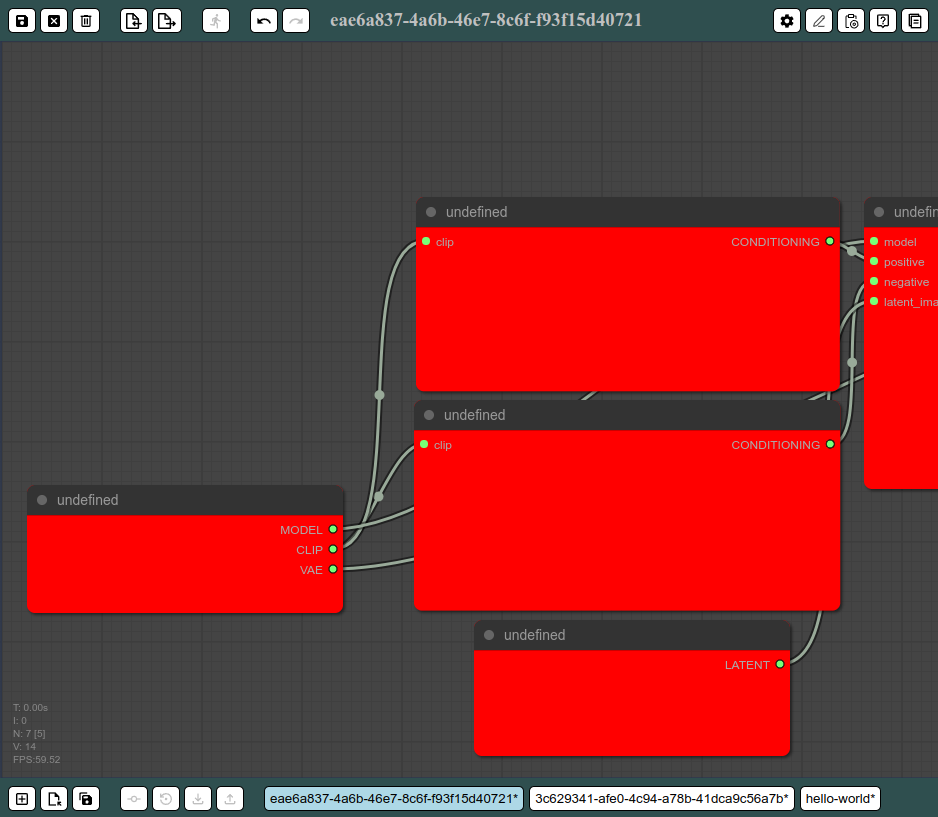
Same. I was implementing a generic wrapper for litegraph to have multiple files, history, keyboard bindings and few more features
For example, a selection is something that probably has to be considered a change but not a modification. Yes, I agree.
I guess I will add it to the bucket of things to do :smile:
I added the afterChange mostly to mark graphs as "modifyed" so you know that it should be saved. But selections are not considered modifications so I never execute afterChange on that (although adding groups are modifications).
So if you spot places where the graph content has changed (not the editor state) then feel free to add the afterChange callback.