JichinX

Results 5 comments of JichinX

已经试过了,可以解决这个问题

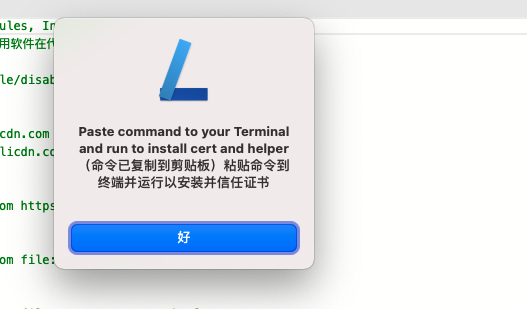
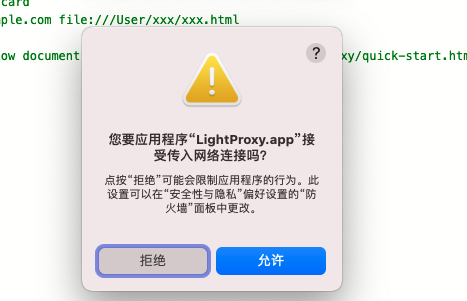
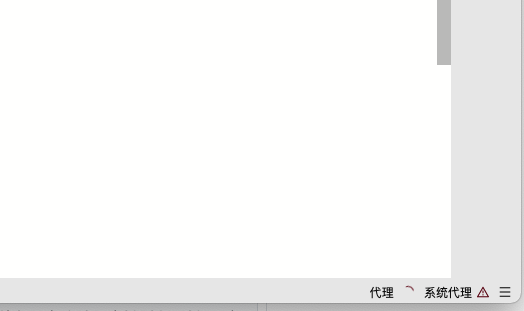
1. 防火墙开启的情况下,每次打开都会提示,“接受传入网络申请”,防护墙的设置里已经是允许了 ![image](https://user-images.githubusercontent.com/13867911/99325710-dbfc4e80-28b1-11eb-8d39-852a2049c855.png) ![image](https://user-images.githubusercontent.com/13867911/99325763-f3d3d280-28b1-11eb-9237-5a4a79ed36db.png) 2. 另外就是,安装证书的弹框也是每次都会提示 ![image](https://user-images.githubusercontent.com/13867911/99325783-00f0c180-28b2-11eb-8424-ab285981e123.png) 3. 最后,点那个这两个弹框点掉之后,代理会启动不来,需要手动去”重启代理“,才可以 ![image](https://user-images.githubusercontent.com/13867911/99325816-0cdc8380-28b2-11eb-8d67-e5d7d31c63b8.png) 这些都是小问题,不会太影响使用
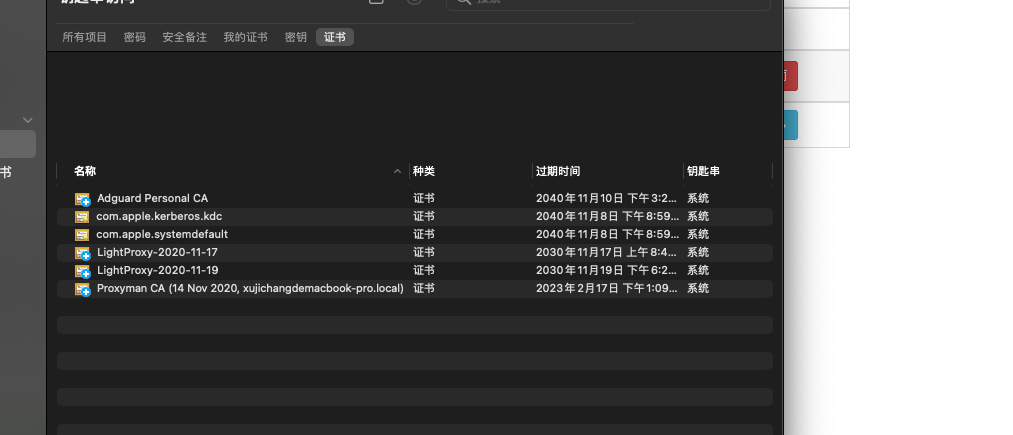
最近打开的时候,又是需要重新复制命令才行 然后去“钥匙串访问”应用下看了一下,生成了两个钥匙串,不过名称不一样,怀疑是不是名称一样就不用每天生成一次了, 图如下: ![image](https://user-images.githubusercontent.com/13867911/99654454-4e795400-2a95-11eb-8d46-2fa1b77b1d74.png)
昨天安装的,今天再打开,并没有重复提示,应该是已经修复了