
Linh Huynh


Linh Huynh
Not compatible with MTConnect spec 1.4 in Probe command; Agent and schema files from version 2.0.0.8
still fail in the release 2.0.0.9 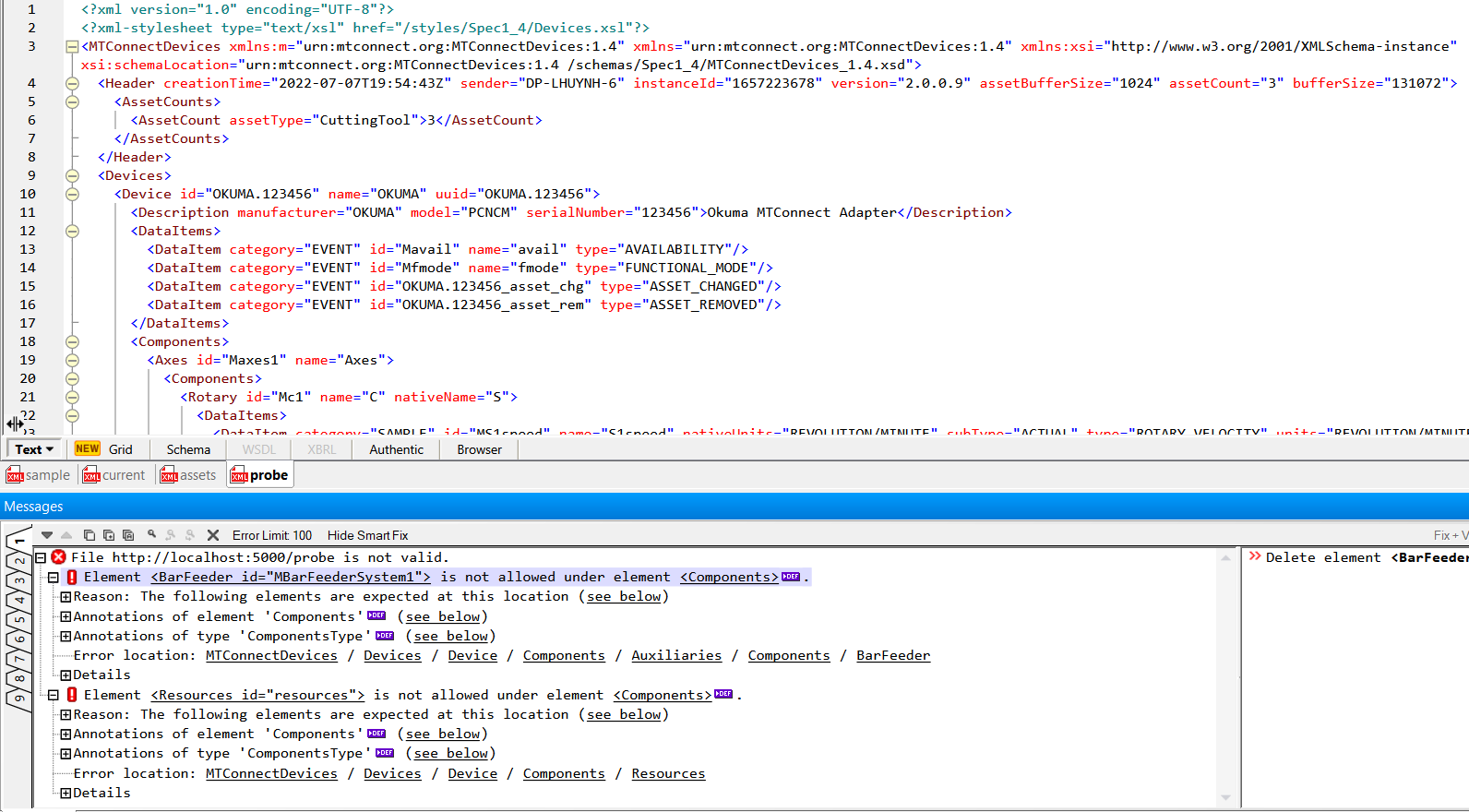
Not compatible with MTConnect spec 1.4 in Probe command; Agent and schema files from version 2.0.0.8
still not fixed yet in 2.0.0.10
sometimes you need to explicitly to run the install, 'agent install', as administrator to register it with the Windows Services. It does happen to some of our Windows too.
This means the sample shdr in the document is not correct because there is no colon. Is that correct? 2014-09-29T23:59:33.460470Z|htemp|WARNING|HTEMP-1-HIGH|HTEMP|1|HIGH|Oil Temperature High
It seems agent does not produce the data stream correctly or the schema is not correct. I got invalid conditionId value of 1700 when validating with XMLSpy. shdr data: 2024-04-23T15:15:17.3726547Z|system|FAULT|1700:1700|1700|HIGH|1700...
It seems missing conditionId in the data stream 2024-04-23T15:15:17.3726547Z|CoolantSystem1_cond|UNAVAILABLE|||| ` ` Error: Attribute 'conditionId' is required in element . Annotations of element 'Unavailable' (see below) The conditon can not be...
Fixed in RC25
You should change to catch the exception since agent is out and the tcp will throw an error. Once you are out the blocking call you can then start listening...
still cannot validate streaming data with the latest schema because of invalid condition ID for MTConnect spec 2.3 2024-06-04T18:09:41.5803779Z|system|FAULT|1701:1701|1701|HIGH|1701 ALARM_A 
# @shaurabhsingh I got new errors from the latest schema files. Missing conditionId 