



bulolo
> 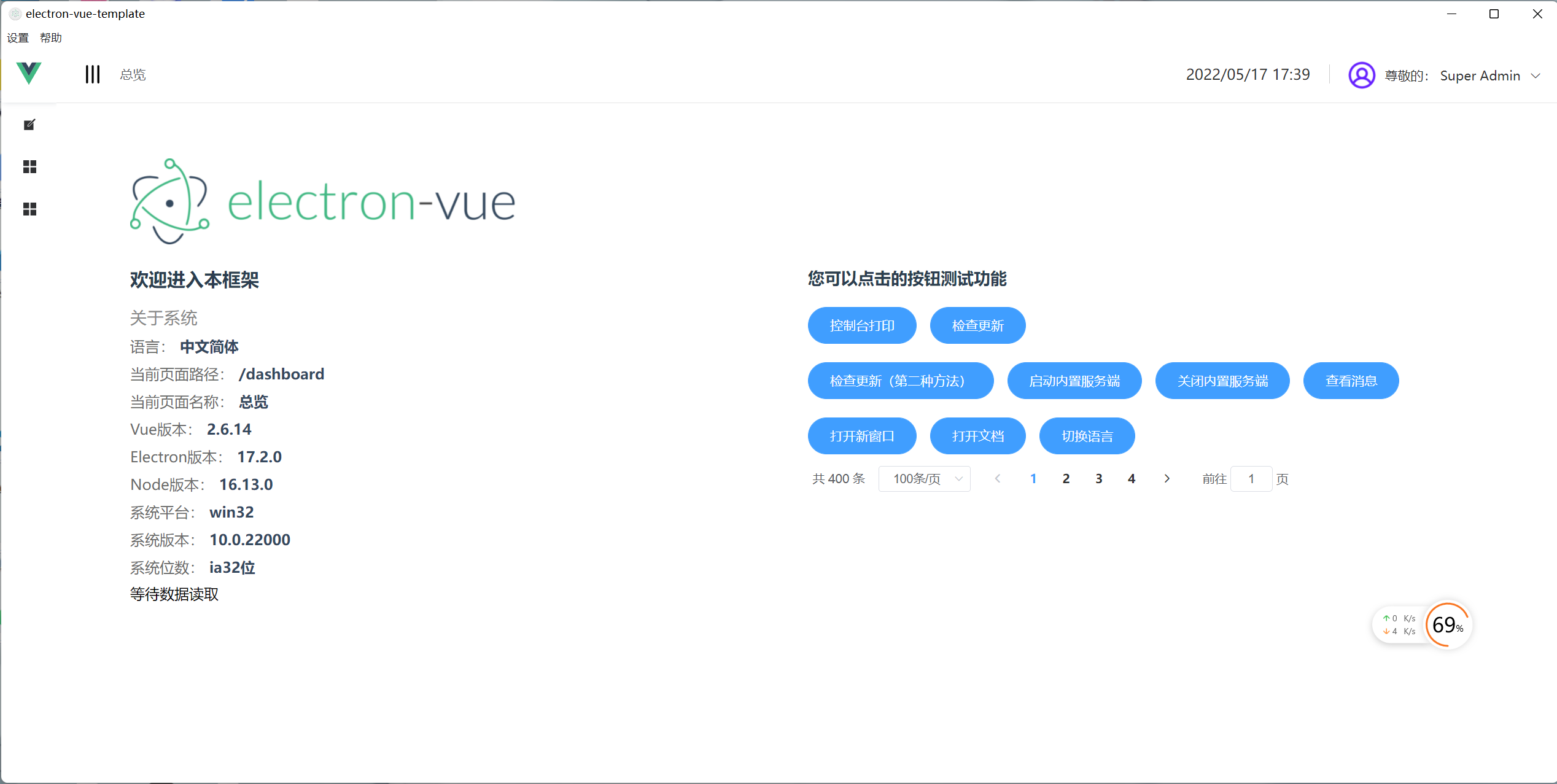 > > 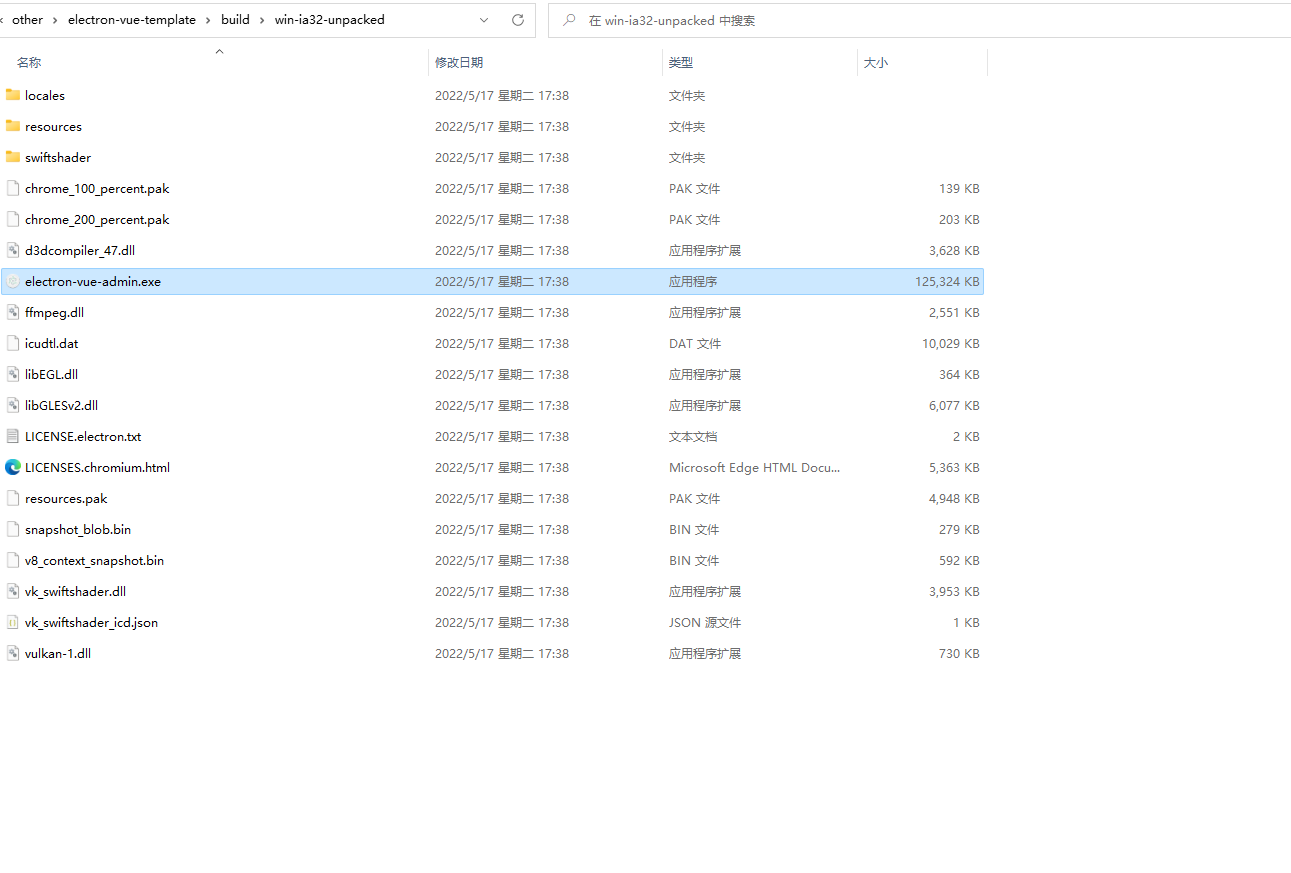 > > 我这里倒是情绪稳定;您打包的时候控制台输出的是这样的吗? > >  > > 顺带值得一提的是,您的mac是m1芯片还是?如果是m1芯片也许,是和这个有关系 我是m1,有可能就是这个原因
我汇总一下我的几个mac打包win测试 分非m1和m1 ## 非m1-win7 结论:win32和win64: 均无法打开
## 非m1-win10 测试楼 win32:失败,双击打开,无任何反应 win64:双击打开,无任何反应
## m1-win10 测试楼 32:无法打开 64:
@umbrella22 惨不忍睹,全部mac打包win都无法运行 今天实际测试了m1的win32和64,也是均无法打开。因家里不是m1,明天我在公司再重新测下m1的,需要复现沟通加下微信:bulolo
@umbrella22 已经更更新m1的测试结果,也是不行。更新在上面m1-win10测试楼,我的所有macos都是12 官方的[demo](https://github.com/electron/fiddle/tree/v0.28.1)这个是指我要打包然后运行在win10?我看了下打包命令,不是很清楚怎么打包。还是说 下载这个运行包试试就可以了?我下载的运行包,是可以正常使用
@umbrella22 再更新一个重要信息 build:win64 打包出来的安装器是可以安装后启动 但是打包出来的文件夹里面不可运行
> > @umbrella22 再更新一个重要信息 build:win64 打包出来的安装器是可以安装后启动 但是打包出来的文件夹里面不可运行 > > > > > > > > > > 那就很奇怪了,除非是你的**windows设置了无法运行绿色版软件或者是安全软件拦截**,否则安装包仅仅只是一个压缩解压缩过程以及写入注册表该软件已安装 系统都是新装的原版win10任何软件都没装情况下。
> @bulolo how about set price type to `decimal(30, 8)` refer this > > https://github.com/apache/seatunnel/blob/79bb70101a5056de7cd44197ce6a613bf5ad3a01/docs/en/connector-v2/source/FakeSource.md?plain=1#L165 ``` source { MongoDB-CDC { hosts = "mongo0:27017" database = ["inventory"] collection = ["inventory.products"] username...
> I'm willing to fix it, please assign it to me. thanks. @bulolo @Carl-Zhou-CN I think it's reasonable for me to finish it in 10 days. there is another question,...