
bepolymathe


bepolymathe
I have tried with LOGIN ``` domain\\user.name domain\user.name user.name ``` But nothing works. Maybe i need to configure something in davmail ?
Yes it seems to work. 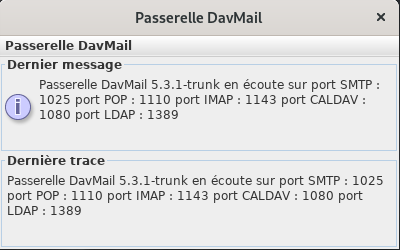 When davmail run, i can access to the webmail in firefox.
Hi, thanks for reply. I have an SSL error 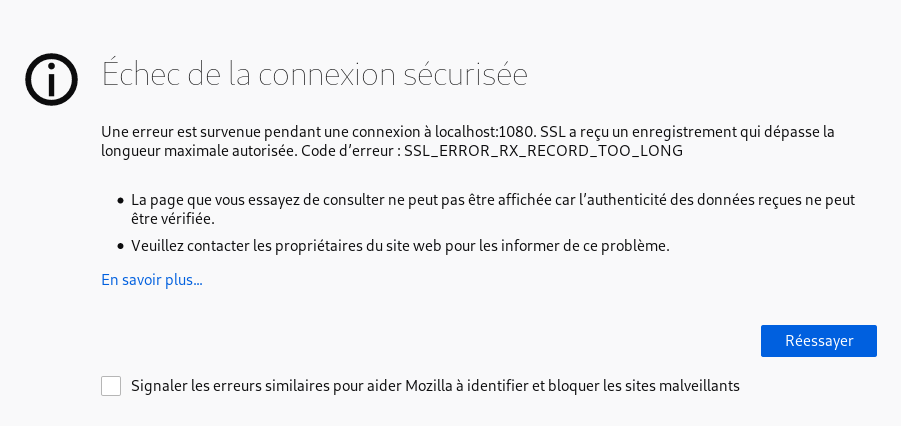
I do have a dialog box to enter the login and password but I can't login...
With classic webmail I sometimes have a connection problem. I have to empty the cookies to make it work. Could I have a problem like that?
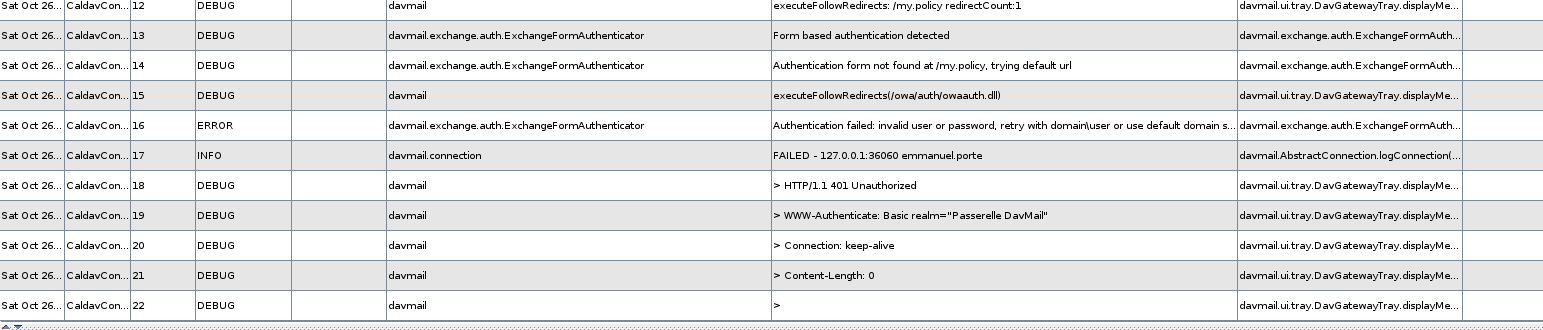
I'm still stuck. Maybe they closed some ports? But if I have the identification window below it's a pretty good sign, right @mguessan ? 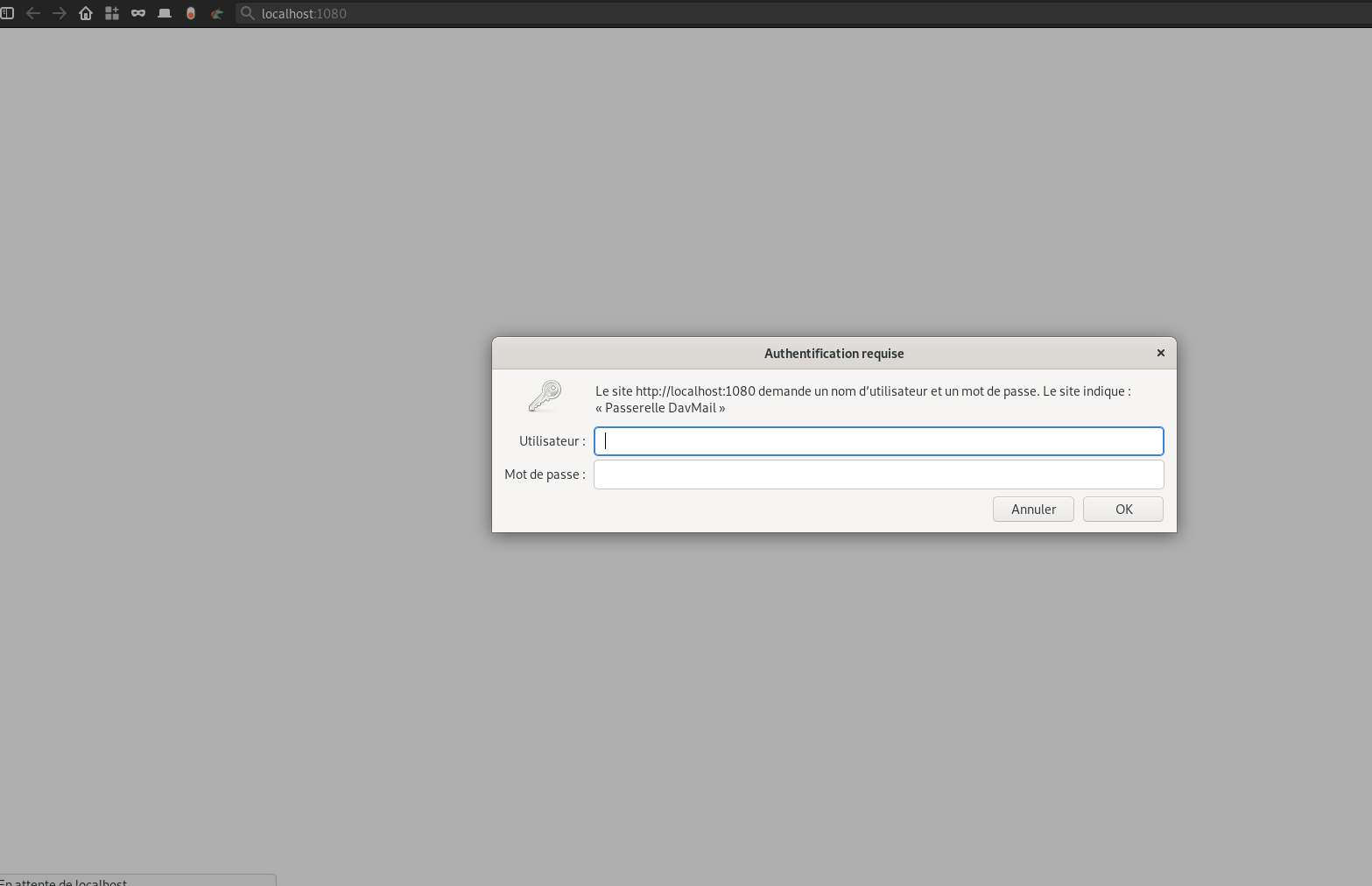
Hi, Thank for reply. Authentification directly to exchange by webmail is OK. Through Davmail, i have those errors : ``` 2019-11-02 13:23:09,273 INFO [davmail.caldav.CaldavServer] davmail.connection - DISCONNECT - 127.0.0.1:49692 2019-11-02...
And a precision, I can connect via thunderbird ([Chouette module](https://addons.thunderbird.net/fr/thunderbird/addon/owl-for-exchange/)) on another machine. So it must be possible ;-)
Ok thanks, the new error message is ``` 019-11-03 10:12:43,633 DEBUG [CaldavConnection-49726] davmail - < GET / HTTP/1.1 2019-11-03 10:12:43,640 DEBUG [CaldavConnection-49726] davmail - < Host: localhost:1080 2019-11-03 10:12:43,641 DEBUG...