Andrew Zheng

Results 93 comments of Andrew Zheng

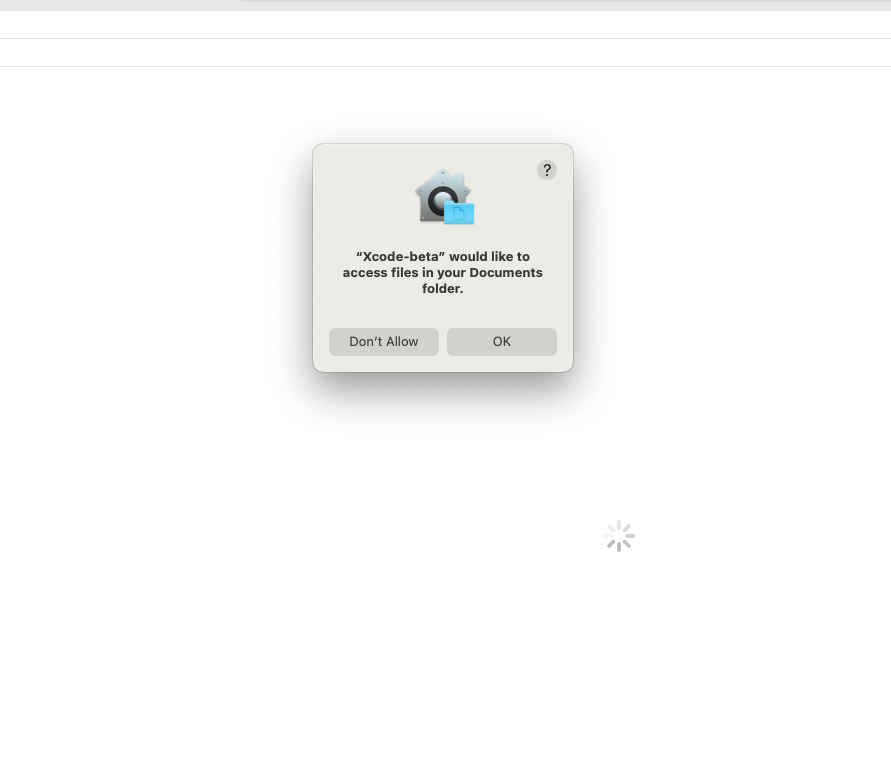
Wow, that's seriously weird. Investigating... ![Screen Shot 2022-08-09 at 9 42 28 PM](https://user-images.githubusercontent.com/49819455/183817519-0ef6adc8-7714-4687-94f8-c9ce72ae6486.png) | ![Screen Shot 2022-08-09 at 9 42 31 PM](https://user-images.githubusercontent.com/49819455/183817524-1341e128-326c-4ae3-8fee-902e769cf9d5.png) | ![Screen Shot 2022-08-09 at 9 42 33...
This is because Popovers listens to changes in `present` - you'll need to attach an `onAppear` and set `showAlert` there. ```swift @State private var showAlert = false /// set to...

I’ve seen this before, wasn’t able to figure out a universal solution. But anyway try dismissing the popover first before navigating to another tab.

Yeah, currently menus don't work with ScrollViews. I am working on v1.4.0 though — should be out in a couple days. In that release I can probably get scroll view...

I can't open the png, could you upload it again?

Huh. Is your app running on iOS? Try making a [minimal reproducible example](https://stackoverflow.com/help/minimal-reproducible-example) so I can reproduce

That looks really weird. So it was working fine back in v1.3.1, but broke in v1.3.2? I didn't [change the code](https://github.com/aheze/Popovers/compare/1.3.1...1.3.2) much. The problem is probably here though: [`.onValueChange(of: transaction?.animation)...

Hmm this is slightly weird but there might not be any other way, I'll look around. Are you using a universal app template?

Hmm ok. You might be able to enable Popovers for specifically the iOS target then — go to your project settings, then remove Popovers under the macOS target (in `Frameworks,...