
Chris Holland


Chris Holland
https://github.com/Zren/plasma-applet-todolist/commit/12fe340b3b2fcc3f0b4f0e835fd666ceb9a51a14 Added Keys: - "Always" - "Counter style" - "Filename:" - "Incomplete items are left" - "Never" - "Note Filename" - "Show counter:" - "Use big counter" - "Use Global...
I remember reading about Time++ a few years ago. Was a little jelous of it. It uses Todo.txt format too. * https://extensions.gnome.org/extension/1238/time/ 
The line is controlled by your font. Noto Sans looks like: 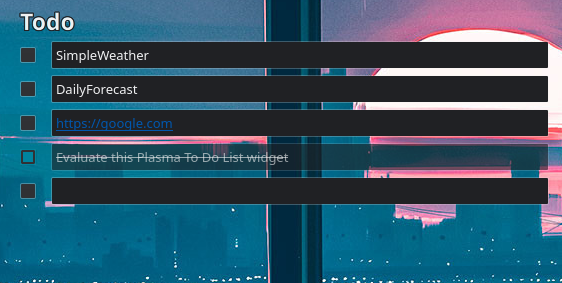 I use `font.strikeout: true` to draw the line. https://doc.qt.io/qt-5/qml-font.html
Ah, you have 108 dpi instead of the default 96dpi. That's probably why. I'm still using a QtQuickControls 1.x TextArea, so maybe QtQuickControls 2.0 controls might fix it.
I don't think widgets can set a default global shortcut. You'd need to use plasma scripting in a Global Theme's (aka lookandfeel) default layout to do so. * https://github.com/KDE/plasma-desktop/blob/master/layout-templates/org.kde.plasma.desktop.defaultPanel/contents/layout.js#L47 I...
I'll try testing a filter model later. * https://github.com/Zren/plasma-applet-todolist/blob/master/ChangeLog.md#v5---may-7-2017 * https://github.com/Zren/plasma-applet-todolist/compare/v4...v5 (ah, it's from when the git repo hosted multiple widgets in a single `plasma-applets` git repo). * Here's the...
I believe this bug is caused by: ``` # Todo1 # Todo2 * [ ] SimpleWeather * [ ] DailyForecast * [ ] https://google.com ``` getting parsed, and it deleting...
It's a text outline. Eg: White text with a black outline makes it easy to read text on any sort of background.
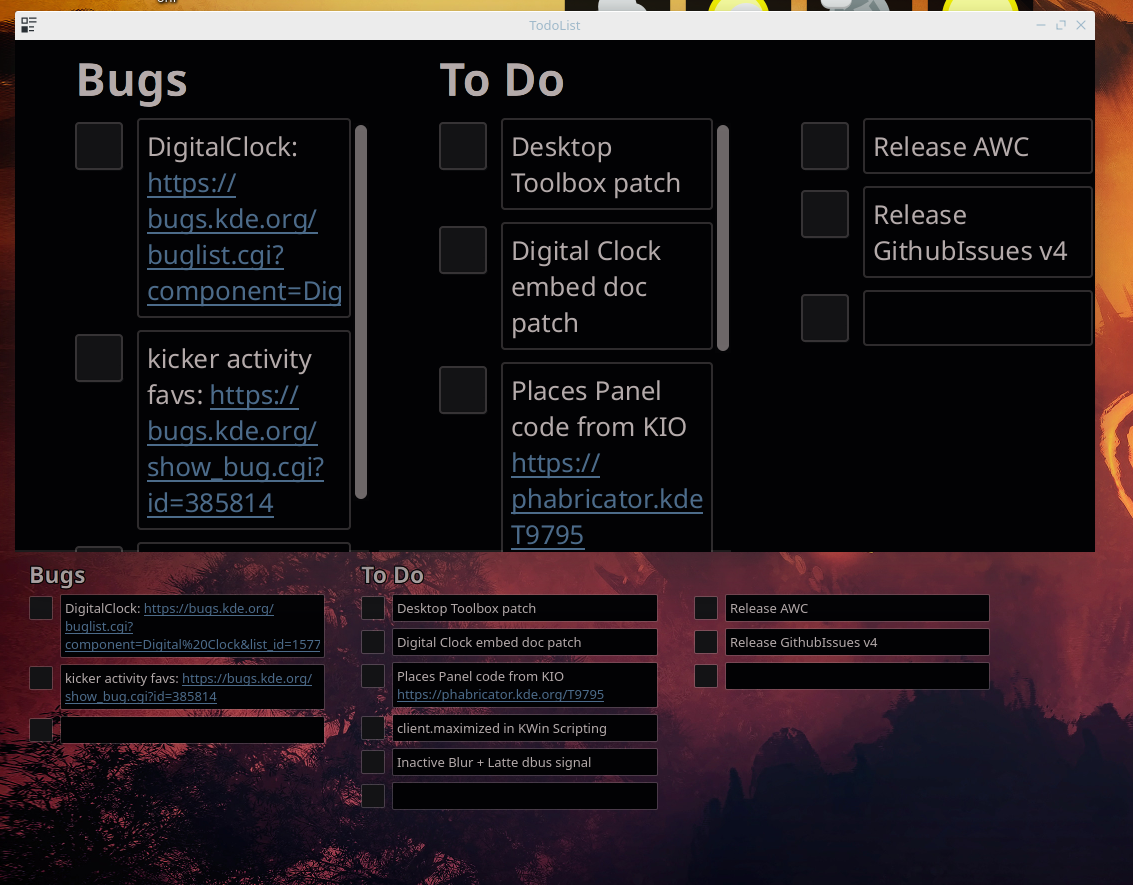 Works for me. So it's probably something breaking in a race condition. Or there's a binding loop. https://zren.github.io/kde/docs/widget/#testing-dpi-scaling ```bash QT_SCALE_FACTOR=1.5 plasmawindowed com.github.zren.todolist QT_SCALE_FACTOR=2 plasmawindowed com.github.zren.todolist ``` `~/.local/share/plasma/plasmoids/com.github.zren.todolist/` It seems...
Desktop Widget? Click and hold to enter resize mode. Panel Widget? Meta+RightClick+Drag to resize the popup window.