
William Adams


William Adams
Yes, I'd like a command which would write out to/append to a file, yes. --- something like having a command in the module radiuscut(beginx, beginy, endx, endy) module which had:...
Complete proof of concept on this (albeit w/ hand-edited Console -> G-Code conversion) here: https://community.carbide3d.com/t/doing-cam-in-openscad/25214
Should that work in Windows? Tried "C:\Program Files (x86)\RapCAD\rapcad.exe" test.rcad -o test.gcode and didn't get anything --- while I'm willing to use the commandline, I worry other folks won't ---...
Tried this w/ the new version w/ a file which had the content: cylinder(1,2,3,center=false); writeln("Text"){}; using the command: 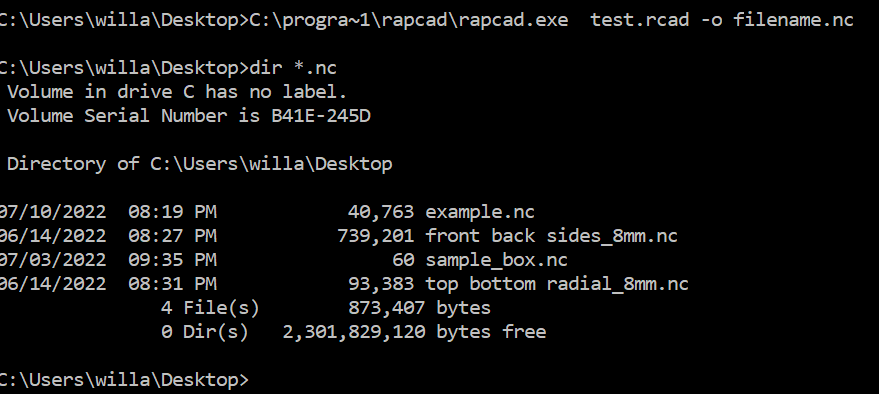 but no "filename.nc" was made --- as noted above, the ideal...
That at least makes a file, but it's empty: 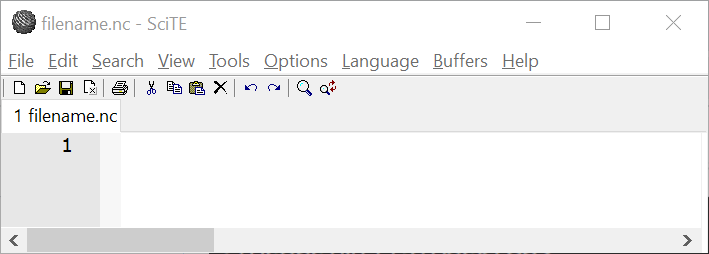 This is _so_ close --- I just need for writeln to get to a file, and to have a preference/command...
Thanks! That worked! Next up, files w/ G-code! I'd be even more grateful if you could add either a preference, or a command to cause the file to be written...
Works on Mac OS X as well --- apparently there you need to include -o null to get the executable to quit. Also posted a pair of announcements to /r/openscad...
It isn't. The text is wrapped in additional decoration which has to be stripped off using some additional tool. Yes, folks do it, but they are also using make files...
Yes, but isn't the writing out to a file new in 1.0.2? I could never get it to work before. Anyway, thanks, and looking forward to knocking out a file...
Got it. Thanks for implementing for Windows! (and making the interface consistent --- that's important to me). Which do you think is a better fit, a user preference, or a...