

WANG

Results 6 issues of WANG

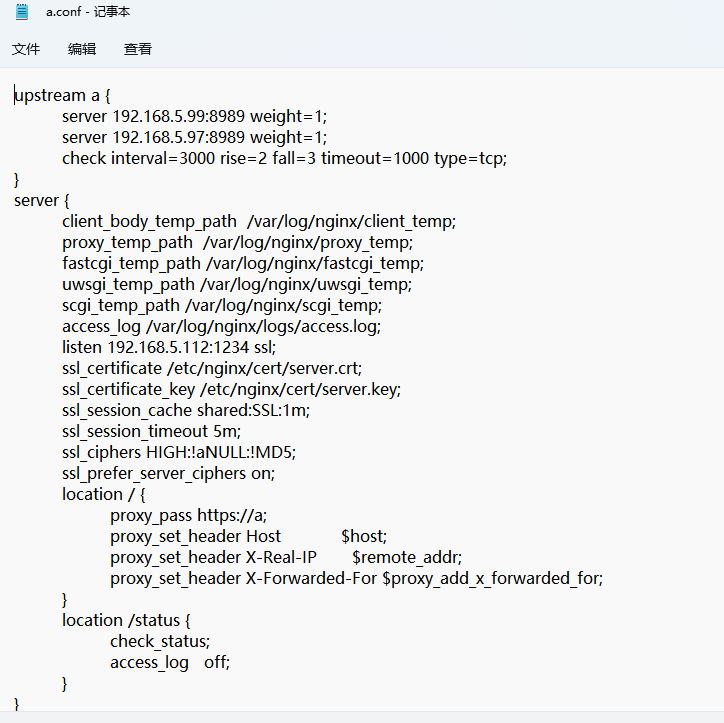
![image](https://user-images.githubusercontent.com/63085858/172513225-cc2058c3-c397-4b43-951f-25c41365526f.png) 配置文件 ![image](https://user-images.githubusercontent.com/63085858/172513253-c531f1ff-b83a-48d4-81d9-ae4388f3a610.png) 报错 ![image](https://user-images.githubusercontent.com/63085858/172513279-b5d7d1d6-d853-417a-a748-6ad13da56888.png)

![image](https://user-images.githubusercontent.com/63085858/147538983-3c4b2440-02bb-4631-af12-e2930ea438ec.png)

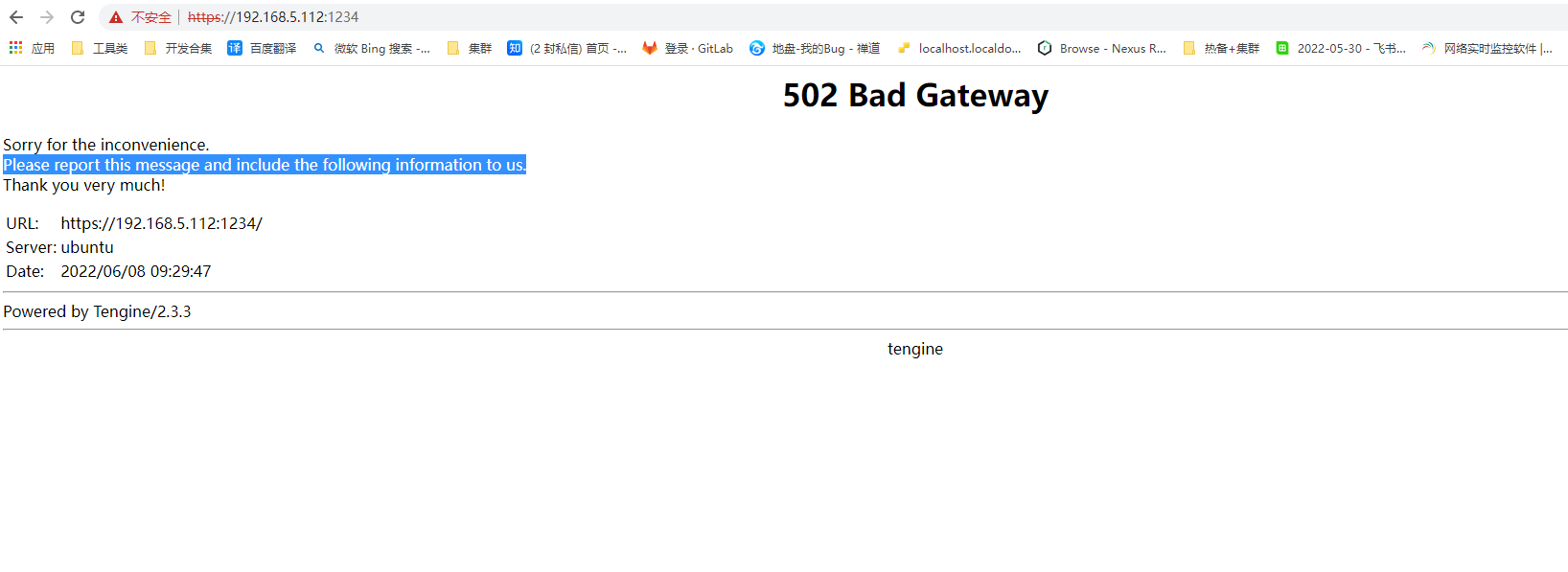
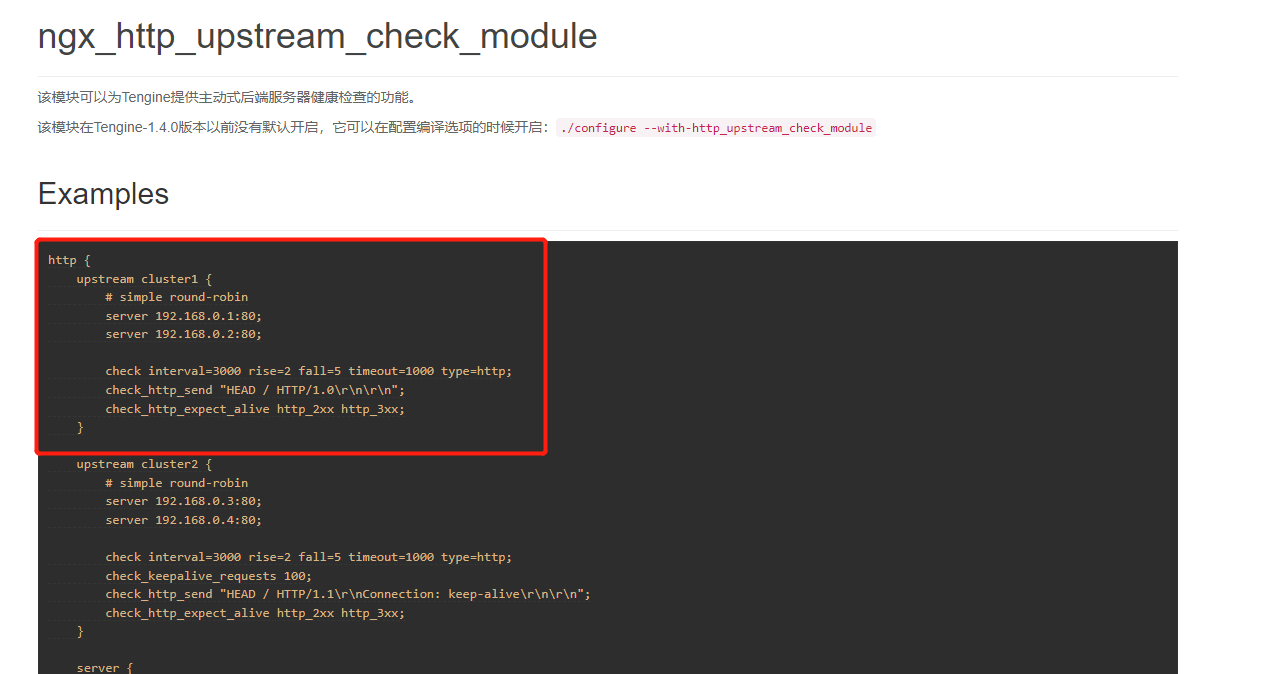
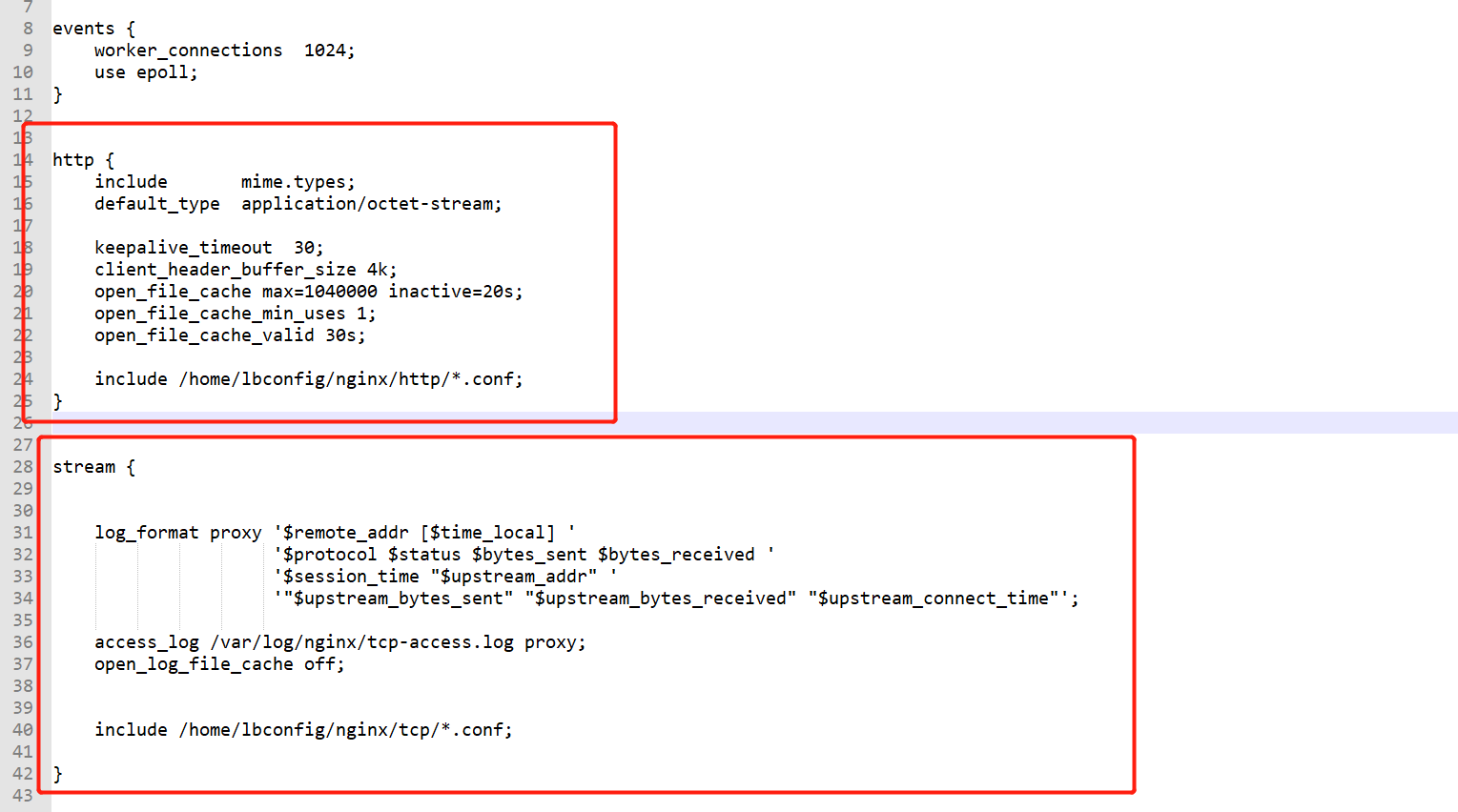
![image](https://user-images.githubusercontent.com/63085858/147631463-7bedf5f6-c1a3-45f9-9e8b-0a956401497b.png) 我们的负载协议有TCP和UDP, 需要加在stream模块,健康检查只能加在HTTP模块吗,check interval=3000 rise=2 fall=5 timeout=1000 type=http;加在steam模块就会报错 ![image](https://user-images.githubusercontent.com/63085858/147631505-08d0c393-c9e9-47b2-8c6f-91d667f42453.png)
A机器一个jraft服务(192.168.5.98:8086), B机器两个jraft服务(192.168.5.98:8084,192.168.5.98:8085) 1. 两台机器所有服务先关闭 2. 集群连接成功的启动顺序:首先启动A机器,然后再启动B机器。或者一起启动AB机器。 3. 启动失败的启动顺序:先启动B机器,B机器内部有两个jraft,集群没有连接成功,出现概率问题,需要等分别几秒,十几秒,二十秒,或者两分钟,就会自动连接成功。如果马上启动A机器,就会马上连接成功。 同时启动两台jraft服务代码, new 两个实例 ![image](https://user-images.githubusercontent.com/63085858/169296684-4279a651-39fc-4b27-9e41-a1b84c6c3819.png) **1、这个是启动B机器,同时启动两个jraft, 启动报错,集群没有连接成功** Hibernate: SELECT PARTITION_NAME 'name',PARTITION_DESCRIPTION 'describe' FROM information_schema.PARTITIONS WHERE table_schema=schema() AND table_name=? AND PARTITION_NAME 'pmax' ORDER BY...

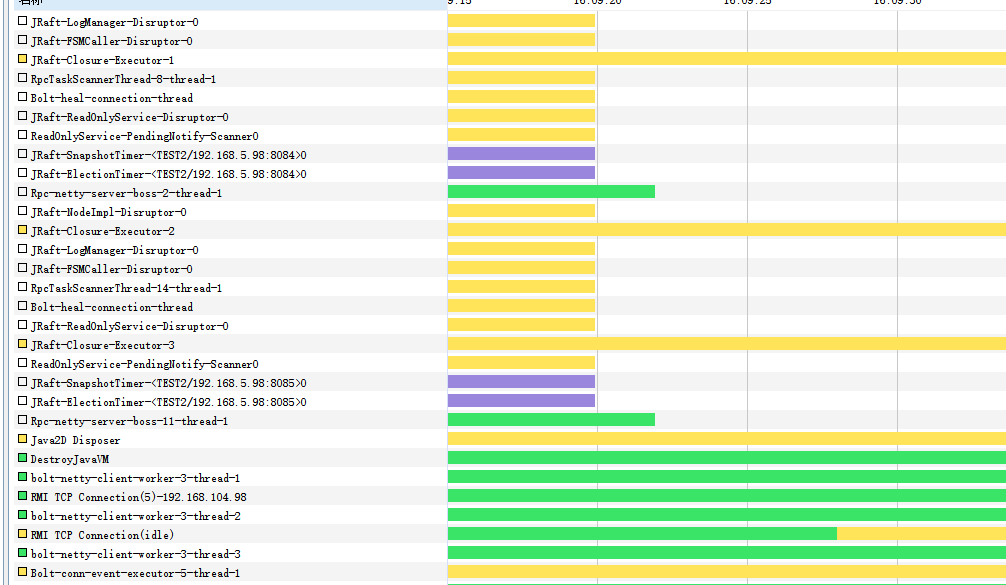
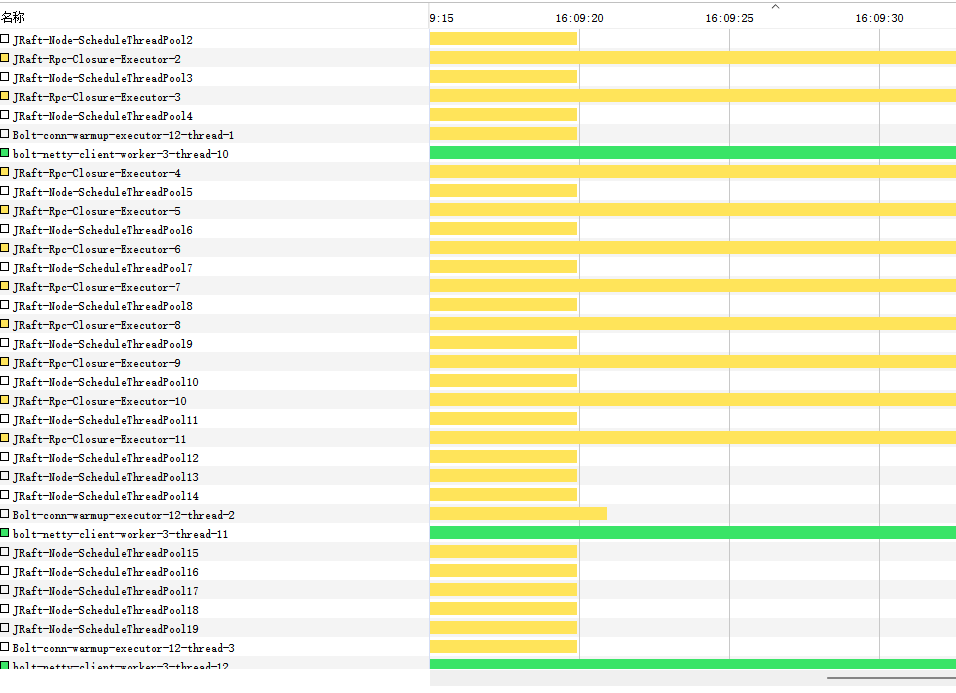
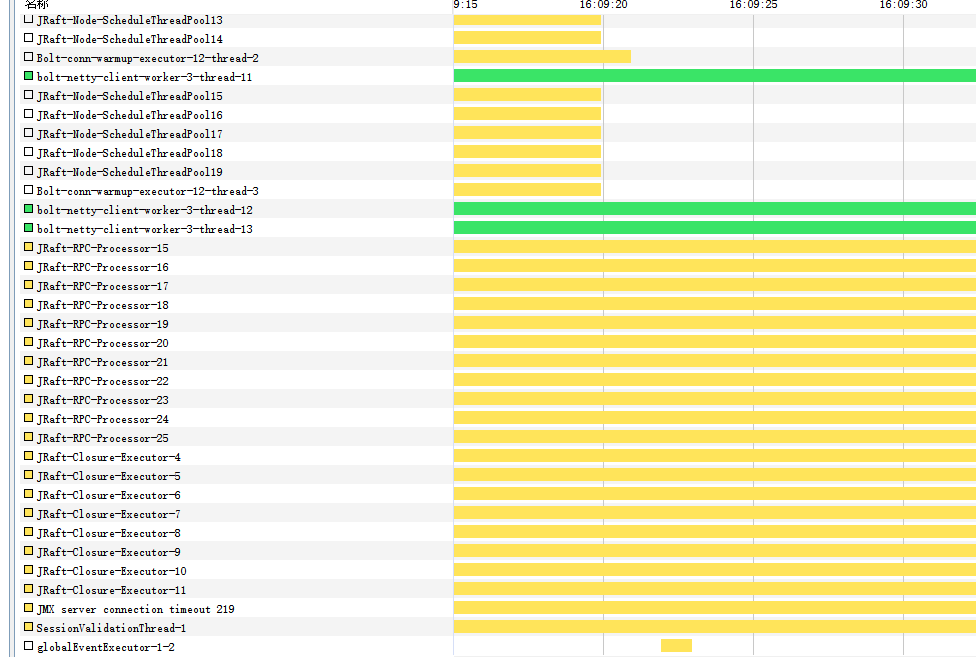
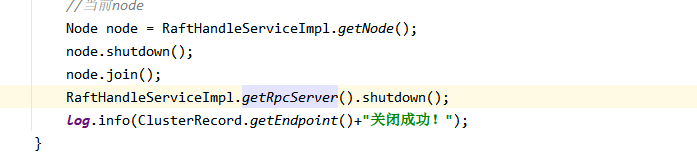
调用这两个方法,能够关闭jraft ![image](https://user-images.githubusercontent.com/63085858/170660000-d0356001-ca16-404f-81d6-0df923df4a8c.png) 但是,线程还有很多占用 ![image](https://user-images.githubusercontent.com/63085858/170660115-217745e4-2dd3-4edc-8b36-a88ee9a8bb3d.png) ![image](https://user-images.githubusercontent.com/63085858/170660145-ae2ed360-aaf1-4262-9888-3d1881bc93f0.png) ![image](https://user-images.githubusercontent.com/63085858/170660154-9986ce0a-82c9-4b76-a6cb-77cd2df82075.png) ![image](https://user-images.githubusercontent.com/63085858/170660172-ee60686a-4662-4237-90e5-eb4af2cae270.png)
无论是windows还是linux都是在用户的更目录,如何修改到指定目录呢? 除了这个方法:System.setProperty("logging.path", "your_path"); ![1f2e6b309629b7d123b1758a781110b](https://user-images.githubusercontent.com/63085858/186047900-a7d9051f-c39c-40cd-9f5d-0858932d4f6d.png) ![1661217961878](https://user-images.githubusercontent.com/63085858/186047953-11d47c68-6c62-4e29-a056-9d9cace50ca8.png)