AI0TSec

Results 3 comments of AI0TSec

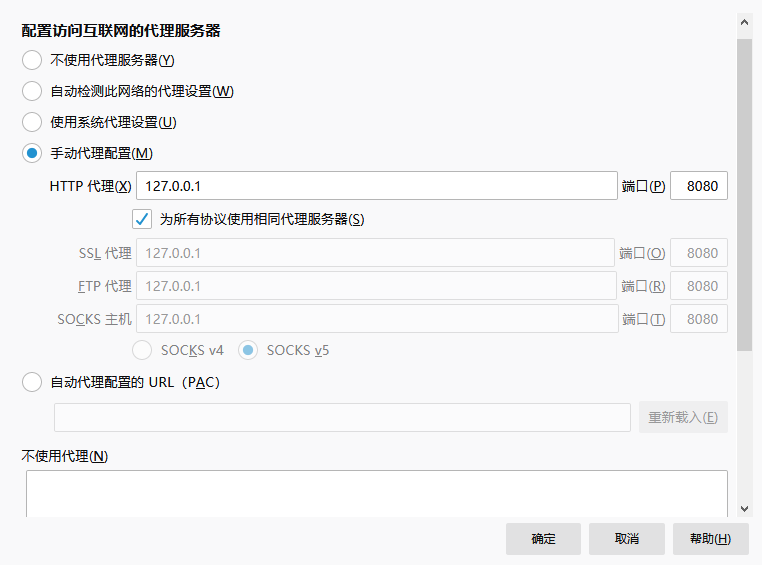
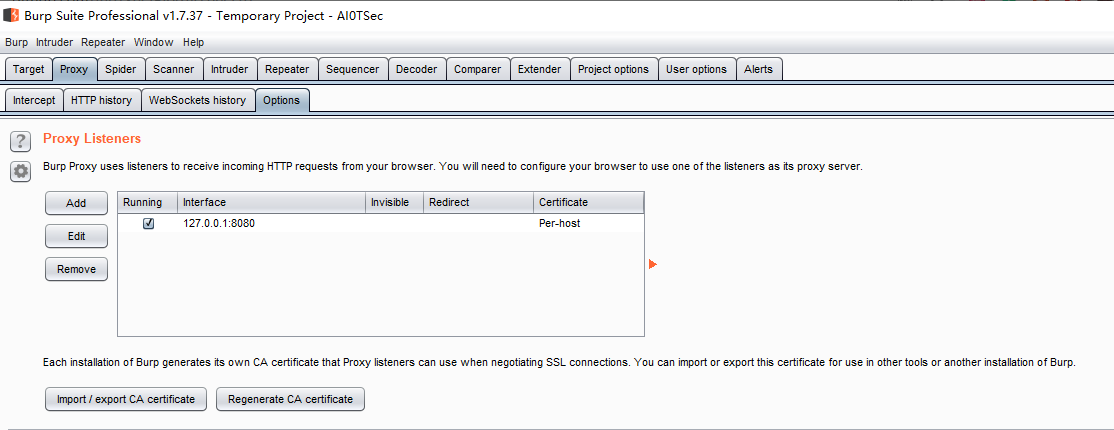
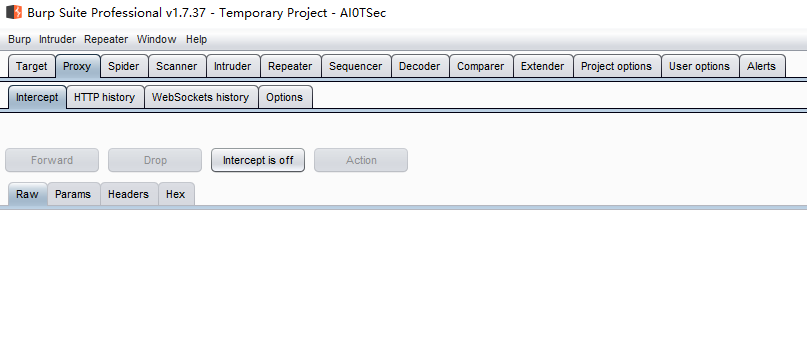
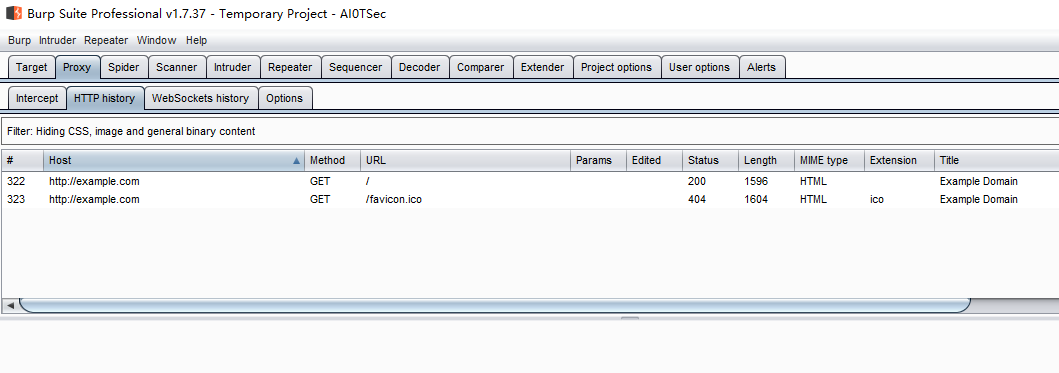
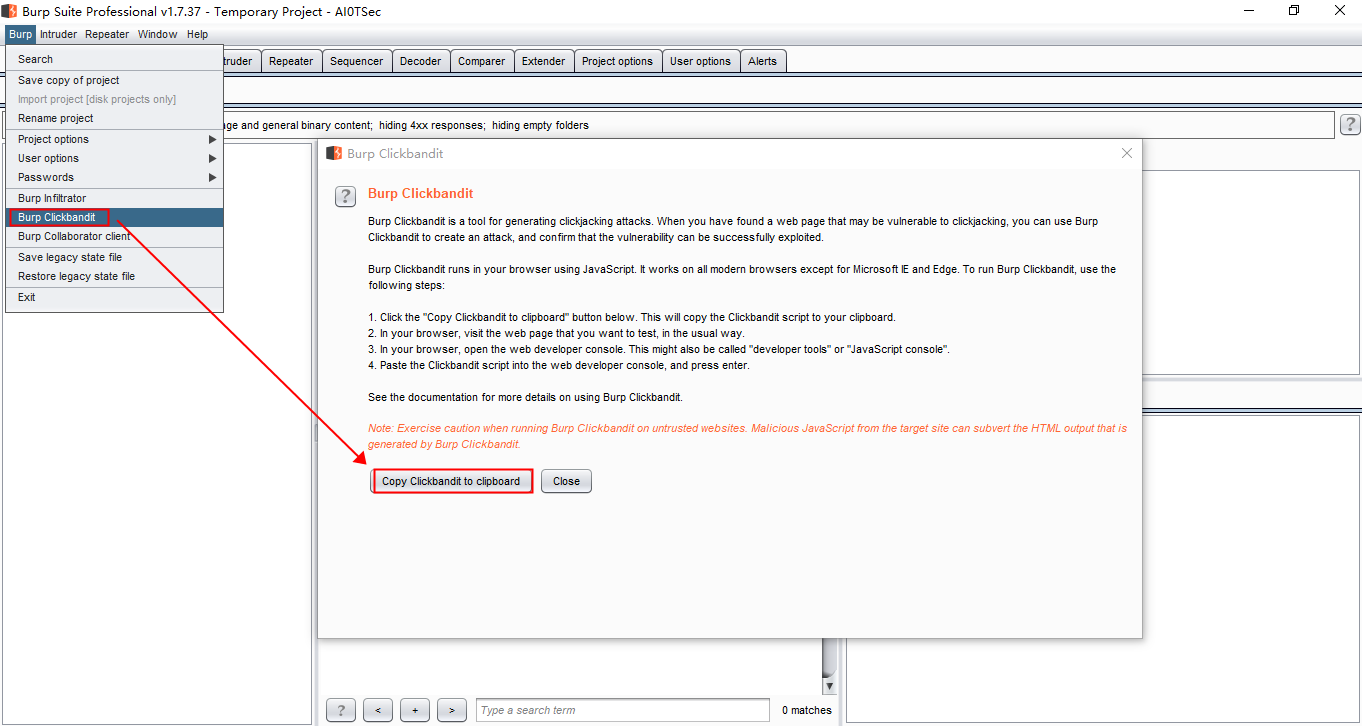
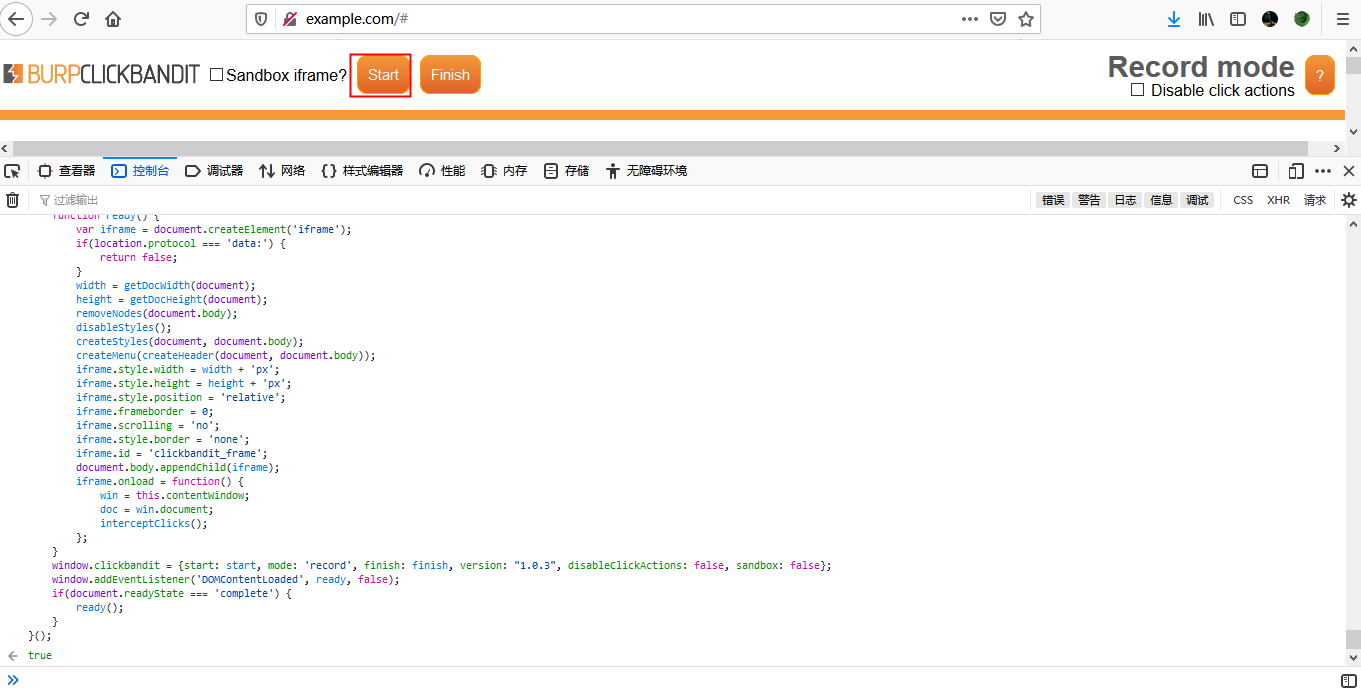
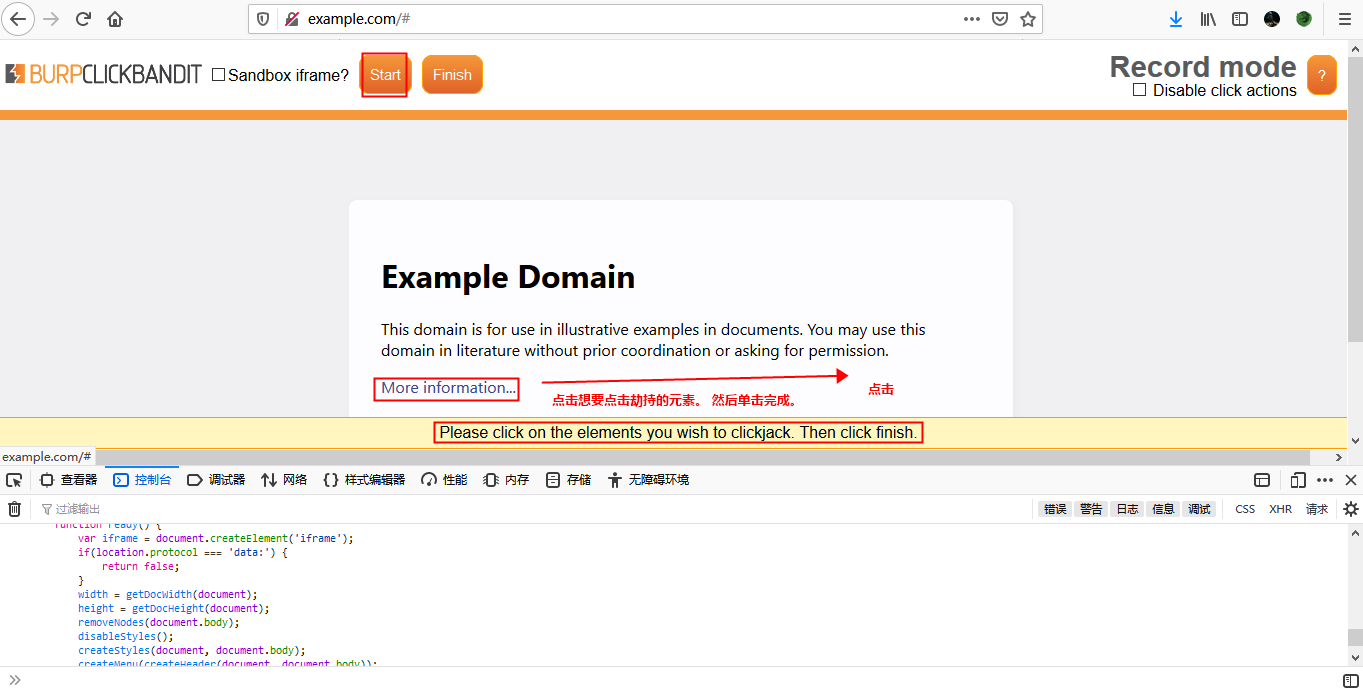
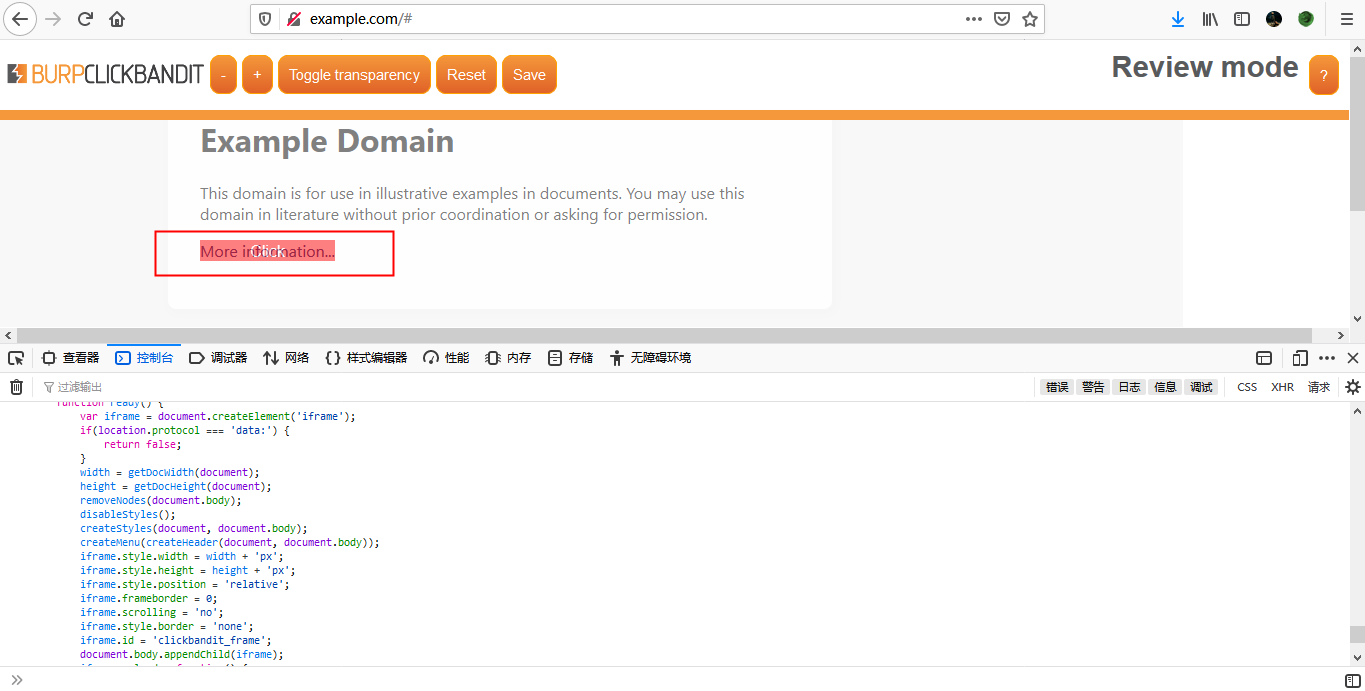
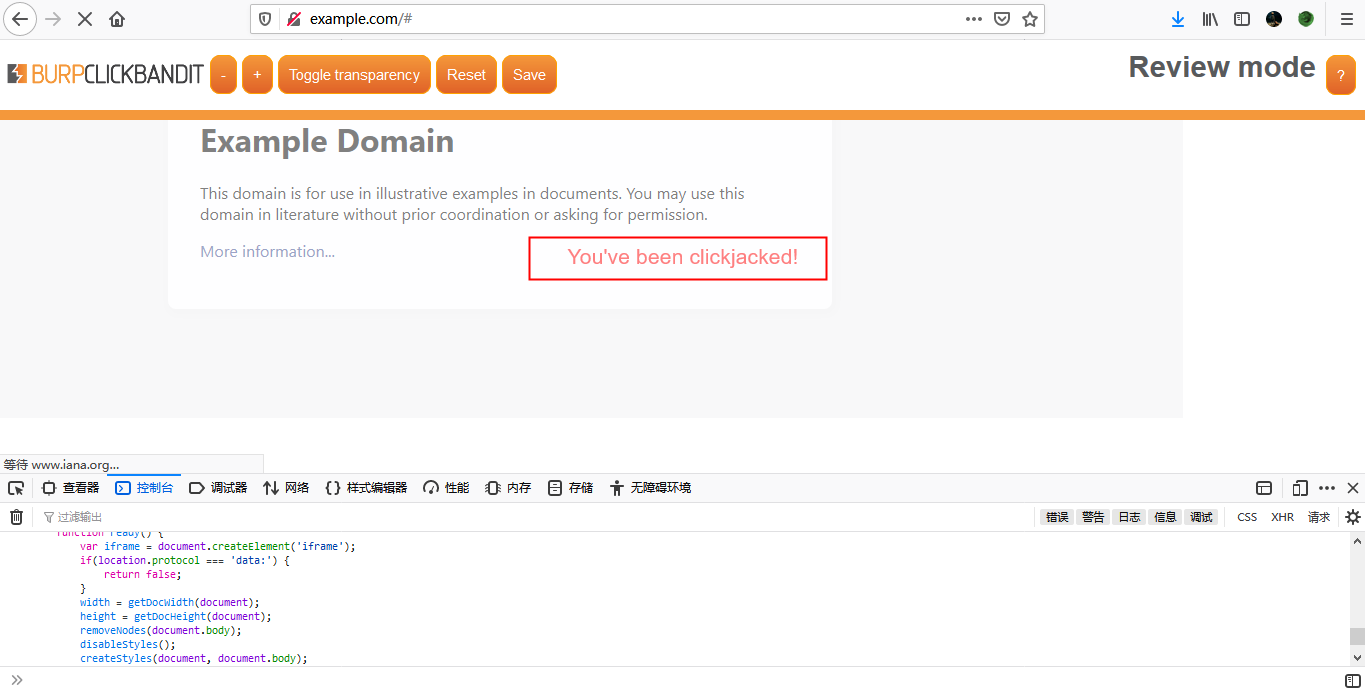
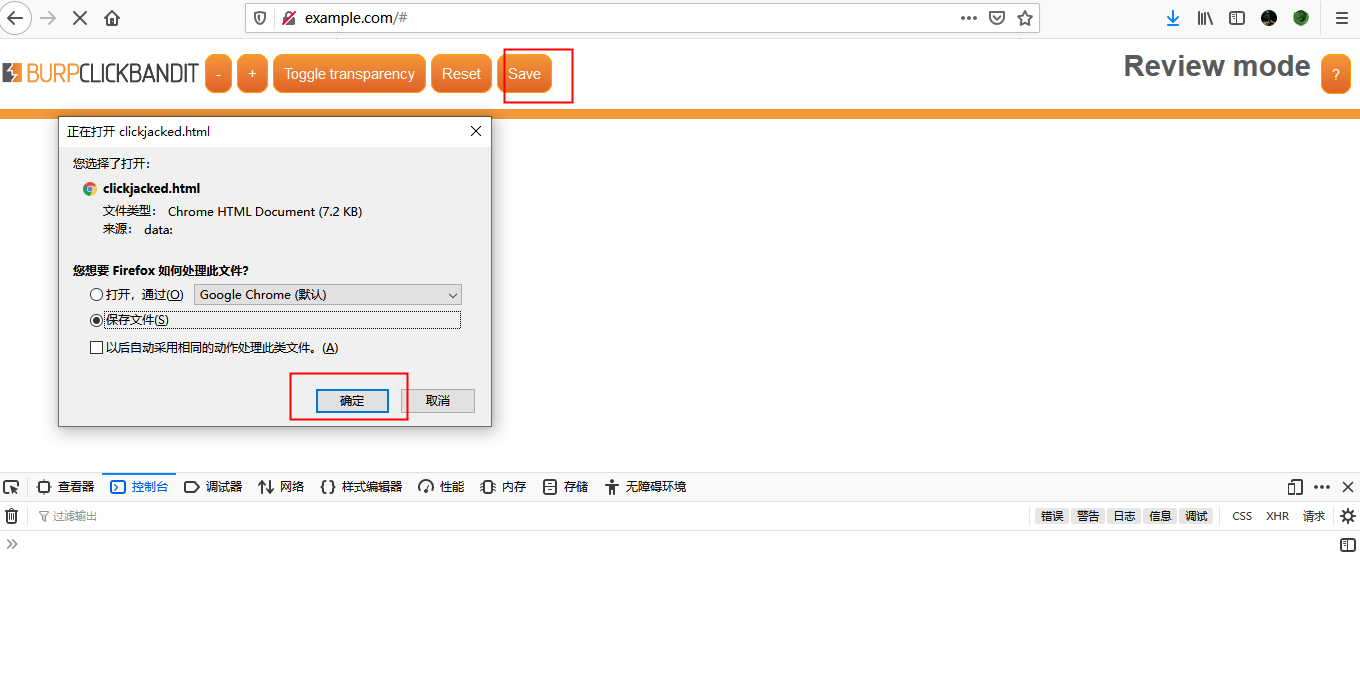
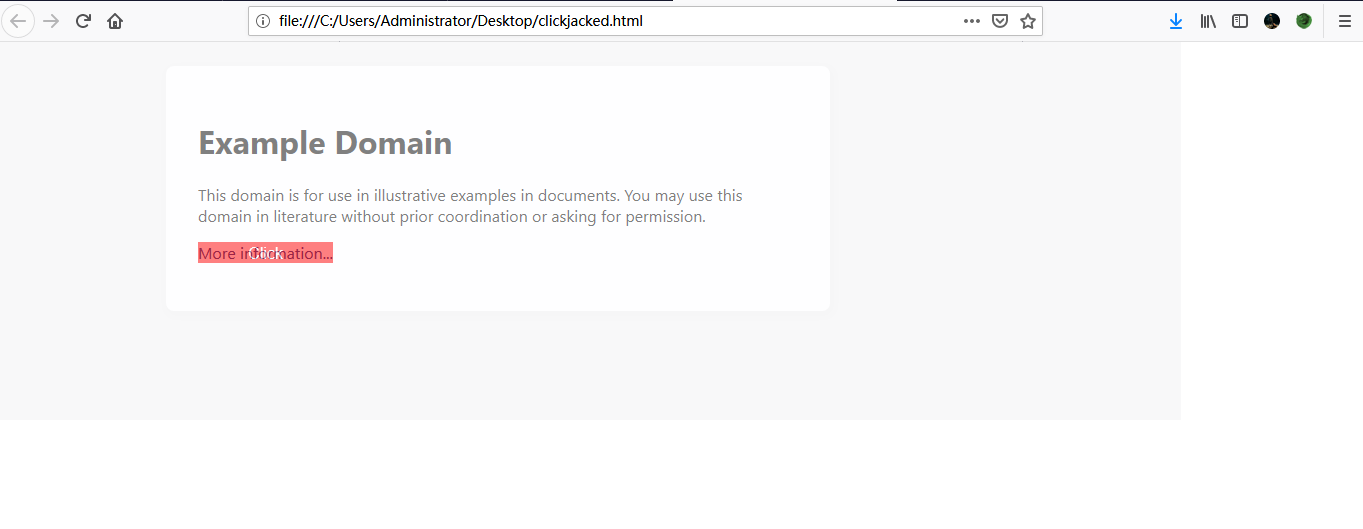
## 漏洞验证 浏览器设置代理 ![image](https://user-images.githubusercontent.com/48520137/70596687-71627d80-1c21-11ea-9426-d8efebea3a01.png) ![image](https://user-images.githubusercontent.com/48520137/70596705-82ab8a00-1c21-11ea-96bb-0e4a0575540e.png) ![image](https://user-images.githubusercontent.com/48520137/70596851-d4541480-1c21-11ea-86b6-edf1dbdebeb6.png) ![image](https://user-images.githubusercontent.com/48520137/70596865-de761300-1c21-11ea-9602-94aecbcc1a99.png) 使用`Burp Clickbandit`功能 ![image](https://user-images.githubusercontent.com/48520137/70513639-fb9cda00-1b6c-11ea-8e0a-b17cb34c9ac4.png) 复制点击劫持脚本至浏览器控制台,回车,点击`Start` ![image](https://user-images.githubusercontent.com/48520137/70597082-5a705b00-1c22-11ea-85c6-f5e3ddd38d95.png) 点击想要劫持的元素,单击`Finish` ![image](https://user-images.githubusercontent.com/48520137/70597292-f601cb80-1c22-11ea-9c52-61609ee1f00e.png) 出现`Click`嵌套,点击`Click` ![image](https://user-images.githubusercontent.com/48520137/70597449-57299f00-1c23-11ea-8b39-4e455eeb6378.png) 显示劫持成功 ![image](https://user-images.githubusercontent.com/48520137/70597536-948e2c80-1c23-11ea-8996-60f30c67d49d.png) 点击`Save`对劫持的页面进行保存 ![image](https://user-images.githubusercontent.com/48520137/70597601-b25b9180-1c23-11ea-96c6-8c1582f487e1.png) 打开已保存的劫持页面 ![image](https://user-images.githubusercontent.com/48520137/70597966-ad4b1200-1c24-11ea-8a1f-715163a01609.png)

# 上传WAR包GetShell ![image](https://user-images.githubusercontent.com/48520137/70128926-c0a42d80-16b8-11ea-821a-28cafa1152d9.png) ## WAR包制作 在`*.\Java\jdk1.8.0_102\bin`目录下执行命令:`jar -cvf [war包名称].war [木马名称].jsp`,生成war包 ![image](https://user-images.githubusercontent.com/48520137/70130488-999b2b00-16bb-11ea-90ec-3c9c02fe6aa3.png) ## WAR包上传 点击上传,上传成功后显示路径:`/shell` ![image](https://user-images.githubusercontent.com/48520137/70129783-5a200f00-16ba-11ea-8f3b-4a558b34ca59.png) ## 直接访问木马文件 ![image](https://user-images.githubusercontent.com/48520137/70130241-25f91e00-16bb-11ea-82a3-914e70c23037.png) ![image](https://user-images.githubusercontent.com/48520137/70130318-4923cd80-16bb-11ea-8e7a-eaed220bf460.png)

String concatenation You can concatenate together multiple strings to make a single string. Oracle 'foo'||'bar' Microsoft 'foo'+'bar' PostgreSQL 'foo'||'bar' MySQL 'foo' 'bar' [Note the space between the two strings] CONCAT('foo','bar')...