
Name
Name
@arrayoutofbounds Hello!Do you have a solution for this problem?Is it saved?I'm having the same problem now.Thank you very much!
@NewByVector
@babachao 请问可以找到是哪里的问题吗?可以解决吗? https://codesandbox.io/s/unruffled-chebyshev-bkwcsf?file=/index.html
@babachao 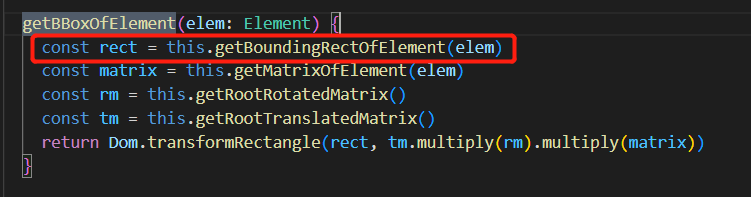 应该是这里获取节点宽高的函数获取方法不适合display:none时,父元素为display:none时, ` console.log($("#div1").width()) console.log($("#div1").height()) ` 这种可以获取到子元素的宽高,其他很多方式获取的结果是0,js原生的通过getElementById等,或者在这里通过elem.childNodes[0].width.animVal.value也可以获取到宽,可以解决这个问题,其实根源我应该继续跟踪到elem.getBBox()中去看的,但是由于我pull下来的代码没法运行,使用rollup打包总是报错,所以我只能在跟踪到这里,elem.getBBox()中或者可能根源更深,希望你们可以从根源处解决 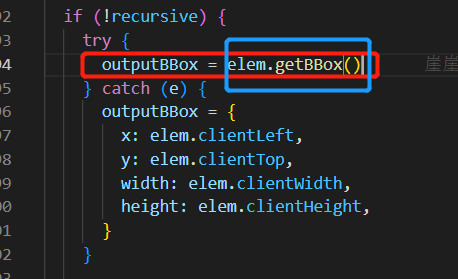 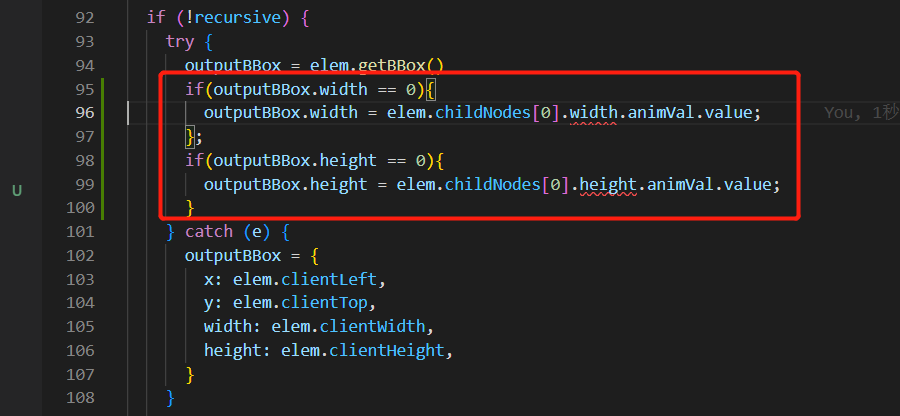 这里打个补丁可以暂时解决这个问题,我没找到更好的方法去解决了,因为无法跟踪elem.getBBox()
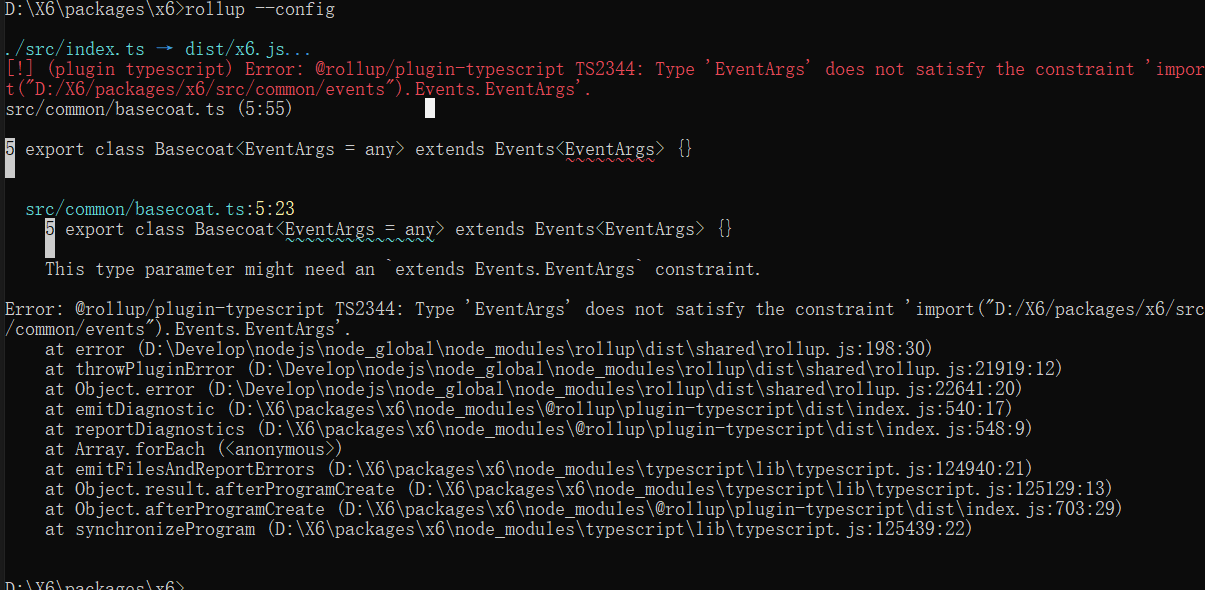
> 阔以搞个demo么 https://codesandbox.io/s/unruffled-chebyshev-bkwcsf?file=/index.html @babachao 这个demo本身是显示错误的,将display:none注释掉,显示正常的情况; 期望是当display:none存在时,依旧可以显示正常 (刚进去可能不显示,点击一下刷新, 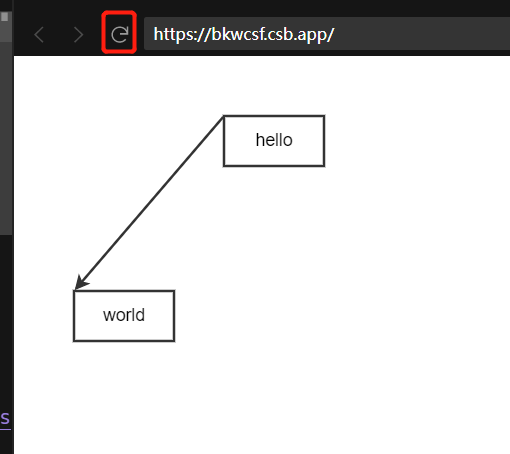 )
@NewByVector
hello!请问是否有好的解决方法呢?麻烦告知一下,谢谢! @babachao @NewByVector
> 请问你是怎么加的呢,为什么我使用visibility属性还是有这个问题 @zhenghan2017