
Jaymie Jeffrey




Jaymie Jeffrey
I agree with the original poster, your extend doesn't seem to be working correctly. I have switched the positions of the config and the default object and it does work...
No, that is wrong. It should be ``` initOptions = function () { options = angular.extend({ enabled: scope.enabled !== 'false', accessibility: scope.accessibility !== 'false', adaptiveHeight: scope.adaptiveHeight === 'true', autoplay: scope.autoplay...
If you set the `autostart="false"` how do you start once you have set the device? All I get is this warning: Feature 'autostart' disabled. Permissions and devices recovery has to...
I can also confirm that this is not working. I have gone through all the other issues raised and tried all the solutions presented and they haven't worked. I am...
So, after a lot of messing around and my above code, I changed it to this: ``` private mediaTracks: MediaStreamTrack[] = []; private constraints: MediaStreamConstraints = { audio: false, video:...
For my phone it picks up 4 devices, but 3 of them are the back camera. None of them work for me. I have also tried this on multiple sites...
Not sure if you can if you don't have an s20/simulator (not that a simulator would help). I have found this on stack: https://stackoverflow.com/questions/59636464/how-to-select-proper-backfacing-camera-in-javascript and it has pointed me to...
Actually, there is something I could do with knowing. When I set `[autostart]="false"` and manually assign a device, how do I then get it to start?
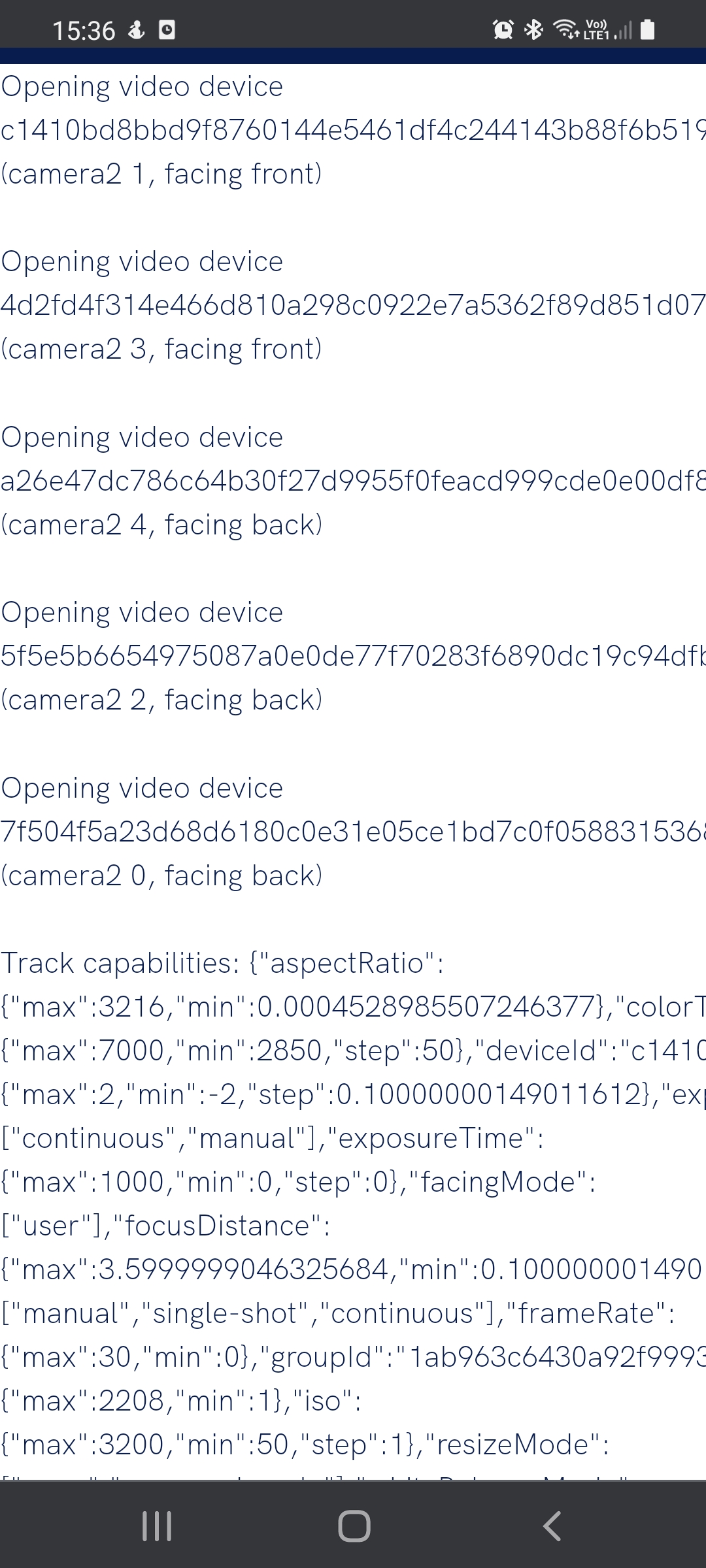 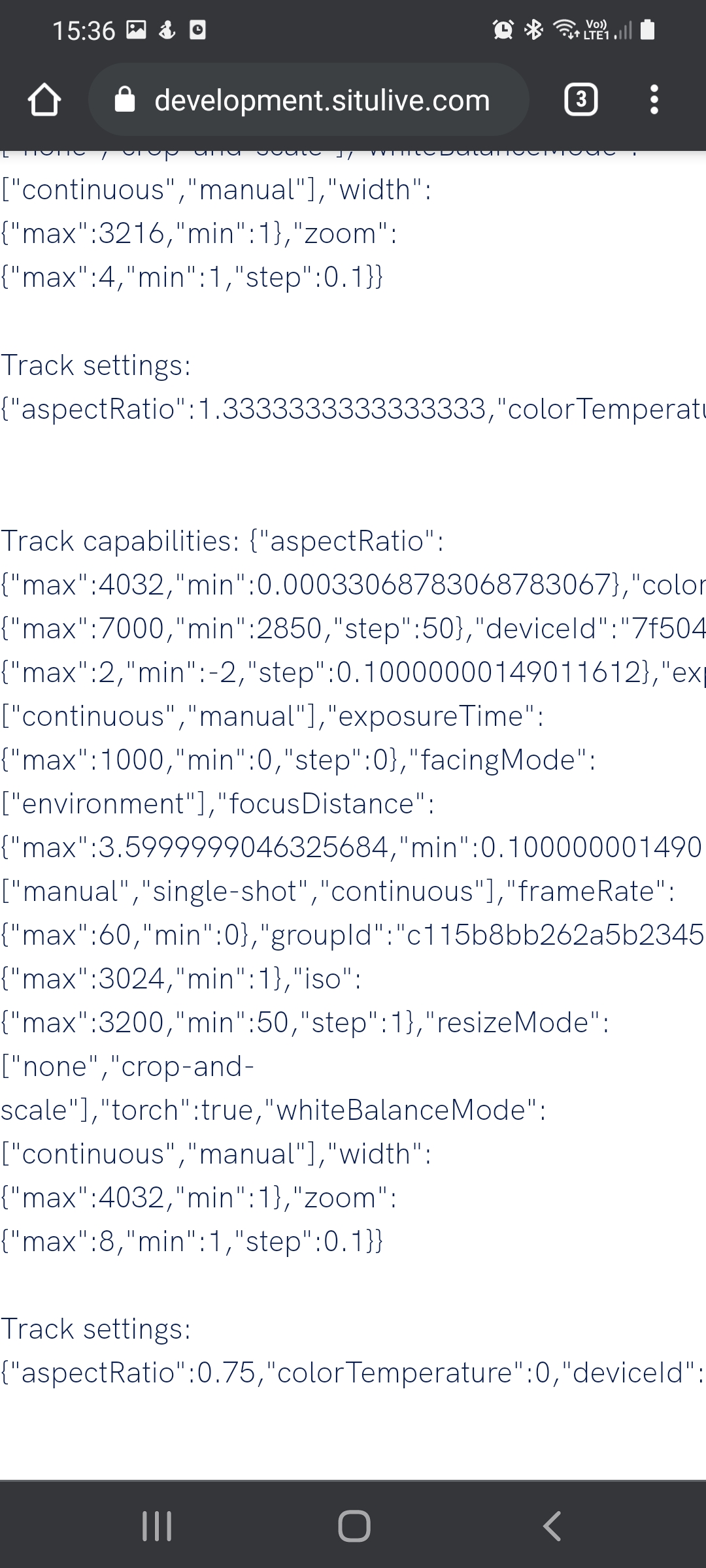
My reverse engineering yielded the same results, but I found an scandit example that works, so they have figured it out somehow. https://websdk-label-demo.scandit.com/