

 zylon-ai
this chroma database may have limits at 300,000 chunks, it cause database crush.
name: Bug report about: Chroma Database title: '' labels: bug assignees: ''
I tried several times for ingest the data to chroma, if the total chunks are higher than 300,000 chunks, it shows the programme been killed. and you can not to ingest after. you need to delete all the database and restart again until 300,000 chunks, and killed repeatly.
I may think this is because of limits of this chroma database design.
Environment (please complete the following information):
- OS / hardware: [ubuntu / Alienware 18]
- Python version [3.10.11]


No, just ingested a file with 760k chunks
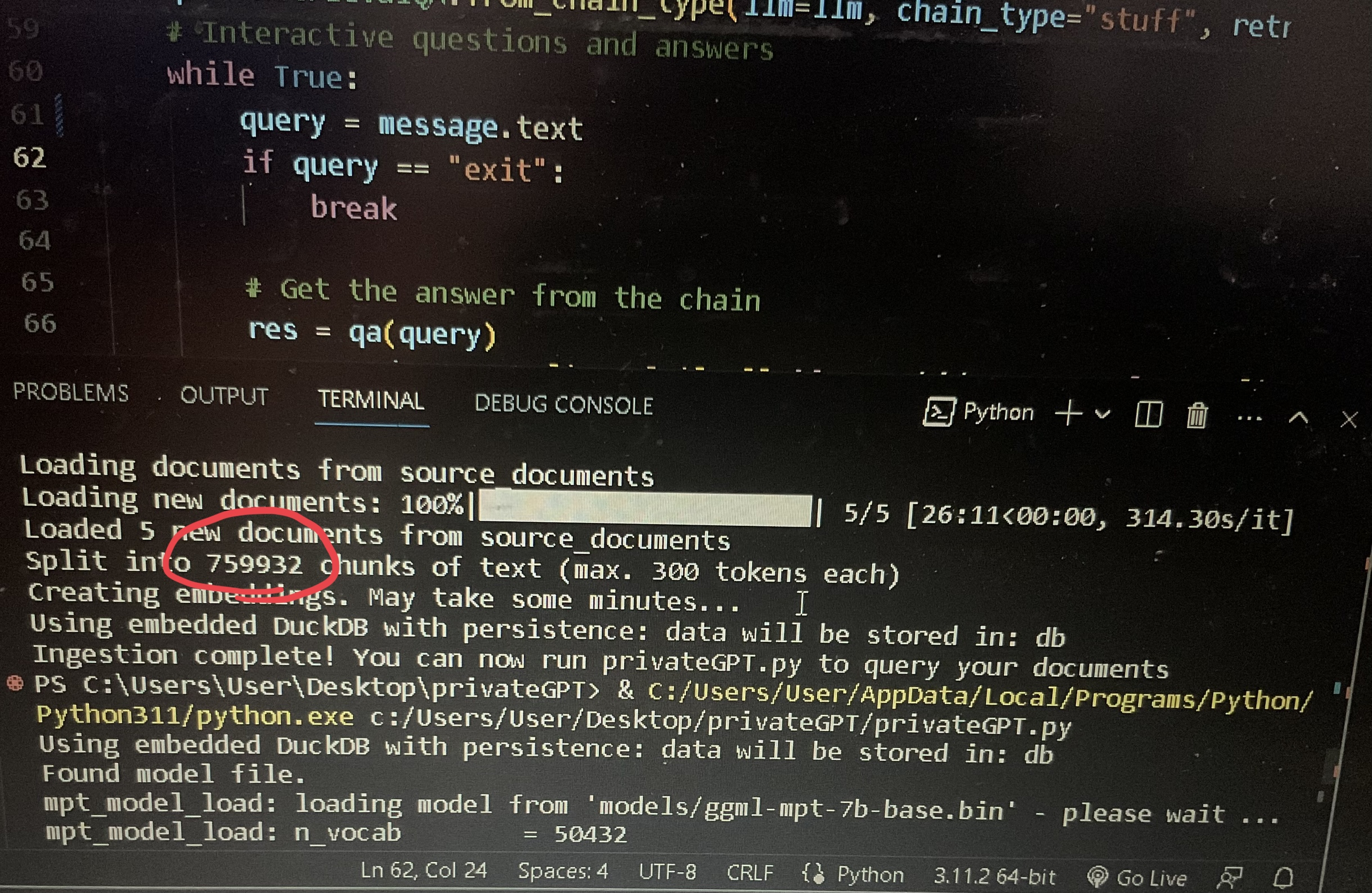
Is it about the memory usage? I don't know why I cant pass 300,000 chunks.
Is it about the memory usage? I don't know why I cant pass 300,000 chunks.
I had a similar problem. Dropped 3000 pdf documents in the source_documents folder and it failed to complete ingest.py.
Try training on smaller document batches. I wrote a bash for loop to copy and process about 30 pdf into source_documents; ingest.py; rm -f *.pdf per iteration. And it worked fine..

Is it about the memory usage? I don't know why I cant pass 300,000 chunks.
I had a similar problem. Dropped 3000 pdf documents in the source_documents folder and it failed to complete ingest.py.
Try training on smaller document batches. I wrote a bash for loop to copy and process about 30 pdf into source_documents; ingest.py; rm -f *.pdf per iteration. And it worked fine..
Can you please share the bash script ??

My pdf names were mostly numerical characters, e.g. abc12278.pdf and so on. Main idea is to subset them in to batches in this case 100 of them. Nested for loops do the batching. Change the logic and paths according to your situation. @riturajm
for a in `seq 0 1 9`
for b in `seq 0 1 9`
do
do
rm -f ./source_documents/*.pdf
cp *$a$b.pdf ./source_documents/
python ingest.py
done
done

No, just ingested a file with 760k chunks
Is it about the memory usage? I don't know why I cant pass 300,000 chunks.
what is the chunk size with respect to the character count in the text
