
deepin-wine
 deepin-wine copied to clipboard
 zq1997
【deepin源移植】Debian/Ubuntu上的QQ/微信快速安装方式

与issue https://github.com/zq1997/deepin-wine/issues/222 类似 执行 wget -O- https://deepin-wine.i-m.dev/setup.sh | sh 的时候,发生如下报错:  sudo apt install ca-certificates --reinstall 之后也没用 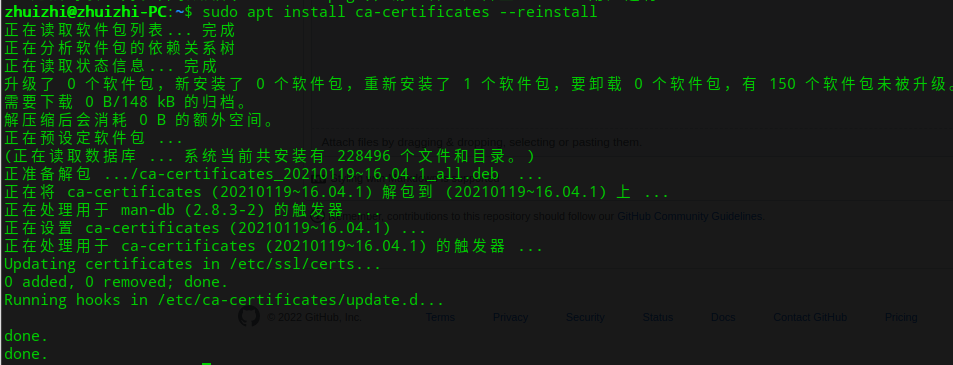 仓库地址是正确的  本地浏览器可以打开 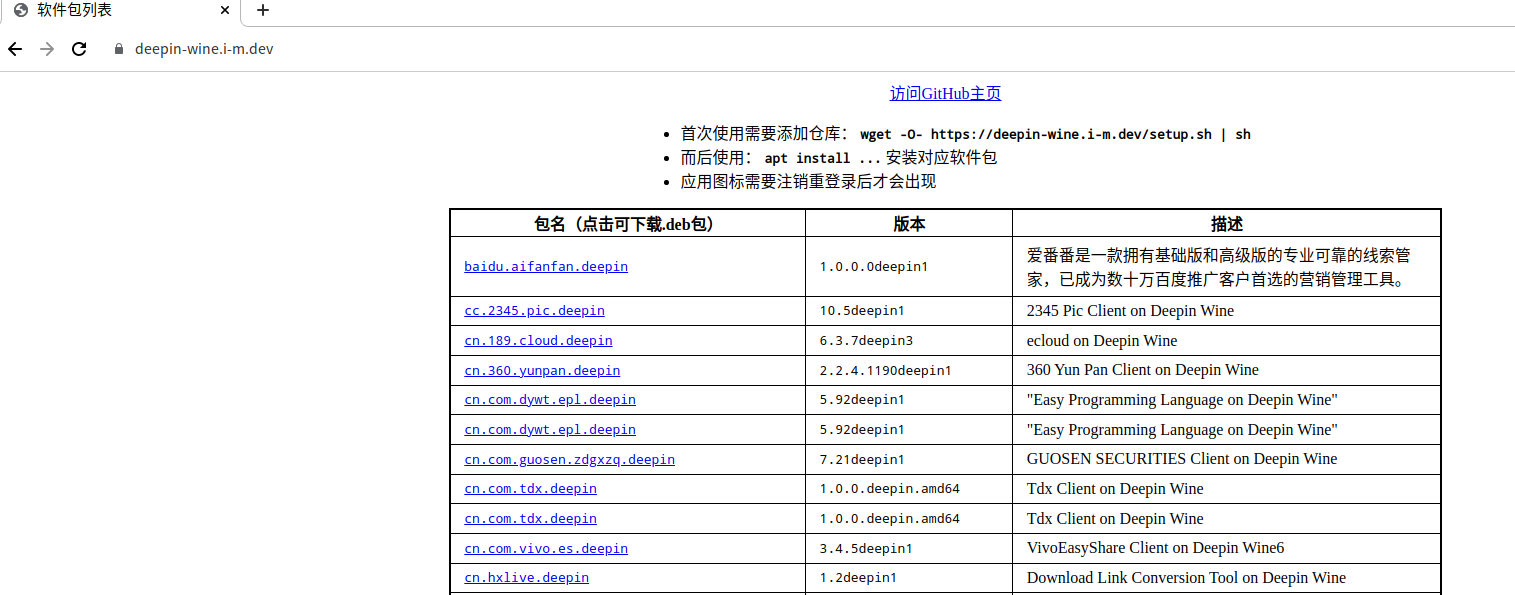

我的系统是linuxmint 20.3 cinnamon edge版本的系统,安装完企业微信以后托盘小图标显示不出来,但是可以点击,就很无语,百度了很就也没找到办法。我是一个屏幕,不是两个屏幕,求解~

**1)环境-- Ubuntu mate 21.10 系统** MATE No LSB modules are available. Distributor ID: Ubuntu Description: Ubuntu 21.10 Release: 21.10 Codename: impish /etc/apt/sources.list.d/google-chrome.list:3:deb [arch=amd64] https://dl.google.com/linux/chrome/deb/ stable main /etc/apt/sources.list.d/google-earth-pro.list:3:deb [arch=amd64] http://dl.google.com/linux/earth/deb/ stable...

命中:1 http://mirrors.ustc.edu.cn/ubuntu focal InRelease 命中:2 http://mirrors.ustc.edu.cn/ubuntu focal-updates InRelease 忽略:3 http://mirrors.tuna.tsinghua.edu.cn/ros/ubuntu focal InRelease 命中:4 http://mirrors.ustc.edu.cn/ubuntu focal-backports InRelease 命中:5 http://mirrors.ustc.edu.cn/ubuntu focal-security InRelease 命中:6 http://mirrors.tuna.tsinghua.edu.cn/ros/ubuntu focal Release 命中:7 https://dl.google.com/linux/chrome/deb stable InRelease 命中:9 http://packages.microsoft.com/repos/code...

安装企业微信时得到的错误信息如下: The following packages have unmet dependencies: com.qq.weixin.work.deepin:i386 : Depends: deepin-wine6-stable:amd64 (>= 6.0.0.19-1) E: Unable to correct problems, you have held broken packages. 当前的安装包是否不支持AMD处理器?

# 现象 执行 wget -O- https://deepin-wine.i-m.dev/setup.sh | sh 的时候,发生如下报错: ``` Hit:1 http://mirrors.aliyun.com/ubuntu bionic InRelease Hit:2 http://packages.microsoft.com/repos/code stable InRelease Ign:3 https://deepin-wine.i-m.dev InRelease Ign:4 https://deepin-wine.i-m.dev Release Ign:5 https://deepin-wine.i-m.dev Packages Ign:6 https://deepin-wine.i-m.dev Translation-en...


修改 dpi 为 192: ```shell env WINEPREFIX="$HOME/.deepinwine/Deepin-WeChat" /opt/deepin-wine6-stable/bin/wine winecfg ``` 然后运行微信,会重新生成微信容器,导致上面修改的 dpi 失效。 但不止 dpi 失效,是所有注册表文件都重置了。 ```shell /opt/apps/com.qq.weixin.deepin/files/run.sh ``` 下面的命令才能正常使用自定义过的容器: ```shell env WINEPREFIX="$HOME/.deepinwine/Deepin-WeChat" /opt/deepin-wine6-stable/bin/wine $HOME/.deepinwine/Deepin-WeChat/drive_c/Program\ Files/Tencent/WeChat/WeChat.exe ``` 没有仔细看`run.sh`和`run_v4.sh`里的代码,但我觉得可能有些问题。

