
ZnDraw
 ZnDraw copied to clipboard
 zincware
Display and Edit Molecules





ZnDraw
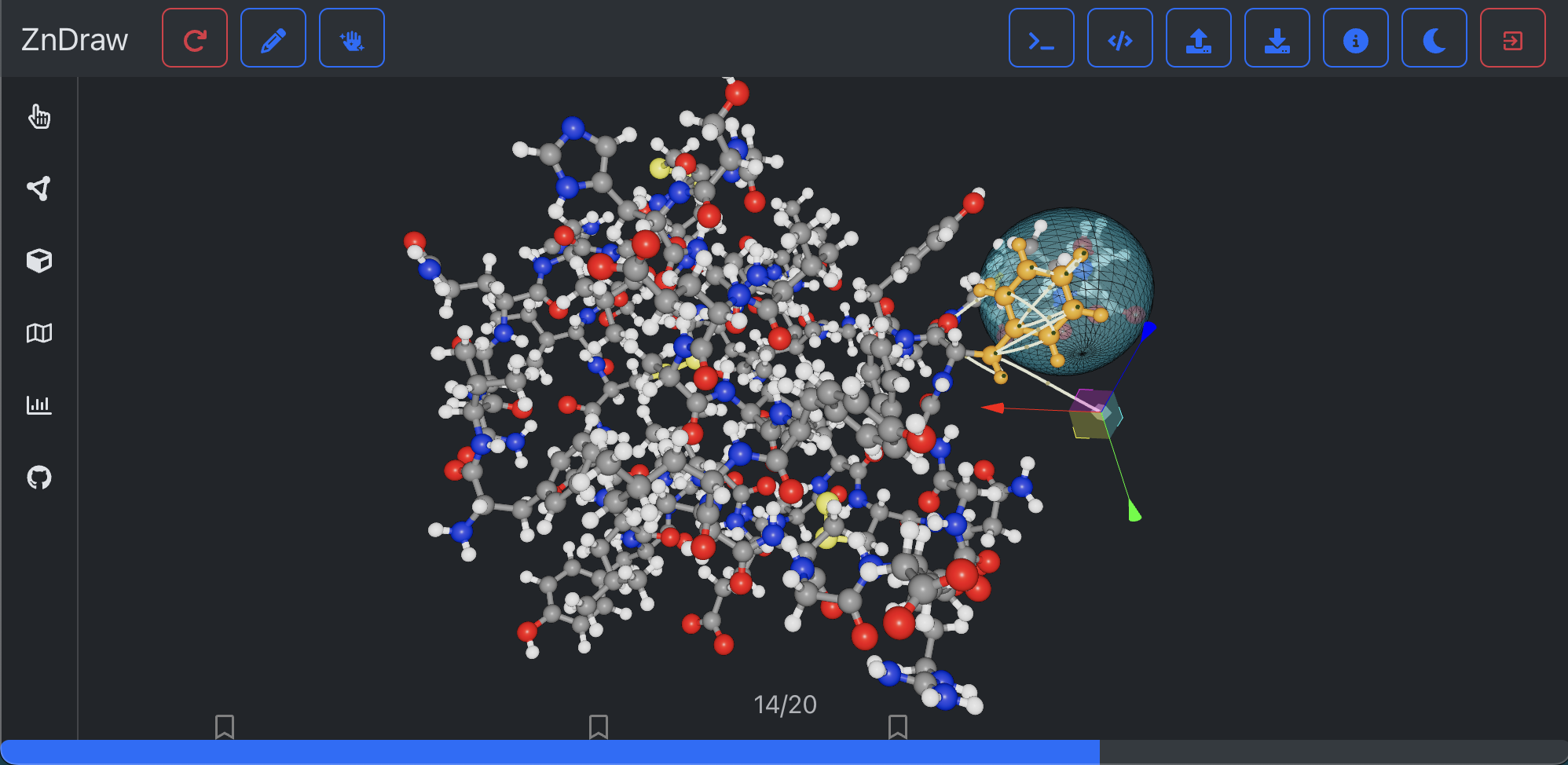
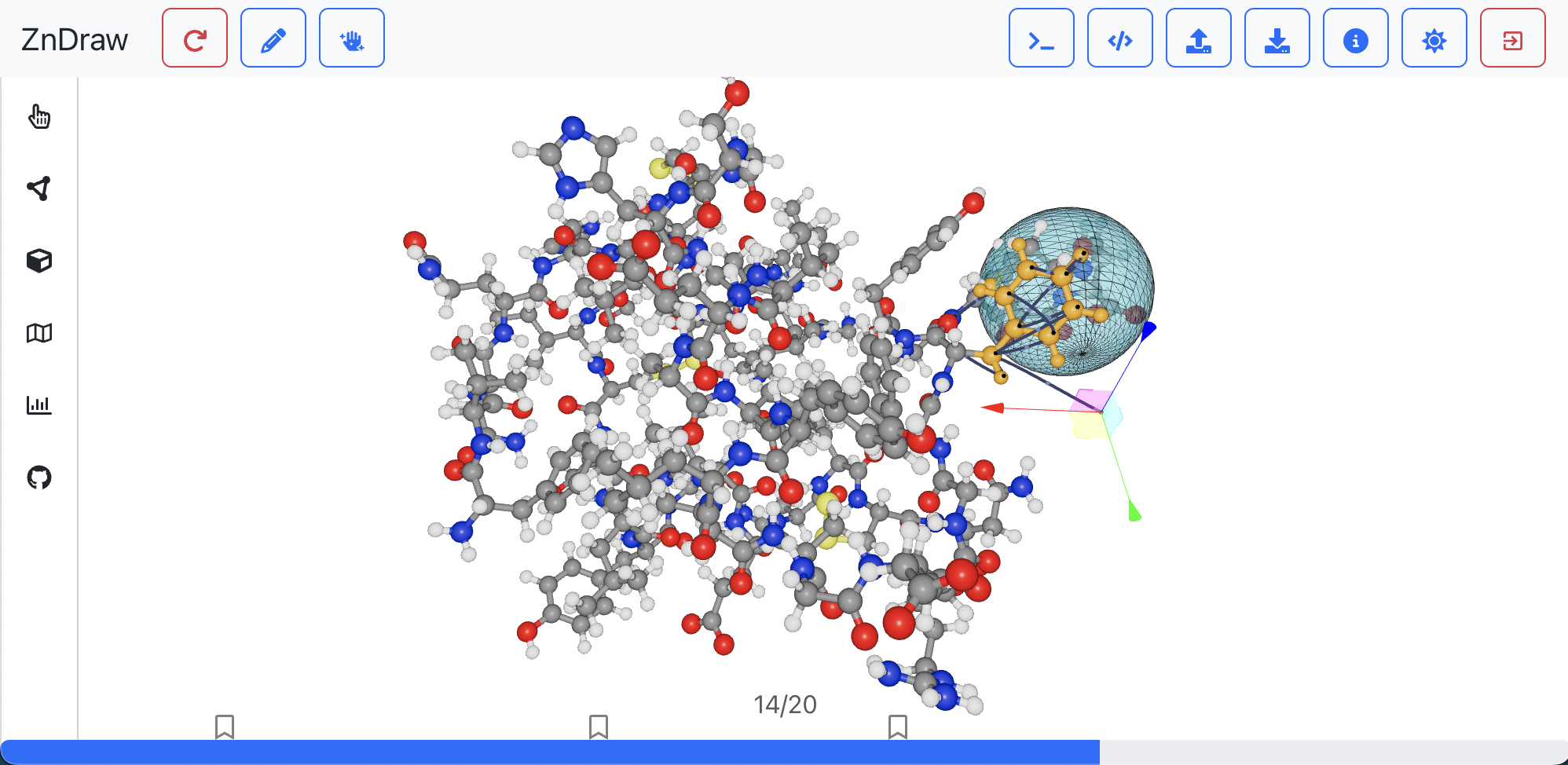
Welcome to ZnDraw, a powerful tool for visualizing and interacting with your trajectories.
Installation
It is recommended to install ZnDraw from PyPi via:
pip install zndraw
Quick Start
Visualize your trajectories with a single command:
zndraw <file>
[!NOTE] ZnDraw's webapp-based approach allows you to use port forwarding to work with trajectories on remote systems.
Multi-User and Multi-Client Support
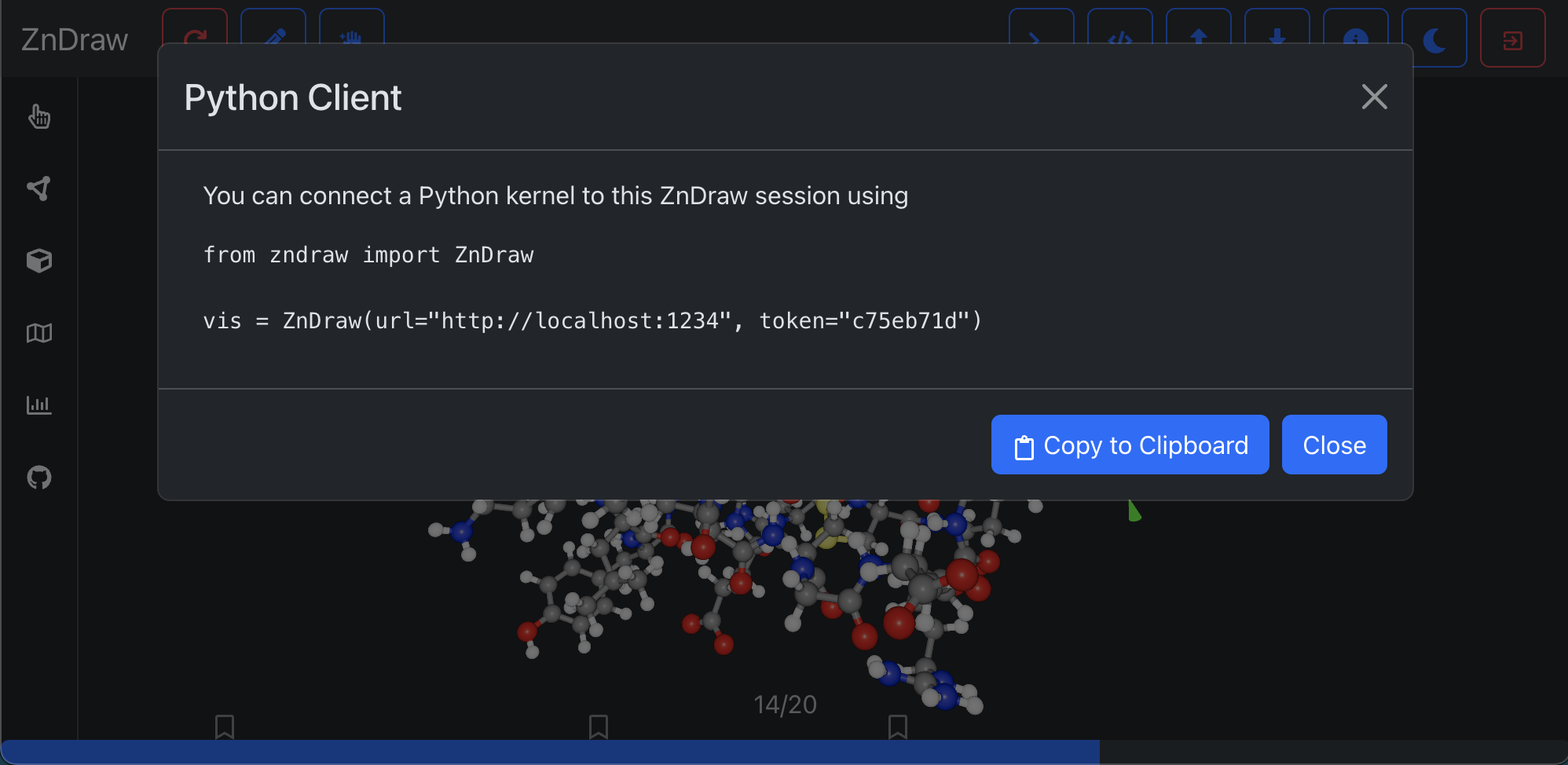
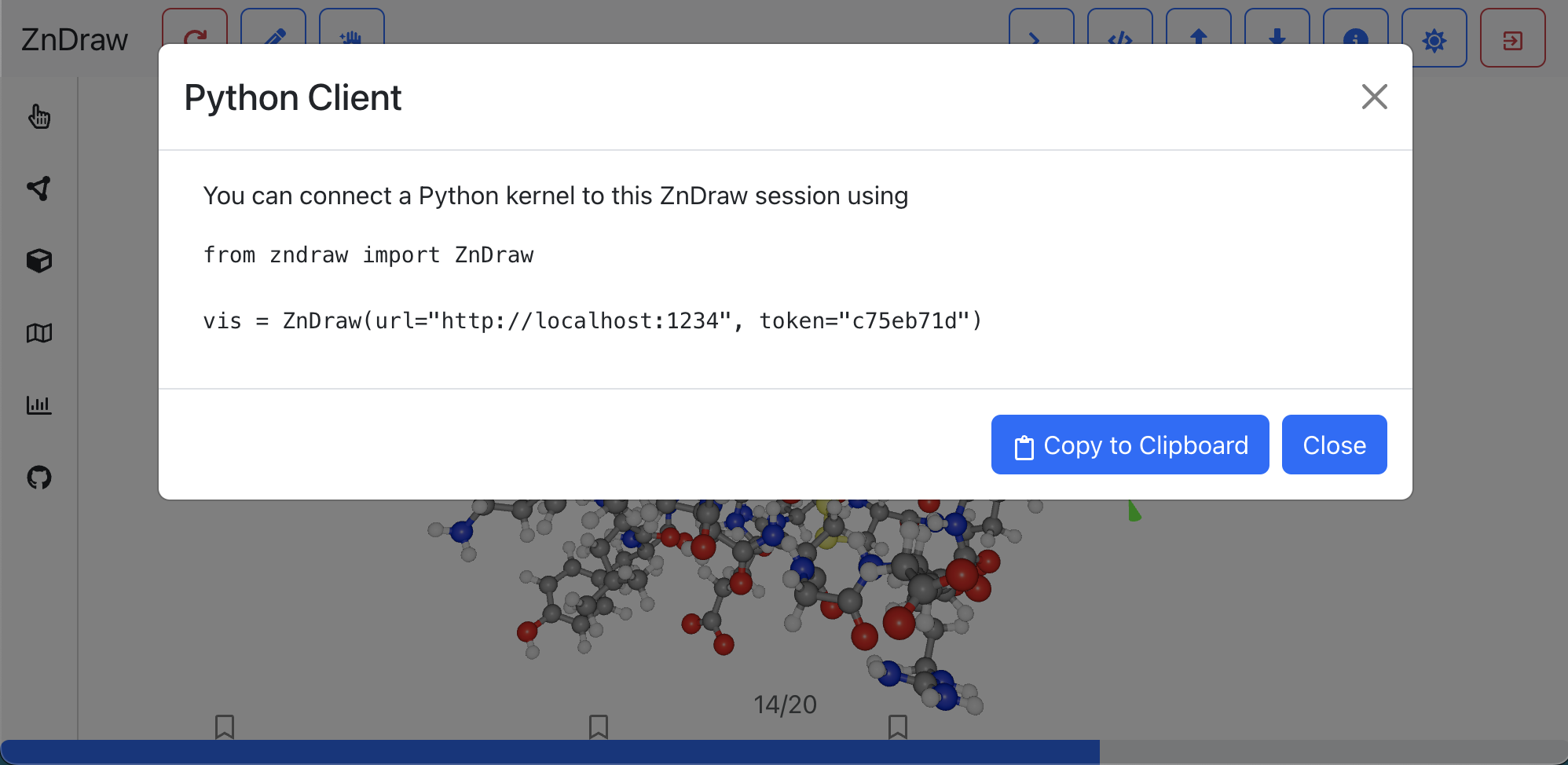
ZnDraw supports multiple users and clients. Connect one or more Python clients to your ZnDraw instance:
- Click on
Python accessin the ZnDraw UI. - Connect using the following code:
from zndraw import ZnDraw

vis = ZnDraw(url="http://localhost:1234", token="<your-token>")
The vis object provides direct access to your visualized scene. It inherits from abc.MutableSequence, so any changes you make are reflected for all connected clients.
from ase.collections import s22
vis.extend(list(s22))
Additional Features
You can modify various aspects of the visualization:
vis.cameravis.pointsvis.selectionvis.stepvis.figurevis.bookmarksvis.geometries
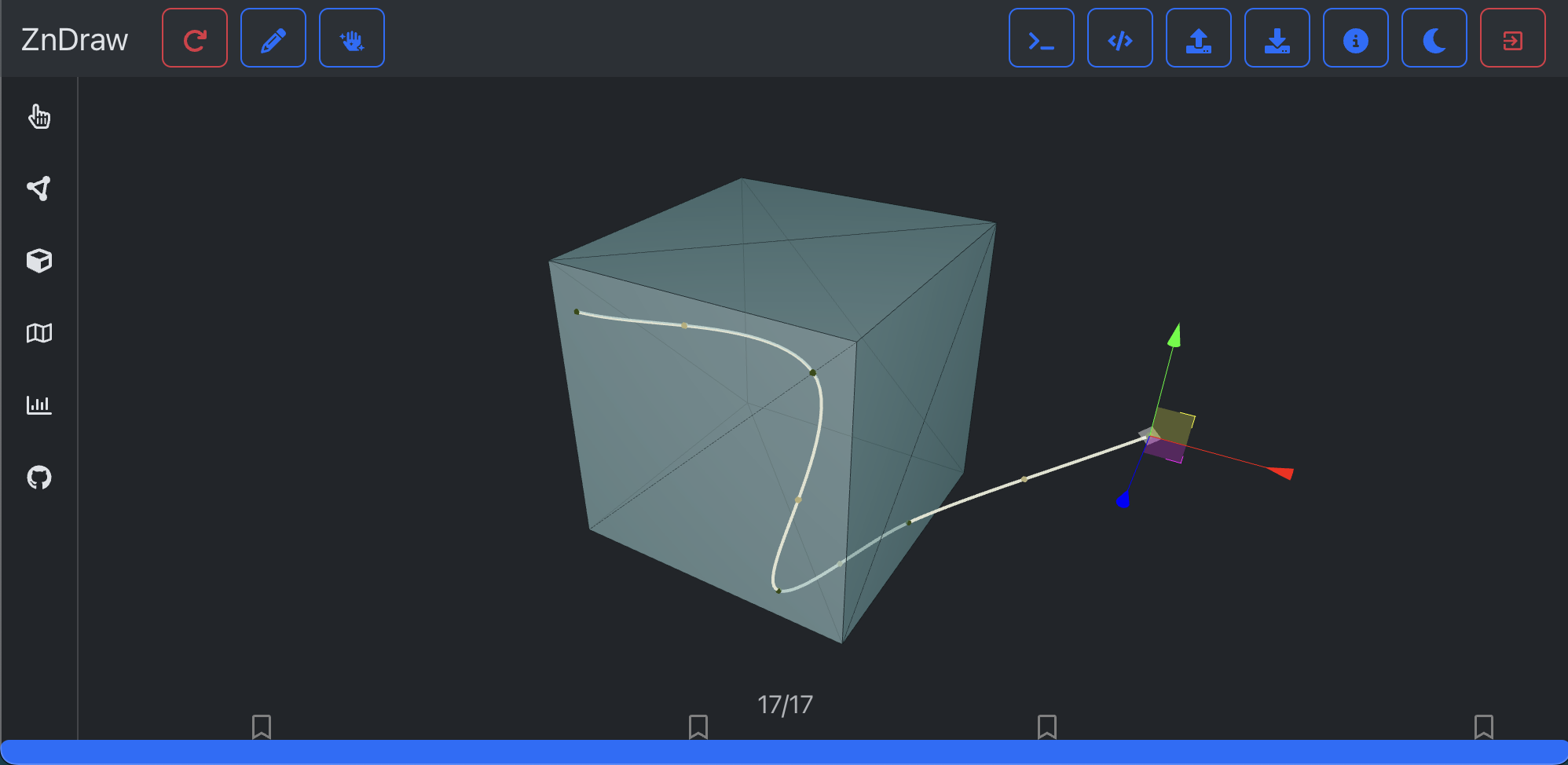
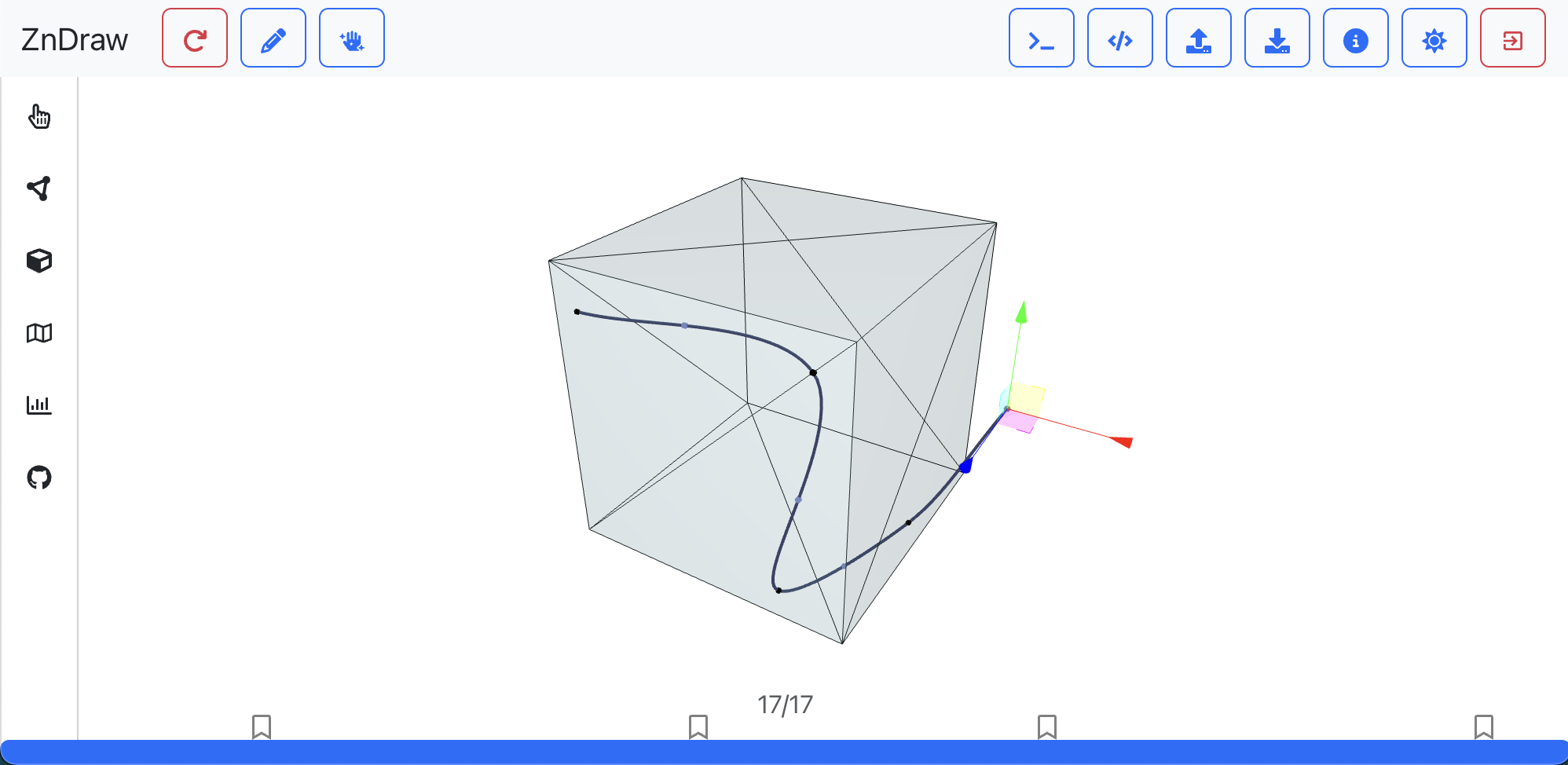
For example, to add a geometry:
from zndraw import Box

vis.geometries = [Box(position=[0, 1, 2])]
Analyzing Data
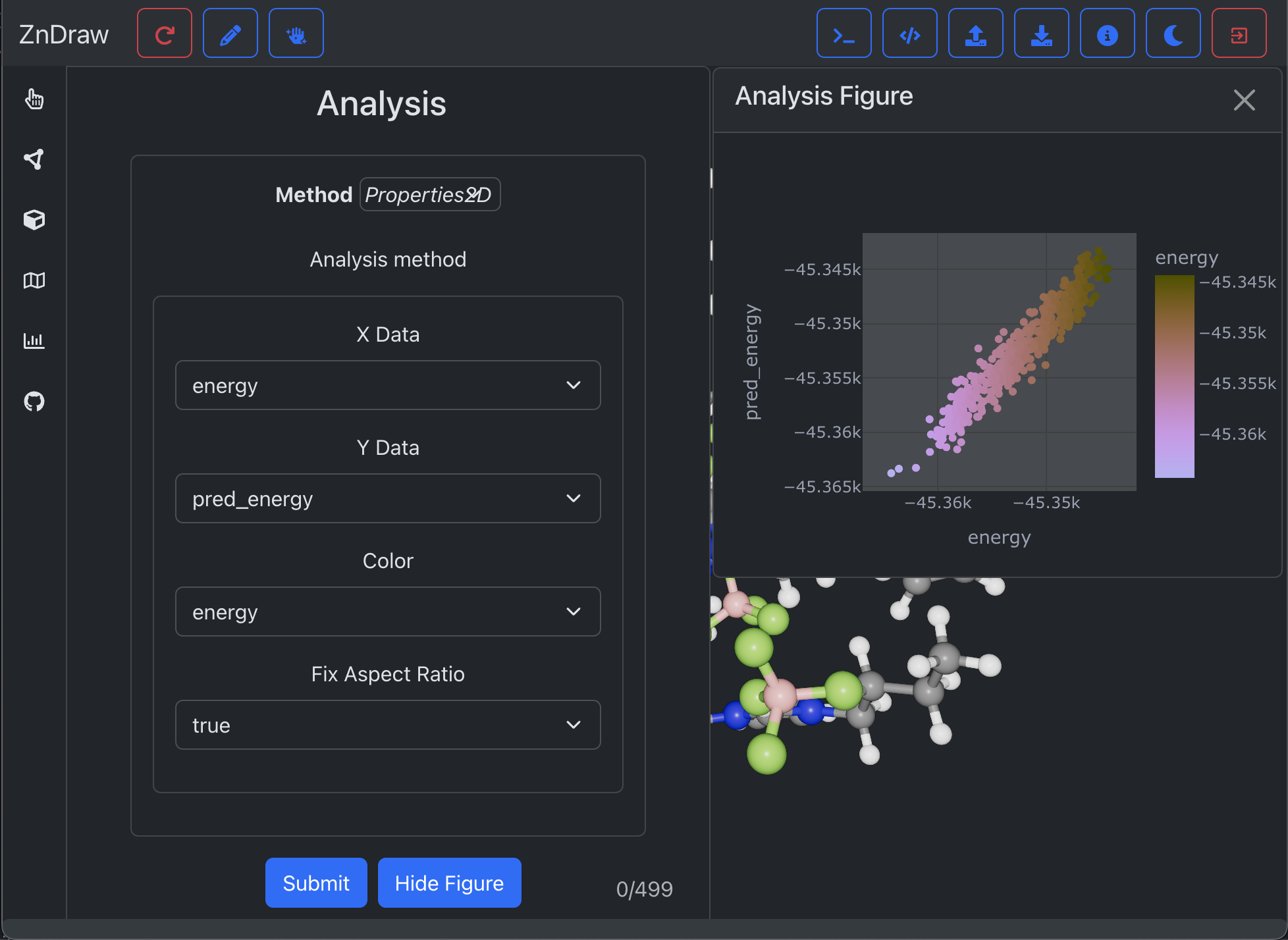
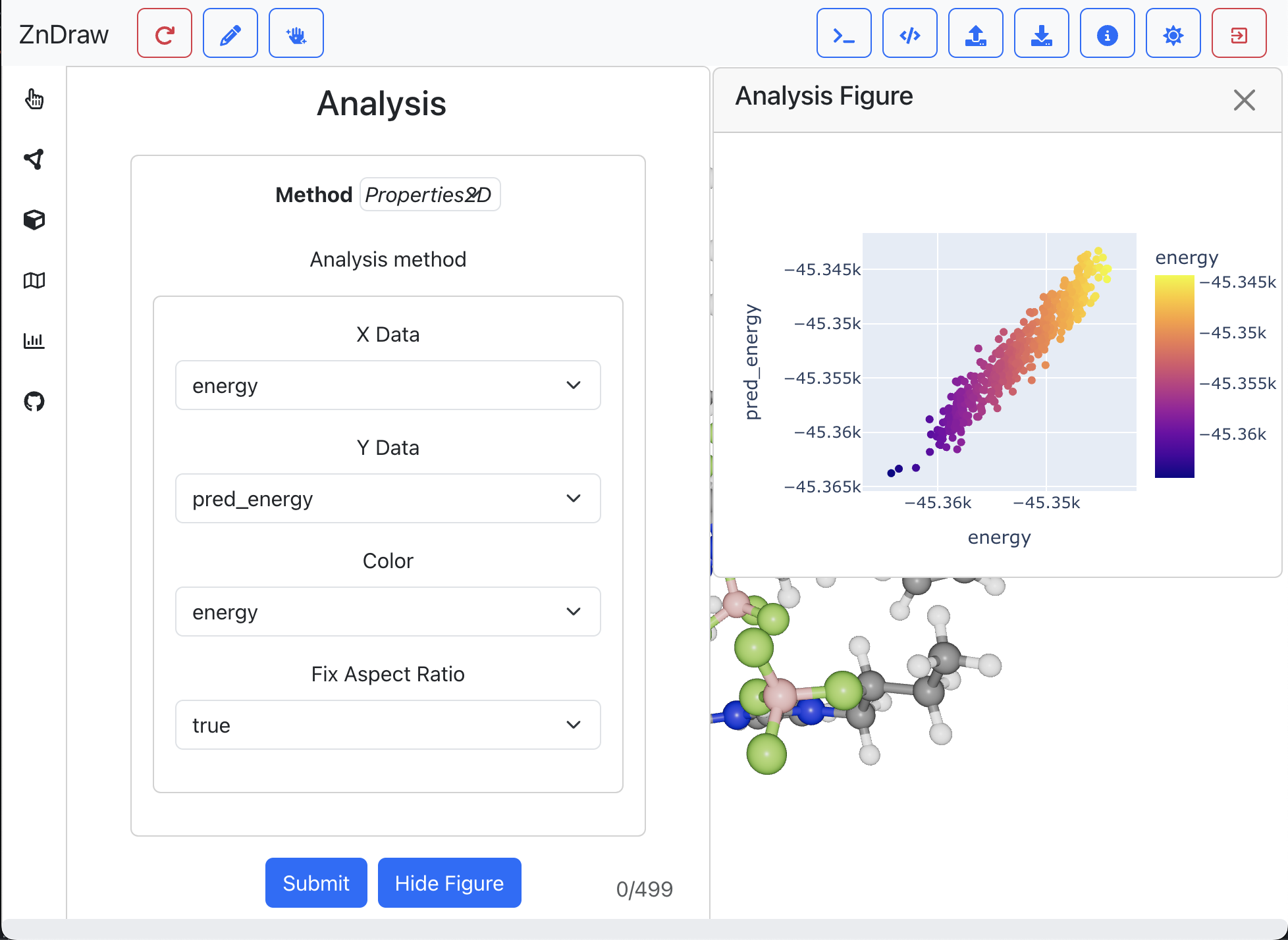
ZnDraw enables you to analyze your data and generate plots using Plotly. It automatically detects available properties and offers a convenient drop-down menu for selection.
Writing Extensions
Make your tools accessible via the ZnDraw UI by writing an extension:
from zndraw import Extension

class AddMolecule(Extension):
    name: str

    def run(self, vis, **kwargs) -> None:
        structures = kwargs["structures"]
        vis.append(structures[self.name])
        vis.step = len(vis) - 1

vis.register(AddMolecule, run_kwargs={"structures": s22}, public=True)
vis.socket.wait()  # This can be ignored when using Jupyter
The AddMolecule extension will appear for all tokens and can be used by any client.
Hosted Version
A hosted version of ZnDraw is available at https://zndraw.icp.uni-stuttgart.de . To upload data, use:
zndraw-upload <file> --url https://zndraw.icp.uni-stuttgart.de
Self-Hosting
To host your own version of ZnDraw, use the following docker-compose.yaml setup:
version: "3.9"

services:
  zndraw:
    image: pythonf/zndraw:latest
    command: --no-standalone /src/file.xyz
    volumes:
      - /path/to/files:/src
    restart: unless-stopped
    ports:
      - 5003:5003
    depends_on:
      - redis
      - worker
    environment:
      - FLASK_STORAGE=redis://redis:6379/0
      - FLASK_AUTH_TOKEN=super-secret-token

  worker:
    image: pythonf/zndraw:latest
    entrypoint: celery -A zndraw.make_celery worker --loglevel=info -P eventlet
    volumes:
      - /path/to/files:/src
    restart: unless-stopped
    depends_on:
      - redis
    environment:
      - FLASK_STORAGE=redis://redis:6379/0
      - FLASK_SERVER_URL="http://zndraw:5003"
      - FLASK_AUTH_TOKEN=super-secret-token

  redis:
    image: redis:latest
    restart: always
    environment:
      - REDIS_PORT=6379
References
If you use ZnDraw in your research and find it helpful please cite us.
@misc{elijosiusZeroShotMolecular2024,
  title = {Zero {{Shot Molecular Generation}} via {{Similarity Kernels}}},
  author = {Elijo{\v s}ius, Rokas and Zills, Fabian and Batatia, Ilyes and Norwood, Sam Walton and Kov{\'a}cs, D{\'a}vid P{\'e}ter and Holm, Christian and Cs{\'a}nyi, G{\'a}bor},
  year = {2024},
  eprint = {2402.08708},
  archiveprefix = {arxiv},
}
Acknowledgements
The creation of ZnDraw was supported by the Deutsche Forschungsgemeinschaft (DFG, German Research Foundation) in the framework of the priority program SPP 2363, “Utilization and Development of Machine Learning for Molecular Applications - Molecular Machine Learning” Project No. 497249646. Further funding though the DFG under Germany's Excellence Strategy - EXC 2075 - 390740016 and the Stuttgart Center for Simulation Science (SimTech) was provided.
 zincware