

 zhovner
WiFi connection wizard
There is no easy wat to connect WiFi.
We need to add some GUI wizard to do this. Like nmtui or wifi-menu. But without depends on NetworkManager or netctl.
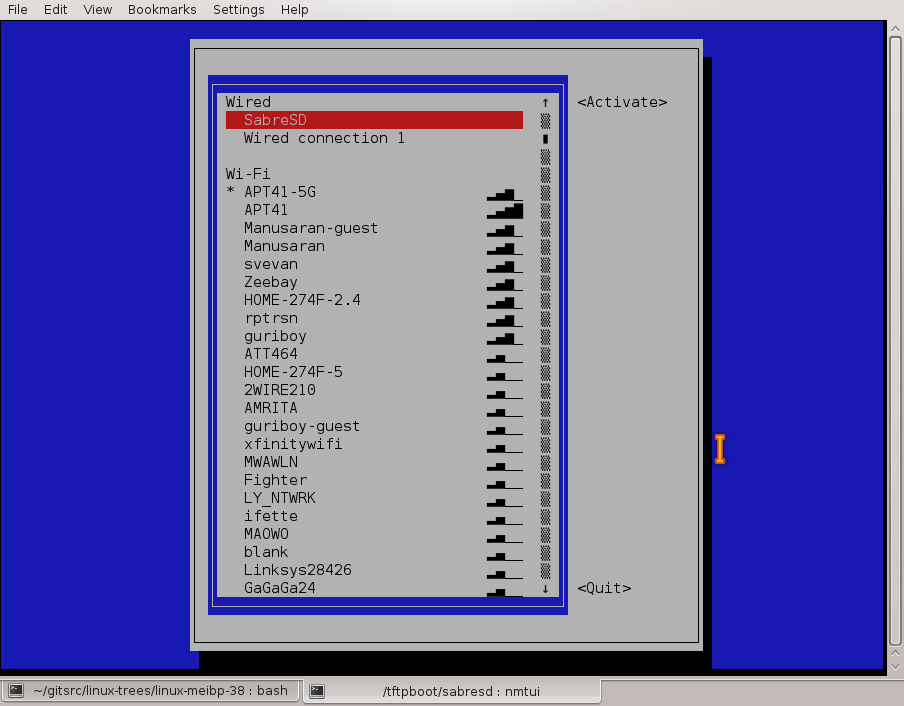


I've already testing connman in the same name branch.
It uses wpa_supplicant via dbus to manage wifi connections and sometimes it works strange without clear error messages. It very poor documented, so I need to read source code to understand how it works. I can't found how to disable automatic DHCP client for ethernet without moving it in DefaultAutoConnectTechnologies= list.
In current moment I can't say that connman is much better than wpa_cli. You still need to enable wpa_supplicant even for scanning networks from connman. To connect to encrypted network you need to enable connman's agent manually.
Check out this manual: https://github.com/zhovner/OneFileLinux/wiki/How-to-connect-to-WiFi and compare it with connman steps.