

 zhixuhao
How to test on JPG images?
@sainatarajan @zhixuhao When I try to test on custom images with .jpg format I get the following error:
FileNotFoundError: [Errno 2] No such file or directory: 'data/PID/test/1.png'
How can I fix that? I tried changing "png" to "jpg" in the line 87, data.py but the same error happened again.

Can you try deleting the __pycache__ folder in your directory and then run again?

@zhixuhao I am trying to use this trained model to detect crack on the road. However, when I test on 10 sample road images I get identical white output images for all those 10, like below:
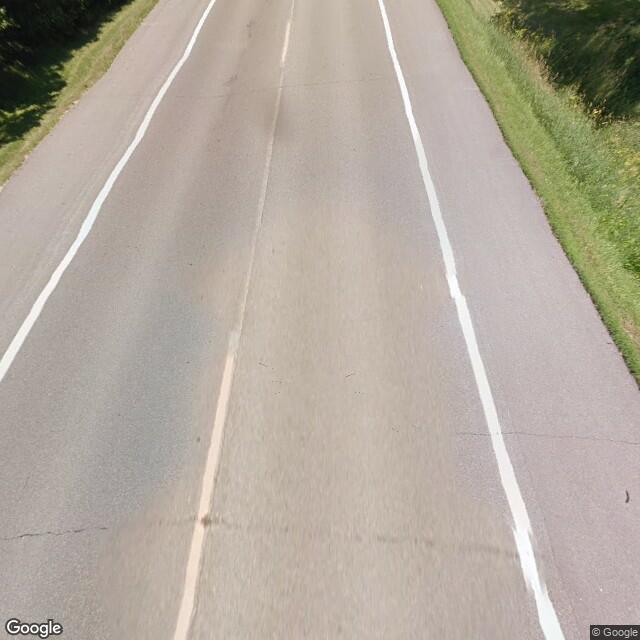

Do you think the problem is train and test datasets are very different or sth else? I have seen UNET trained on retinal images , could successfully detect road cracks as well
It sounds interesting to me that a model trained on the retinal image dataset could detect road cracks. Can you give me more information? Was a transfer learning approach performed?
The reason why you're obtaining white images here is I think BatchNormalization() layers aren't added to this repo. I am also not sure whether it was updated or not. Maybe you could try my repo. I had made some changes regarding to BatchNormalization from this repo.
@zhixuhao I am trying to use this trained model to detect crack on the road. However, when I test on 10 sample road images I get identical white output images for all those 10, like below:
Do you think the problem is train and test datasets are very different or sth else? I have seen UNET trained on retinal images , could successfully detect road cracks as well
@zhixuhao WOULD YOU PLEASE HELP ME ON THIS? TNX
