

 zhangao0086
Camera Thumbnail will not show up if no images on device
 Camera thumbnail does not show up in the gallery if there are no images on the current device (Only for Photos mode).

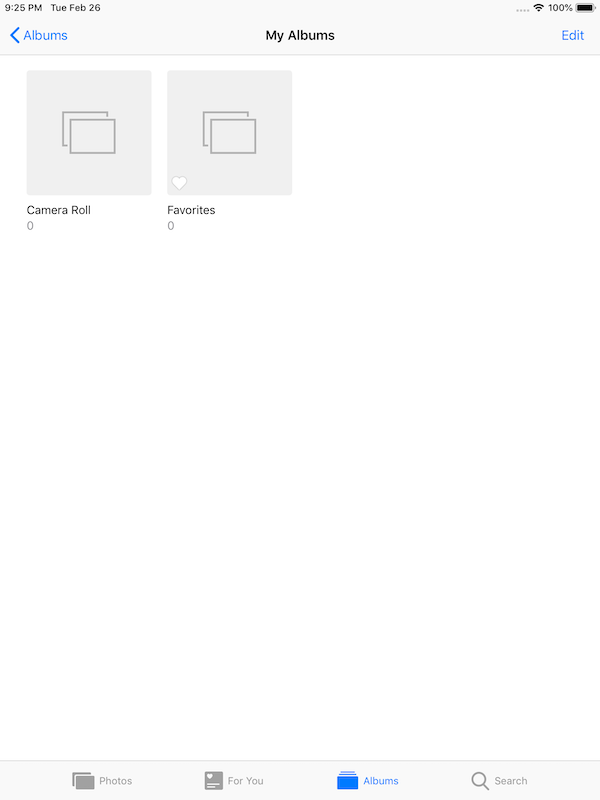
Hi @pathaderavi It's a little odd, there are no Camera Roll and Favorites albums on your device?
From iPad Air Simulator:

I am facing the same issue. Camera image is not loaded. Shows up on first time but later no image in the cell.
    public class func imageForResource(_ name: String, stretchable: Bool = false, cacheable: Bool = false) -> UIImage {

...

        let bundle = Bundle.imagePickerControllerBundle()
...
}
Printing description of bundle: NSBundle </Users/app-path/appname.app/Frameworks/DKImagePickerController.framework/DKImagePickerController.bundle> (not yet loaded)
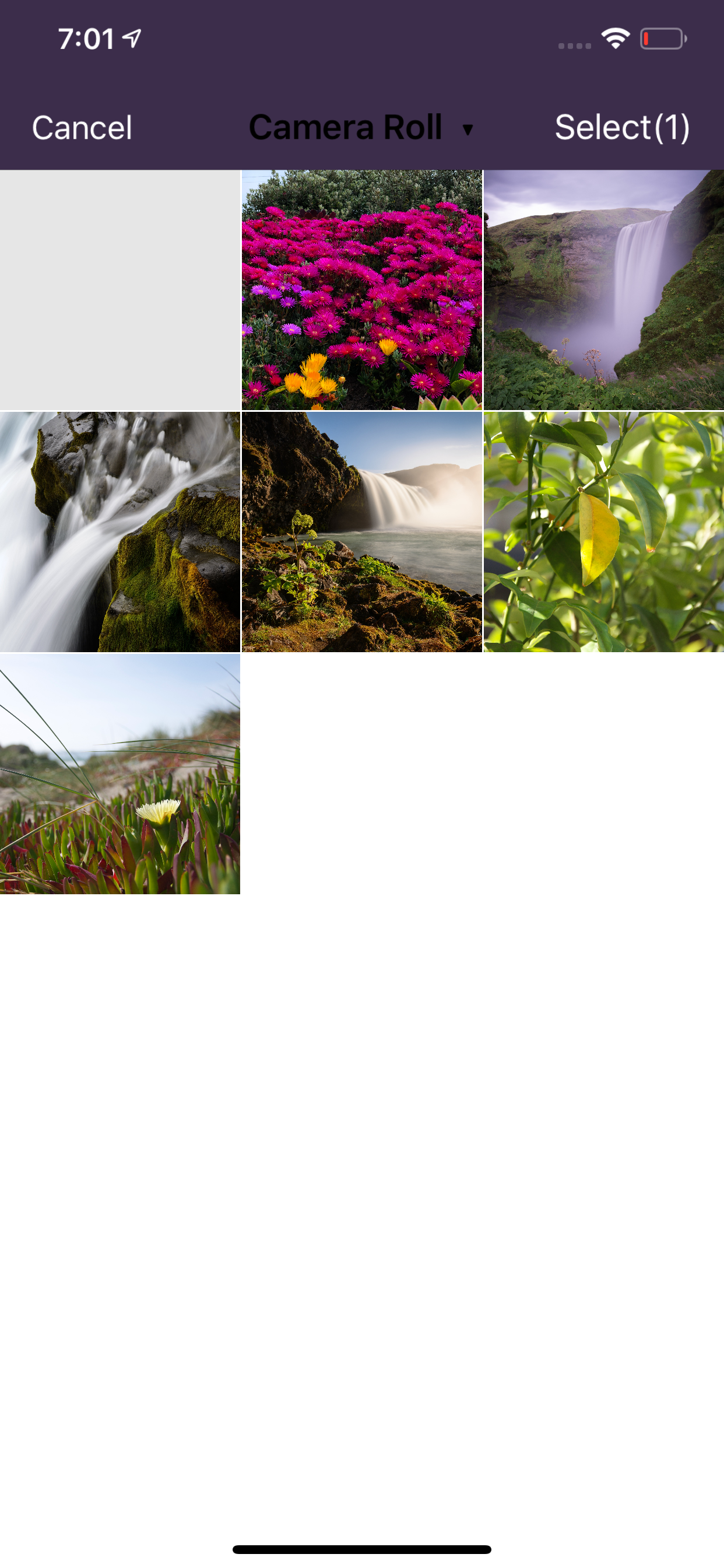
Please see the attached screenshot.

Hi @pathaderavi It's a little odd, there are no
Camera RollandFavoritesalbums on your device?From iPad Air Simulator:
The issue is not with Camera Roll or Favorite tile, but the "Camera" tile which opens the camera.
@pathaderavi I know the issue is not with Camera Roll or Favorite. This issue means that there are no any albums on the device, and the Camera tile needs to be displayed in an album.
Maybe the logic of the Camera tile display should not be associated with the albums: https://github.com/zhangao0086/DKImagePickerController/commit/ec0e70e8908955edbb2be55e8f3a68b1c5863f8b
Hi @zhangao0086 will this solve my problem (https://github.com/zhangao0086/DKImagePickerController/issues/576#issuecomment-469023359) also of the camera image not showing up on the 1st tile?
@Rahulrvarma22 No. It's a different issue. Please try to clean your project with Shift-Alt-Cmd-K and delete the derived data.