

 zed-industries
Reopen previous ZED state, while opening a new file
Check for existing issues
- [X] Completed
Describe the feature
- Currently ZED remembers the previous UI (tabs etc.) state when opening ZED (call it
ABC). - However, when opening fresh ZED by opening a different file (call it
D), the previous ZED state (all open windows, project -ABC) is not opened as if all the windows/tabs were lost... not being able to bring back the previous project/tabs back.... only seeing theDfile edit. - Now is an interesting plot... When quitting that newly opened window (
D) with this different file edit (D) and reopening ZED fresh, it brings back not the previous last remembered window (D), but actually brings back the previous state (ABC) with all the project/tabs open, but now forgetting that previous the single file edit (D).
I hope it clarifies.
If applicable, add mockups / screenshots to help present your vision of the feature
- Initial project
ABC:
- close app with
ABCstate - open different
Dfile:
ABCdoes not get opened, but one would think it should as well
- close app with
Dstate - reopen app
ABCstate reopens;Dstate gets lost ethernally.

To add to it, ZED generally does not remember the state of opened windows, such as multiple project windows or singled out files in stand-alone windows upon close are not remembered (which is really annoying). When ZED is reopened it will only open the the lastly defined/opened project window, which is kind of frustrating. 😮💨
Samples:
-
working projects sample:
back-left: large project window,top-right: a file edit with terminal opened by default (other issue zed-industries/zed#6097),right-bottom: new project window (the most recently opened ZED project)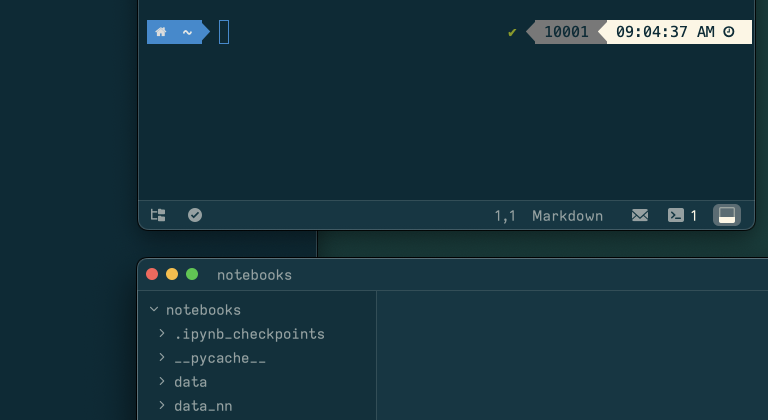
-
sample after ZED close and reopen: notice
back-left(main project) window andtop-rightedit-file disappear, while newright-bottomproject is reopened.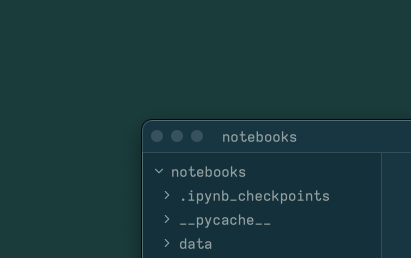
In summary: ZED should remember the state of all opened projects, windows, and tabs, including terminal windows.
I would actually like to prevent windows from a previous session on to open when I launch Zed... is there a way to stop that?

+1 for @hernangonzalez request. I'd like to start Zed with no projects/folders open (akin to hotexit and restorewindows options in VS Code.

If you open up the file explorer in Zed, you will find that the files that keep reappearing in tabs are actually in your project! You can right click and remove from project in the Zed file explorer, then they wont appear upon opening Zed next time.
Didn't realise straight away what was happening myself, as I rarely use the Zed explorer and usually drag files into the editor window or open files in Zed from the CLI directly, which doesn't then have this happen.

@fred-sheehan Not actually. It keeps opening the project even after removing it!
