
React-Native-ViewPager
 React-Native-ViewPager copied to clipboard
 zbtang
Not working with dynamic elements
When i am using it with static data, it is working perfectly. But when i tried to use dynamic data, it is not showing anything.
<IndicatorViewPager
          style={{ height: 200 }}
          indicator={this._renderDotIndicator()}
        >
          {
            mediaData.map((item, i) =>
              this.renderRow(item, i)
            )
          }
</IndicatorViewPager>

const mediaData = [
    {
       url: ''
    },
    {
      url: ''
    },
    {
     url: ''
    }
]
and in renderRow
renderRow(item, i) {
    return (
      <View style={{backgroundColor:'cadetblue'}}>
           <Text>page one</Text>
      </View>
    )
  }
But it is just showing blank views, however if i try it with static data then it is working perfectly fine.

Maybe you should consider that when data is empty. When data is empty you should return an empty view.


mediaData I am passing the data dynamically. but, changes are reflecting only in first slide.
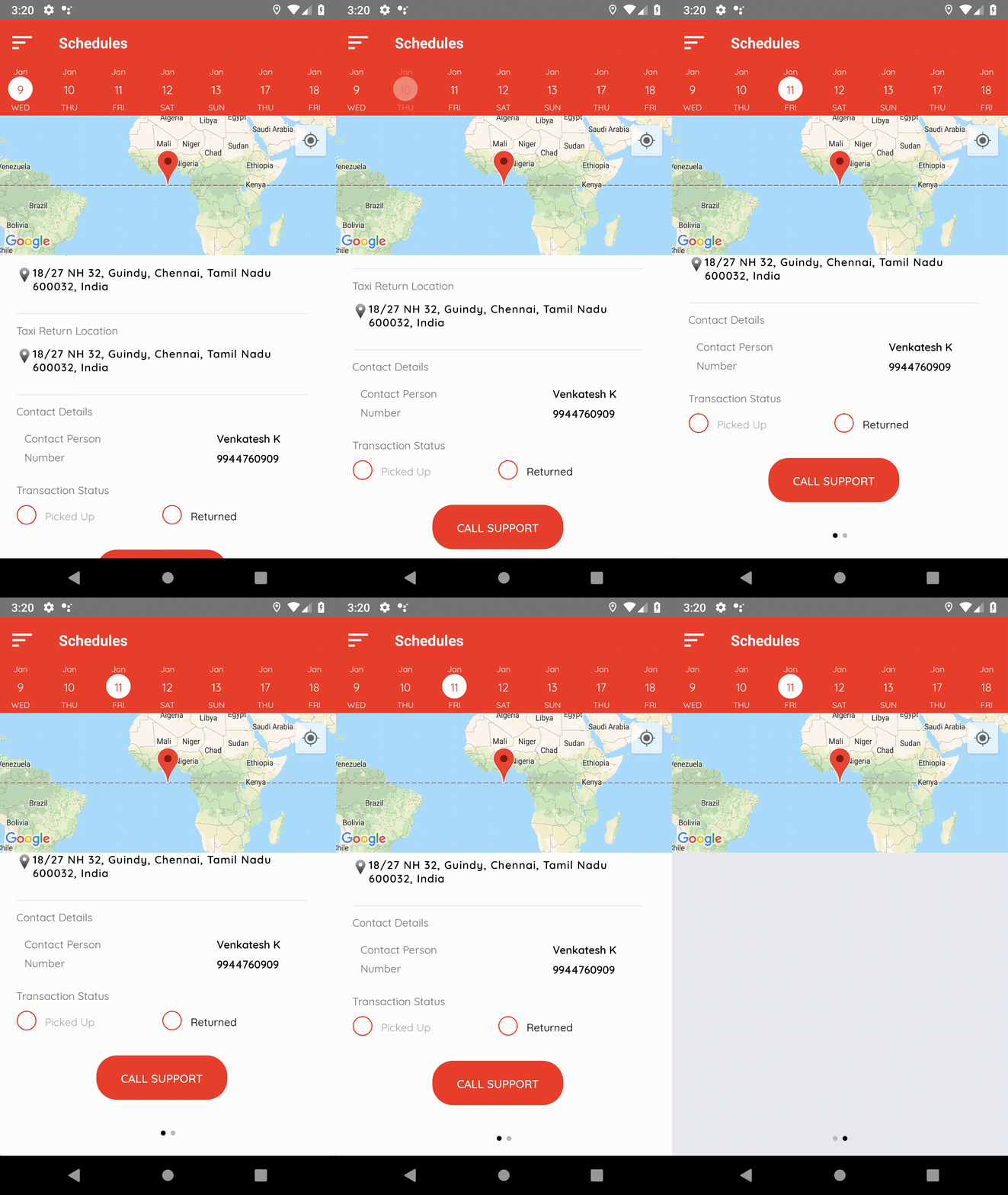
Someone please tell me, what is wrong. if i give static, its working fine!

@ravirupareliya You should add flex: 1 style into your View. That would work i guess.
@Johncy1997 Can you try that too? Each child should be wrapped with a View with flex: 1 style.
