
trilium
 trilium copied to clipboard
 zadam
zadam
Rendering note html
trilium version: 0.37.8 OS: Windows 10
-
I use the extension singlefile to download an all-in-one html, which can be rendered exactly as the original in the brower. singlefile.zip
-
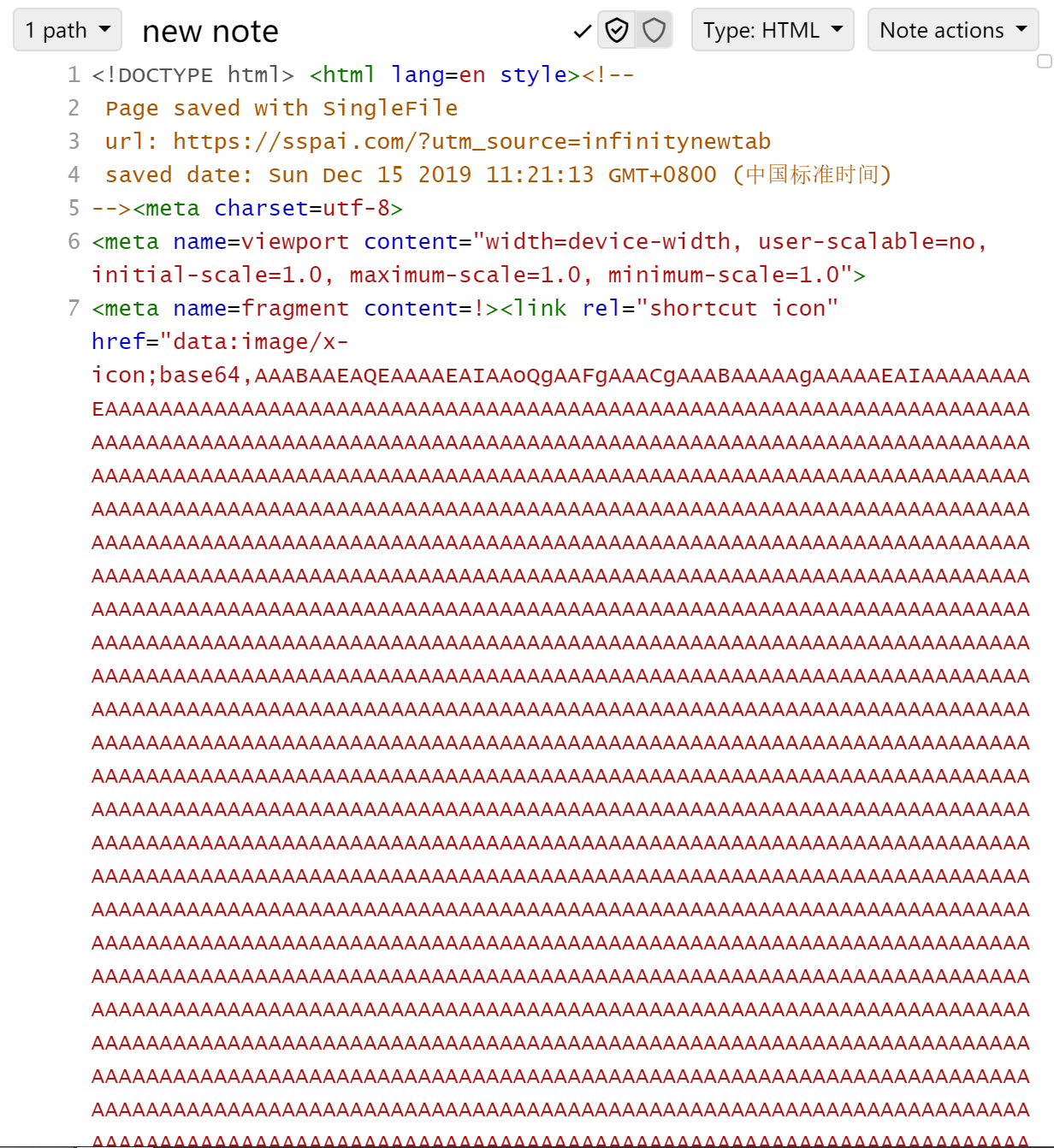
I copy all the text to trilium as html note (which is quite slow for it's a large page containing more than 6M characters)
-
I create a render note to render the html , but the problem is that some elements are not in the scope of the note.

So is this a bug? Or am i wrong in which step?
Plus: Is there any possibility that we can improve the performance of trilium? Every time I click on the large 'new note' I need to wait a few seconds so that the application can response to me.

Hi ! I have a similar usage for rendering note from singlefile. Therefore, you will face issues if you try to embed singlefile html files directly, as they are made to be a standalone page. That's why i wrote singlefile2trilium, a hack composed of 2 scripts to automatically retrieve singlefile savings, embed them in an iframe suitable for trilium notes, and create render note and it's content on current day note.
Take a look here: https://github.com/nil0x42/singlefile2trilium

Hi ! I have a similar usage for rendering note from singlefile. Therefore, you will face issues if you try to embed singlefile html files directly, as they are made to be a standalone page. That's why i wrote singlefile2trilium, a hack composed of 2 scripts to automatically retrieve singlefile savings, embed them in an iframe suitable for trilium notes, and create render note and it's content on current day note.
Tak a look at it: https://github.com/nil0x42/trilium-utils/blob/master/singlefile2trilium/README.md
Thank you a lot! But it doesn't work on my machine. I don't know why. Maybe it's a connection problem? Because I can't open trilium in 127.0.0.1:37840 yet.
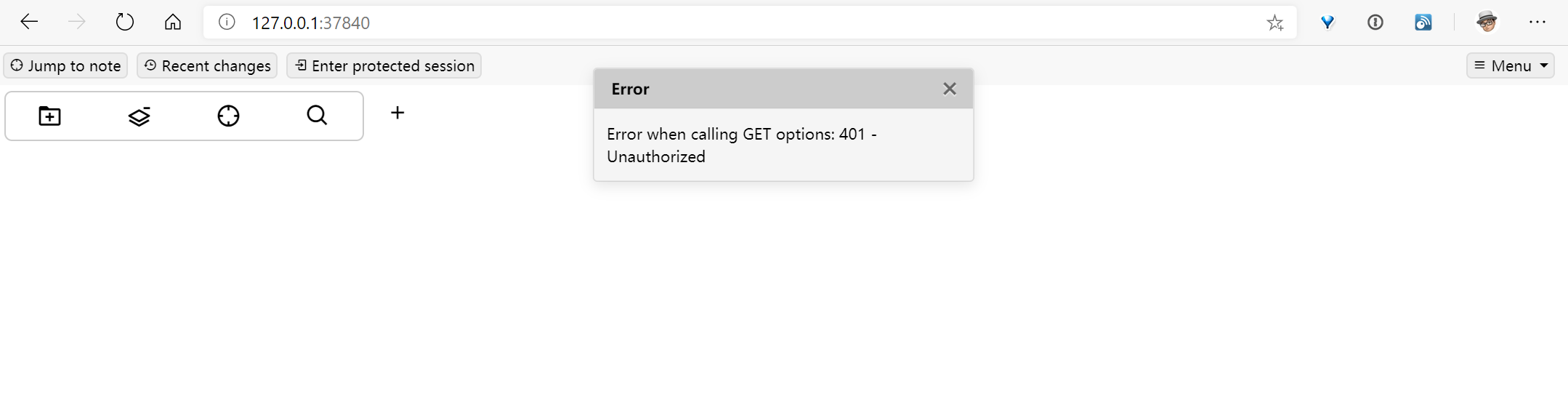
I should learn more about your scripts and the custom request handler so that I can debug this issue.
I wonder if we should be putting these files in an iframe, that should keep the styling into the border.

@popey456963 yeah, that's exactly what does singlefile2trilium:
 <script>
     var iframe = document.getElementById('r-iframe');

     function pageY(elem) {
         return elem.offsetParent ? (elem.offsetTop + pageY(elem.offsetParent)) : elem.offsetTop;
     }

     function resizeIframe() {
         var height = document.documentElement.clientHeight;
         height -= pageY(iframe) + 20 ;
         height = (height < 0) ? 0 : height;
         iframe.style.height = height + 'px';
     }

     iframe.onload = resizeIframe;
     window.onresize = resizeIframe;
 </script>

 <iframe id="r-iframe" style="width:100%" src="data:text/html;charset=utf-8,%%CONTENT%%" sandbox=""></iframe>
singlefile2trilium-handler.js#L5-L25
The extracted content is wrapped into an iframe. But of course, implementing such thing directly into trilium could be useful (at least for me it would)
But of course, implementing such thing directly into trilium could be useful (at least for me it would)
Why doesn't trilium do this by default? Why save webpages in some kind of reader view instead of saving them "faithfully" as-is.

Because Trilium is primarily a note-taking application - embedding full HTML webpages with all of the bloat isn't its main purpose. Extracting the text from it is a good way to keep the content of a webpage while keeping in line with the aim of the application IMO.

@grotesque besides what @sigaloid said, saving web pages as they look originally is difficult / impossible to do efficiently. The solution discussed here creates files (tens of) megabytes large for often small amount of actual content.

We have a Note type of Render Note for this now.
@zadam I think we can close this?
