

 ydataai
wrong "Constant value" information displayed in Warnings
Incorrect warning message displayed in the "Overview->Warnings" section.
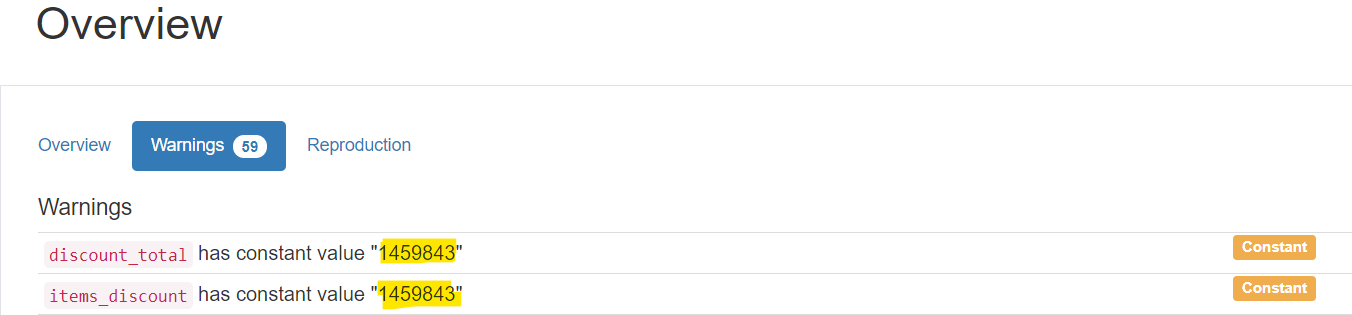
The warning message shows the "row count value" instead of the "actual constant value/data" present in the table as the Constant value for the generated Data Profiling Report.
Here, in the table - we had "0.00" as the Constant value but the Warning message said "discount_total has constant value "1459843""
Screenshots:
- The message says that 1459843 is the constant value in this column/field.
- But, We can see that the common value is "0.00"
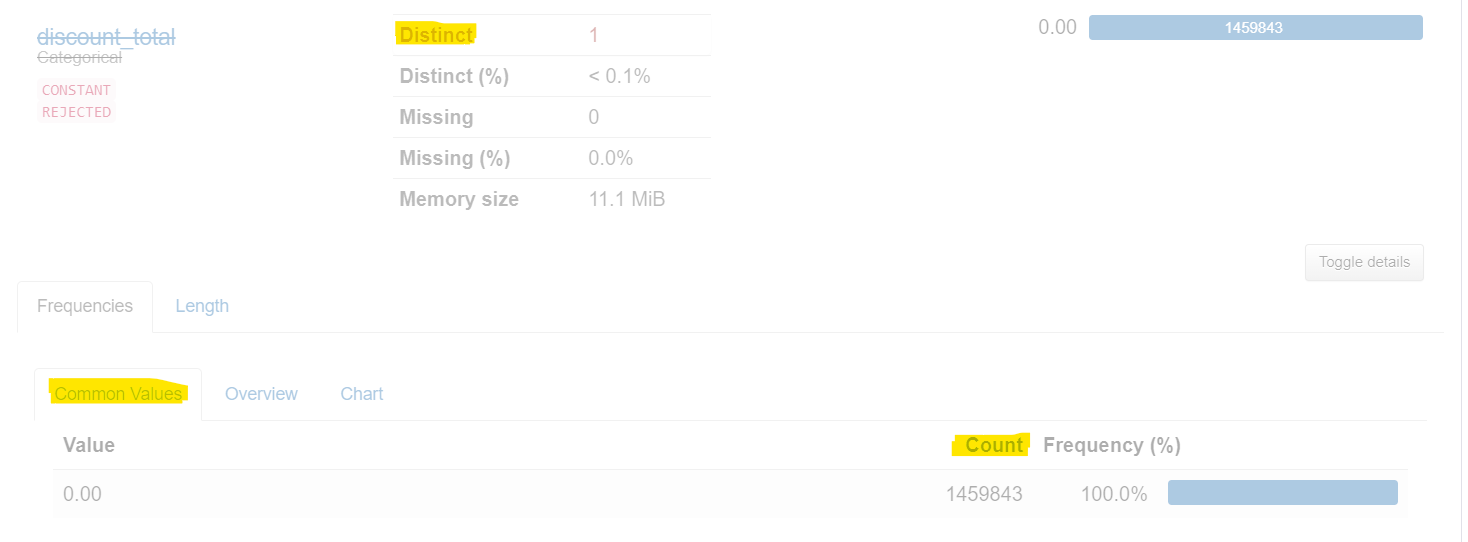

Thanks for pointing this out, that's indeed a bug. The mode is taken from the value counts, but instead of taking the index, it returns the counts. Easy fix, will be in the next release.

@sbrugman Thank you for confirming the bug, Do let me know it's fix will part of which version so that I can upgrade the lib and start using it. Thanks, Simon for looking into this issue.