
YOChartImageKit
 YOChartImageKit copied to clipboard
 yasuoza
Chart image framework for watchOS
YOChartImageKit




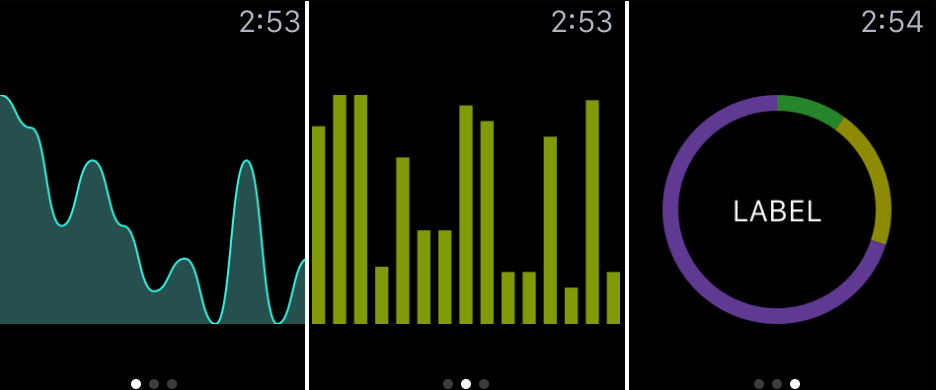
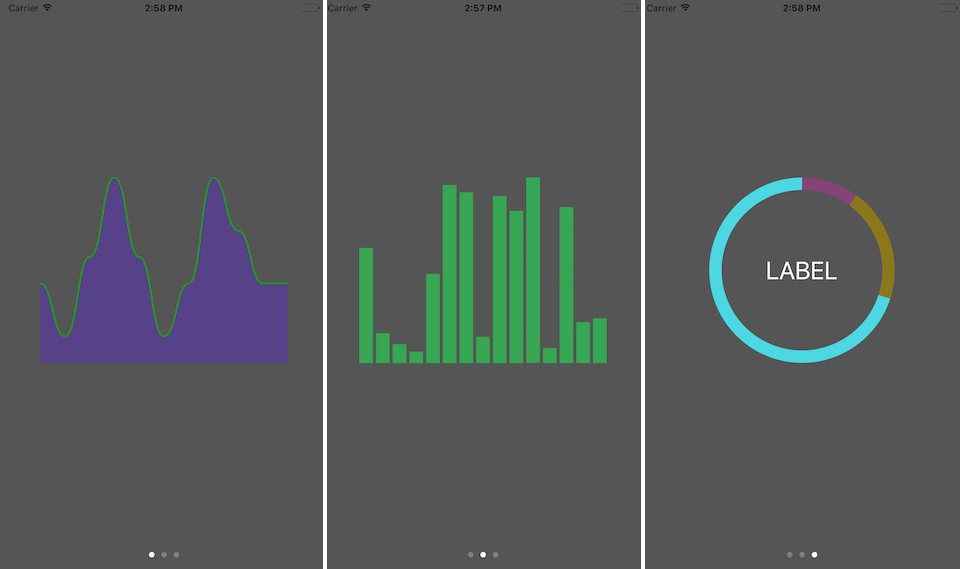
Since watchOS does not have UIView class, YOChartImageKit draws a UIImage of a chart with given values.
Values and colors can be customized.
Installation
CocoaPods
use_frameworks!

pod 'YOChartImageKit', '~> 1.1'
Carthage
github "yasuoza/YOChartImageKit" ~> 1.1
CocoaSeeds
# For both iOS and watchOS framework
target 'YOChartImageKit' do
  github 'yasuoza/YOChartImageKit', '1.1.0', files: 'Source/YOChartImageKit/*.{h,m}'
end
Configuration
Following section describes the way to draw charts.
If you want to try YOChartImageKit, open YOChartImageKit.xcodeproj. Example applications are available for iOS and watchOS.
Line chart
solid
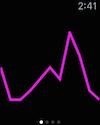
let image = YOLineChartImage()
image.strokeWidth = 4.0              // width of line
image.strokeColor = randomColor()    // color of line
image.values = [0.0, 1.0, 2.0]       // chart values
image.smooth = false                 // disable smooth line
image.drawImage(frame, scale: scale) // draw an image
smooth
let image = YOLineChartImage()
image.strokeWidth = 4.0              // width of line
image.fillColor = randomColor()      // color of area
image.values = [0.0, 1.0, 2.0]       // chart values
// image.smooth = true               // [default] draws a smooth line
image.drawImage(frame, scale: scale) // draw an image
Bar chart
Vertical
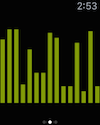
let image = YOBarChartImage()
image.values = [0.0, 1.0, 2.0]       // chart values
image.fillColor = randomColor()      // color of bars
// image.barPadding = 2.0            // [optional] padding of bars
// image.barStyle = .Vertical        // [default] draws a vertical bars
image.drawImage(frame, scale: scale) // draw an image
Horizontal
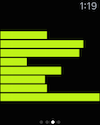
let image = YOBarChartImage()
image.values = [0.0, 1.0, 2.0]       // chart values
image.fillColor = randomColor()      // color of bars
// image.barPadding = 2.0            // [optional] padding of bars
image.barStyle = .Horizontal         // draws a horizontal bars
image.drawImage(frame, scale: scale) // draw an image
Donut chart
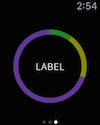
let image = YODonutChartImage()
image.donutWidth = 16.0                           // width of donut
// image.labelText = "LABEL"                      // [optional] center label text
// image.labelColor = UIColor.whiteColor()        // [optional] center label color
image.values = [10.0, 20.0, 70.0]                 // chart values
image.colors = (0..<3).map { _ in randomColor() } // colors of pieces
image.drawImage(frame, scale: scale)              // draw an image
Framework Requirements
- watchOS ~> 2.0
Build Requirements
- Xcode >= 7.1
Example Application
Example applications are available for both iOS and watchOS.
pod try YOChartImageKit
or open YOChartImageKit.xcodeproj with Xcode and build demo app.
 yasuoza