

 xtekky
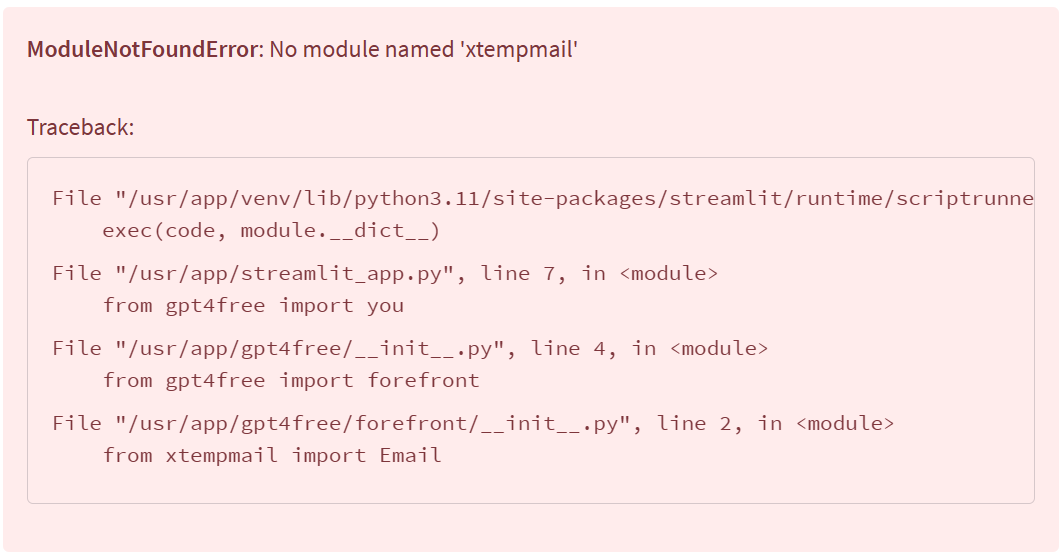
ModuleNotFoundError: No module named 'xtempmail'
File "/usr/app/venv/lib/python3.11/site-packages/streamlit/runtime/scriptrunner/script_runner.py", line 565, in _run_script
exec(code, module.dict)
File "/usr/app/streamlit_app.py", line 7, in
already import xtempmail, but not effective, how to fix?


fixed by installing the following two packages using "pip3 install"
- faker
- xtempmail
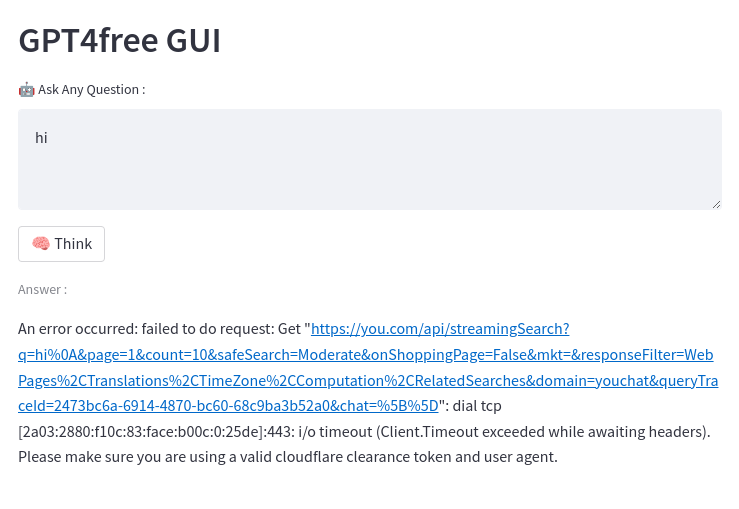
However, unfortunately even the UI is shown up. It seems not working anymore.


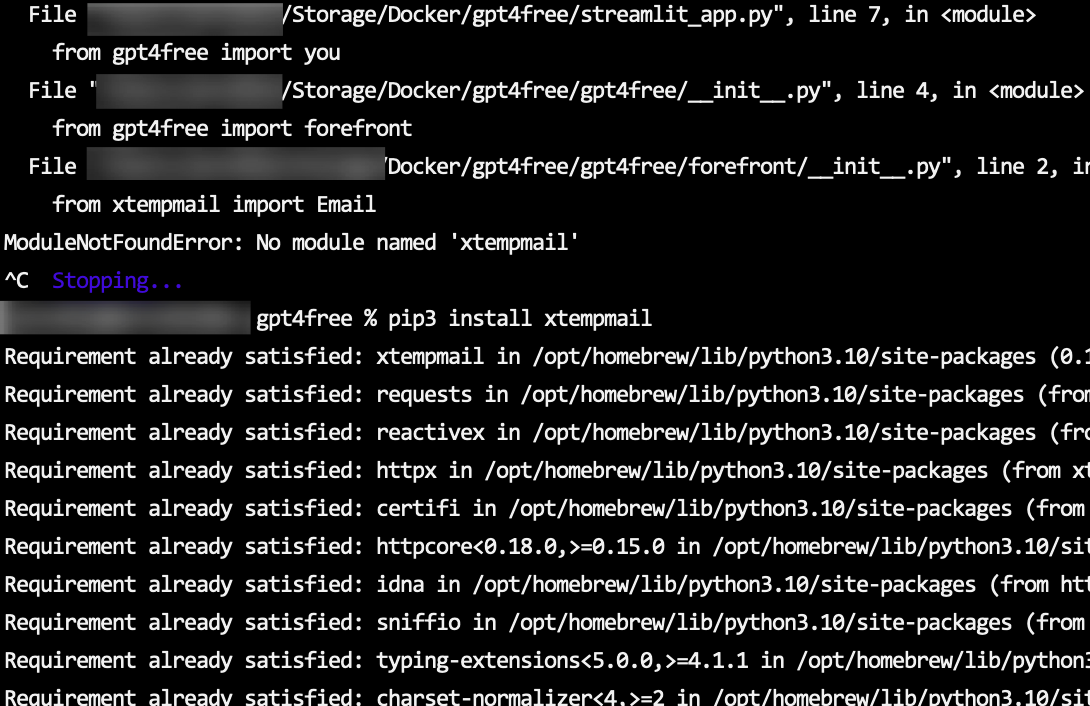

python3 -m pip install --upgrade --force-reinstall xtempmail python3 -m pip install --upgrade --force-reinstall faker fixed Error

add xtempmail and faker in the [requirements.txt], then delete the image and run docker command again.

在 [requirements.txt] 中添加 xtempmail 和 faker,然后删除镜像并再次运行 docker 命令。
I have already tried,the UI is shown up.But it seems not working anymore.
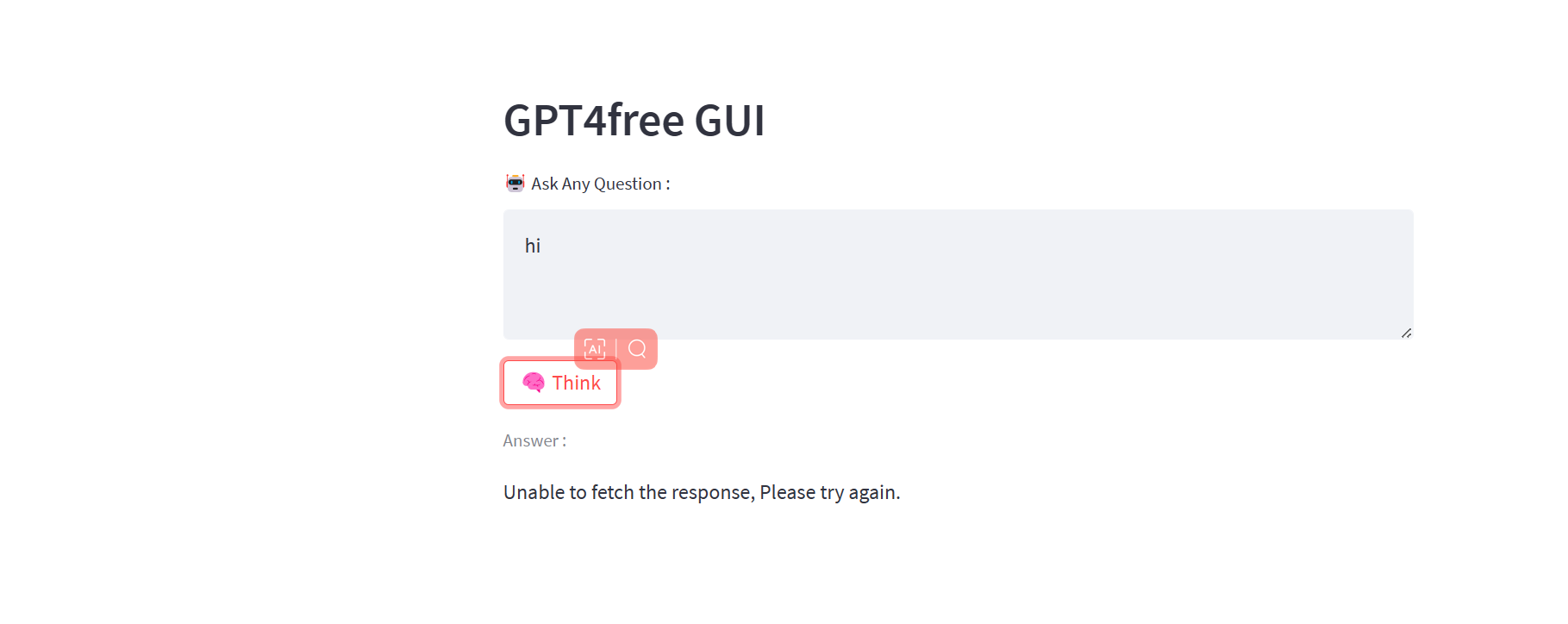

Is that true of everyone?
No. I just deployed successfully and it works well.
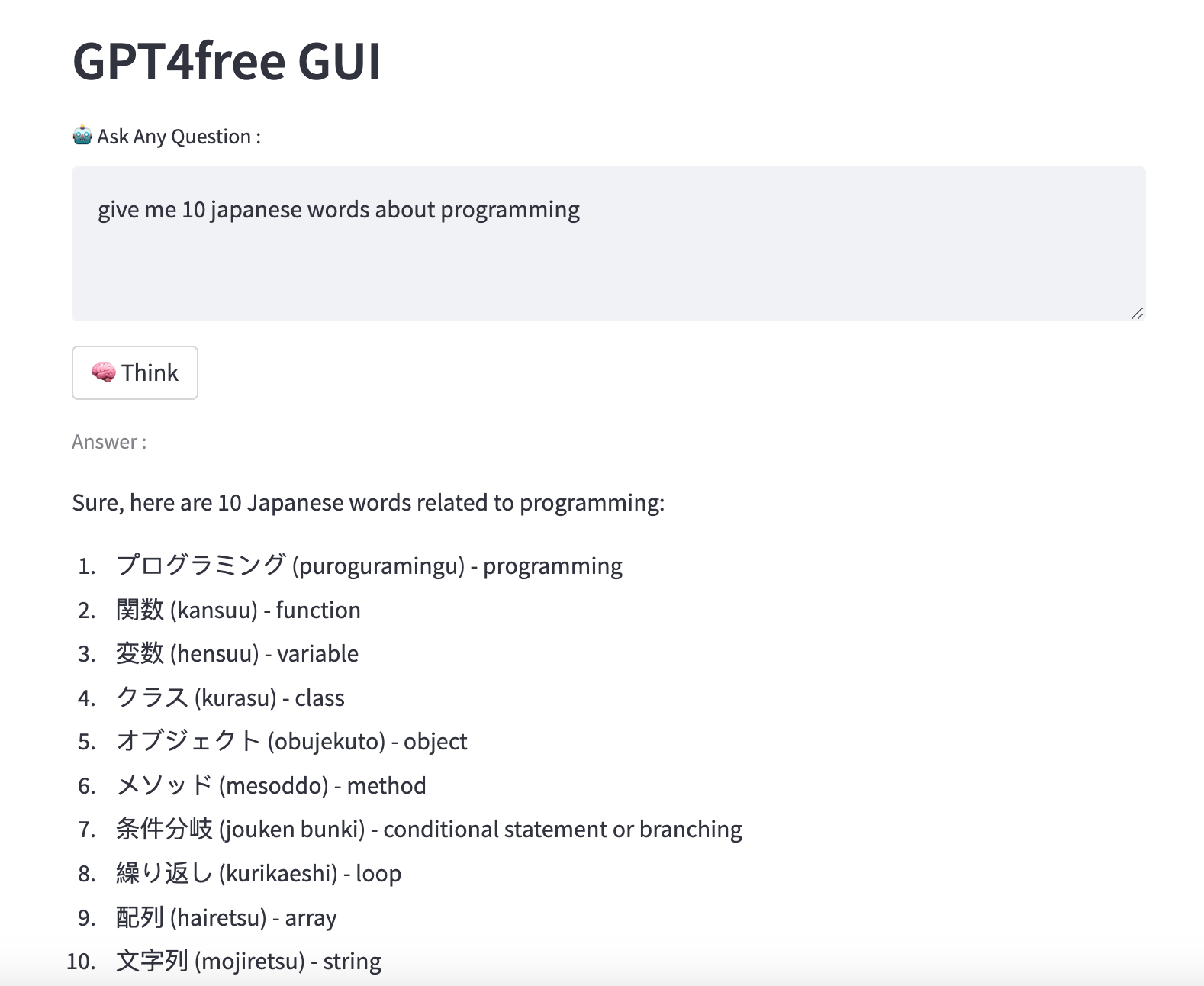
在 [requirements.txt] 中添加 xtempmail 和 faker,然后删除镜像并再次运行 docker 命令。
I have already tried,the UI is shown up.But it seems not working anymore.
It works. Check if it is proxy problem.
 Anyone having this issue?

UI
https://github.com/xtekky/gpt4free/issues/418#issuecomment-1534060581
config proxy follow this

Thanks a lot but it does not work for my problem!
2023年5月6日(土) 10:38 Xiang @.***>:
UI
#418 (comment) https://github.com/xtekky/gpt4free/issues/418#issuecomment-1534060581
config proxy follow this
— Reply to this email directly, view it on GitHub https://github.com/xtekky/gpt4free/issues/456#issuecomment-1536994921, or unsubscribe https://github.com/notifications/unsubscribe-auth/AE5SHS3JHV5JZBPMVMF6CQTXEW2TFANCNFSM6AAAAAAXWRHMLM . You are receiving this because you commented.Message ID: @.***>