

 xou816
option to customize the font-size?
Hello,
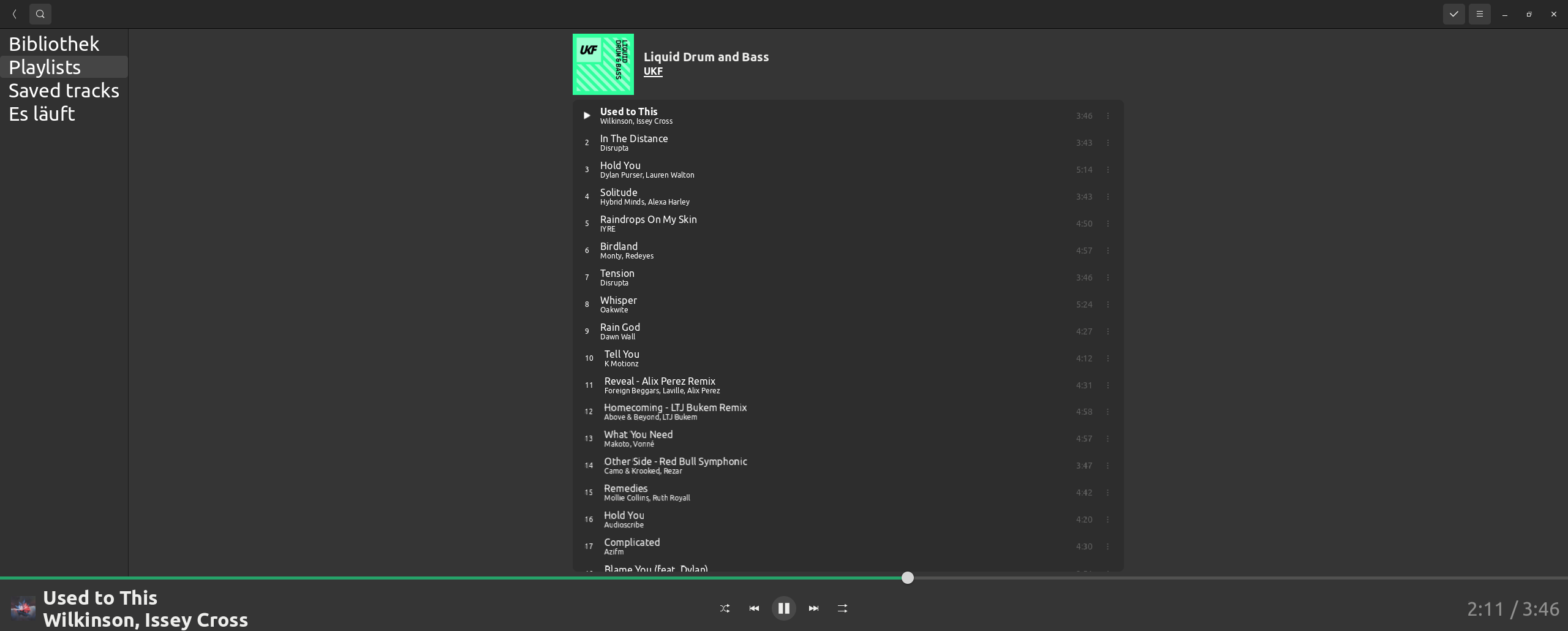
I'm using your Flatpak 0.2.2 and I can't find a option/config to customize the font size. I don't have the best eyes anymore and I have problems reading titles or artists.
I have searched for css files in: /var/lib/flatpak/app/dev.alextren.Spot/current/active
And in dconf there are unfortunately only entries for the window size.
My spot window currently looks so:

Fixed in development branch - it now follows the system-wide text size option.

I was now able to test version 0.3. Thanks, the playlist is now really readable.
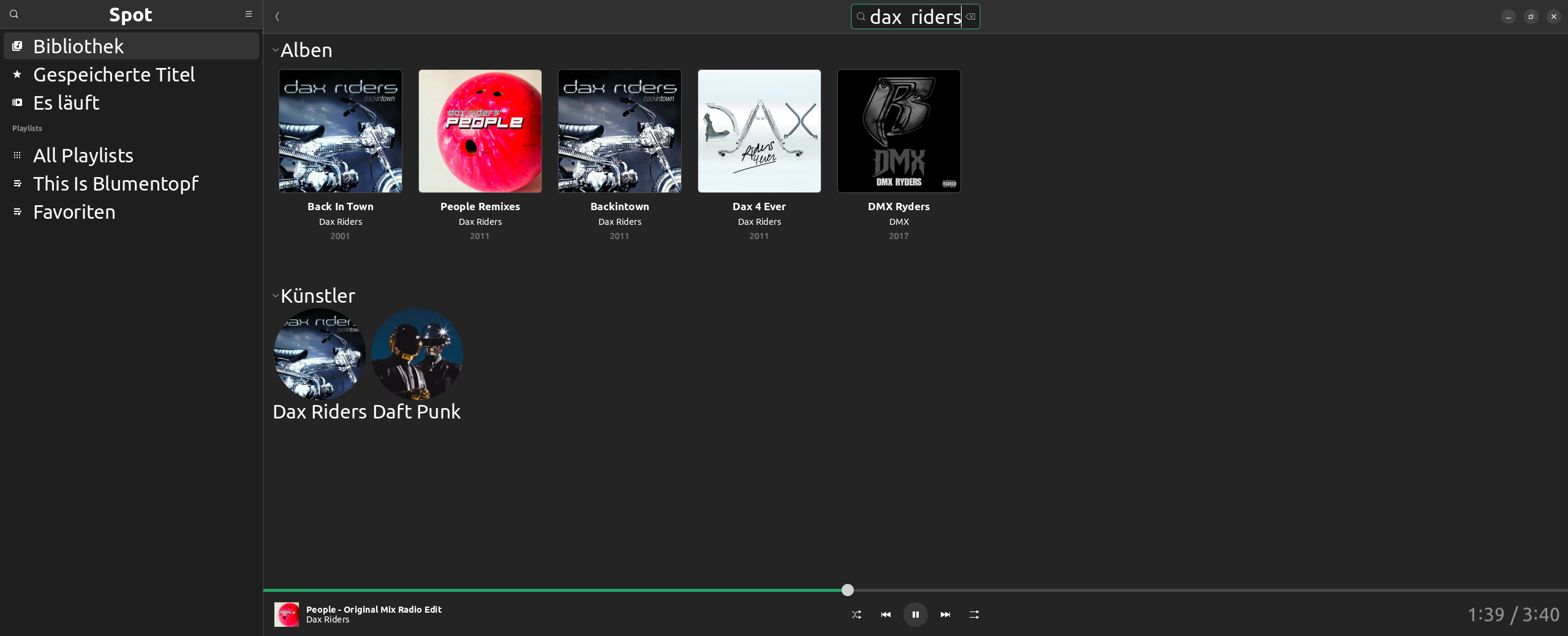
The search results and the currently playing title in the bottom bar, are unfortunately still displayed too small:
Hi! It seems to be scaling for me, I think I might be testing wrong! I have been using the large text accessibility option from GNOME Settings, is that how you do it as well?

I'm using GNOME-Tweaks to set different font sizes and scaling.
If I use the large text accessibility option you mentioned, the font size at spot is much better.
Thank you, but it feels like a workaround. Because the accessibility option increase the text size system wide. The system text size was already optimally adjusted before (e.g. desktop, gedit, terminal, nautilus, office... are fine). So I need to enable the accessibility option during spot usage and disable it thereafter.
Okay I might be missing something! So Spot's font size does scale with the system setting, but it starts too small maybe?
I was now able to test version 0.3. Thanks, the playlist is now really readable.
The search results and the currently playing title in the bottom bar, are unfortunately still displayed too small:
Could not replicate with Tweaks' font-scale option or the a11y one, but could replicate by changing the font pt size in Tweaks.
Not sure why the behavior is different, but setting the text scale as opposed to pt size seems more reliable anyway.