

 xou816
Log in button not working with X11
Describe the bug Log in does not work, button seems to do nothing
To Reproduce Steps to reproduce the behavior:
- Open Spot
- Fill in your credentials
- Click on "Log in"
Expected behavior Log in box closes and user is logged in
Actual behavior Nothing happens, log in dialogue still open
General information:
- Distribution: Ubuntu 20.04 with Plasma 5.21.2
- Installation method: installed from Flathub
- Version: 0.1.9 stable
- Device used: Desktop
Stack trace: Console just prints: "home", no error, no warning

I just switched from X11 to Wayland and it worked instantly. Gnome X11 didn't work either.
@kocher the login form doesn't actually give any visual feedback when a login fails (we should probably add this). Could it have been needed to use your email like (#26) or had your password wrong? Also if you still have the broken version would you mind trying pressing enter on the keyboard while the username or password field is selected to see if that works.

Probably unrelated to X11 vs Wayland indeed!
Yeah login sucks right now, I am waiting for the next major version of librespot which will make auth failures much easier to manage. But maybe something can be done in the meantime indeed

Password is correct, since I copy it from a password manager - and it works from my Wayland session. Neither username nor email work. Pressing enter doesn't work, neither does navigating to the button with keyboard and pressing enter.
I had errors with password before in the console before so I know how that looks, but now console is dead silent.
After restarting the computer I am back on X11. App requires log in again even though I haven't logged out. I can see my playlist in the app in the background but the log in form doesn't work.
Really weird, don't know what could be happening :/ I don't have Plasma installed atm, might be an issue related to focusing the login dialog under X11? Could you post a screenshot of the login dialog?
I don't know which keyring Ubuntu is using (seahorse aka GNOME Keyring?), but you could try wiping Spot credentials from here.
I have the same issue. I am using Pop_OS 20.10, which is basically Ubuntu 20.10 with a few extensions and modified APT repositories.
I tried it on X11 and Wayland, with email and username, pressing enter and pressing the button. I also tried disabling all gnome extensions and nothing.
When I run spot from the terminal I see the following:
$ flatpak run dev.alextren.Spot


Gtk-Message: 11:12:48.116: Failed to load module "appmenu-gtk-module"
Gtk-Message: 11:12:48.318: Failed to load module "canberra-gtk-module"
Gtk-Message: 11:12:48.322: Failed to load module "canberra-gtk-module"
There's no more information when trying to login. I'm not sure if there's a way to get more in-depth logs?

Hi! Thanks for the detailed write-up! I fear that if the form isn't even submitting there is not much happening and therefore not much to log :/
As for the gtk modules, canberra is no big deal, appmenu not so sure, I'll have to dig into it.
Would you mind sharing screenshots of the login dialog? My current understanding is that it might not have proper focus in some DEs, if that's the case there should be subtle visual cues of this.
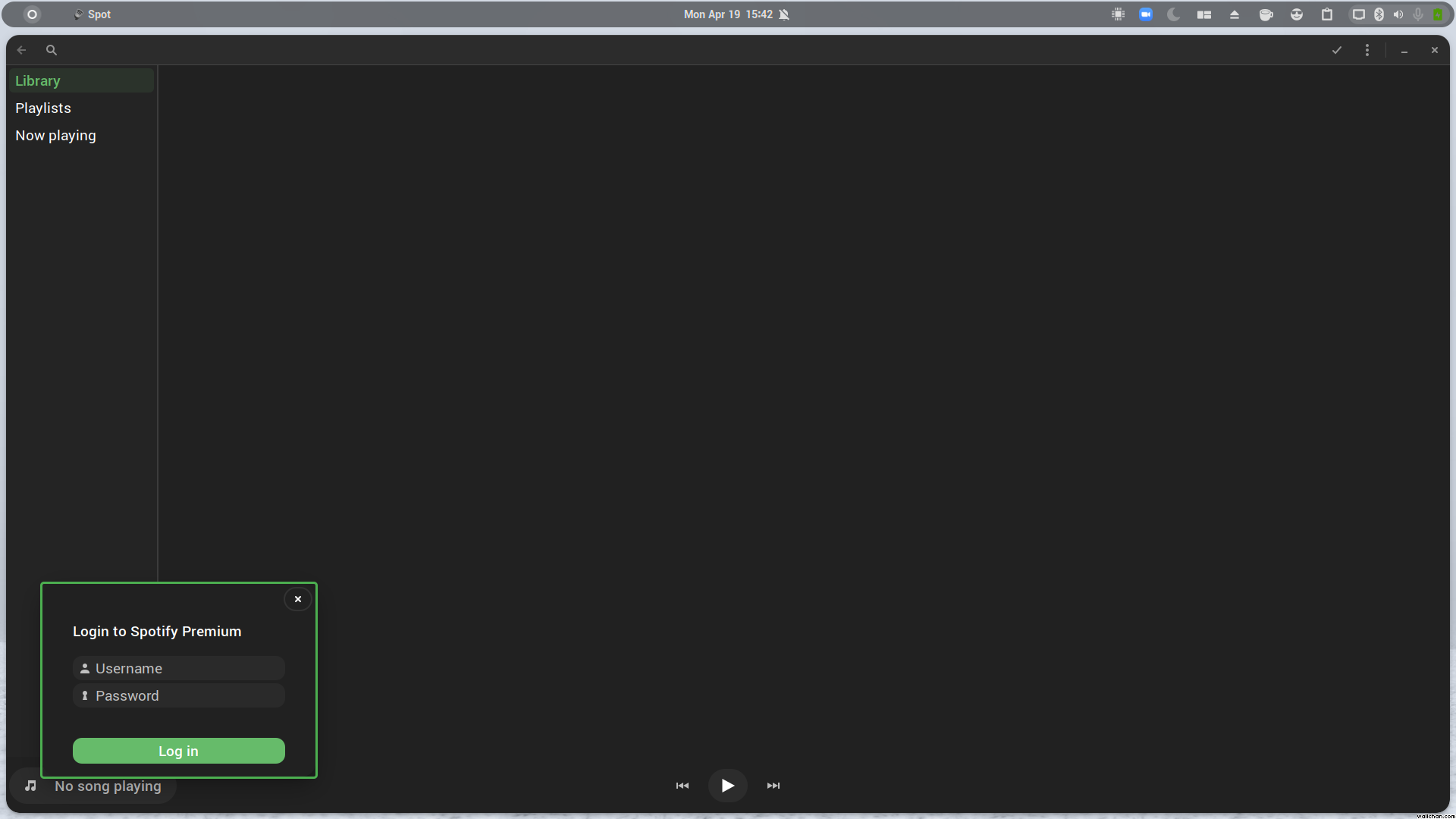
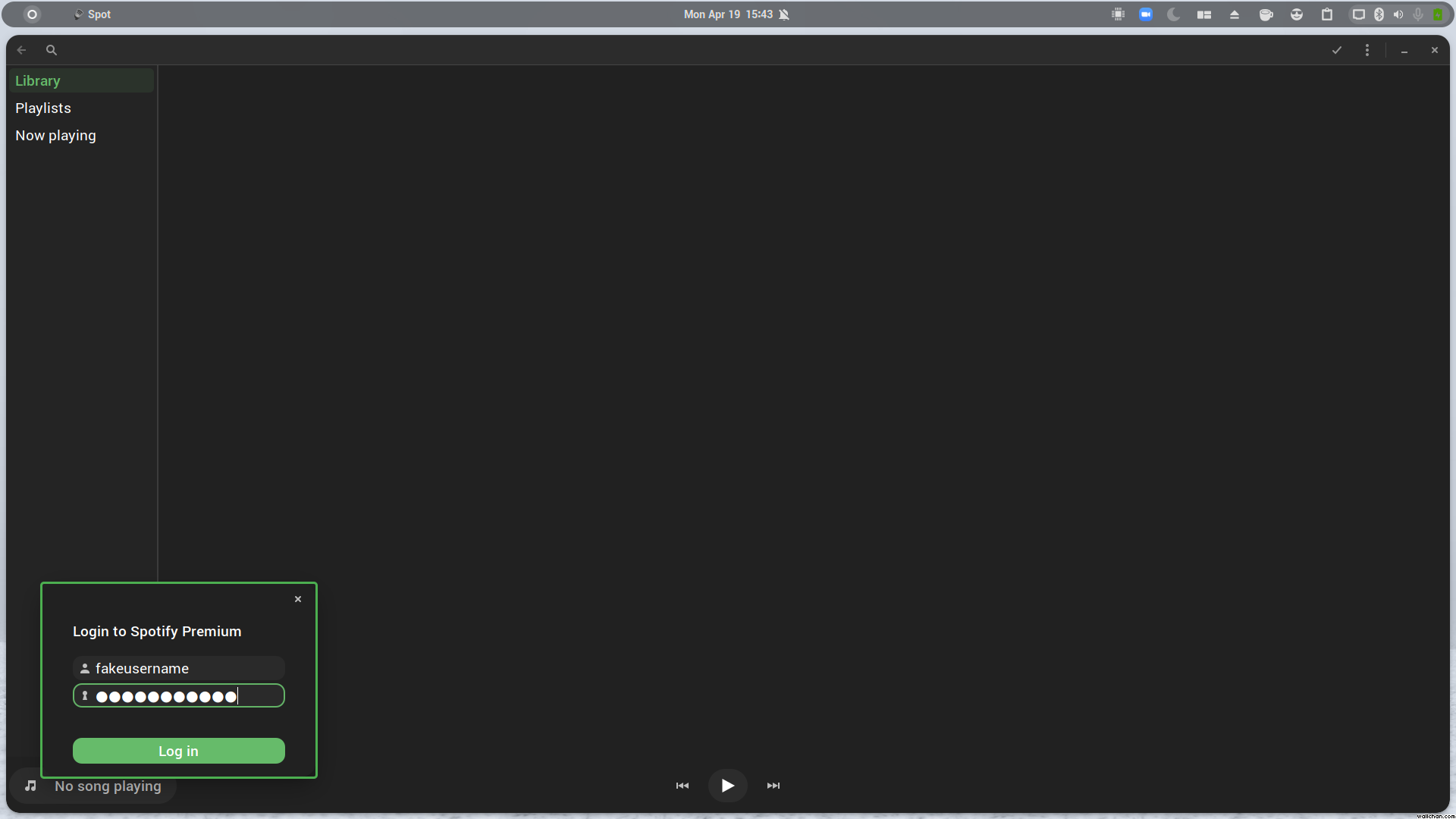
Here they are. I'm not sure what focus means in the context you are using it, but the green border means that the windows is being focused, as it would if I alt-tabbed through them. I have zero knowledge about this sort of thing, but if there's any tests or logs that you think might help let me know.
Cheers
That was absolutely what I meant, guess that's a wrong hypothesis then :D Thanks for the screenshots
I'm out of ideas for now, I'll probably upload a build with more logs when I have the time!
Hey, so a little after I send that message I broke my system by interrupting a distro update. I restored my system with timeshift, re-ran my updates and now it works. So....yea, that's a thing
I can't really help you because, as far as I know, my system should be basically the same as before I restored it. I still get errors about the missing modules so that wasn't it. Good luck and thank you
Well I'm certainly glad it worked for you (at what cost though! :smile: ), I am not sure how to approach the issue for now :/