

 xgi
xgi
Incorrect double page behavior after double spread page
Acknowledgements
- [X] Ensure that Houdoku is up-to-date (check the About tab).
- [X] Check that there is not an existing ticket for this issue, and that it is not related to an existing ticket.
- [X] If this is an issue with an extension, open a ticket in the extensions repo instead.
- [X] Write a concise title for this ticket in the field above.
Houdoku version
2.9.4
Operating system
Windows 11
Steps to reproduce
- View a double page spread with the double page option enabled in the menu bar
- Proceed to the next page
Expected behavior
The proceeding page should be a double page unless it's the end of the chapter (or another double spread).
Actual behavior
The next page will be a single page, even though it's not the end of the chapter.
Log files
No response
Additional information (optional)
Here's two examples of this behavior:
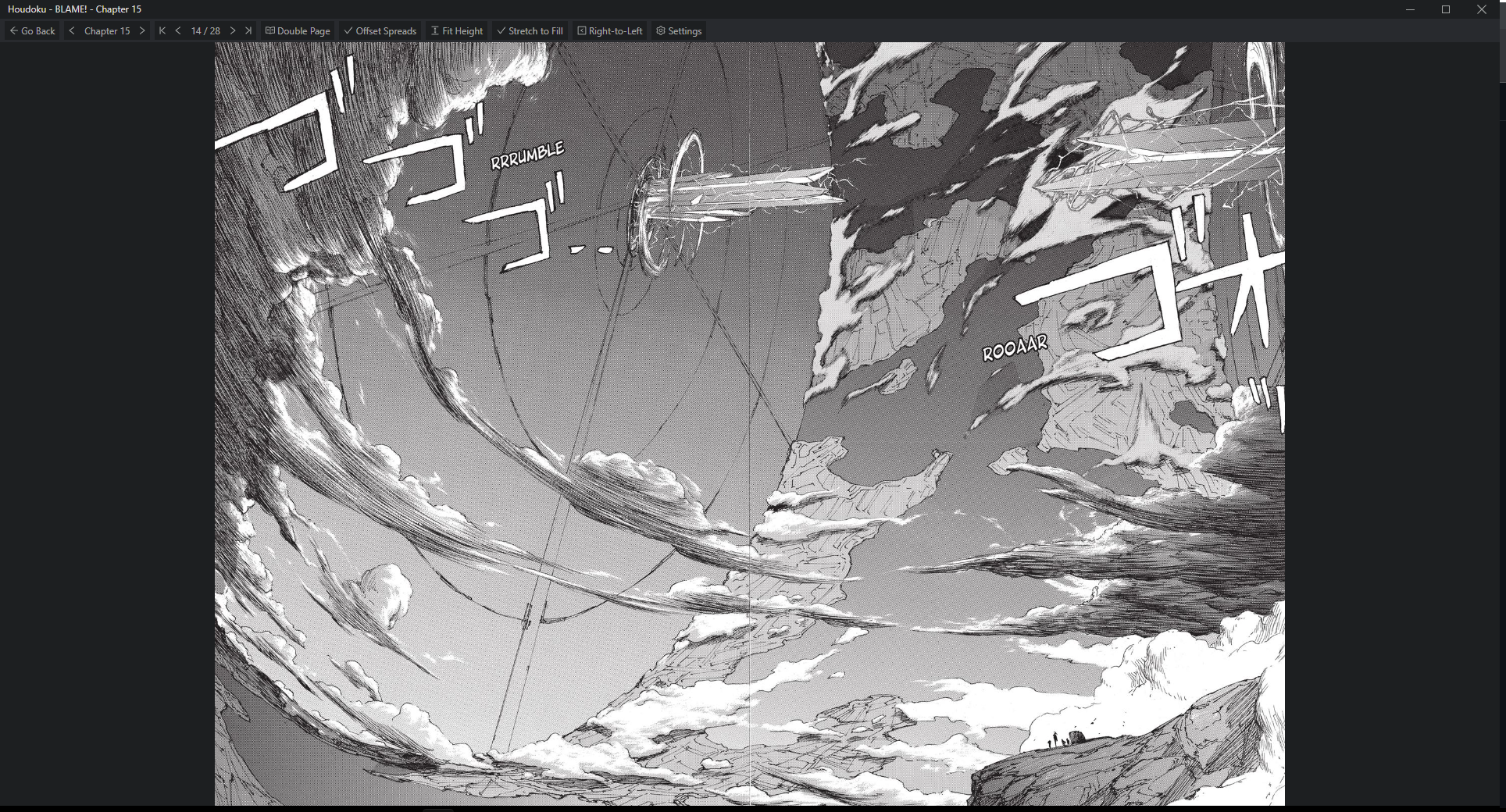 proceding image
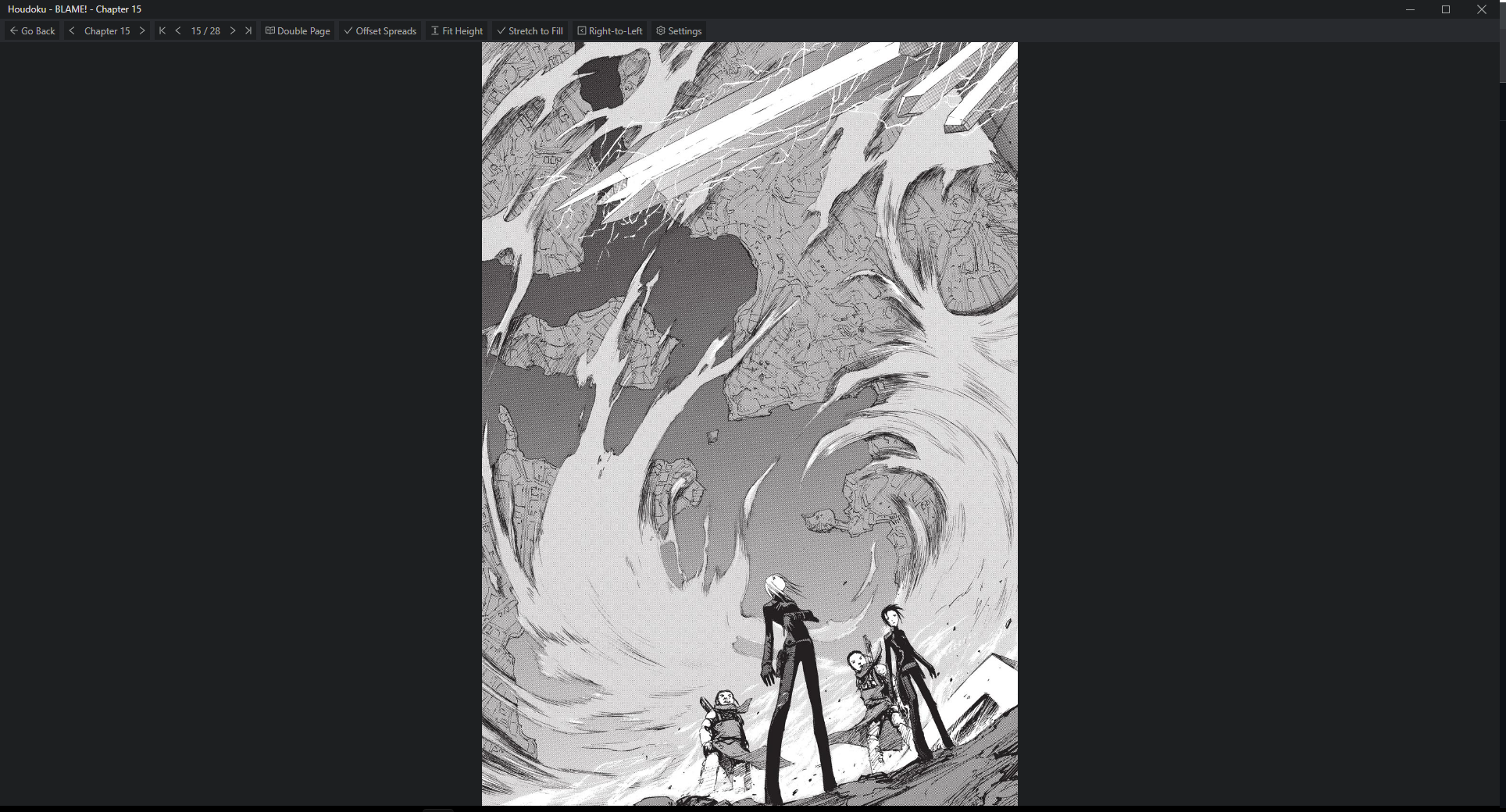
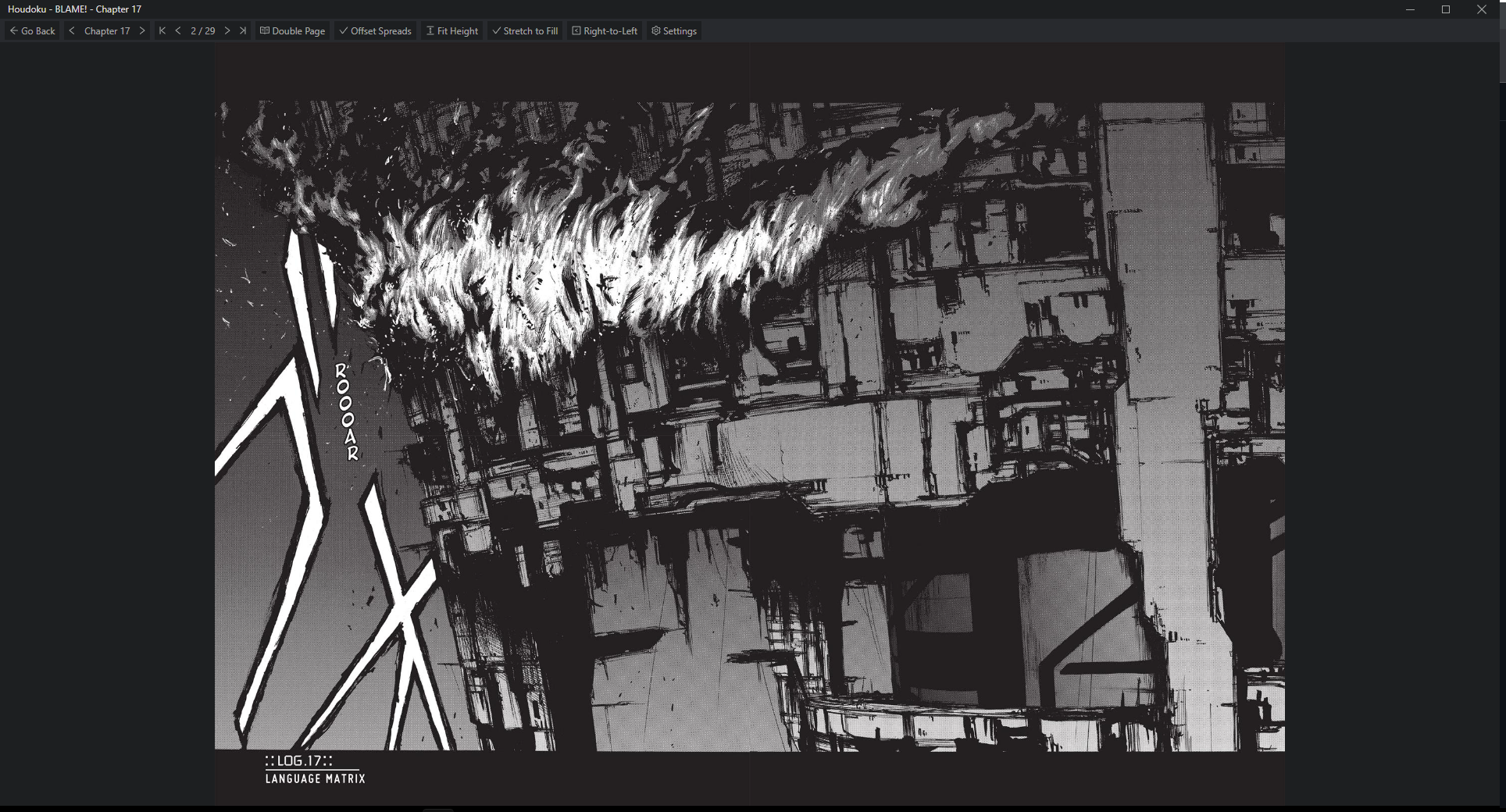 proceeding image
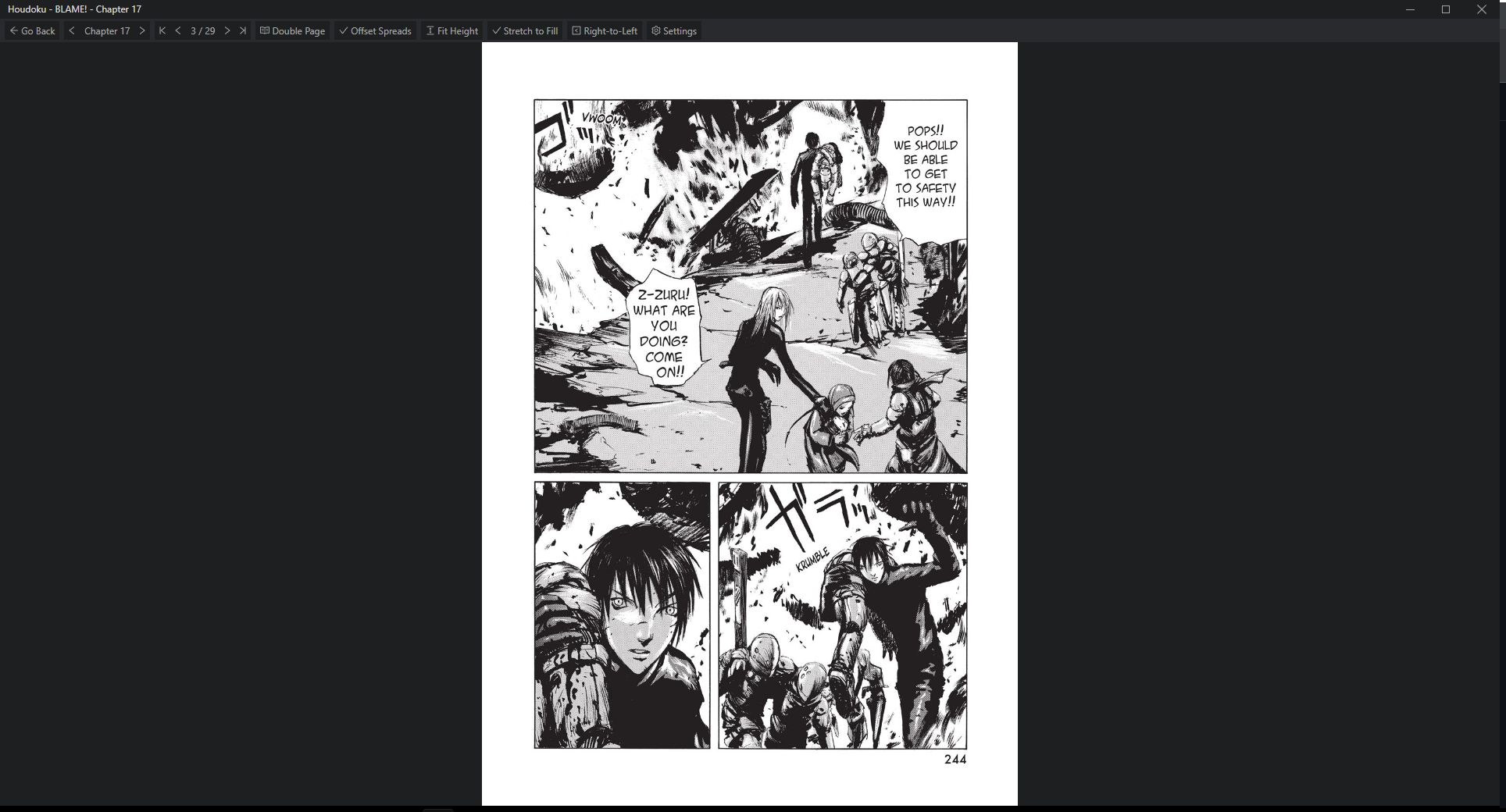
These are with the offset spread option enabled. If it's disabled, then the issue reverses where the page immediately before a double spread will be a single.

Interestingly, in in this example the behavior is wrong both before and after the double spread, while it's perfect with offset spreads disabled. Before:
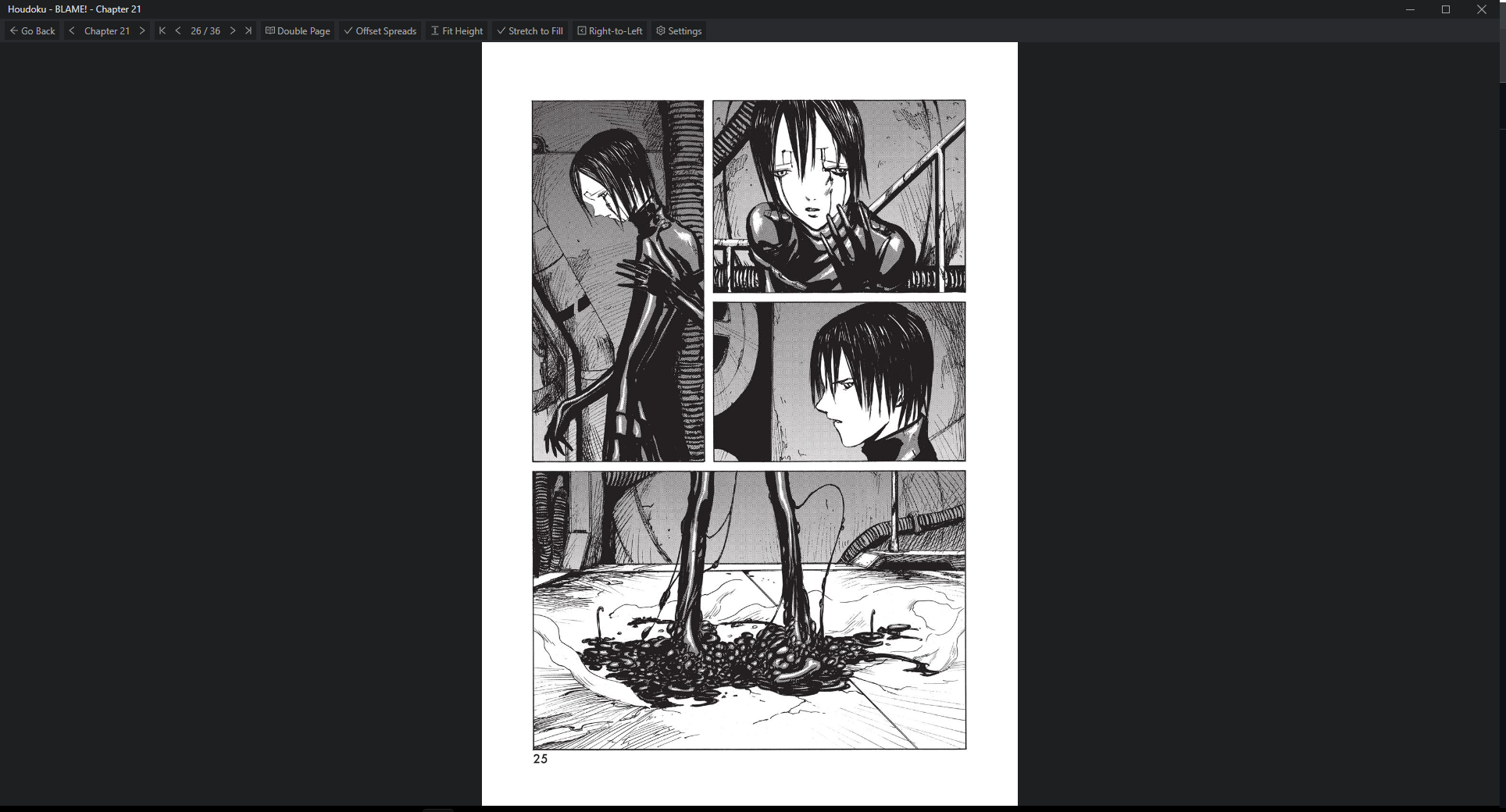 During:
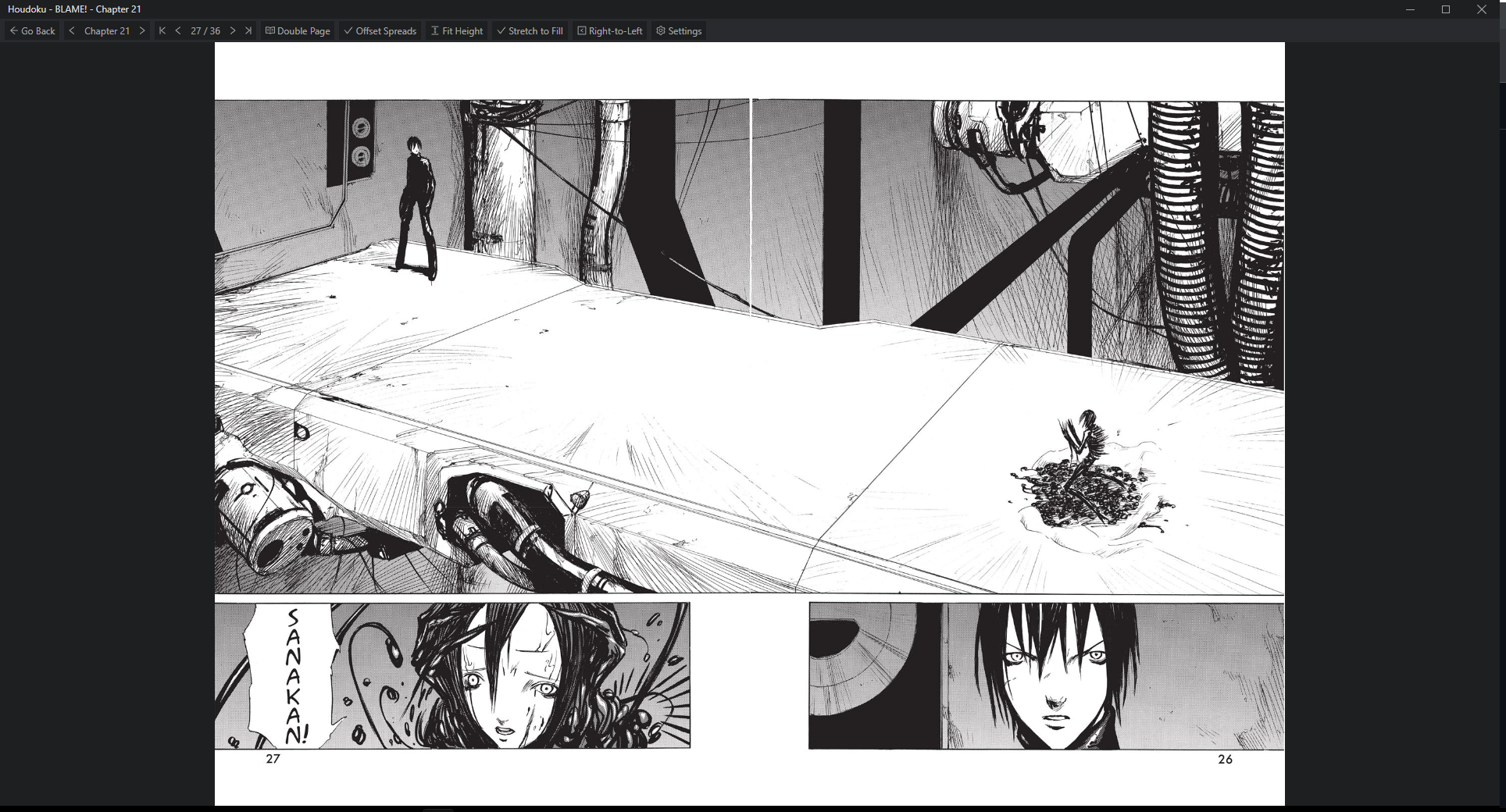 After:
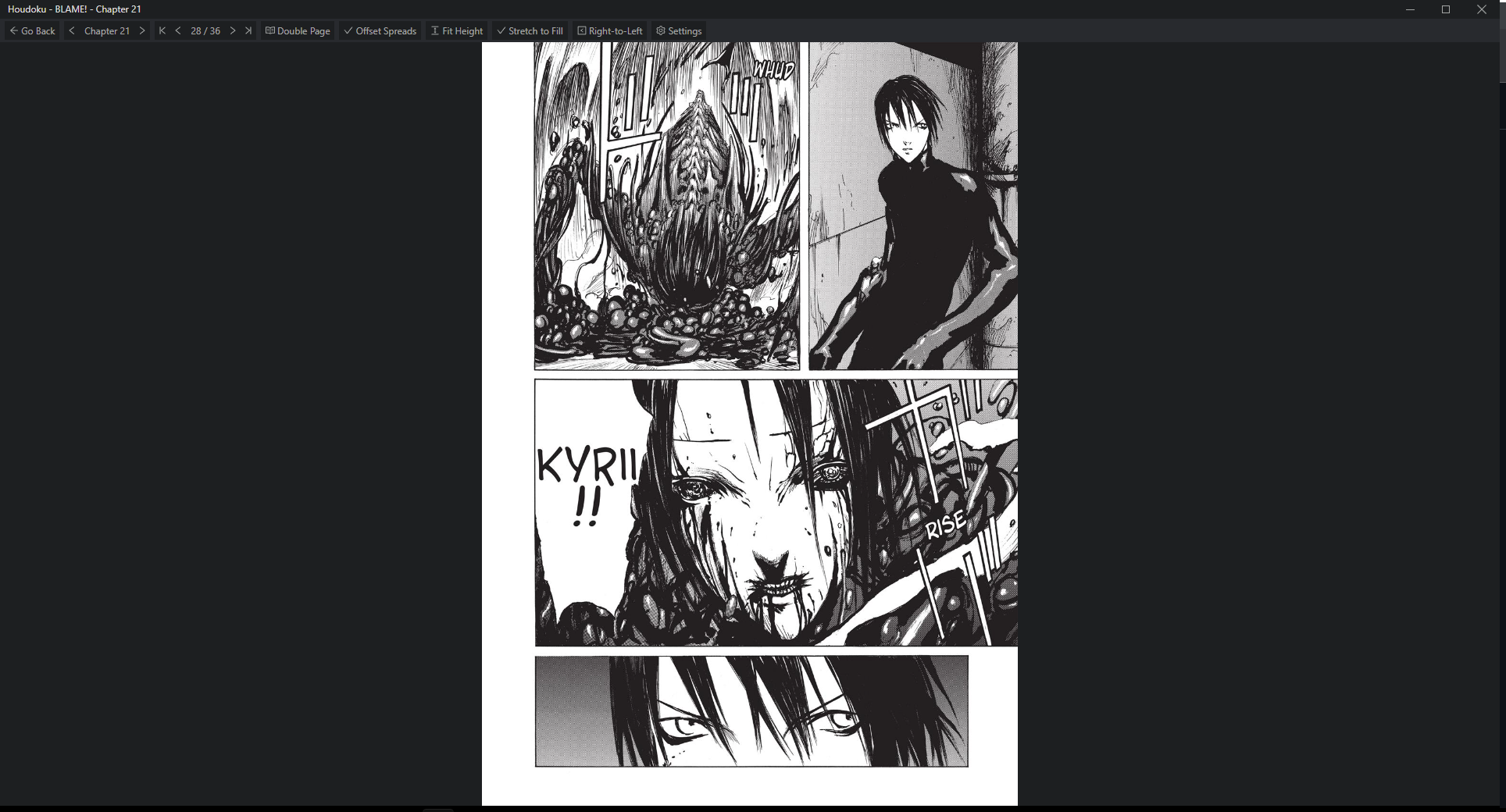
I'm not sure the behavior here is incorrect.
In your first example (chapter 15), there are spreads on page 14 and 27, which leaves 12 pages in between. With offset disabled, all of these get doubled up. But since there's an even number of pages, there's no good way to do an offset. In order to make it possible, we have to leave one page by itself, which leaves an odd # so the last page is also displayed by itself.
I don't get "the issue reverses where the page immediately before a double spread will be a single". In the first example, there are 13 pages before the spread -- one of them will have to be displayed alone. The offset option let's you pick whether it's page 1 or page 13.
The logic for the offset option is pretty simple: the first page overall and every page following a spread is displayed alone. The remaining pages are grouped up as much as they can be. If this didn't apply to the page after a spread, there would be no way to change the ordering when there's an even number of pages -- which is fine in your example, but is not always the case. That's also why offset is disabled by default.
FWIW, MangaDex uses the same grouping logic: https://mangadex.org/chapter/fc5a3205-bbc2-42d4-8218-79887bd8e897 But maybe I could separate it into 3 options: "no offset", "offset spreads", "offset first". Haven't thought about it too hard though.

You're completely right! It never occured to me that the introduction of the offsets are what are creating the "issue". I enable them because it'll become obvious that the pages are missaligned when reading. Wouldn't it be possible to work outward before and after from each occurance of a double spread to assure that each double page is "proper"?
I'm not sure how that would change things, but maybe I'm not thinking about it correctly. The main problem I noticed when making the logic is that I started by just offseting the first page, and that worked when there were no spreads. But whenever you go past a spread, the remaining pages would be grouped the same regardless of the offset. So I just made the offset apply after the spread, too. I don't think there needs to be separate logic about pages before/after a spread, it just matters that you can change it.
I don't really view the offset button as having a strict behavior for an entire chapter, it's more of a "hey, these pages are aligned wrong, do it the other way" button. I don't think there's a good way to handle all possible cases in a universal way (how to handle even vs odd pages between 2 spreads, between a spread and the first/last page with even/odd pages).
I am leaning towards an "offset first page only" option. That would handle the most common case of a scanlation group credit page, but would not change the offset after spreads (which is usually preferred).
Yeah I don't see a universal solution being possible here, especially given that not all scans even make double spreads a single image. The option to make only the first page offset would be beneficial and solve my problem. I think my proposed solution of working outward from a double spread would be a convenient automatic solution in this use case, but ultimately can be done the same manually.