game-compatibility
 game-compatibility copied to clipboard
 xenia-project
53450813 - Bayonetta
xenia-project/xenia@fcdd15d1
Doesn't load after 30+ seconds, screen stays green.
Log:

Still state-nothing as of benvanik/xenia@720f8b0

Can I remove the original log? I'd like to pull down the repo soon.
Bayonetta plays opening video and displays main menu. Eternal loading screen
https://github.com/benvanik/xenia/commit/4aaca8cbf3288e5334cfafccea9cbfe0d5875e7f
xenia.zip


state-nothing with benvanik/xenia@bc0ddbb05a. Crashes before starting to render graphics. Occasionally you get half a second of audio
>   xenia.exe!vkCmdDraw(VkCommandBuffer_T * commandBuffer, unsigned int vertexCount, unsigned int instanceCount, unsigned int firstVertex, unsigned int firstInstance) Line 1894    C
    xenia.exe!xe::gpu::vulkan::VulkanCommandProcessor::IssueDraw(xe::gpu::PrimitiveType primitive_type, unsigned int index_count, xe::gpu::CommandProcessor::IndexBufferInfo * index_buffer_info) Line 581  C++
    xenia.exe!xe::gpu::CommandProcessor::ExecutePacketType3_DRAW_INDX_2(xe::RingBuffer * reader, unsigned int packet, unsigned int count) Line 1103 C++
    xenia.exe!xe::gpu::CommandProcessor::ExecutePacketType3(xe::RingBuffer * reader, unsigned int packet) Line 585  C++
    xenia.exe!xe::gpu::CommandProcessor::ExecutePacket(xe::RingBuffer * reader) Line 451    C++
    xenia.exe!xe::gpu::CommandProcessor::ExecuteIndirectBuffer(unsigned int ptr, unsigned int count) Line 410   C++
    xenia.exe!xe::gpu::CommandProcessor::ExecutePacketType3_INDIRECT_BUFFER(xe::RingBuffer * reader, unsigned int packet, unsigned int count) Line 746  C++
    xenia.exe!xe::gpu::CommandProcessor::ExecutePacketType3(xe::RingBuffer * reader, unsigned int packet) Line 552  C++
    xenia.exe!xe::gpu::CommandProcessor::ExecutePacket(xe::RingBuffer * reader) Line 451    C++
    xenia.exe!xe::gpu::CommandProcessor::ExecuteIndirectBuffer(unsigned int ptr, unsigned int count) Line 410   C++
    xenia.exe!xe::gpu::CommandProcessor::ExecutePacketType3_INDIRECT_BUFFER(xe::RingBuffer * reader, unsigned int packet, unsigned int count) Line 746  C++
    xenia.exe!xe::gpu::CommandProcessor::ExecutePacketType3(xe::RingBuffer * reader, unsigned int packet) Line 552  C++
    xenia.exe!xe::gpu::CommandProcessor::ExecutePacket(xe::RingBuffer * reader) Line 451    C++
    xenia.exe!xe::gpu::CommandProcessor::ExecutePrimaryBuffer(unsigned int read_index, unsigned int write_index) Line 388   C++
    xenia.exe!xe::gpu::CommandProcessor::WorkerThreadMain() Line 156    C++
    xenia.exe!xe::gpu::CommandProcessor::Initialize::__l2::<lambda>() Line 53   C++
I've got the same problem with https://github.com/benvanik/xenia/commit/a3c2b8b3f5b12762214556b44abc0c152cafc27b I managed to get an error message with visual studio: Unhandled exception at 0x000000000109E1B4 (nvoglv64.dll) in xenia.exe: 0xC0000005: Access violation reading location 0x000000000000019C. log: xenia.zip

OpenGL (Boot OK) http://imagehost.spark-media.ru/i4/2EBCF5AE-C860-F3DC-274C-5BE42CD0DD6C.jpg Vulkan (Boot failed. Crash) http://imagehost.spark-media.ru/i4/585C0E0B-45D9-92FA-7BF3-4E891391731A.jpg LOG http://slidex.narod.ru/xenia_Bayonetta_VK_log.log

Now goes ingame with heavy visual glitches. Tested with https://github.com/benvanik/xenia/commit/4866a4a9663822b532b8833da12eca1a54d35c3c.

Tested on (https://github.com/benvanik/xenia/commit/16cff62d36201651bfc998a623516f6cda721fa0)
Issues:
Vulkan: Partially broken graphics and after some time render go in grey screen but game still works (sound, sub-text). Some objects invisible. Not works transparency for some effects and textures OGL: Picture much better but very slow performance
LOGs:
Bayonetta_VK.txt Bayonetta_OGL.txt
Video:
Screenshots:
Vulkan:
 Vulkan:
 OpenGL:
 OpenGL:

Labels:
gpu-corrupt-drawing gpu-missing-drawing state-gameplay
Used last master (https://github.com/benvanik/xenia/commit/2a52156edf4ecc02d9083c31d495e0a927d26438) + (https://github.com/benvanik/xenia/issues/779) + (https://github.com/benvanik/xenia/issues/767)
Game works much better now, but still partially broken graphics and requires CPU fix (Opcode_Splat as disable). Prologue works is enough good, Part 1 - playable but more graphics glitches, Part 2 - half playable, some place as white screen.
Performance - perfect
Sound - OK
Save-States - OK
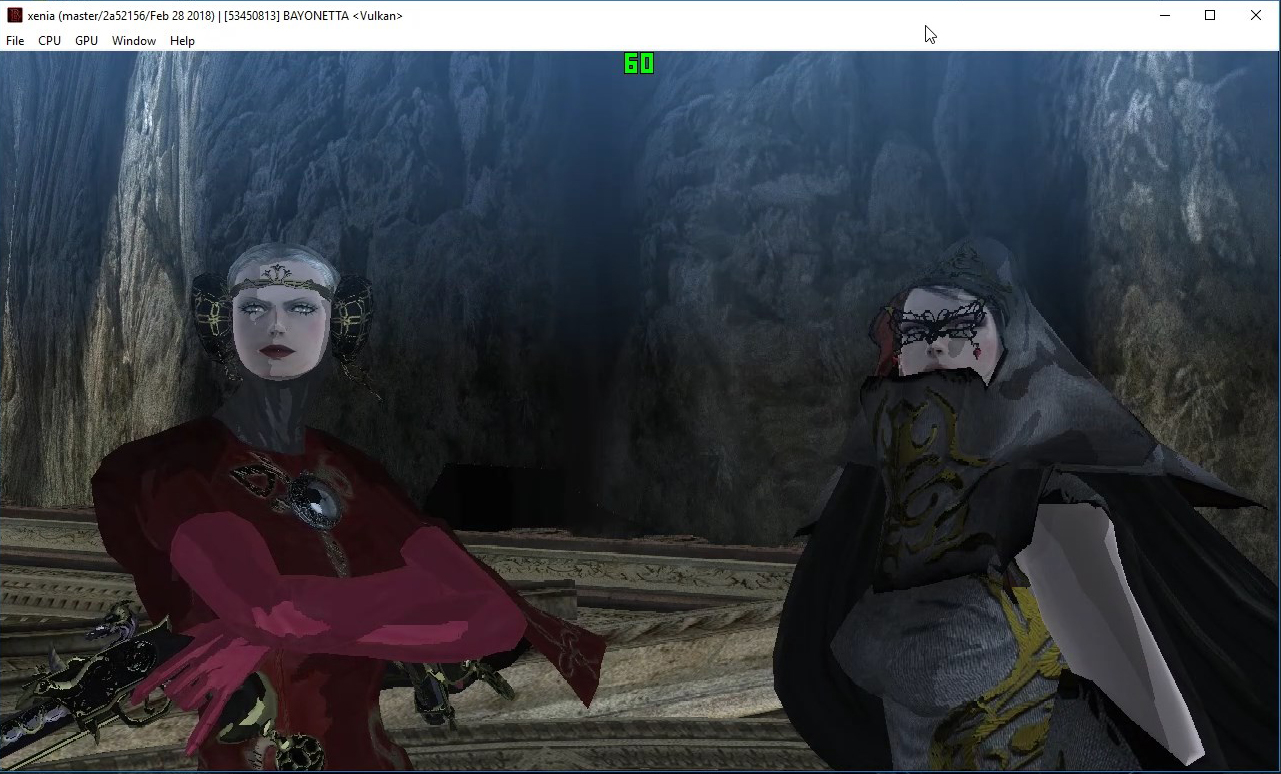
Video:
Very big degradation in Bayonetta graphic in this version below.
Tested on (https://github.com/benvanik/xenia/commit/c6ee689159af0b88d36327f6a90f3b0f3ed96150)
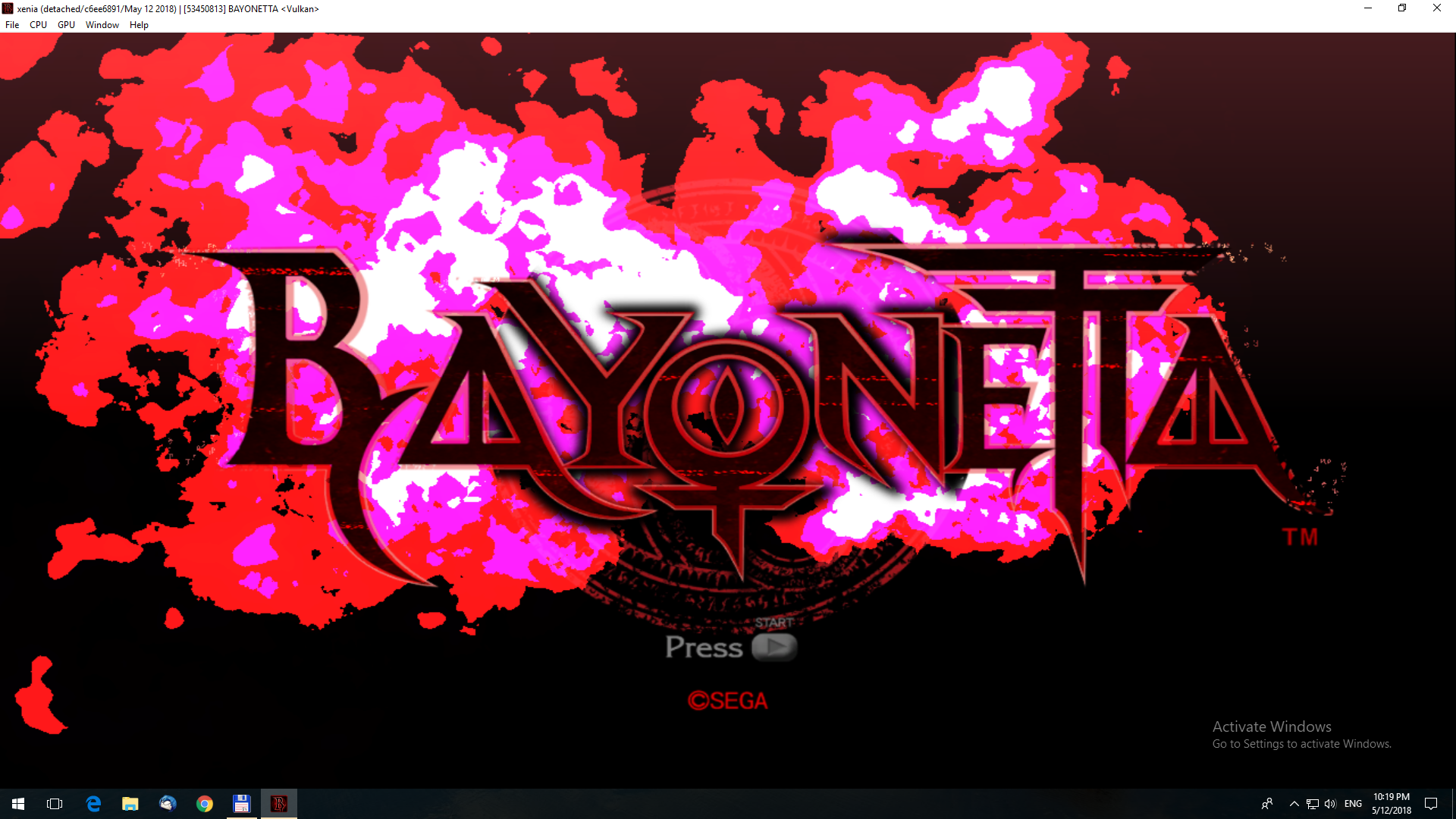
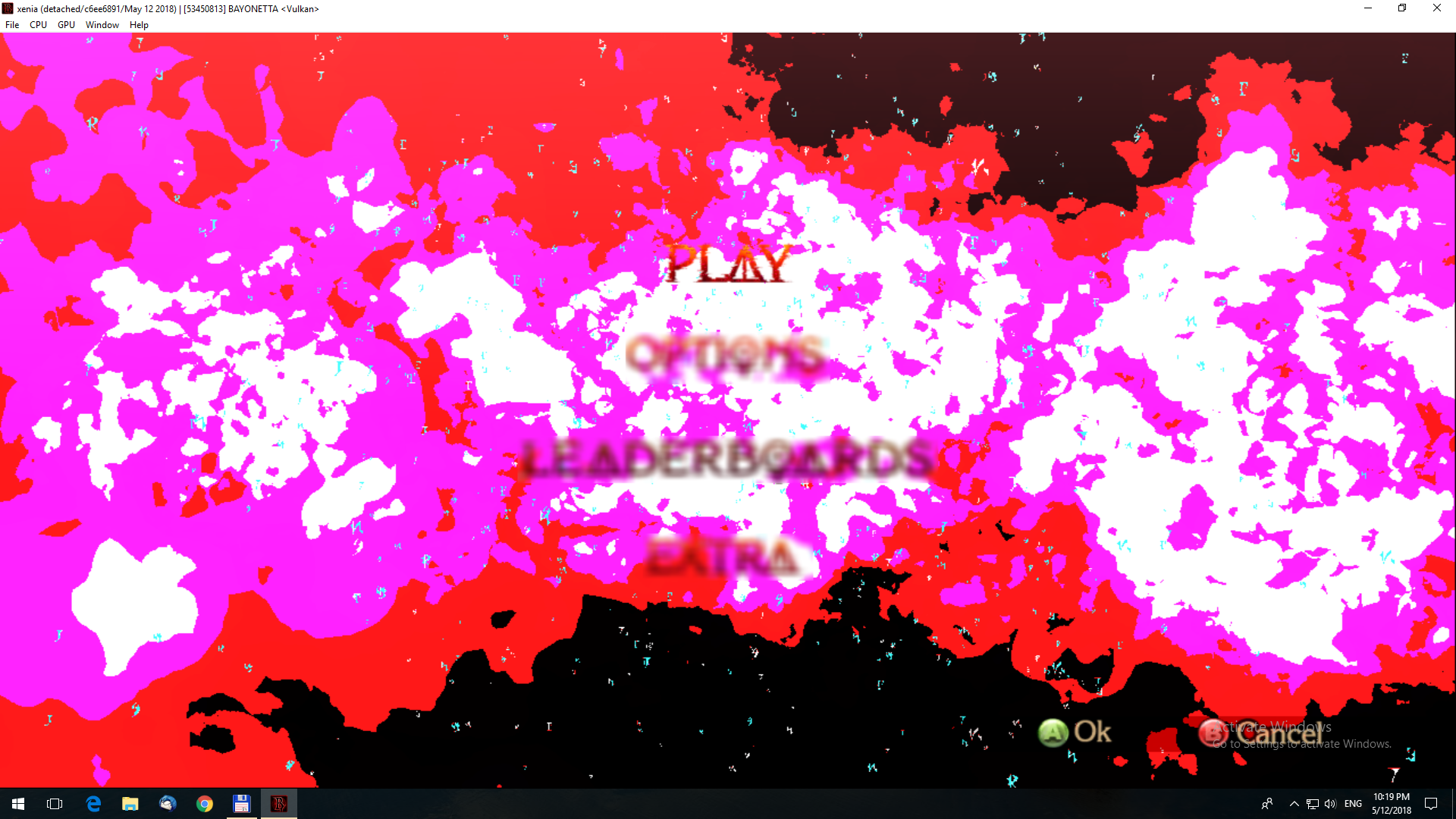
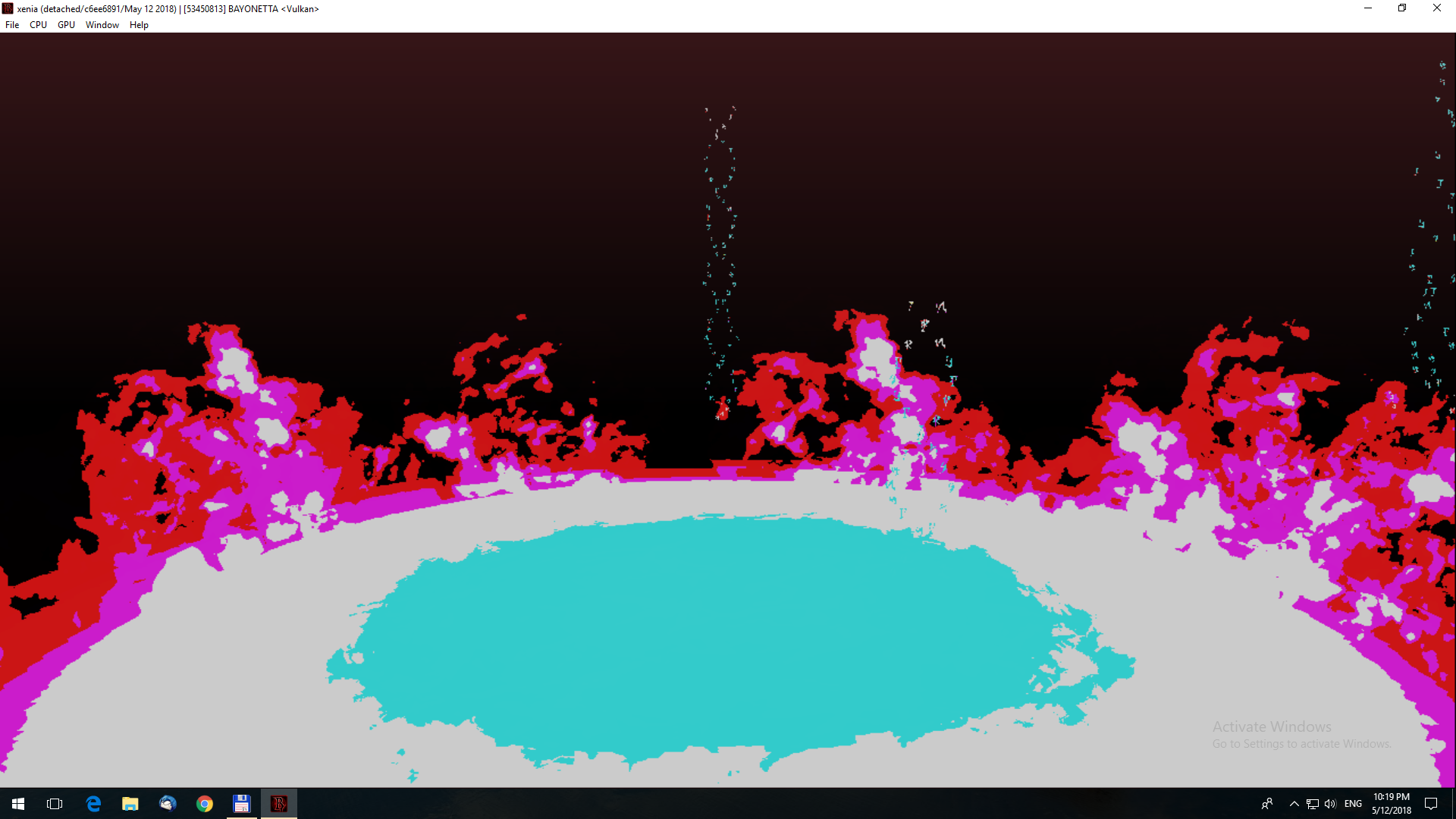
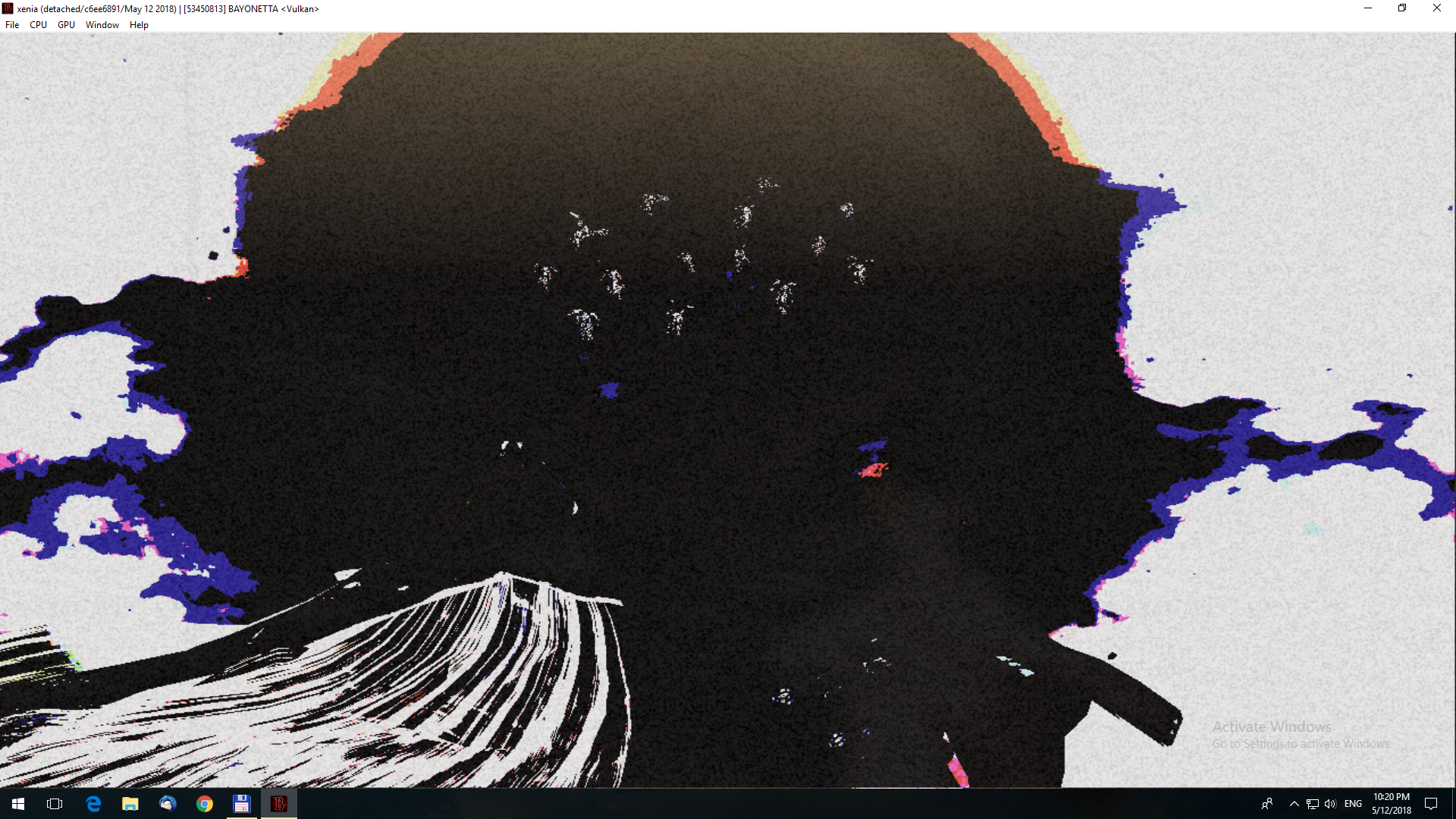
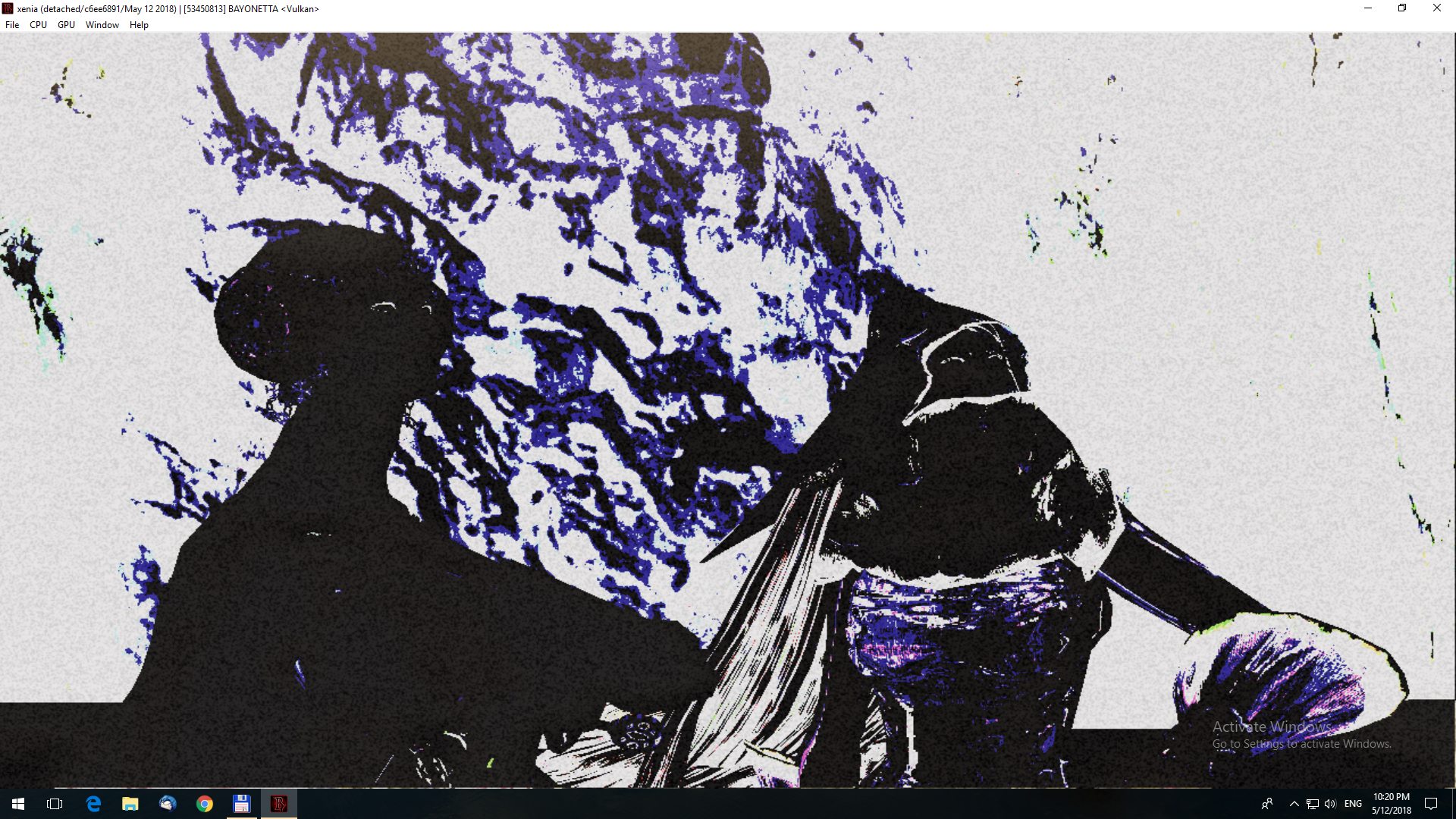

Fixed with version: Tested on (https://github.com/benvanik/xenia/commit/170ab850491713720e72247aa6895a7c2725562e)
Log:
Tested on https://github.com/xenia-project/xenia/commit/f748e5af49062fd78d098acdaf045183f29faf36
I don't have much to add to zemzema's post, but I figured I'd test this game on the current master and provide a video and some screenshots to go with it.
Video:
https://youtu.be/5Ob8NWXA72c
Screenshots:
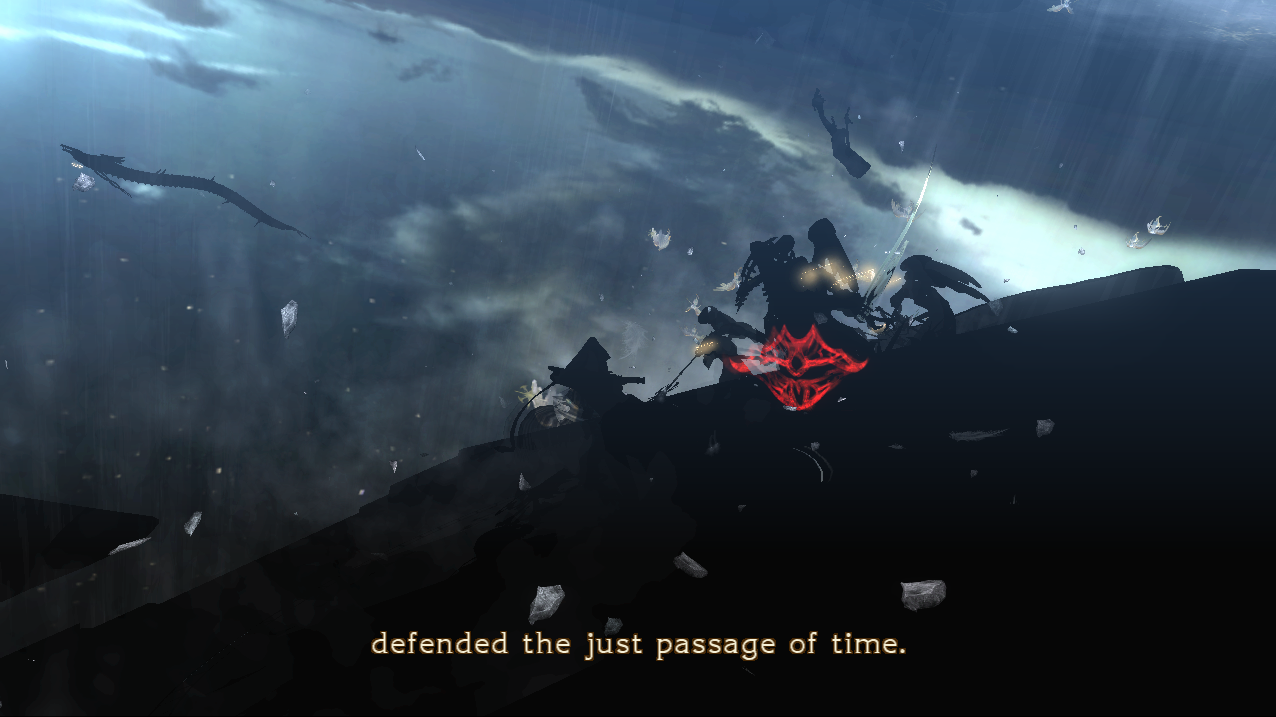
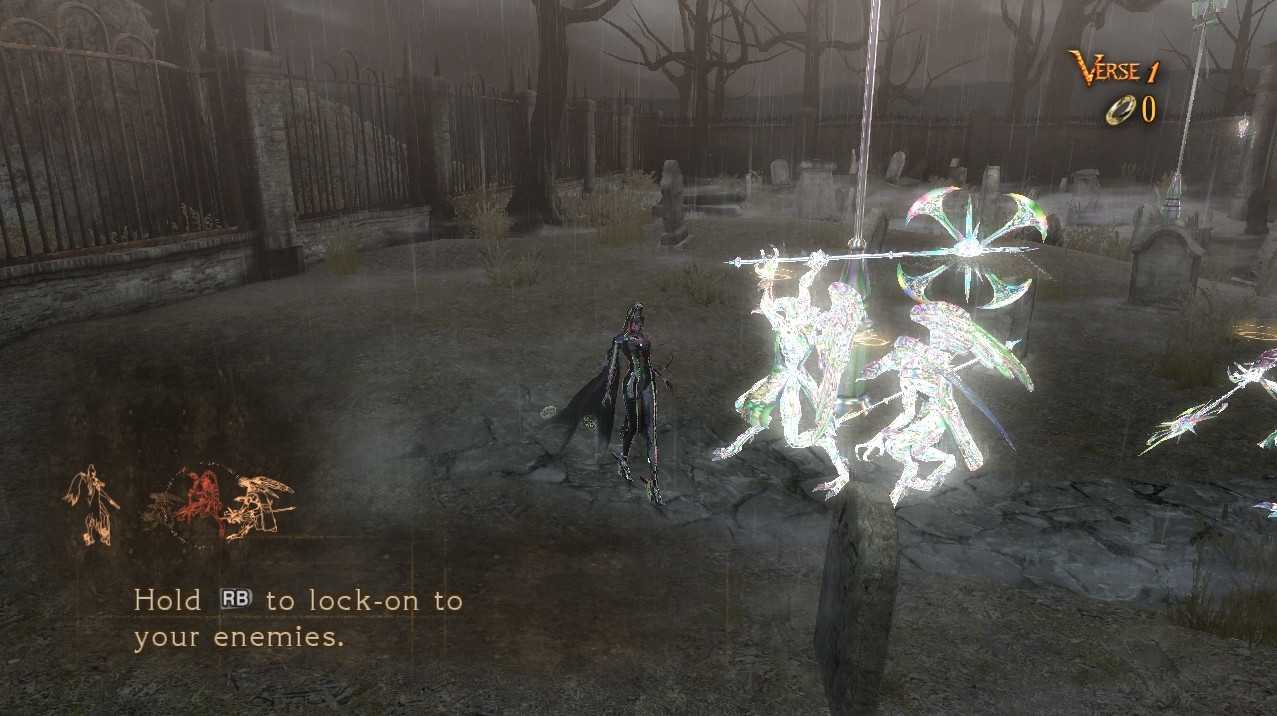
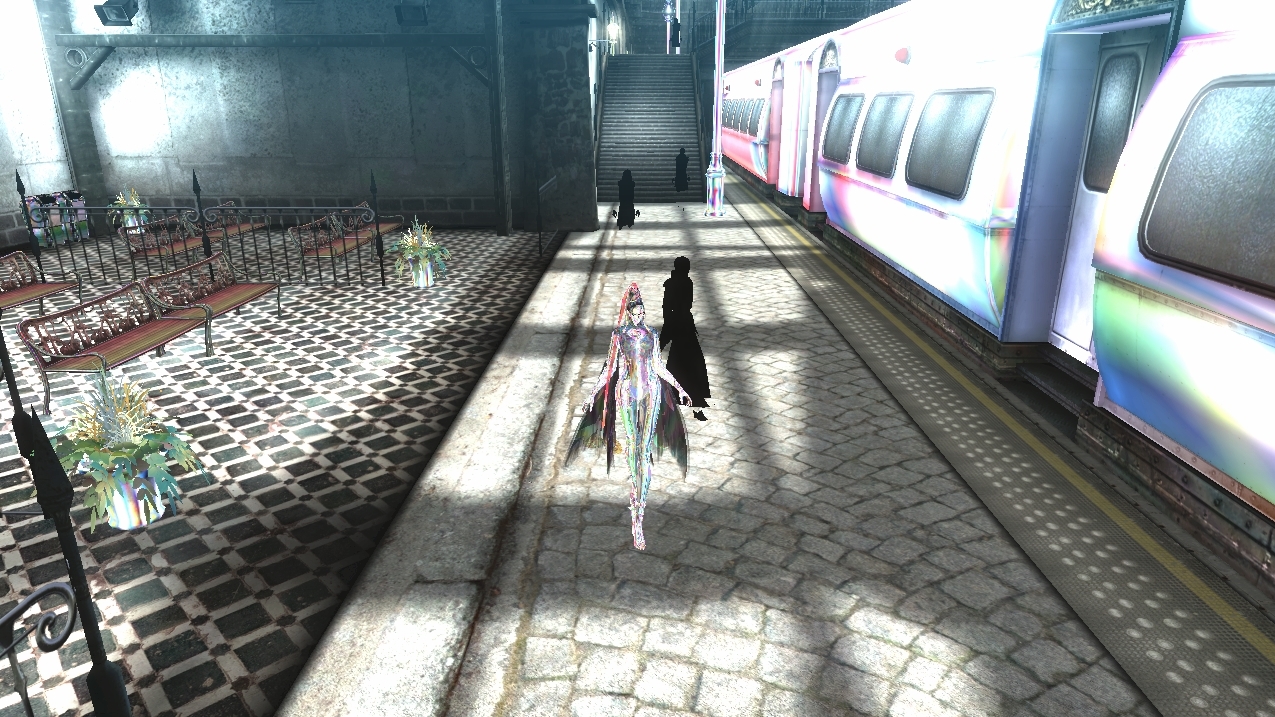
The lighting in the first part of the prologue (shown in the first screenshot) is totally screwed up, but it gets better after that. A lot of the textures look pretty funky, but I haven't seen many graphical issues that would affect gameplay once you get past the intro. The performance is also really good. During the prologue I managed a consistent 60 frames per second, with rare drops in the framerate if there were explosions on screen. The framerate was a bit lower in chapter 1, probably because the level design is more complex and there is more stuff happening during that part of the game. Note that my performance is better than the video shows because recording the screen slows down my computer a bit. The sound and music are also really clear.
Log File (53.7 MB):
https://www.dropbox.com/s/zke2cm31kavxmyi/Bayonetta.zip?dl=0

The brightness increases in this part of the scene. I don't know if it's because of the game itself or the emulator. XENIA VERSION (FEB 17 2022) Direct3D 12
After Pass the Bridge
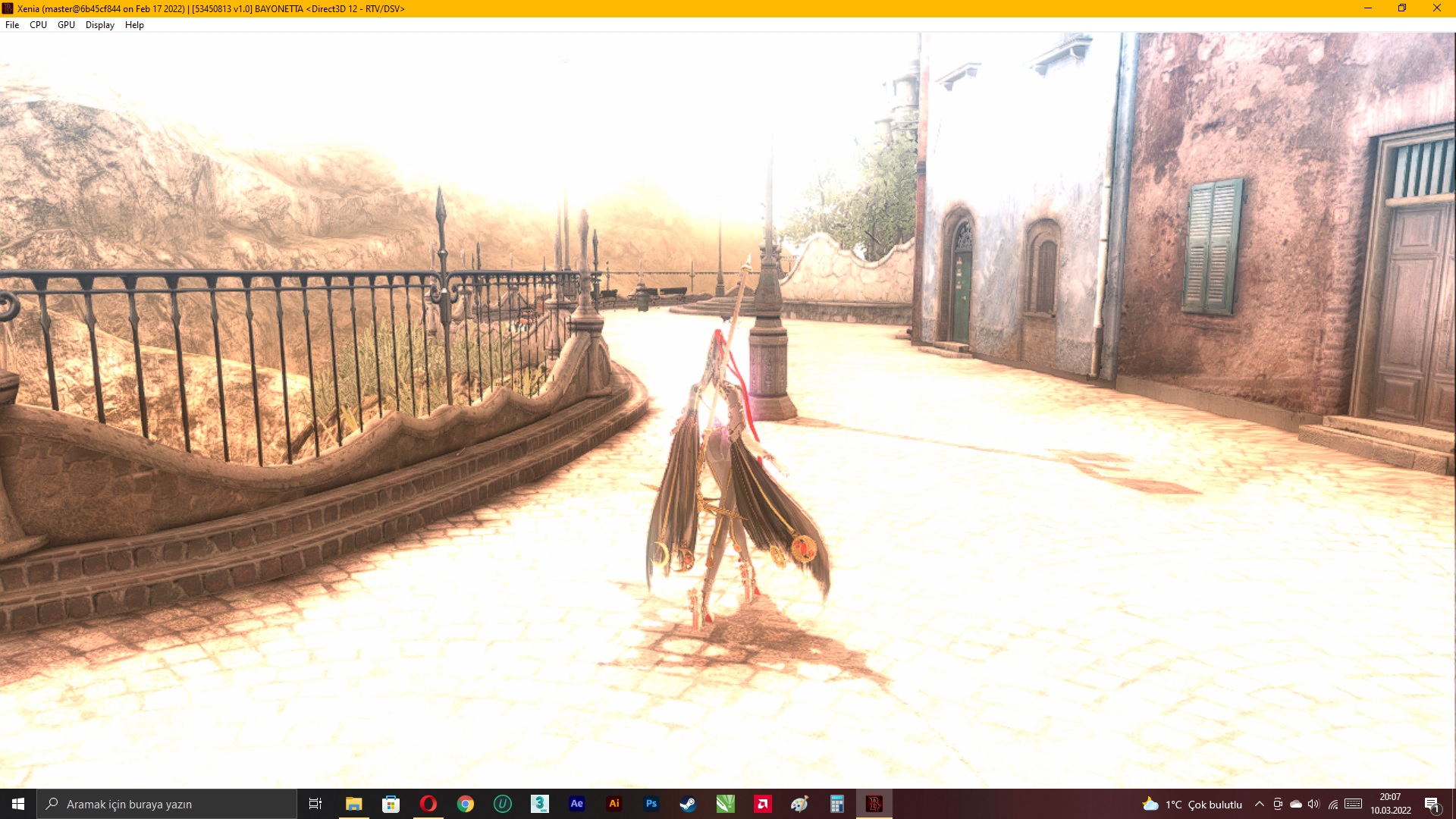
Before pass the Bridge


Chapter XIV for to some have problem.
Stage Starting before
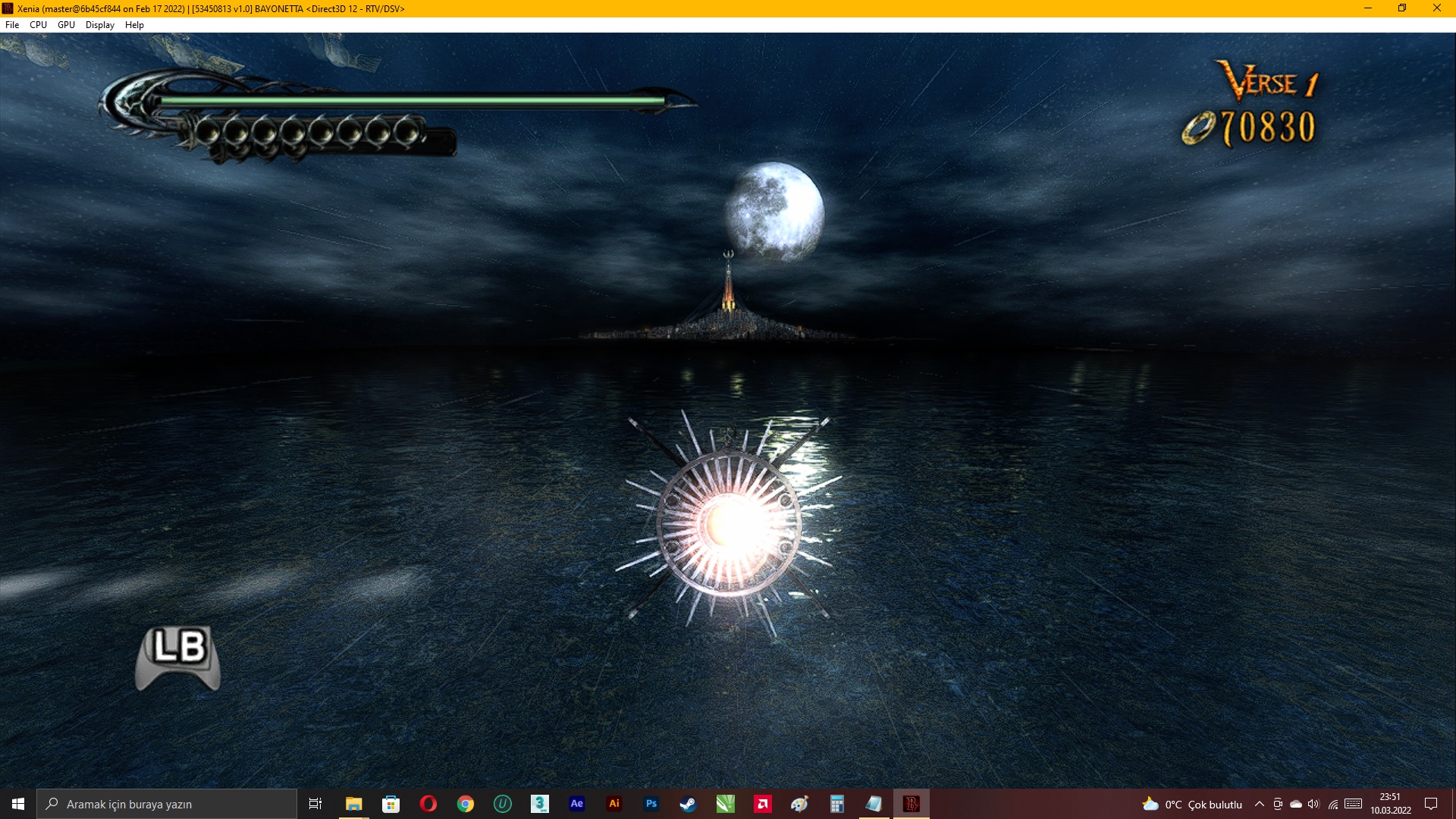
Pass some timing after
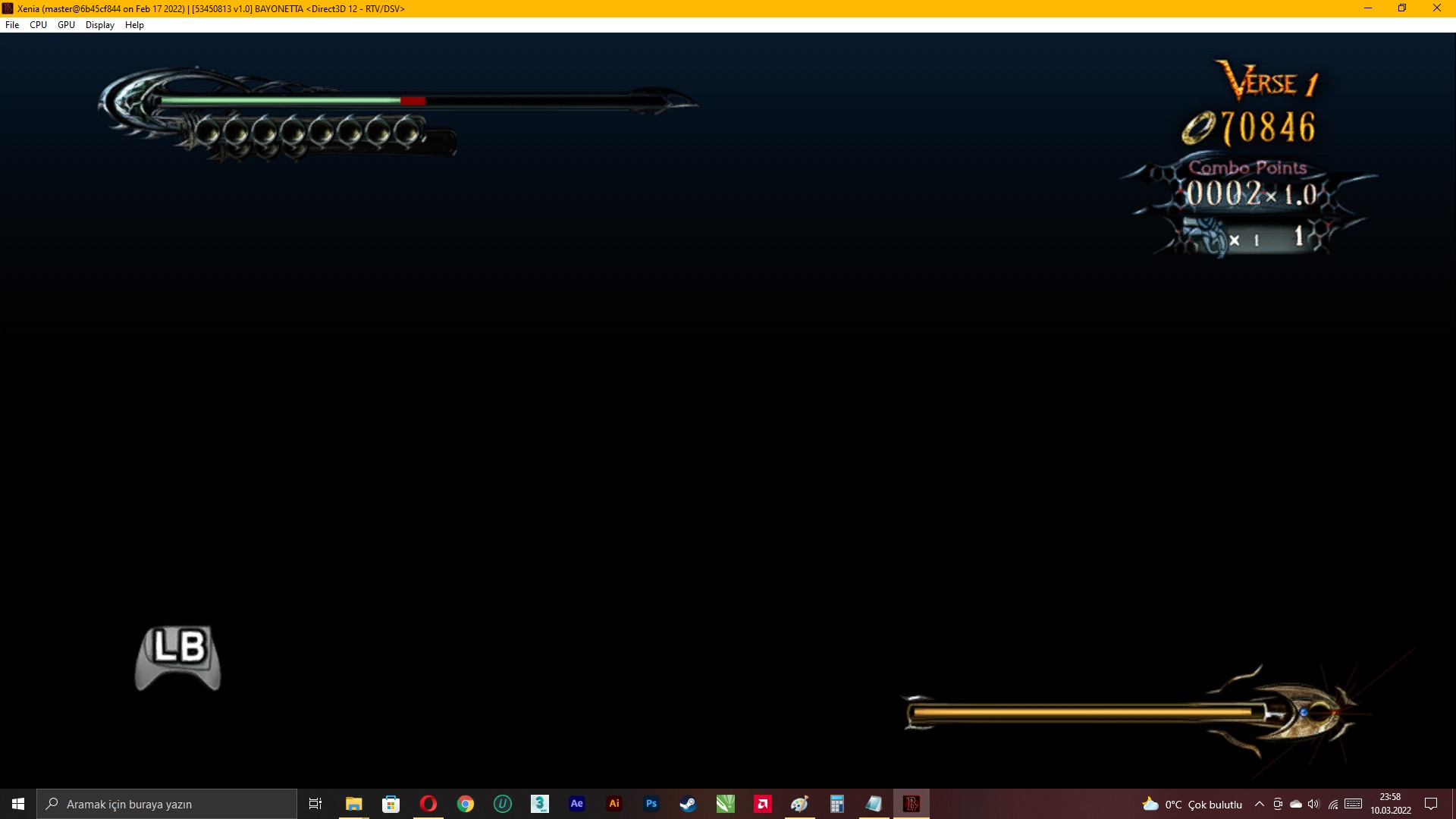
Tested on master@6b45cf844 (Feb 17 2022) build from a blank save upto Chapter 14 where the same issue as described above appears. It is possible to button mash your way to the end of that segment but then the game will be stuck in an infinite loading screen. Overall the game up until that point is pretty playable and generally gameplay suffers from few graphical glitches, but cutscenes are more problematic.
PC Specs: Windows 7 SP1 Professional Intel Core i3-6100 AMD Radeon Pro WX3100 8GB DDR3


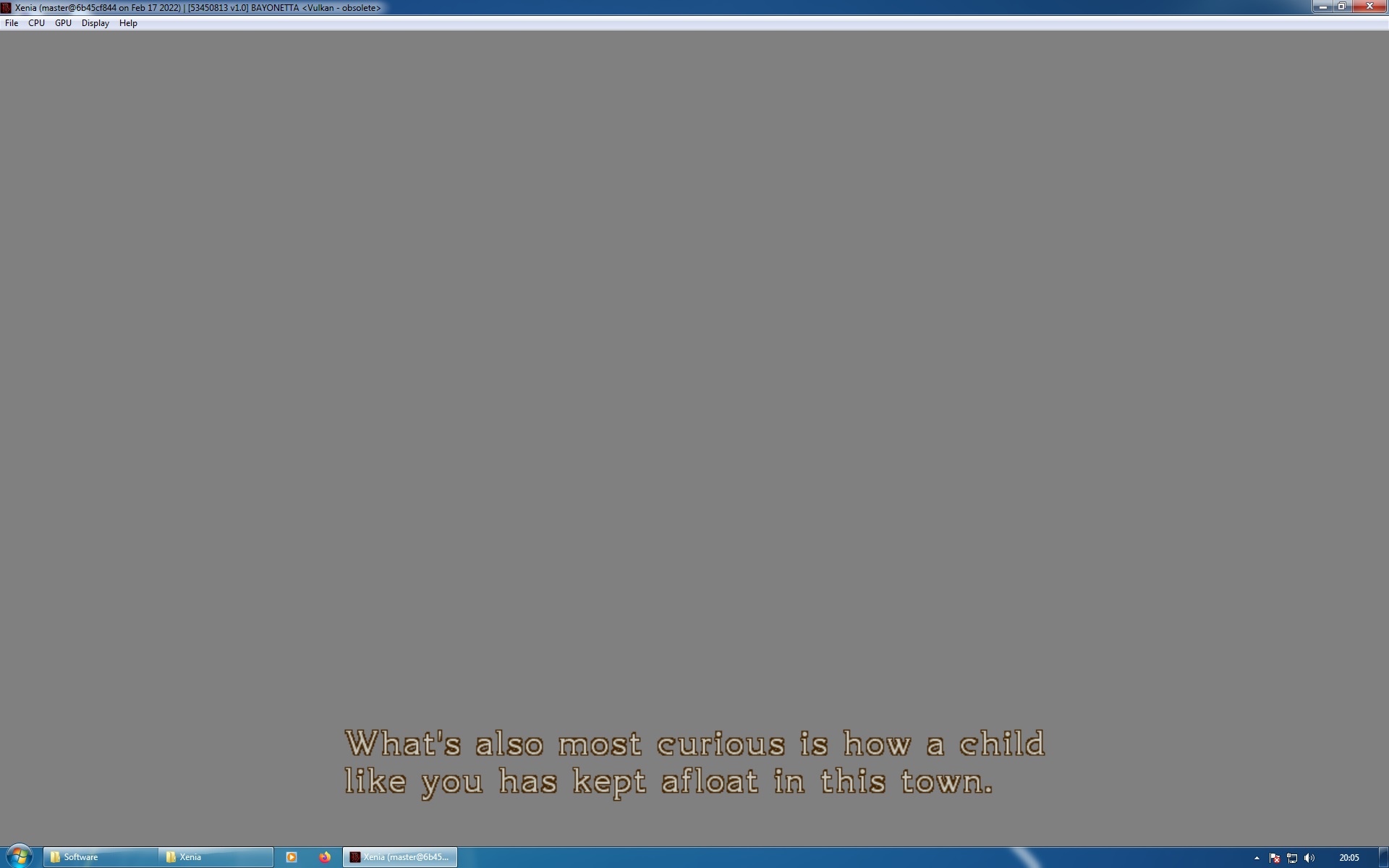


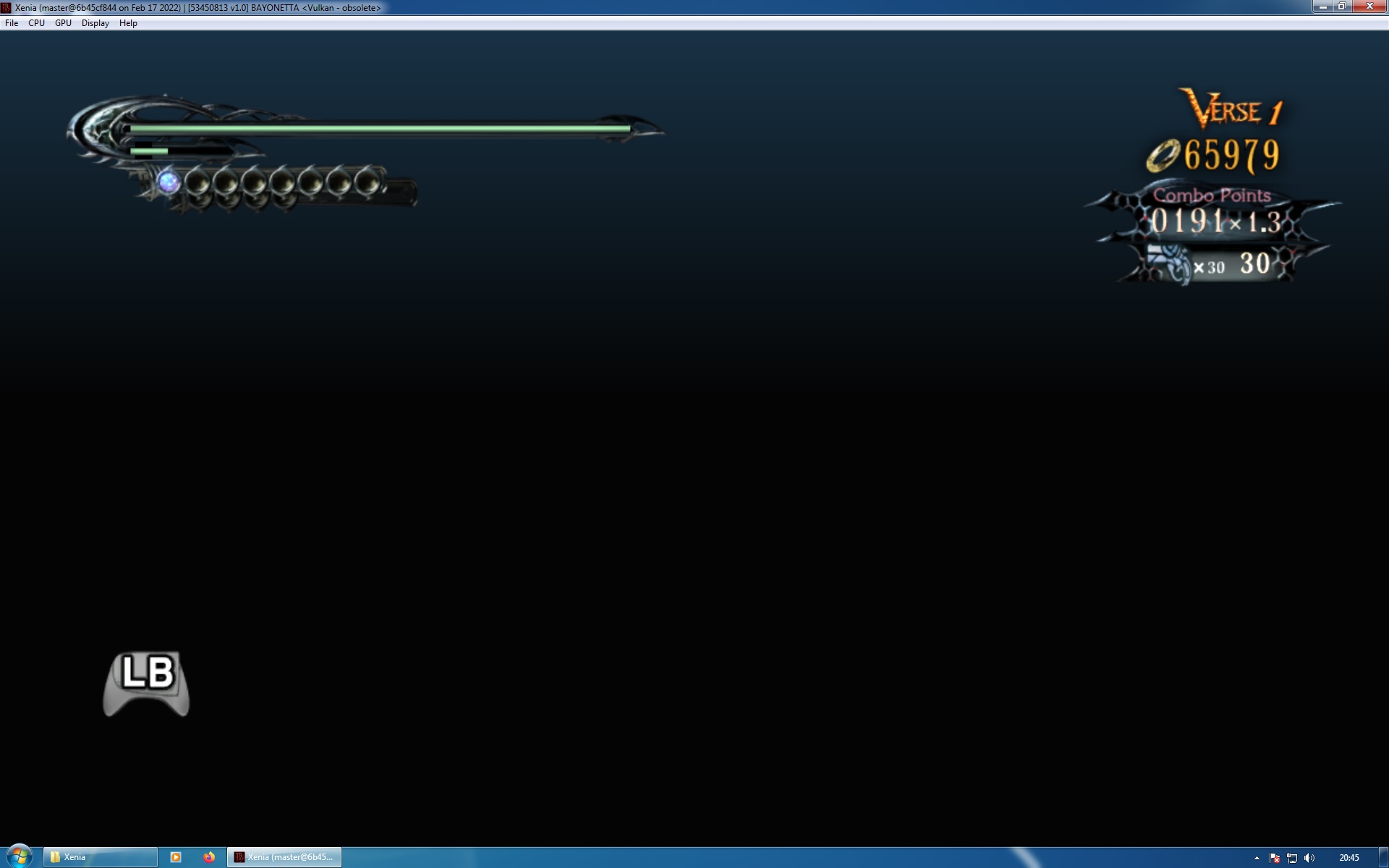
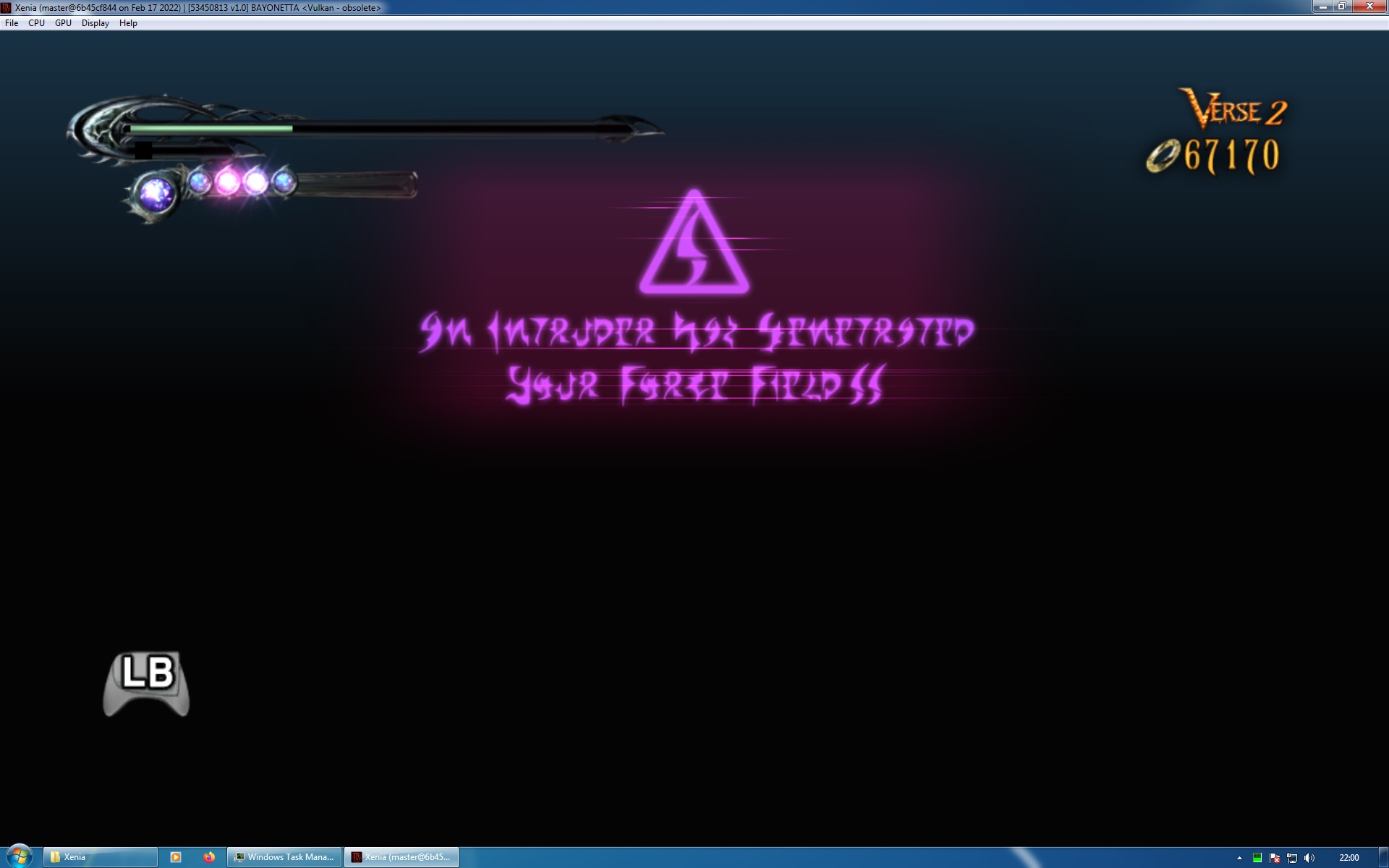 Xenia Log Bayonetta Chapters 7-9.zip
Xenia Log Bayonetta Chapter 14.zip
Xenia Log Bayonetta Chapters 7-9.zip
Xenia Log Bayonetta Chapter 14.zip

Xenia Canary issue: https://github.com/xenia-canary/game-compatibility/issues/540