

 xenia-project
454107DC - Burnout Revenge
Tested on https://github.com/xenia-project/xenia/commit/6209c4a9315f38136825c5eb20b54c70891cb780
Issues:
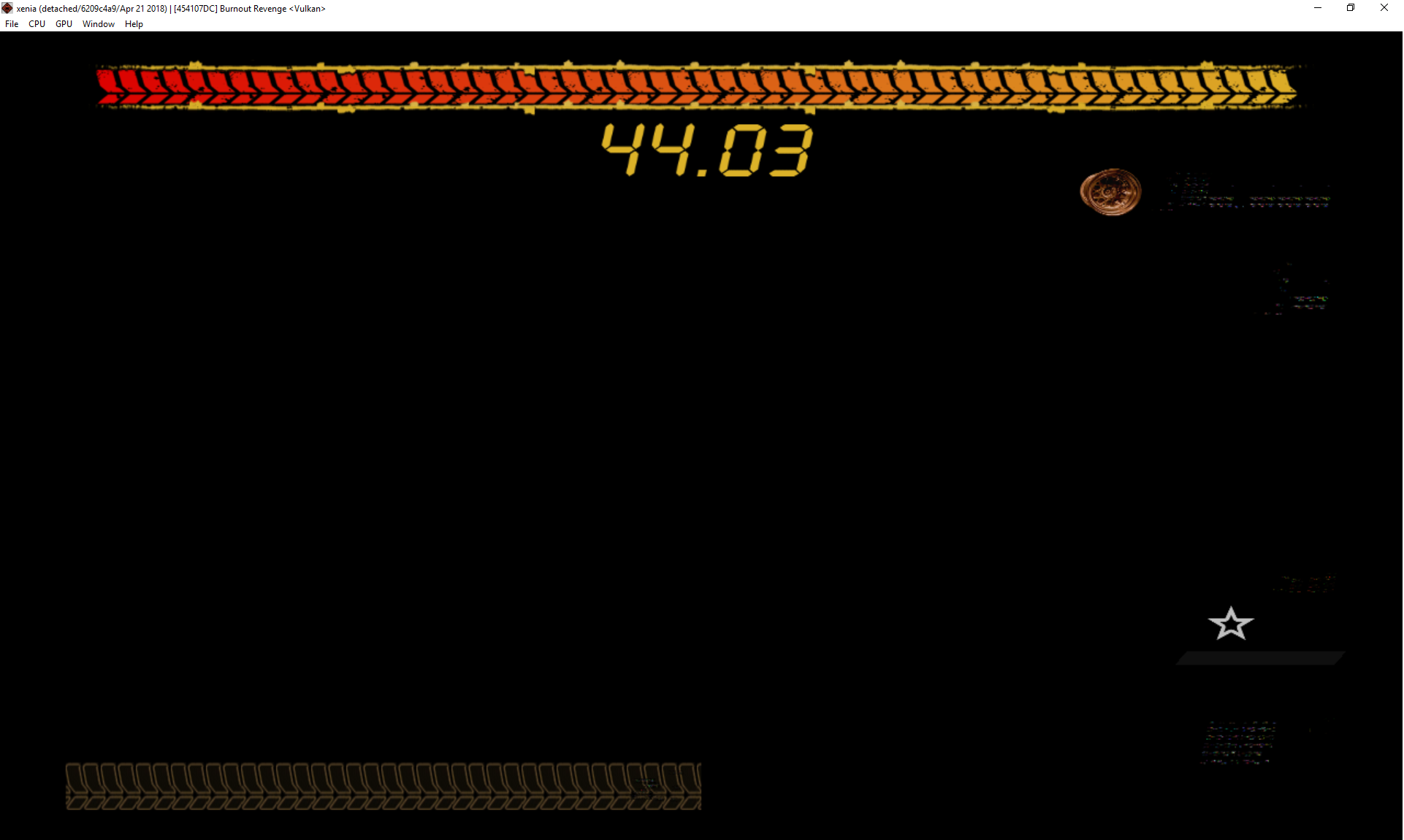
Introduction is shown, menus are working correctly but as soon as the game has to render something on its 3D Engine, such as vehicle selection or when the game loads you in a race track only a black screen with the HUD are visible nothing else, it's all a black screen basically. Nevertheless you can still hear the sound of your car´s engine and your car crashing but nothing is shown, which means the game is working but the emulator is probably having some kind of trouble to render.
Other observations:
- Minor Audio issue: Ingame music is not playing It looks like EA TRAX is not working properly, since no music can be heard during gameplay, car selection, loading screens or menu. However the rest of the audio is perfectly fine and working.
- After I leave the game running for a while with its corrupt graphics I am prompted with a message from Xenia stating:
Xenia error: Graphics device lost (probably due to an internal error)and then Xenia closes itself as soon as I click ok on the error message.
Log:
Screenshot(s):
Labels:
gpu-corrupt-drawing

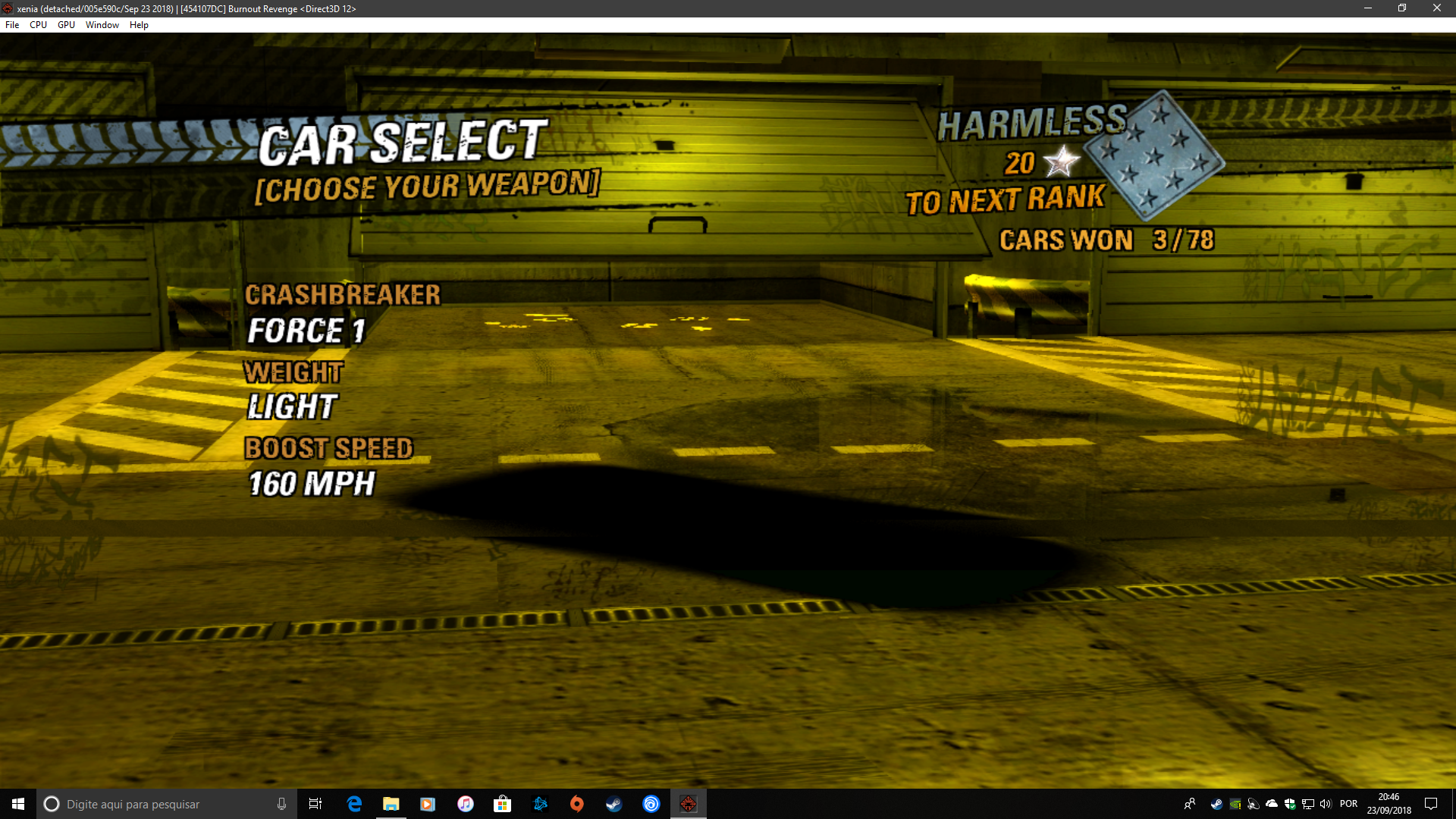
Now we can get something on DirectX 12, I was using the latest build "1.0.28-d3d12". The movies are completely broken using the Dx12 build.


 and
and
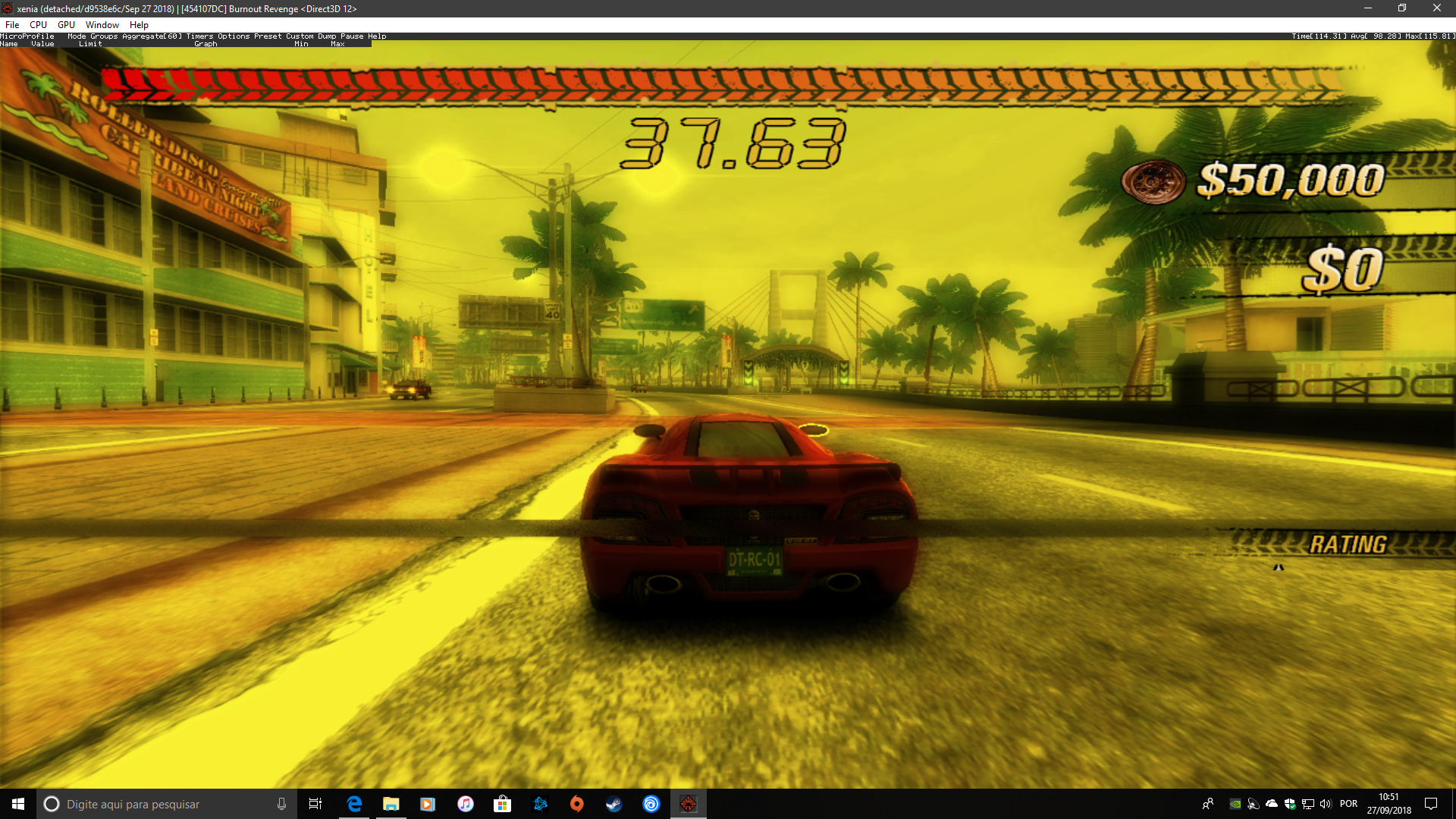
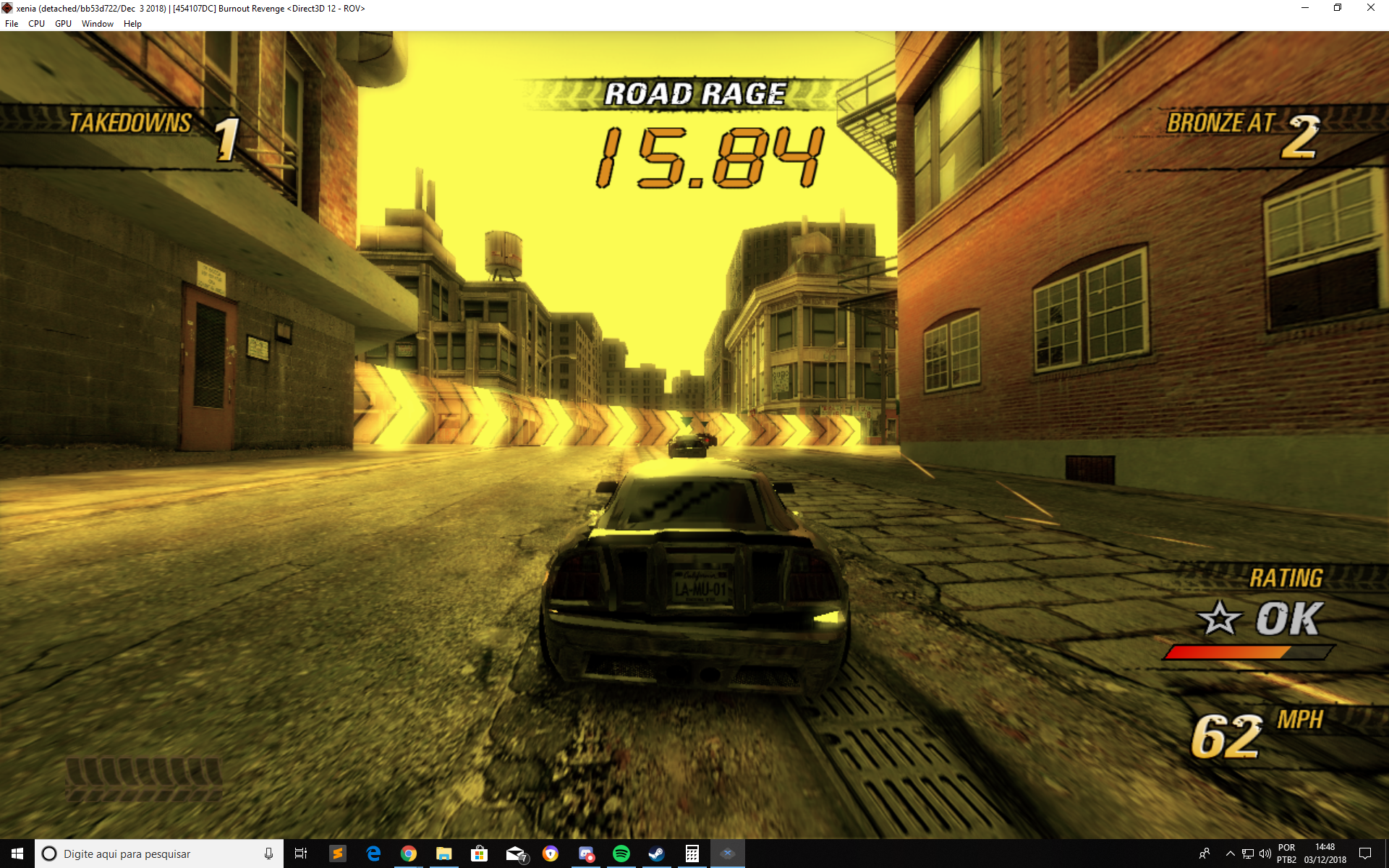
Huge improvements on Xenia D3D12 build https://github.com/xenia-project/xenia/commit/bb53d722f971c8b8d3d670a0c4a99d9f16e7e0dd
Before this build the ingame HUD that shows your speed, rating and how much turbo you have left would be cut in half or would not be visible at all. Now the in-game UI appears 100%
Minor issue noticed: Scenario reflections in car glass windows look pixelated. When I play on my xbox 360 the reflections arent so pixalated
Edit: Anyone has any idea why in-game music doesn't work? I'm talking about EA-Trax that this game and many other games published by EA uses. I know a bit about coding audio in videogames. I was wanting to see if I could help in fixing Xenia play all the audio this game has.
Burnout Revenge uses WMA for the EA-Trax songs (specifically WMA 9.1), these are exactly the same encodes as used for the original Xbox version of the game. While I'm not aware of any other 360 games using WMA instead of XMA, there may be other cross-gen era games that do (NFS: Most Wanted being the most likely example)

@lastclass74 This issue tracker is for reporting game compatibility with xenia, not begging for them to be fixed.
Yellow tint fixed in https://github.com/xenia-project/xenia/commit/4731ae026b37491c0b49ff9411f035e347028eb8


Game seems to run fine, though as mentioned in the original issue, I get this within the first couple of minutes of racing:
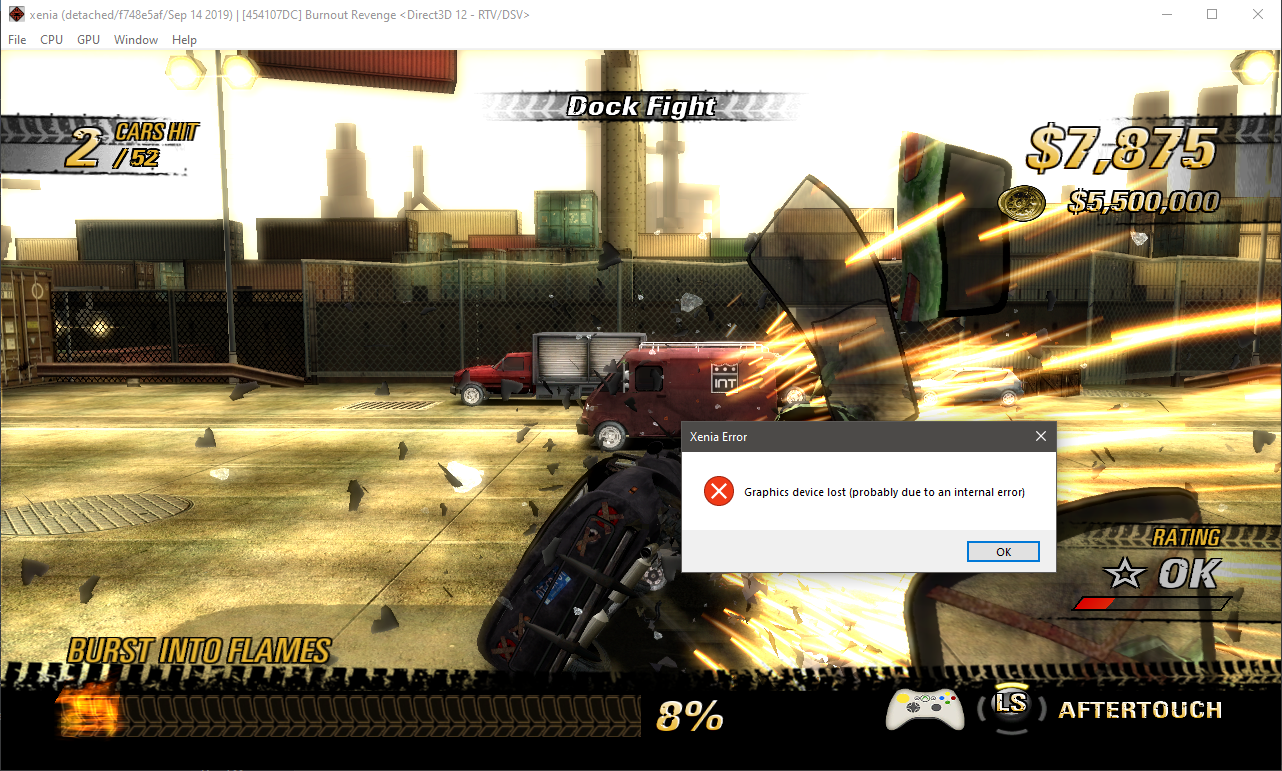

So I upgraded my GPU (from GTX 760 to RTX 2080S) and no longer get that error. Also with the latest version the videos no longer stutter.
I've played the game for 20 hours now without a single game breaking glitch and very few graphical inaccuracies. A couple of observations.
- Disabling vsync will uncap the framerate but in-game timers will speed up making some timed events impossible
- When wrecking your car the framerate will sometimes drop to ~15fps when viewing the crash cam, it recovers fully when you're sent back into the race
- Certain models / geometry like your car or buildings sometimes have blur or doubled up afterimages around them, it might be intended behavior to provide a sense of speed but it feels amplified with "d3d12_resolution_scale = 2" enabled
- The framerate bounces between 57 to 64 even with vsync on
- As posted above the soundtrack doesn't work
- The DLC packs don't get picked up by xenia
That's it, even factoring all of these minor issues the game is fully playable and extremely enjoyable. It really should be bumped up to "playable" status.

@xmat123x Issues like sound not playing and DLC packs not being picked up doesn't qualify as a state-playable label. It has to work perfectly from what I know, otherwise it's state-gameplay.

Currently running well on my GTX 1080 Max-Q (ROG Zephyrus GX501GI laptop), albeit except for absence of music tracks when racing in-game as mentioned above.

Doesn't play for me. It can get to menus but as soon as it would do any actual 3D rendering, the game freezes and Xenia just exits without an error. The log file does not give any clues either.

Hello. I checked Burnout Revenge on the latest version of the program. Works reasonably well, but there are two main problems. The most important of them is that there is still COMPLETELY no music in the main menu and in races. All other sound, as well as music in the videos and on the start screen is present. Secondly, there are unpleasant drops in performance in races with a large number of cars, and especially in traffic attack mode.

I downloaded the latest version of the program again and checked the game. The performance feels worse, there is still no music in the game, but, as it seems to me, there are banners showing the artist and the name of the track - it seems like they weren't there before.
It's August 2022 and still no music tracks in game. The in game music helped make this game something special and created a fantastic atmosphere. This is by far one of the top Xbox 360 games and a fix to get the music working can't come soon enough!
It's August 2022 and still no music tracks in game. The in game music helped make this game something special and created a fantastic atmosphere. This is by far one of the top Xbox 360 games and a fix to get the music working can't come soon enough!
I confirm. It's a pity that you still can't enjoy the game's soundtrack. I would like to note that the performance of the game has become better, but still does not reach the "good" level yet. FPS often sags to non-gaming levels. And this is on an eight-core processor and 3080Ti.
It's August 2022 and still no music tracks in game. The in game music helped make this game something special and created a fantastic atmosphere. This is by far one of the top Xbox 360 games and a fix to get the music working can't come soon enough!
I confirm. It's a pity that you still can't enjoy the game's soundtrack. I would like to note that the performance of the game has become better, but still does not reach the "good" level yet. FPS often sags to non-gaming levels. And this is on an eight-core processor and 3080Ti.
I just played it using a i7 6700HQ with a 6GB GTX 1060 and 16GB of ram on the most recent Canary build and it flew. Seems performance has been vastly improved. I was shocked at how well it ran and had a blast, despite the absence of music, I threw on my own in the background.

Also running this now in 2023 - Happy new Year everyone :) The game is flawless apart from the music. The only solution I have is to play the audio as a playlist in MPCE in the background (Audio files are in the EATRAX folder) Spec is 11th Gen I9, 3080Ti, 64Gb Ram etc....
Fingers crossed that this can be addresses :)

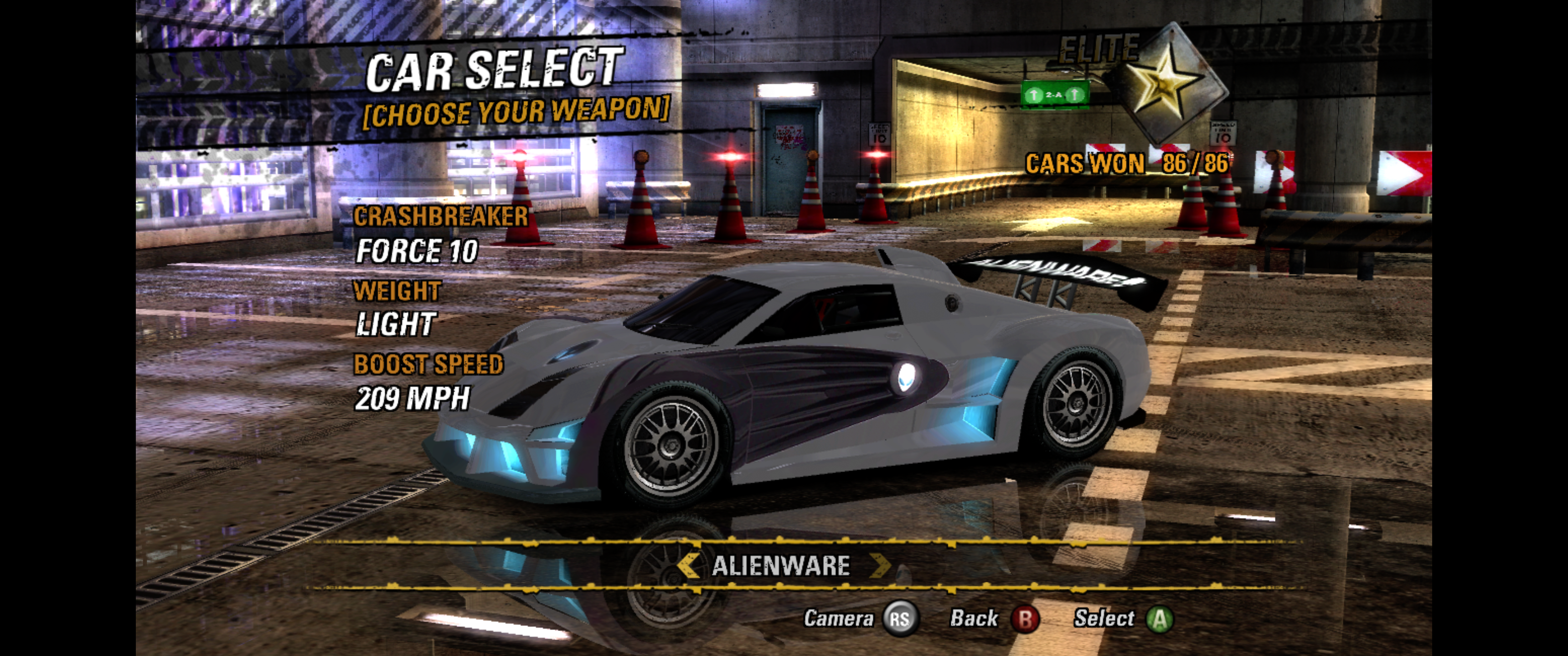
Update: I have made a folder that has the DLC + Kiosk Cars and a save file that contains three player file slots all titled "RenameMe" (you can load the profile and then go to "driver details" select "player file" then select "save player file" and rename "RenameMe" to whatever you like. When you go to the yellow events (minus burning lap) it will say 3/88 cars unlocked instead of 3/78. This means the DLC and Kiosk Cars are recognised in the player files. Just download and extract the folder and open the "content folder" that you just extracted, inside there you will find another "content" folder, just drag and drop that into Documents\Xenia and if a message pops up, click "replace the files in the destination" open up Xenia and boot up Burnout Revenge and enjoy playing and earning the DLC and Kiosk Cars.

Works Very good on my computer,12 GB-RTX3060 @ , Ryzen 7 5800x @ 4.6Ghz, 32GB DDR4 ram 3400mt/s.
The music does not play like everyone else, but the frame rates are very very good. and 99% fps stays at 56 for me. with 60fps being their the most of the time. I was thrilled to play this game again in such good quality. once the music issue is resolved this will be perfect emulation imo.

Runs perfectly fine for me, but there's a problem with revenge when you get near misses or boost a popping sound can be heard. Would we be able to fix this?
https://github.com/xenia-project/game-compatibility/assets/91925949/0603e531-bbbf-4bc2-a4ab-e05edb2604d3

Update: I have made a folder that has the DLC + Kiosk Cars and a save file that contains three player file slots all titled "RenameMe" (you can load the profile and then go to "driver details" select "player file" then select "save player file" and rename "RenameMe" to whatever you like. When you go to the yellow events (minus burning lap) it will say 3/88 cars unlocked instead of 3/78. This means the DLC and Kiosk Cars are recognised in the player files. Just download and extract the folder and open the "content folder" that you just extracted, inside there you will find another "content" folder, just drag and drop that into Documents\Xenia and if a message pops up, click "replace the files in the destination" open up Xenia and boot up Burnout Revenge and enjoy playing and earning the DLC and Kiosk Cars.
I've uploaded "content.zip" directly into this thread, so it will no go lost in time and space
