
game-compatibility
 game-compatibility copied to clipboard
 xenia-project
4541080F - The Orange Box
Tested on xenia-project/xenia@51c3df1
Issues:
Stuck at choosing game screen - Not responding to any key/button (keyboard & xbox 360 controller) Maybe it freezes?
Screenshot(s):

Log
Labels:
state-menus

state-crash as of https://github.com/benvanik/xenia/commit/8ea9aea84c79a817960a4ca6fe2ff3eca0f36cd1
Log: https://gist.github.com/Margen67/918cbb8abef3c8ba528f58b0fec6d9ca

@Margen67 here: xenia-project/xenia@cc72de0
I think all problem with unimplemented instruction mtvscr.
Perhaps im late but the drawing of the gpu and the rendering works fine... it renders hl2 and portal works somewhat. The portals dont render correctly and the particles (including the grid not working)

I got the menu to load, The thumbs and background seem not appearing, Episode Two Works kind of, The Text is not there and when i got on the game, the cutscene from Episode One happen you can watch it all the way through until you get into the actual game then it freezes, My Keyboard and controller does respond to the game, Not Sure about mouse yet.
@JusicP It only loads on Debugging such as Windbg and Microsoft Visual Studio, but here's the Log, https://pastebin.com/LveiLy37

Crashes immediately on startup in Xenia 131525e4 (DirectX 12)

as of master currently: This is only usable with a debugger attached and pressing go to all breakpoints/exceptions. AppChooser is unusable It gets in game but does not render correctly (black screen but visible hud) Text is garbled.

Shows the menus on Direct 3D , Running through windbg, I recorded it https://www.youtube.com/watch?v=PChlD1F_9nE
For me it does not crashing, but with x360ce game not accept any input so I cannot choose game to play.


Still not working... This is what i got for now:
break_on_unimplemented_instructions = false - Makes the game not crash upon opening the file/iso.
d3d12_readback_resolve = true - Makes the text appear in the main menu and fixes it in the games if you manage to launch it.
d3d12_resolution_scale = 2 - Makes the above one break. (Must be 1)
break_on_unimplemented_instructions = true with d3d12_readback_resolve = false with d3d12_resolution_scale = 1 does:
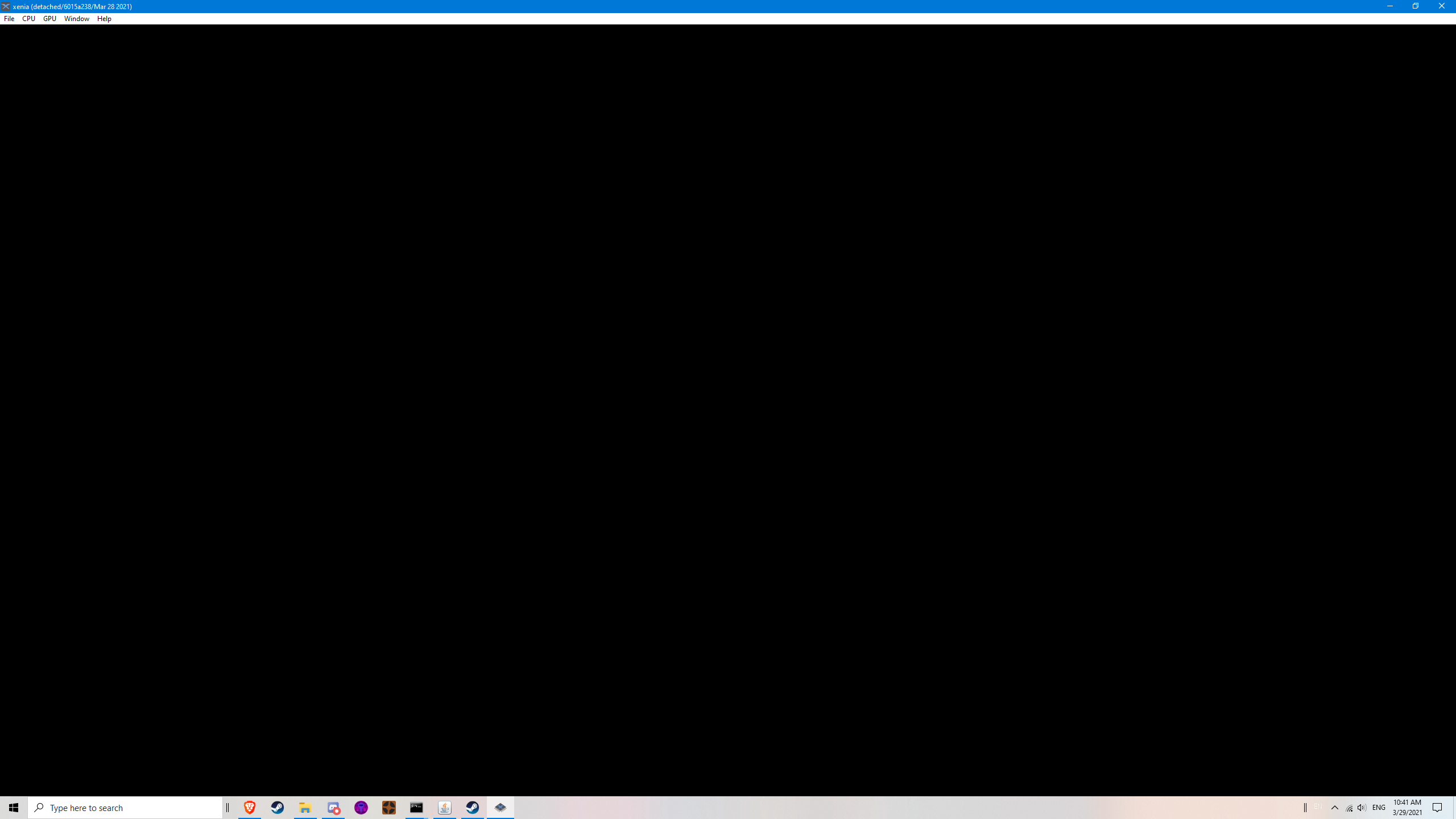 Crashes. (The window closes)
break_on_unimplemented_instructions = false with d3d12_readback_resolve = false with d3d12_resolution_scale = 1 does:
 Opens but almost always freezes when selecting a game. (With corrupted text in games and no text in menus)
break_on_unimplemented_instructions = false with d3d12_readback_resolve = false with d3d12_resolution_scale = 1 does:
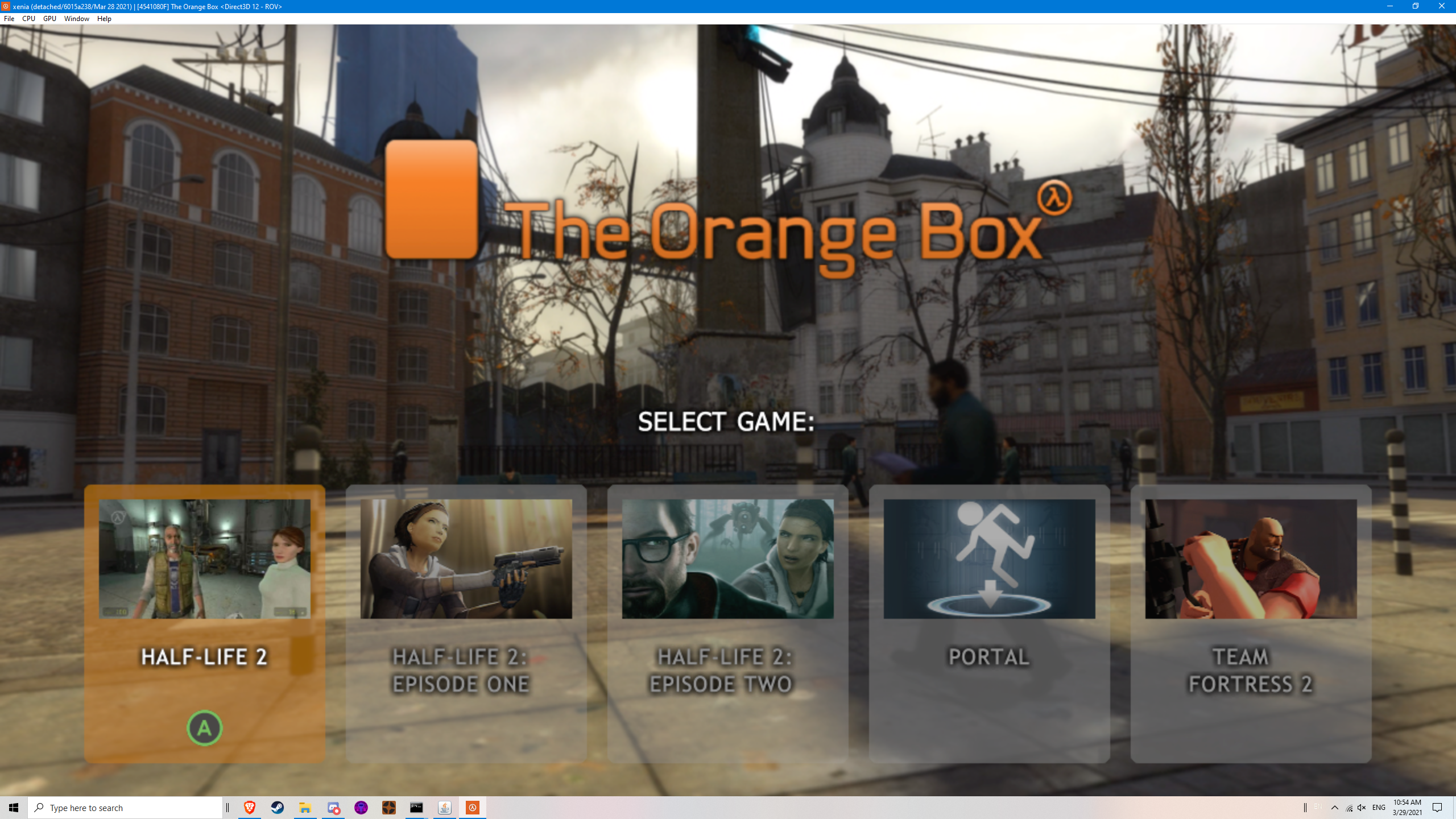 Opens but almost always freezes when selecting a game. (Without corrupted text)
Other notes: After many retries, i was able to launch TF2 (Team Fortress 2) by only launching it again and again until it loads with and without the corrupted text. But upon doing an action in the ingame menu, it just freezes there, waiting us to close it...
Edit:
I did cl = "-dvd -game tf" to launch TF2, but still freezes after doing an action...
Edit2:
I added -nosound and it works despite having no sounds or lipsync on characters.

Still not working... This is what i got for now:
break_on_unimplemented_instructions = false- Makes the game not crash upon opening the file/iso.
d3d12_readback_resolve = true- Makes the text appear in the main menu and fixes it in the games if you manage to launch it.d3d12_resolution_scale = 2- Makes the above one break. (Must be 1)
break_on_unimplemented_instructions = truewithd3d12_readback_resolve = falsewithd3d12_resolution_scale = 1does:
break_on_unimplemented_instructions = falsewithd3d12_readback_resolve = falsewithd3d12_resolution_scale = 1does:
break_on_unimplemented_instructions = falsewithd3d12_readback_resolve = falsewithd3d12_resolution_scale = 1does:
Other notes: After many retries, i was able to launch TF2 (Team Fortress 2) by only launching it again and again until it loads with and without the corrupted text. But upon doing an action in the ingame menu, it just freezes there, waiting us to close it...
Edit: I did
cl = "-dvd -game tf"to launch TF2, but still freezes after doing an action...Edit2: I added
-nosoundand it works despite having no sounds or lipsync on characters.
As far as I got. Text seems to be corrupt or not loading.
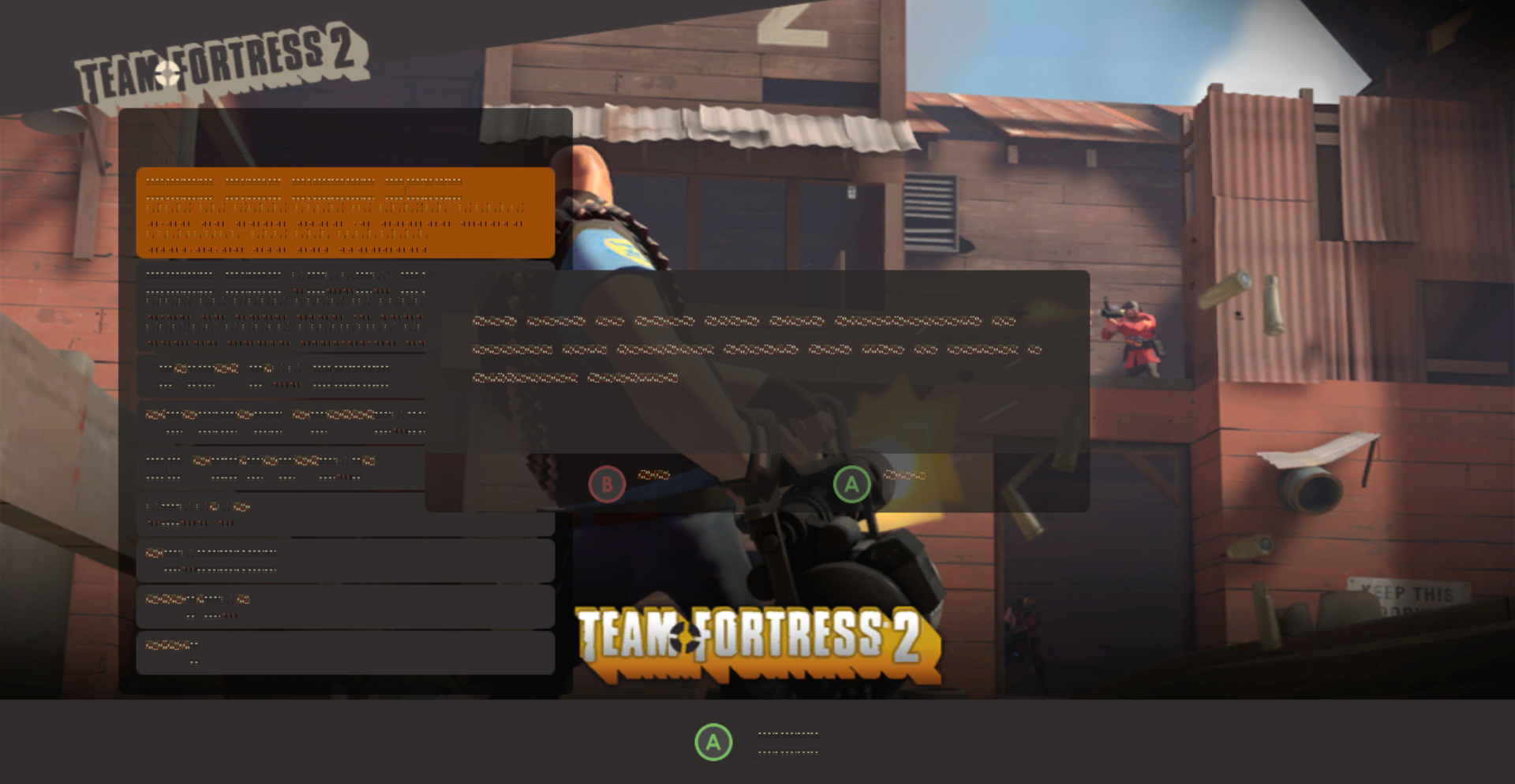


xenia-project/xenia@9fa41c27b
As previously mentioned you can bypass the crashes with the following configuration
break_on_unimplemented_instructions = false
and make most text readable with the following
d3d12_readback_resolve = true
but to expand on what @LifeDreamer24 said you can launch any of the Orange Box games by modifying the cl line in the config.
cl = "-dvd -game hl2 -nosound" Launches Half-Life 2
cl = "-dvd -game portal -nosound" Launches Portal
cl = "-dvd -game tf -nosound" Launches Team Fortress 2
Half-Life 2 and Portal seem to work well, at least in the early parts I tried. Portal has palette issues with glass. Unfortunately Team Fortress 2 does not allow you to even launch the single player developer commentary mode without encountering an error stating "Connection to the game server was lost."


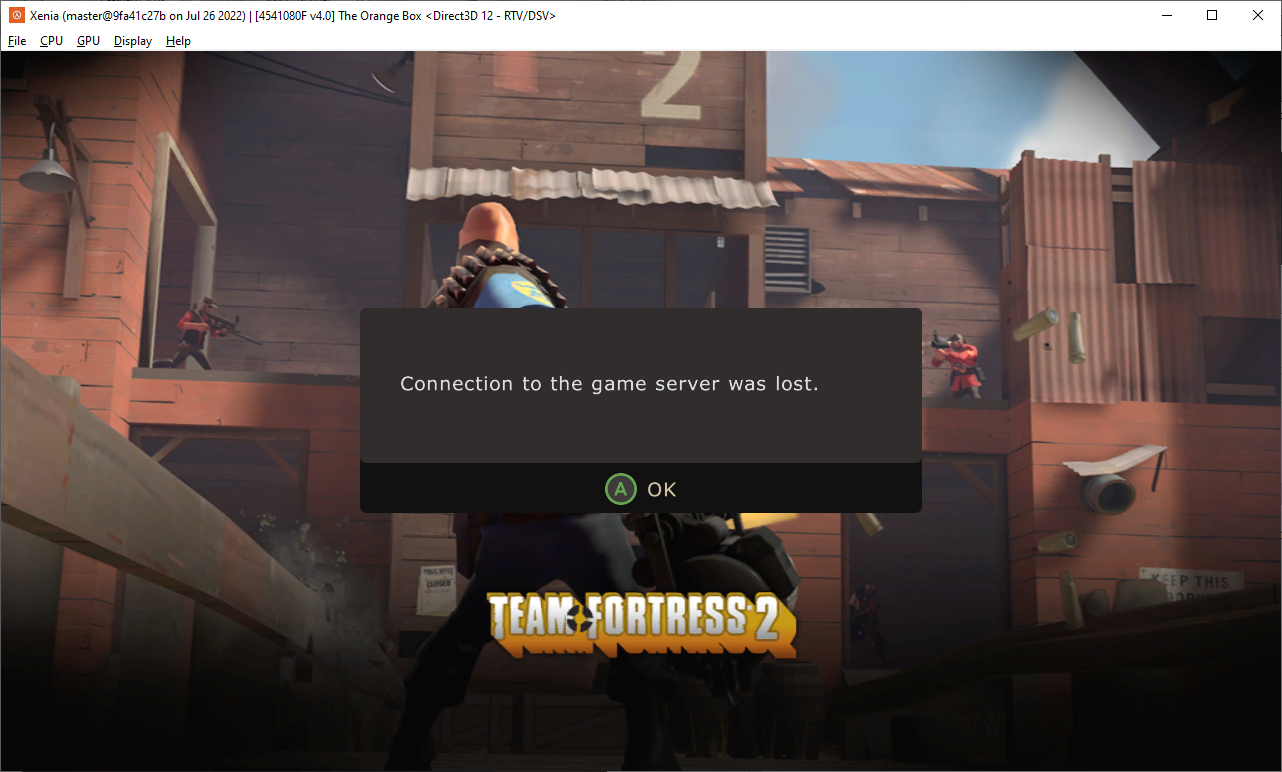

Team Fortress 2
Adding -xnet_bypass_security -nodns -noip to cl = in the settings .toml file, bypasses the "Connection to the game server was lost." error message. Allows the user to host a match/run a map offline. Thanks to the new patch from game-patches.

hi guys and girls Who faced such bugs and artifacts? I run on series X.you can ignore the artifacts from the flashlight, but the in-game light sources. which shine through the walls enrage 😒

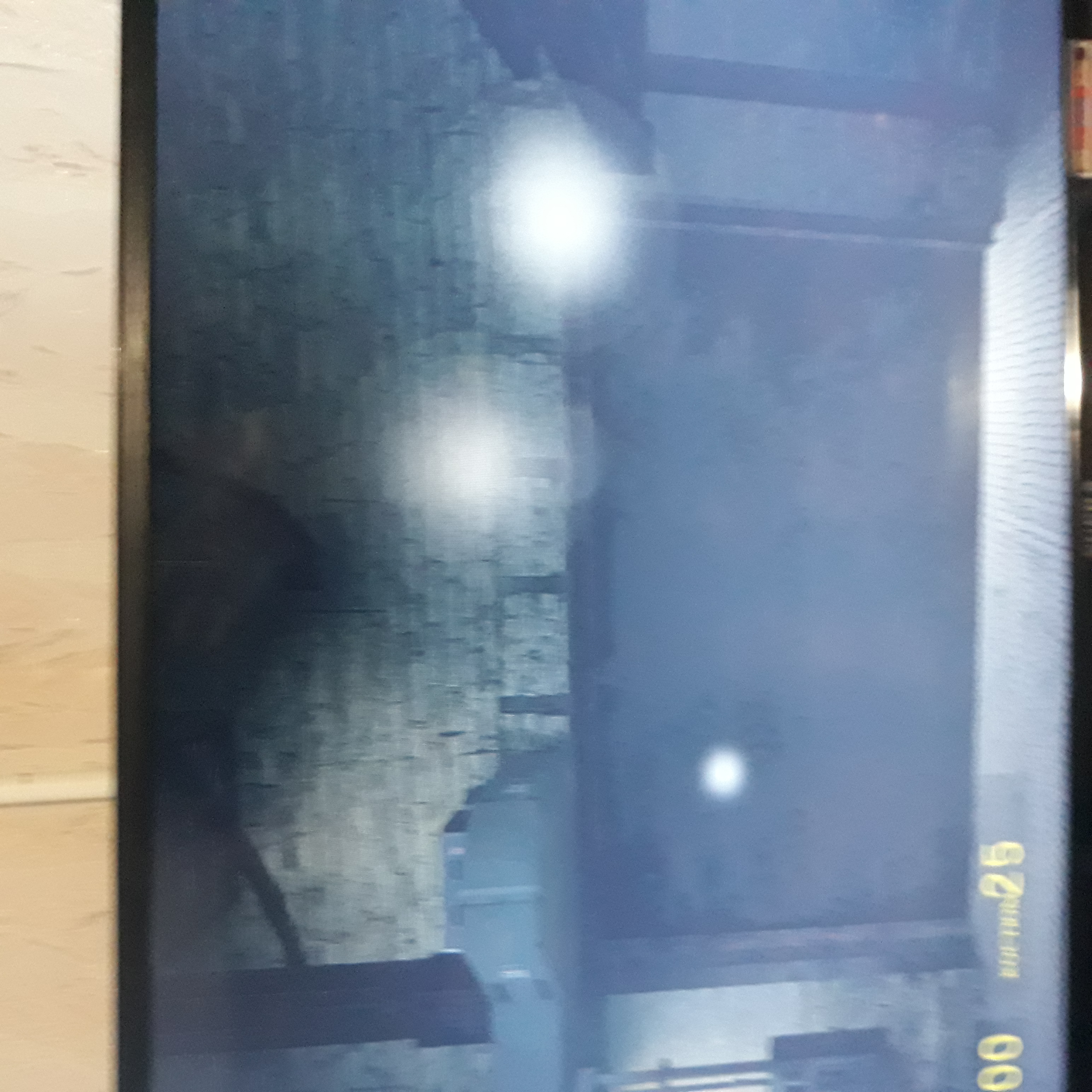
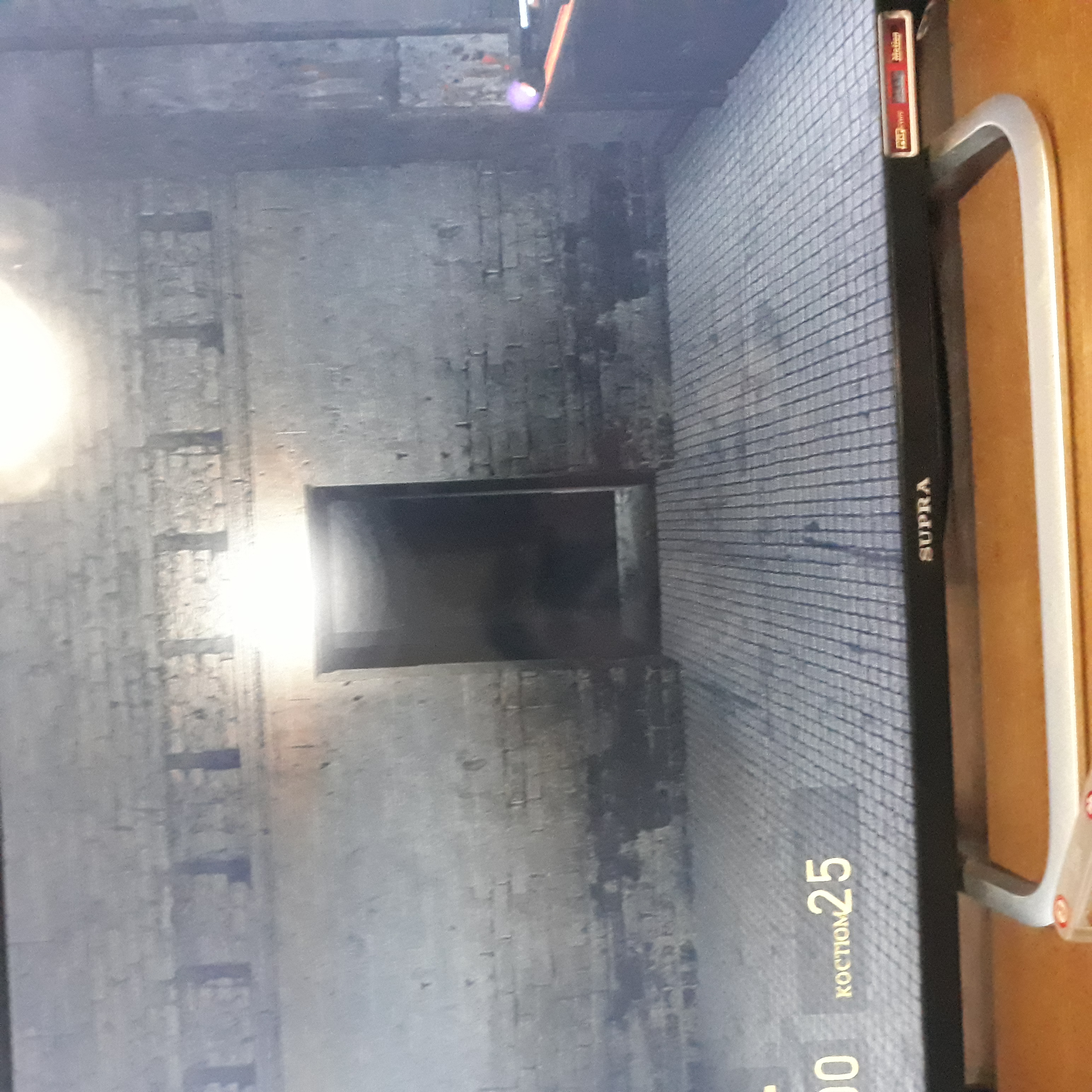
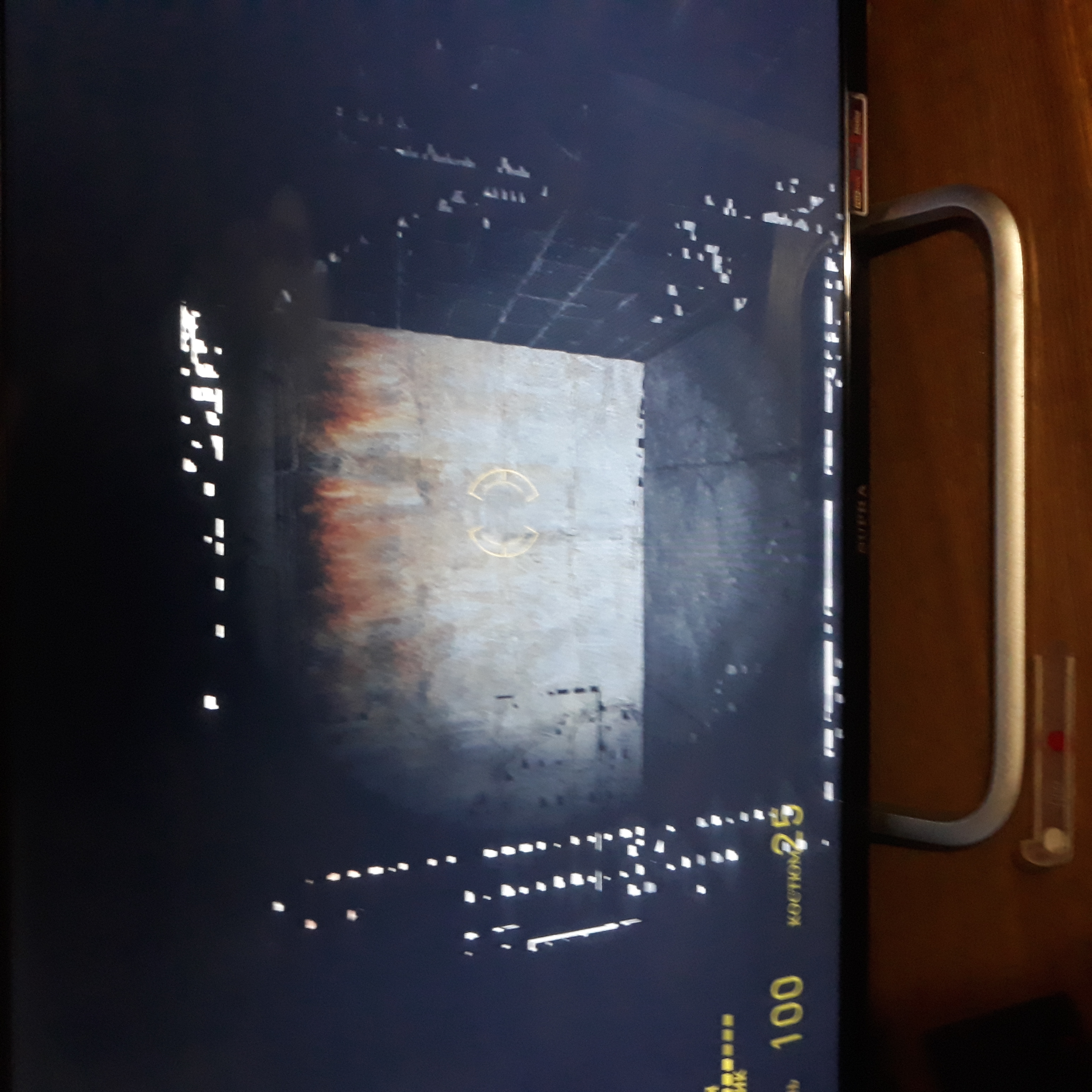
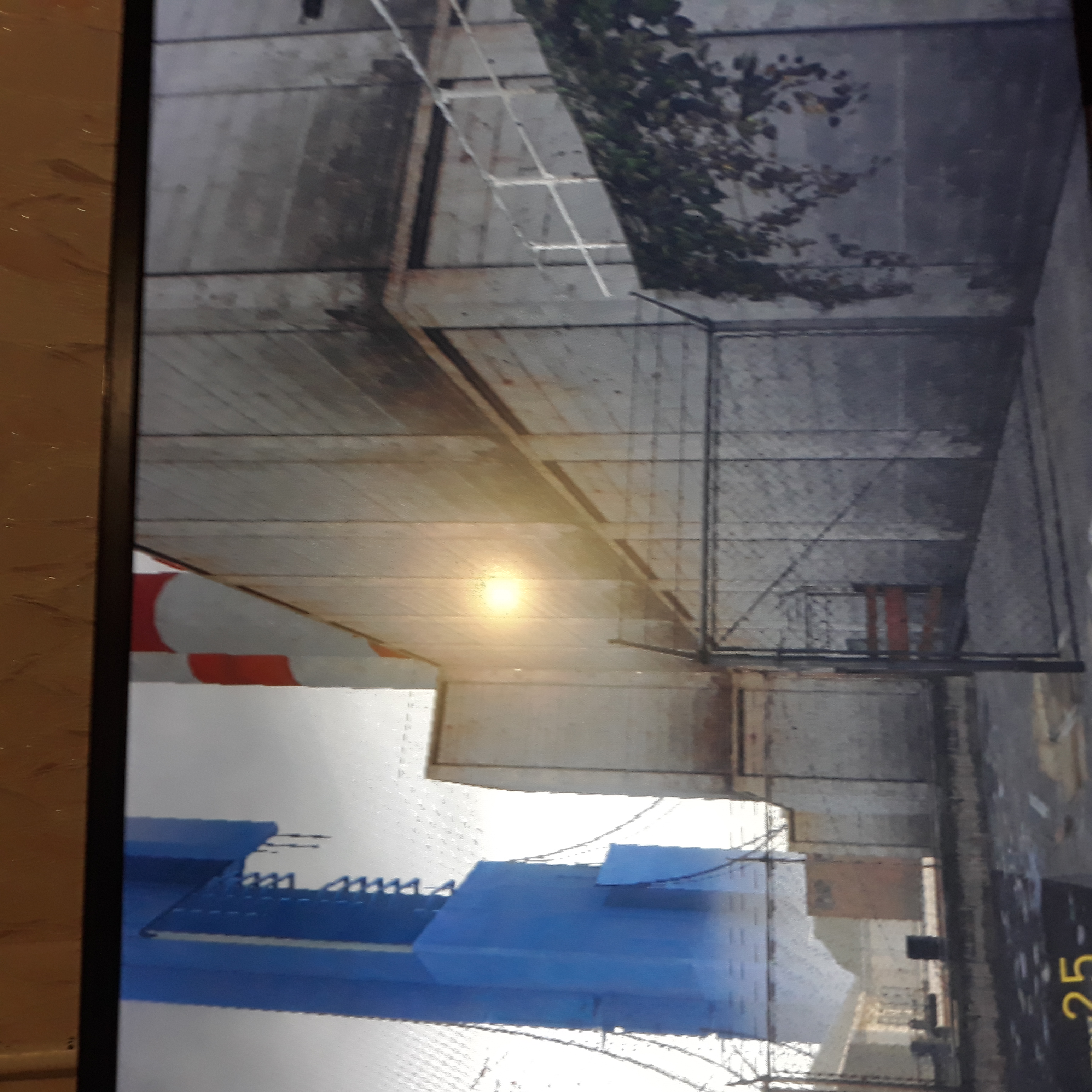

for those who decide to run on the console, write this in the cl line: cl = "-dvd -game hl2 -no_compressed_verts" query_occlusion_fake_sample_count = 0 will fix most lighting issues. However the flashlight will still be messed up.
I see people running commands to fix issues but the issue is how do I run commands

I see people running commands to fix issues but the issue is how do I run commands
they're just changing the settings on the xenia-canary.config file and the patch files
however i'm having problems with audio in tf2, pretty much all map sounds are heard at the same time even if you stay outside the map where you should only hear nature sounds or something like that you also hear machine sounds all the time and of the intel environments+some visual bugs https://youtu.be/raVNy6eP2cM

Im trying to play The Orange Box on Xenia Xbox One but everytime I try to load into a game it is stuck on the loading screen while trying to get into a game this problem always happens and I dont know any solution to it.
